Pricing
The homepage describes AI Story Generator as free and states that no sign up is required to generate a story. No paid tiers, credit limits or subscription prices are listed on the page.
Learn morePrompt, genre, and audience in, short story out in seconds
Own AIstorygenerator? Verify ownership to get a dofollow link

AIstorygenerator is an AI narration tool. A free browser based generator that turns a short prompt plus genre, style and audience settings into a complete short story in seconds, with no sign up required and unlimited re-generation.
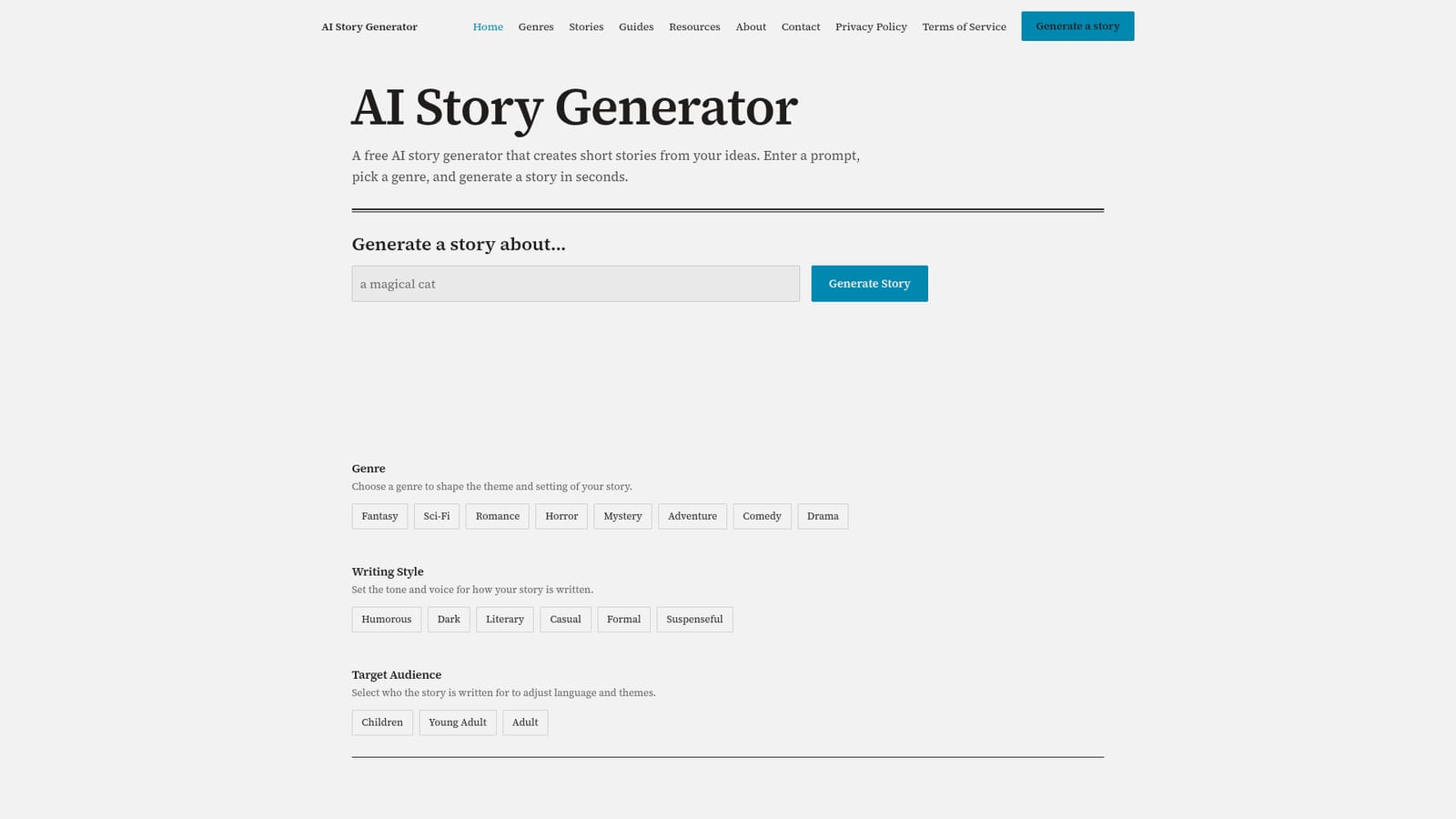
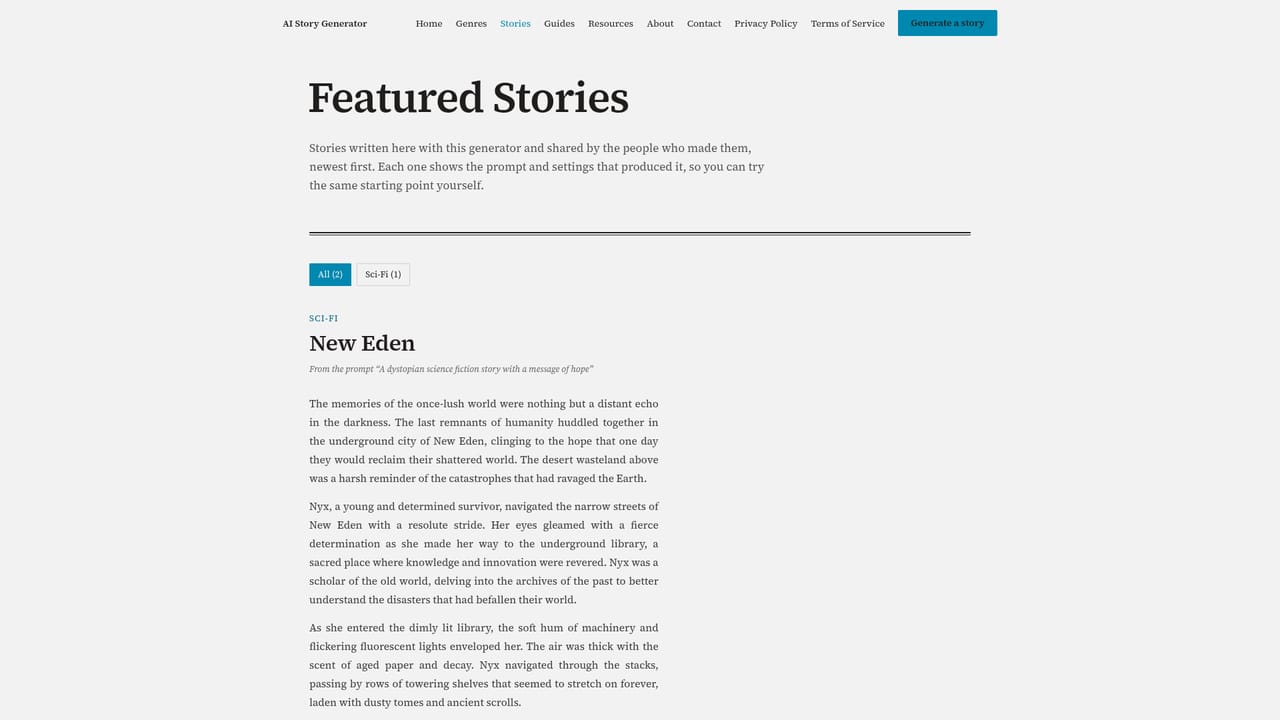
AI Story Generator is a browser based writing tool that turns a short prompt into a complete short story. The homepage keeps the interface to three controls: a text field where you describe what the story should be about, a genre selector, and two dropdowns for writing style and target audience. There is no account requirement mentioned, so the path from idea to finished draft is short. The generator is positioned as a free tool, and the site invites repeated attempts rather than a single pass. The genre list covers fantasy, sci-fi, romance, horror, mystery, adventure, comedy and drama, so the tool leans toward fiction rather than essays or marketing copy. Writing style choices (humorous, dark, literary, casual, formal, suspenseful) change the tone and voice, while the audience setting (children, young adult, adult) adjusts language and themes. That combination of three settings is the main lever for steering output, and it means the same prompt can be re-run to produce noticeably different drafts. The practical workflow is iterative. You enter a premise, pick settings, generate, read the result, then adjust the prompt or the dropdowns and generate again. The site explicitly frames this loop as the intended way to use it, so it suits writers who want raw material to shape rather than a finished manuscript. Because generation is fast and free, it works well for warm-up exercises, classroom prompts, and quick drafts of a scene before committing to a longer project. Among alternatives, this is a narrow, single purpose tool rather than a general chatbot or a full novel writing suite. It does not advertise chapter management, character bibles, or export formats. The site does host a featured stories section where users share what they made, which gives a sense of typical output quality before you start. For writers who want a fast, no friction story draft and are comfortable rewriting by hand, it is a reasonable first stop.
The homepage describes AI Story Generator as free and states that no sign up is required to generate a story. No paid tiers, credit limits or subscription prices are listed on the page.
Learn morePrompt field for describing the story idea; genre selector with fantasy, sci-fi, romance, horror, mystery, adventure, comedy and drama; writing style options including humorous, dark, literary, casual, formal and suspenseful; target audience settings for children, young adult and adult; instant generation with no sign up; unlimited re-generation; a featured stories gallery of user shared output.
 AI Angels400+ customizable AI girlfriends for NSFW chat, voice calls, and roleplay
 Candy AIExperience the future of companionship with AI friends who chat, role-play, and connect with you on a human level.
 ourdream.aiA vast AI roleplay platform with millions of characters for chat, images, video and voiceAI Angels400+ customizable AI girlfriends for NSFW chat, voice calls, and roleplayCandy AIExperience the future of companionship with AI friends who chat, role-play, and connect with you on a human level.ourdream.aiA vast AI roleplay platform with millions of characters for chat, images, video and voice


