Free trial
Users can start creating free without a credit card, according to the homepage. Limits of the free tier are not described.
Learn moreFaceless short and long-form video generator with 1300+ AI voices

AITuber is a web app that turns a topic into finished faceless videos, shorts or 4K long-form, with 1300+ AI voices, generated visuals, captions and transitions. It targets YouTube, TikTok and Reels creators.
AITuber is a web-based video generator built for creators who publish without appearing on camera. A user supplies a topic or prompt, and the platform assembles a finished video with narration, generated visuals, captions and transitions. Output covers both vertical shorts and long-form 4K videos, aimed at YouTube, TikTok, Reels and similar channels. The homepage states that it supports any language and that no editing skills are needed, which positions it at people who want a publishing pipeline rather than a timeline editor. In practice the workflow starts from a dashboard with separate modes. Pages in the app point to a faceless video flow, a music video flow, an avatar flow, a skeleton flow, a characters flow and a clips flow. That spread suggests the tool covers several faceless formats: narrated explainers, stylised character stories, talking avatars and repurposed clips. The gallery of sample videos on the homepage shows the typical subject matter: history stories, health and body explainers, personal finance tips, mystery and horror narratives, kids' stories, and gaming-flavoured clips. Each sample is labelled with the prompt that produced it, which gives a realistic picture of how short a brief can be. The audience is mostly solo creators, side-hustle channel owners, marketers and small teams running several channels who need volume. The site claims more than 83,000 creators use it, and the call to action offers a free start without a credit card. A voice library of more than 1300 options is the headline differentiator, since voice choice and language coverage matter heavily for channels aimed at different regions. Among alternatives, AITuber sits between general text-to-video generators, which focus on cinematic clips, and traditional editors with AI add-ons. Its emphasis is on end-to-end automation of a complete narrated video, so it competes more with other faceless-channel and short-form automation tools than with studio-grade editing software. Buyers who need precise manual control over every cut should expect to trade some of that for speed.
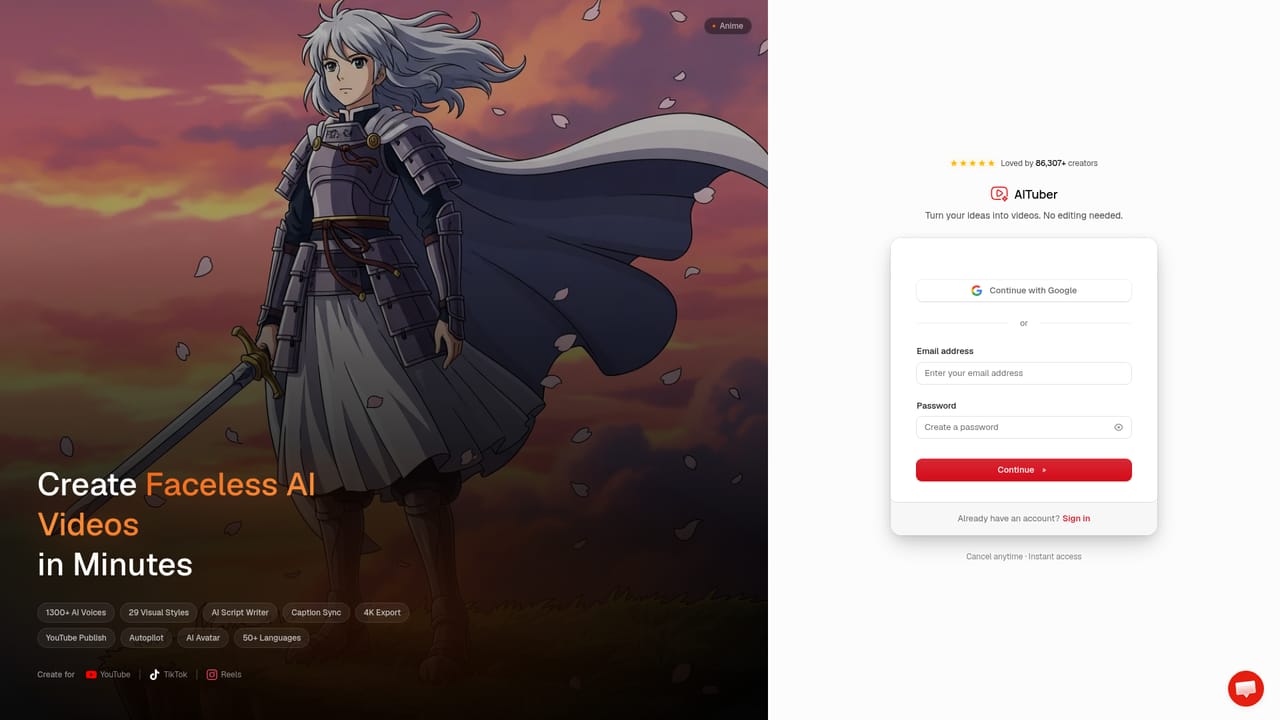

Users can start creating free without a credit card, according to the homepage. Limits of the free tier are not described.
Learn moreThe homepage offers a free start with no credit card required. Paid plan details are not stated there; a separate pricing page exists.
Learn moreGenerates shorts and long-form 4K videos with 1300+ AI voices, AI visuals, captions and seamless transitions in any language. Dashboard modes include faceless, music video, avatar, skeleton, characters and clips.


