Free trial
Accounts start with 10 free credits, and the generator button is labeled "Generate for free". Exports are stated to have no watermark.
Learn moreText and image to HD video with several top AI models in one place

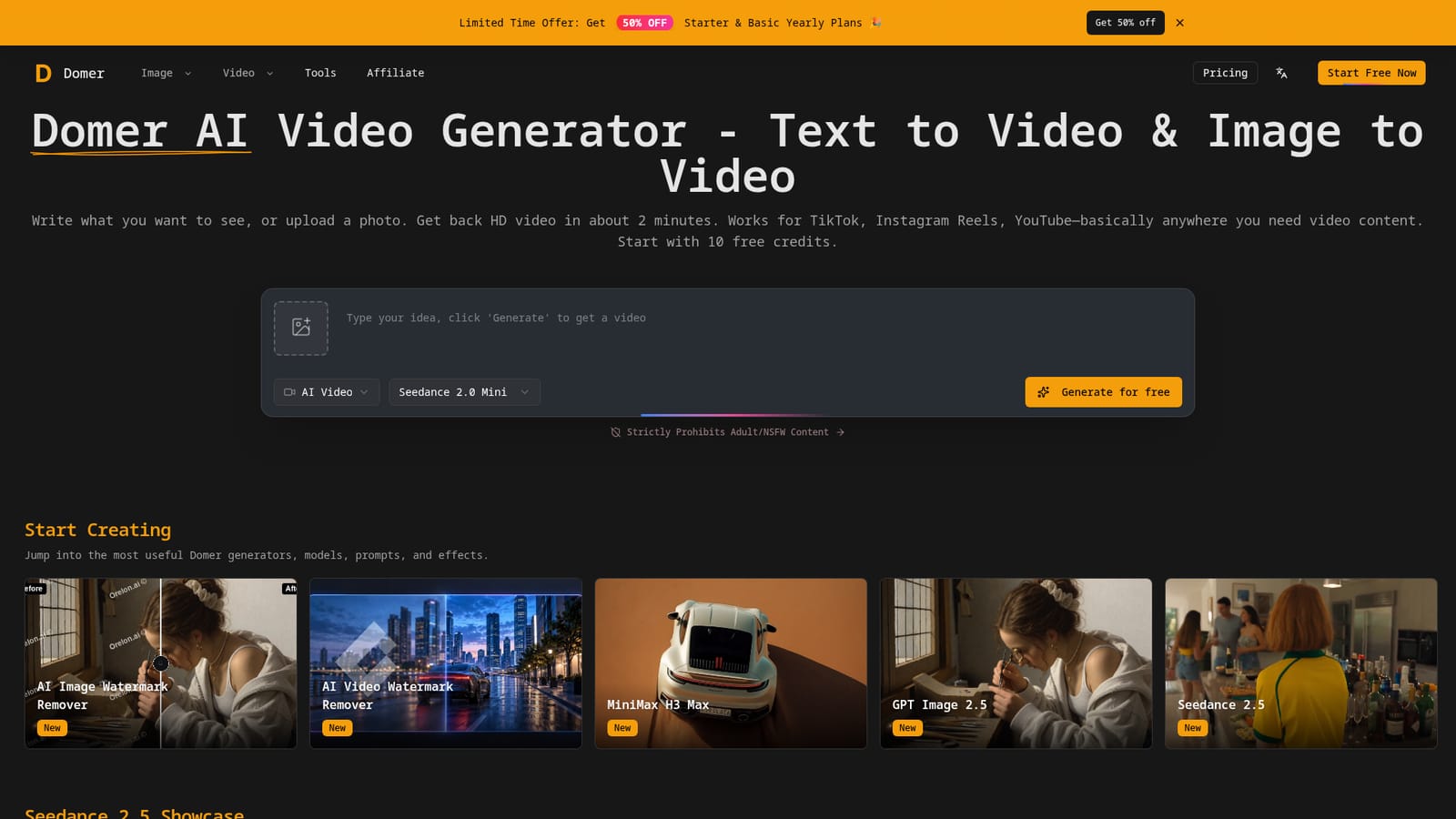
Domer is a web-based AI video generator that creates HD clips from text or photos in about two minutes, using models like Veo, Kling, Seedance and Wan, with a template library, watermark removers and image tools.
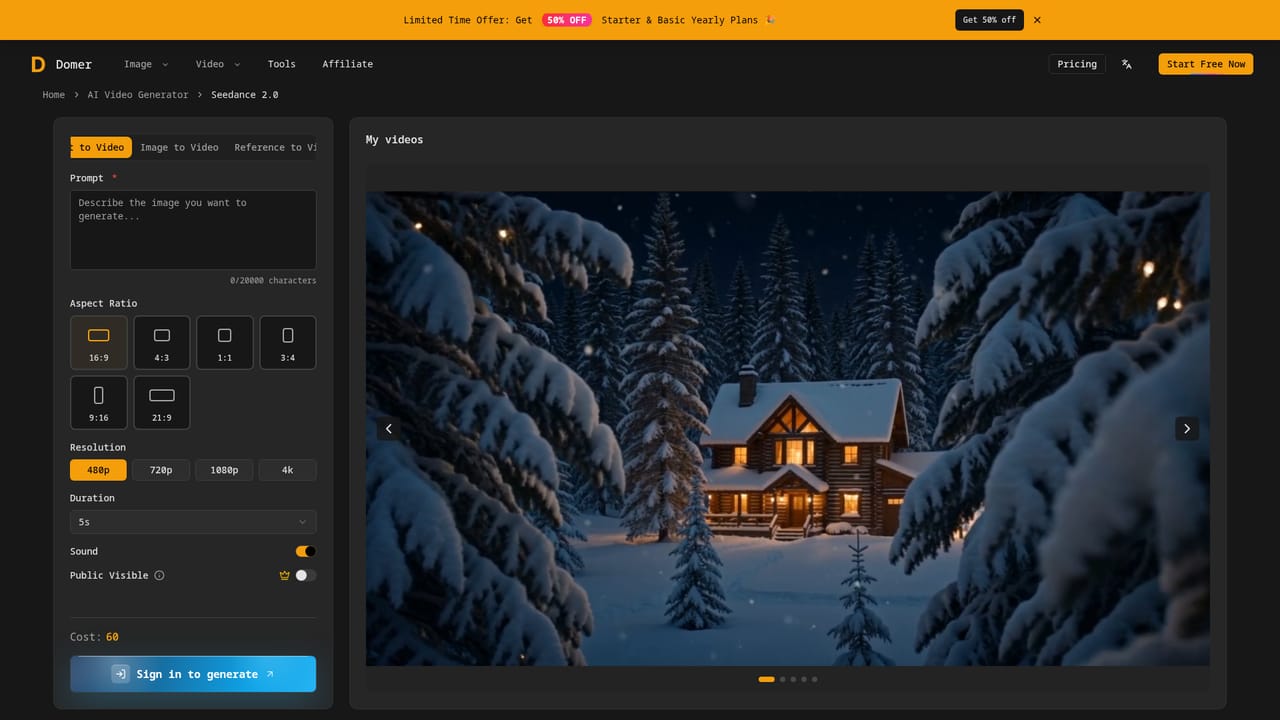
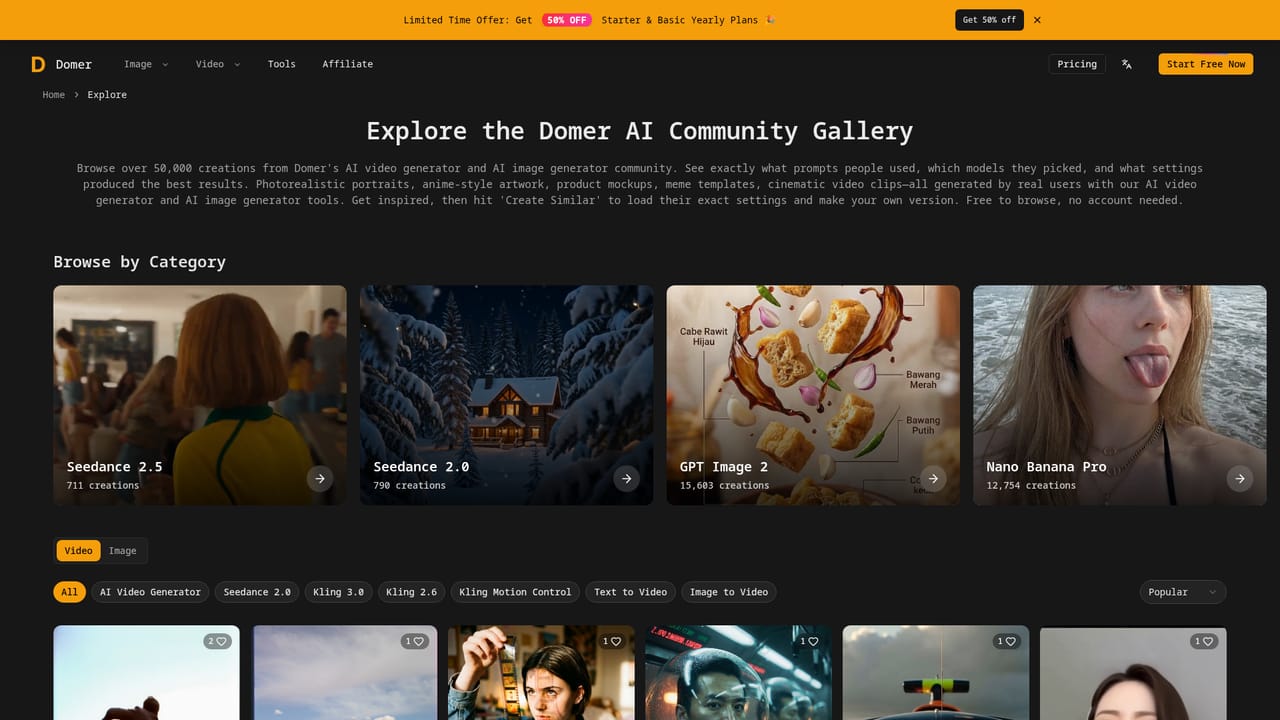
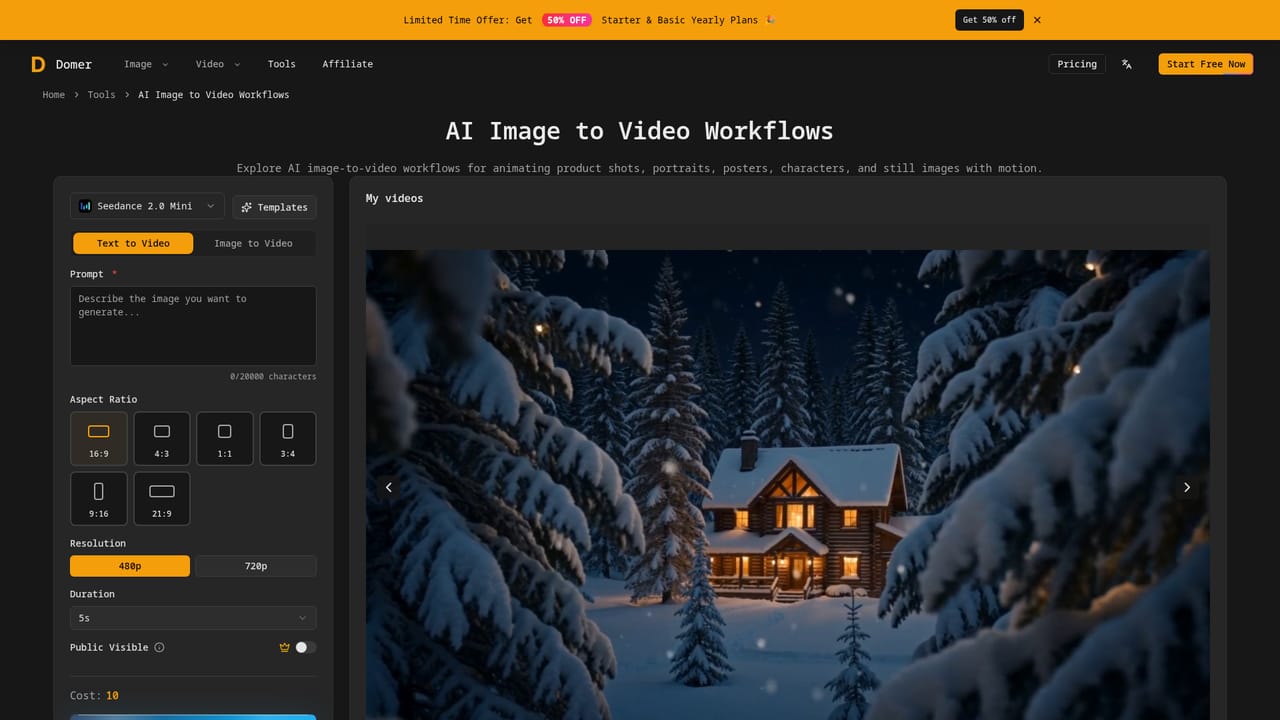
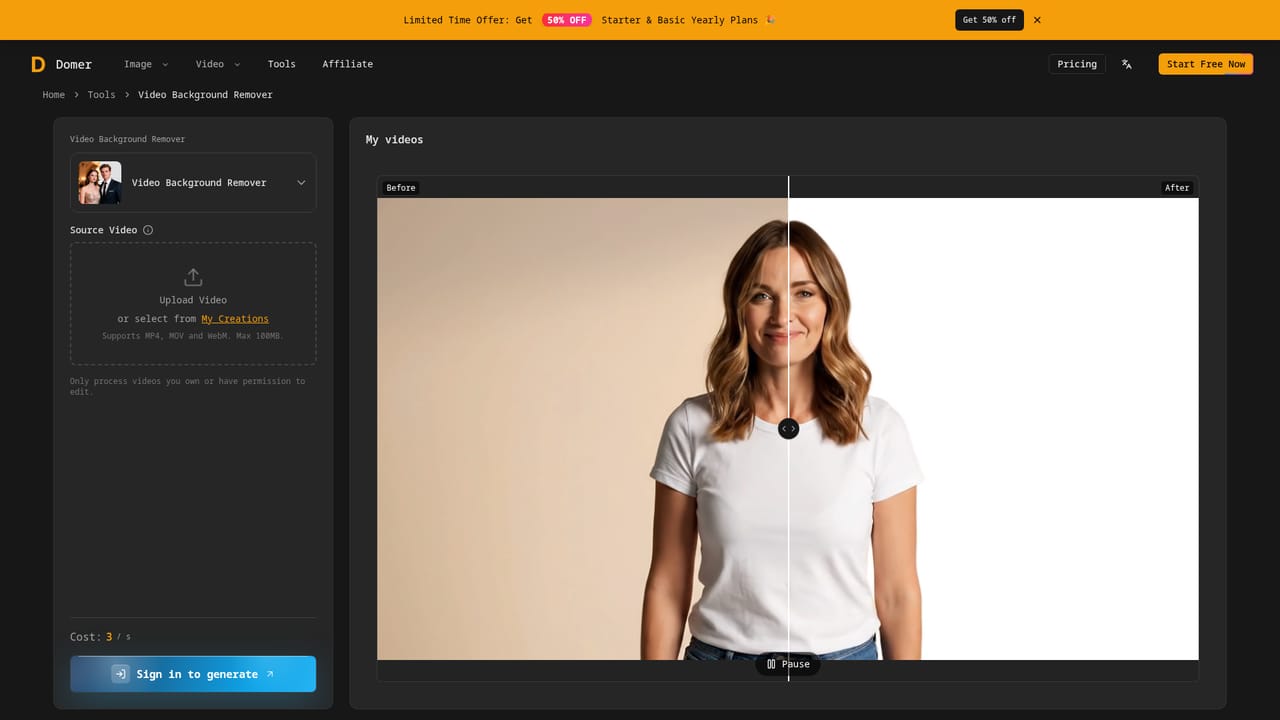
Domer is a browser-based AI video generator that turns a written prompt or an uploaded photo into an HD clip in roughly two minutes. It aggregates several third-party video models, including Veo, Kling, Seedance and Wan, plus image models such as GPT Image, so users can switch engines without juggling separate accounts. The output is aimed at short-form platforms like TikTok, Instagram Reels and YouTube, and the site states that exports carry no watermark. The workflow starts at a single generator page where a model is chosen from a dropdown, then a prompt or source image is supplied. Beyond the core generator, Domer offers a prompt library and a large explore section organized by themes such as visual effects, viral trends, UGC ad templates, commercial styles and camera control. Each showcase entry opens the generator with a template preloaded, which lowers the barrier for people who are unsure how to phrase a prompt. Seedance 2.5 has its own gallery of trending prompts from creators, covering vlogs, cinematic scenes, product commercials and anime-style sequences. The platform also bundles utility tools around the generators: watermark removers for images and videos (including a TikTok-specific one), a video background remover, an AI profile picture generator, image editing, and a Kling-based motion control tool. A blog covers workflow topics like transcripts to video and marketing video pipelines. Adult and NSFW content is explicitly prohibited under the site's policy. Domer fits creators, social media marketers and small brands that want quick clips and ad mockups without a production setup. Compared with going directly to a single model vendor, it trades depth for breadth: one credit-based account reaches many engines, but users depend on Domer's own model availability, queueing and credit pricing. Competitors in the same space include other multi-model aggregators and single-vendor tools, and Domer's differentiator is the sheer volume of ready-made templates and adjacent utilities. New accounts begin with 10 free credits, and a promotional discount on yearly plans was running when the page was captured.
Accounts start with 10 free credits, and the generator button is labeled "Generate for free". Exports are stated to have no watermark.
Learn moreNew users get 10 free credits. A limited-time offer gives 50% off Starter and Basic yearly plans. Specific plan prices and credit costs are not listed on the homepage.
Learn moreText-to-video and image-to-video with Veo, Kling, Seedance, Wan and MiniMax models, GPT Image generation, prompt library, template galleries, motion control, watermark removers, video background remover and AI profile pictures.
Learn more


