MICT

Multi-model AI image and video studio with visible credit costs

Beginner
Screenshot of MICT, Multi-model AI image and video studio with visible credit costs

What is MICT?

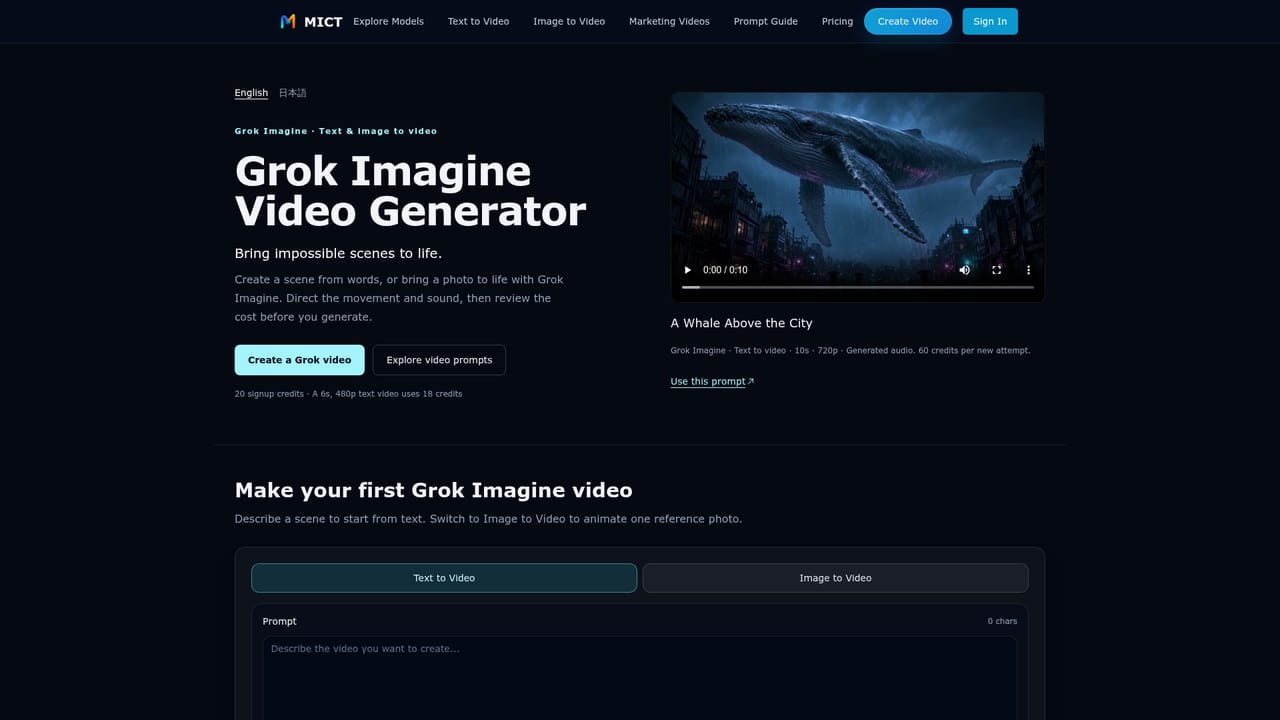
MICT is a web studio that creates AI images and short videos from text prompts or reference images, with several models (Grok Imagine, Wan, Kling, HappyHorse, Seedream) in one place and credit costs shown before each run.

MICT is a browser-based studio for generating still images and short video clips from written prompts or reference images. It gathers several third-party models in a single workspace, including Seedream 5.0 Pro for stills and Grok Imagine, Wan 2.6, Kling 3.0 and HappyHorse 1.1 for motion, so a creator can run the same idea through different engines without moving between sites. The workflow starts with a choice of mode: text to image, image to image, text to video or image to video. A prompt is written, a model is selected, and settings such as aspect ratio, duration and resolution are adjusted. The studio shows the credit cost before each generation, which makes spending predictable. Some models produce audio together with the video, and the interface notes when no separate audio toggle exists. Example prompts for product, fashion, beverage, lifestyle and travel scenes can be loaded with their model and settings already filled in, and a generation history keeps earlier results available. Dedicated pages cover prompt writing, anime clips, marketing videos and product videos. The intended audience is creators, marketers, founders, designers and small teams who need quick concepts for launch teasers, social ads, storyboards and client previews rather than long-form production. Output is short, with HappyHorse clips running three to fifteen seconds, and resolution reaches 1080p for video and 4K for images where a model supports it. Pricing is credit-based. New accounts receive 20 credits without a card, enough for one short 480p Grok clip, and paid Starter and Creator plans issue monthly credit allowances, with a discount for yearly billing. Compared with single-model generators, MICT's value lies in side-by-side comparison and cost transparency. Compared with full editing suites, it covers generation only, so assembling longer videos still happens elsewhere.
How do you use MICT?

  1. 1Sign up for free credits
    Create an account to receive 20 credits, no credit card needed. That is enough for one 6-second Grok 480p clip.
    MICT — Sign up for free credits
  2. 2Pick a generation mode
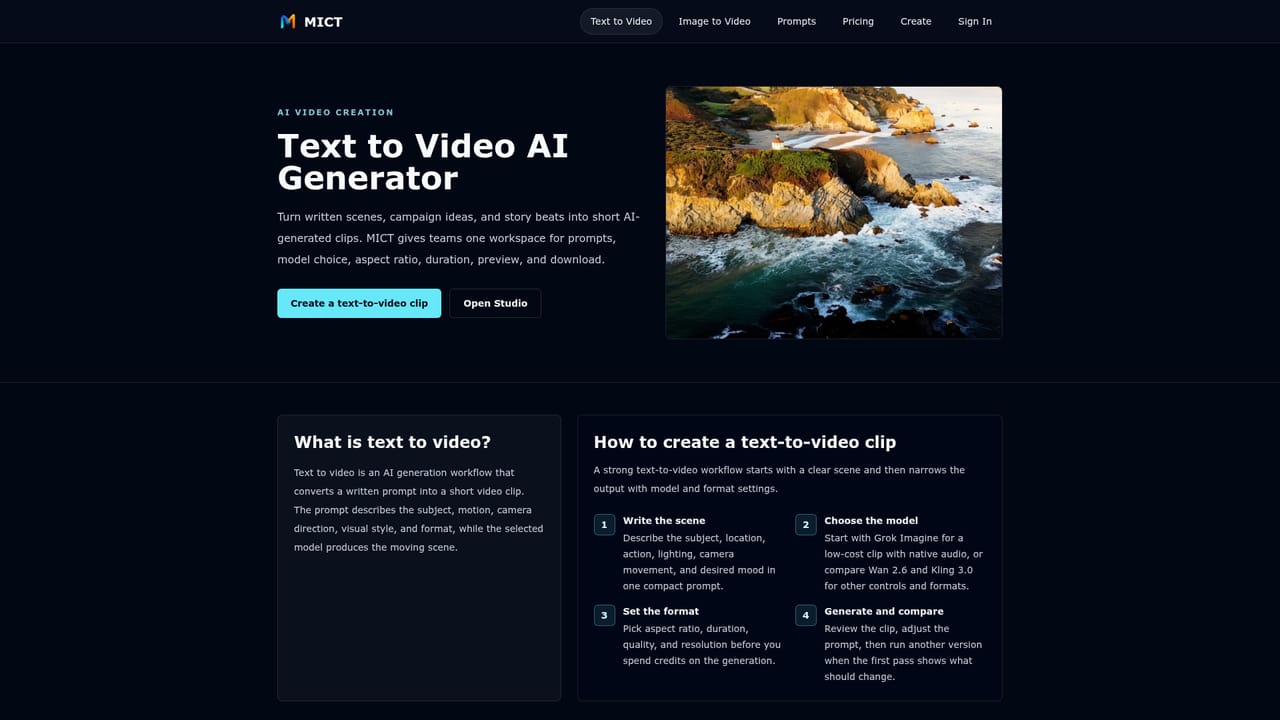
    Choose text to video for a new scene, or image to video to animate a product photo or character art while keeping the first frame close to the source.
    MICT — Pick a generation mode
  3. 3Write a specific prompt
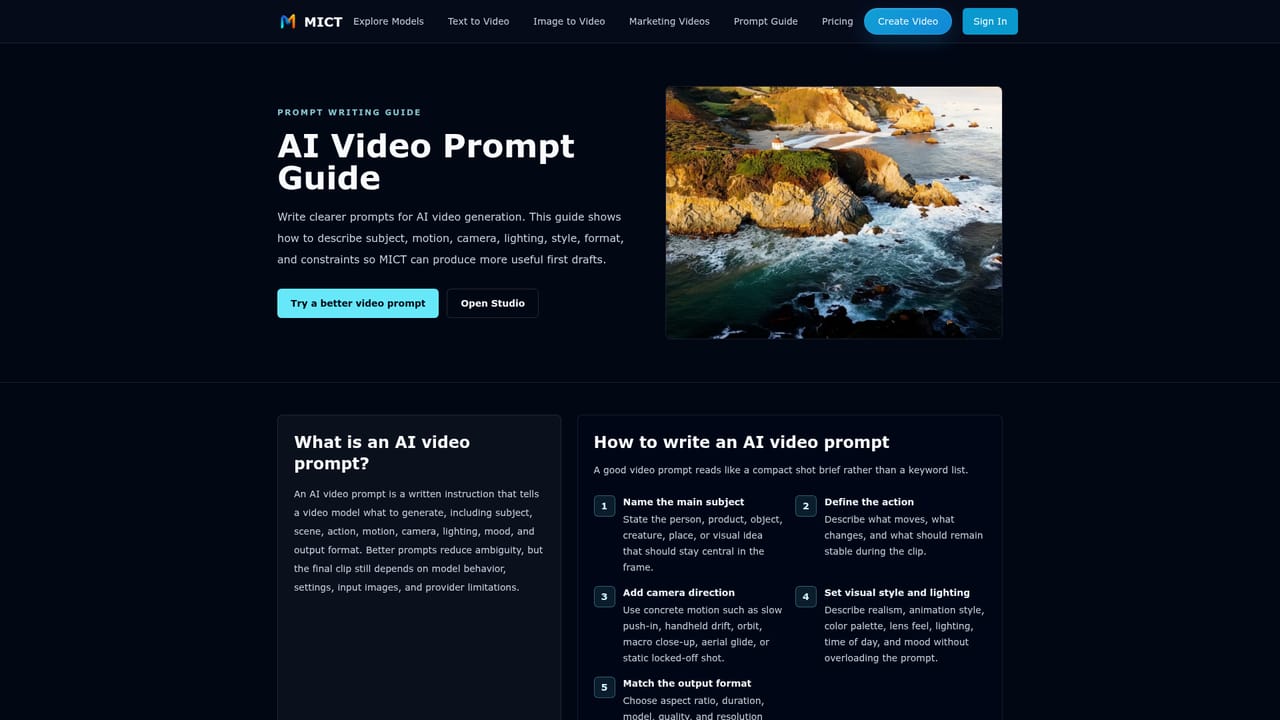
    Describe subject, motion, camera angle, lighting and style. The prompt guide explains how to structure these details before credits are spent.
    MICT — Write a specific prompt
  4. 4Select a model and settings
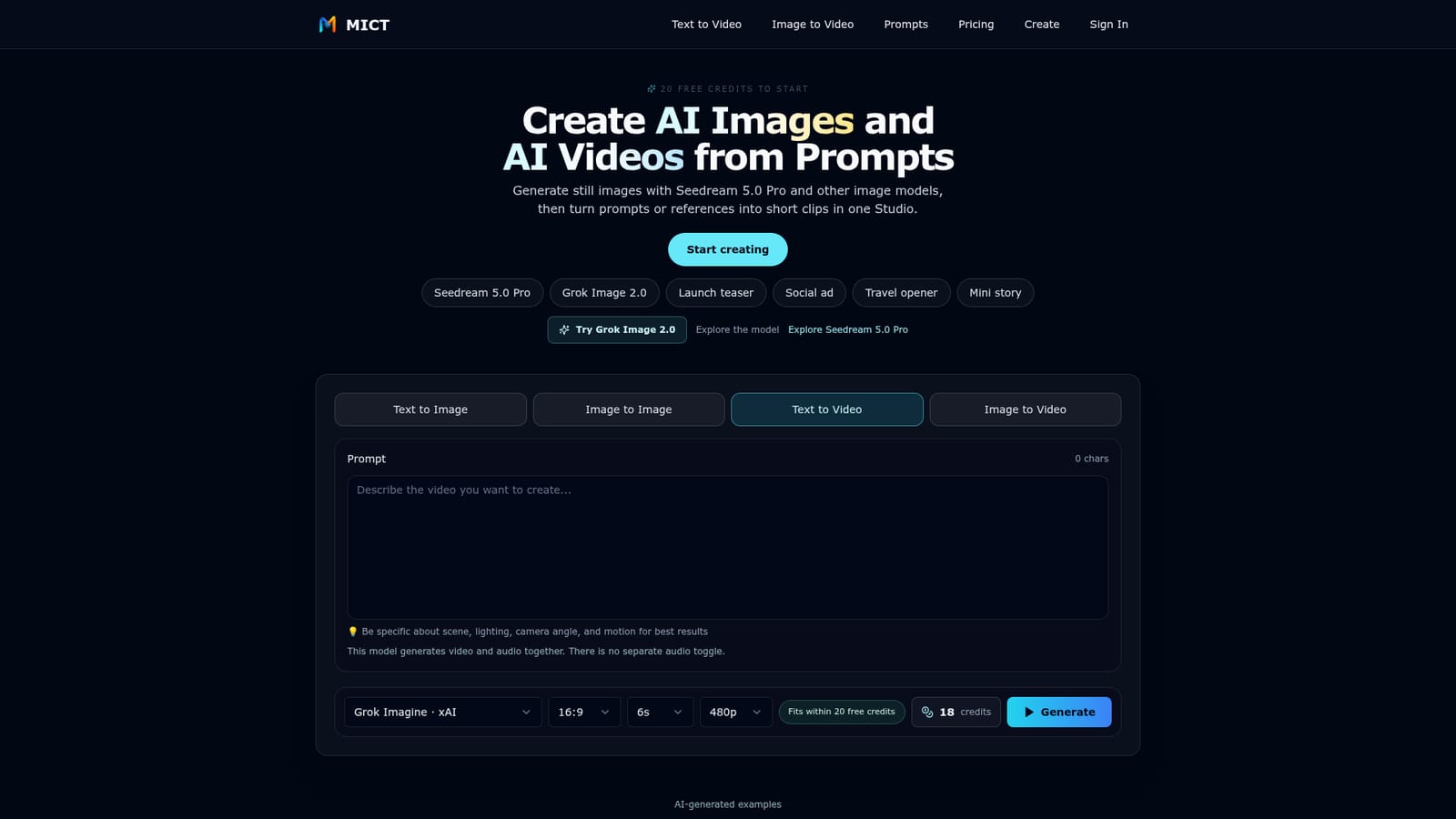
    Choose a model such as Grok Imagine, Wan 2.6 or Kling 3.0, then set aspect ratio, duration and resolution. The credit estimate appears before submitting.
    MICT — Select a model and settings
  5. 5Generate, review and download
    Run the generation, preview the clip, refine the prompt if needed and download the best result for ads, social posts or storyboards.

Pros and cons

Pros

  • Several image and video models sit in one workspace, so outputs can be compared without switching sitesAI
  • Credit cost is displayed before every generation, which limits surprise spendingAI
  • Free signup gives 20 credits with no credit card requiredAI
  • Covers text to image, image to image, text to video and image to video in one StudioAI
  • Loadable example prompts and a prompt guide help newcomers start with usable settingsAI

Cons

  • Free credits only stretch to about one short 480p clip, so real evaluation needs a paid planAI
  • Clips are short, so longer videos require stitching and editing in other softwareAI
  • Credit costs vary by model, duration and resolution, making budgeting across models harderAI
  • Relies on third-party models, so output quality and available features depend on those enginesAI
  • Only two paid tiers are listed, with no clear option for team or enterprise needsAI

How much does MICT cost?

Free trial

New accounts get 20 free credits at signup with no credit card required, enough for one 6-second Grok 480p clip.

Learn more

Pricing

Free tier gives 20 credits at signup. Starter is $12/month ($144 billed yearly) with 1000 monthly credits; Creator is $31/month ($372 billed yearly) with 3000 monthly credits. Yearly billing saves 20%.

Learn more

Features

Text to image, image to image, text to video and image to video in one Studio. Multiple models (Grok Imagine, Wan, Kling, HappyHorse, Seedream, GPT Image), credit estimates before generation, generation history, up to 1080p video and 4K images where supported.

Learn more

Frequently asked questions about MICT

  • How much does MICT cost?
    Free tier gives 20 credits at signup. Starter is $12/month ($144 billed yearly) with 1000 monthly credits; Creator is $31/month ($372 billed yearly) with 3000 monthly credits. Yearly billing saves 20%.
  • Does MICT offer a free trial?
    New accounts get 20 free credits at signup with no credit card required, enough for one 6-second Grok 480p clip.
  • How do you use MICT?
    The walkthrough on this page covers 5 steps: 1. Sign up for free credits 2. Pick a generation mode 3. Write a specific prompt 4. Select a model and settings 5. Generate, review and download.
  • What platforms does MICT support?
    MICT is available on Web App.
  • What are the limitations of MICT?
    Free credits only stretch to about one short 480p clip, so real evaluation needs a paid plan. Clips are short, so longer videos require stitching and editing in other software. Credit costs vary by model, duration and resolution, making budgeting across models harder.

Status

StatusActive
Views0
Outbound clicks0
Added10/18/2026

Platforms

Web App

Pricing

FreemiumSubscription