Anycode AI

Autonomous AI for engineering teams: mapping, security, and code conversion.

Advanced
Screenshot of Anycode AI, Autonomous AI for engineering teams: mapping, security, and code conversion

What is Anycode AI?

Anycode AI is a code modifier tool. Anycode AI bundles autonomous tools for data mapping, security remediation, and legacy code conversion, aimed at engineering teams that want to accelerate integration and modernisation work. It claims high matching accuracy and large speed gains over manual efforts.

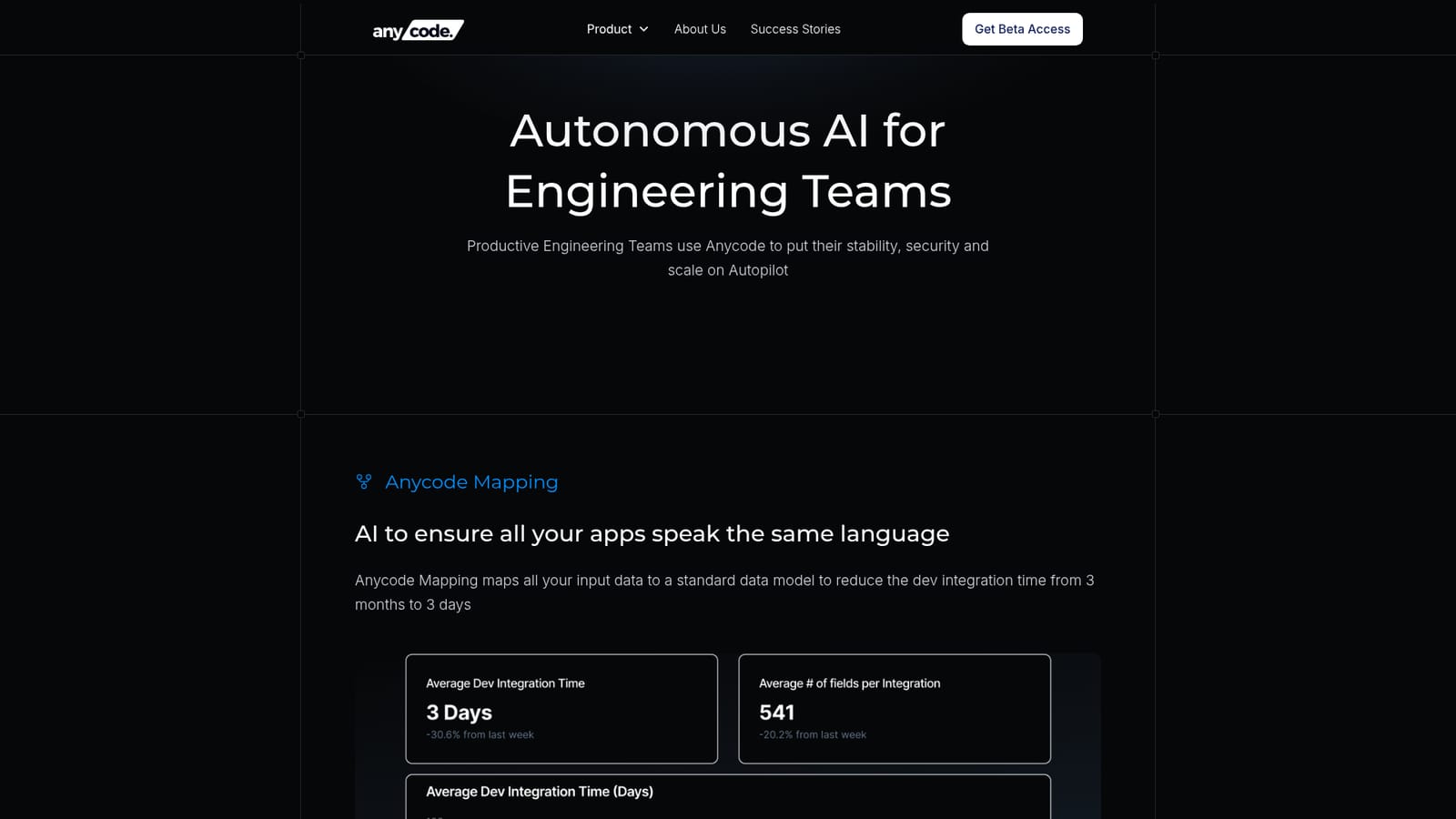
Anycode AI is a suite of autonomous engineering tools built for software teams that need to move faster on integration, security remediation, and legacy modernisation. The platform is organised around three products: Anycode Mapping, Anycode Security, and Anycode Convert. Mapping handles data model alignment, Security validates and fixes vulnerabilities, and Convert rewrites legacy codebases into modern stacks. A fourth product, Anycode Create, is listed as coming soon and will generate code from Figma designs or text descriptions that follows a team's conventions. The mapping tool is the most concrete. It ingests schemas of up to 1GB per file with millions of rows and fields, then uses an AI matching engine to align fields across systems. The engine processes up to 2M+ fields per hour and claims a 92 percent or higher accuracy rate based on past runs. Similarity scoring flags how good each match is, manual overrides let engineers edit mappings or enumerations, and the system exports generated map and configuration XML files. The pitch is reducing integration work from months to days. Anycode Security focuses on triaging security findings, deciding whether a reported vulnerability is valid, then securing the code and adding monitoring and alerting. The site claims teams fix up to six times more issues in the same timeframe. Anycode Convert is aimed at legacy migration and claims up to eight times faster conversion of an entire codebase to a modern stack. Anycode is clearly aimed at professional engineering organisations rather than individual developers. The language throughout is about stability, security, and scale, and the comparison table positions it against copilots like GitHub Copilot and Amazon Q by claiming support for 132 languages and an autopilot mode rather than a copilot mode. The homepage also mentions working with any LLM and context from repos, cloud, and business systems. That positions Anycode as an orchestration layer above existing models rather than another code completion plugin. Where it fits: teams evaluating AI coding assistants will find Anycode more specialised. It is not a chat-based pair programmer. It is a set of targeted automation products for data mapping, vulnerability remediation, and migration, which means it competes more with internal platform engineering work and legacy modernisation consultancies than with IDE plugins. Buyers should treat the speed and accuracy figures as vendor claims until they run a pilot on their own schemas and codebases.

How do you use Anycode AI?

  1. 1Review the product lineup
    Start on the homepage and read the three product sections: Anycode Mapping, Anycode Security, and Anycode Convert. Note that Anycode Create is marked coming soon.
    Anycode AI — Review the product lineup
  2. 2Try the free SQL to Java converter
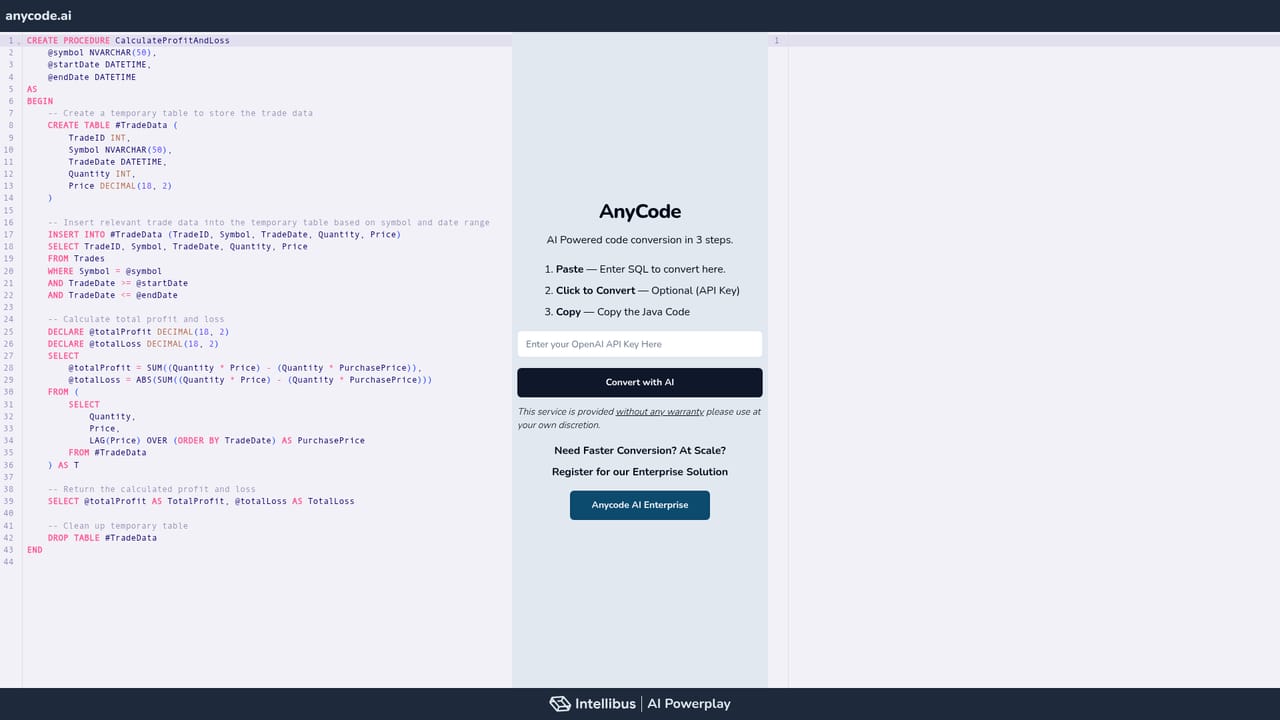
    Open the Convert demo, paste a SQL statement, optionally supply an API key, and copy the generated Java output. This gives a feel for conversion quality before a sales conversation.
    Anycode AI — Try the free SQL to Java converter
  3. 3Inspect the security workflow
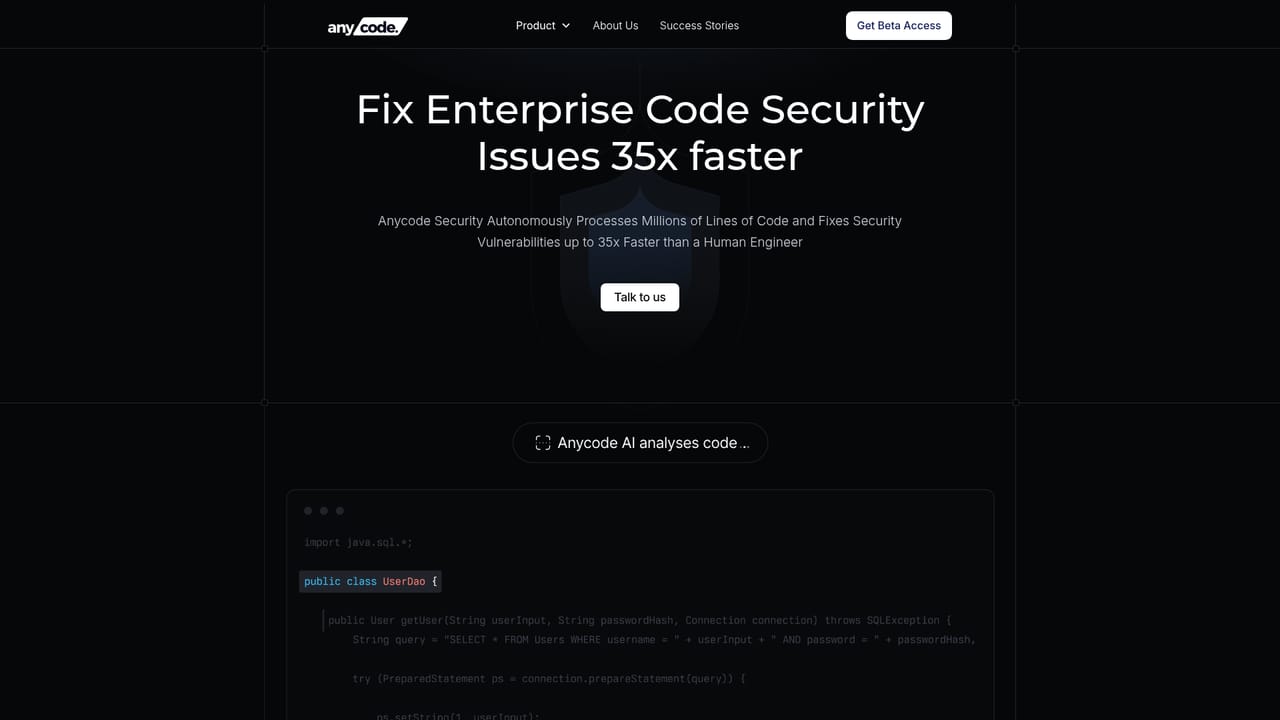
    Visit the Anycode Security page to see how vulnerabilities are validated, code is secured, and monitoring is added. Use it to judge fit with your existing security tooling.
    Anycode AI — Inspect the security workflow
  4. 4Request an enterprise walkthrough
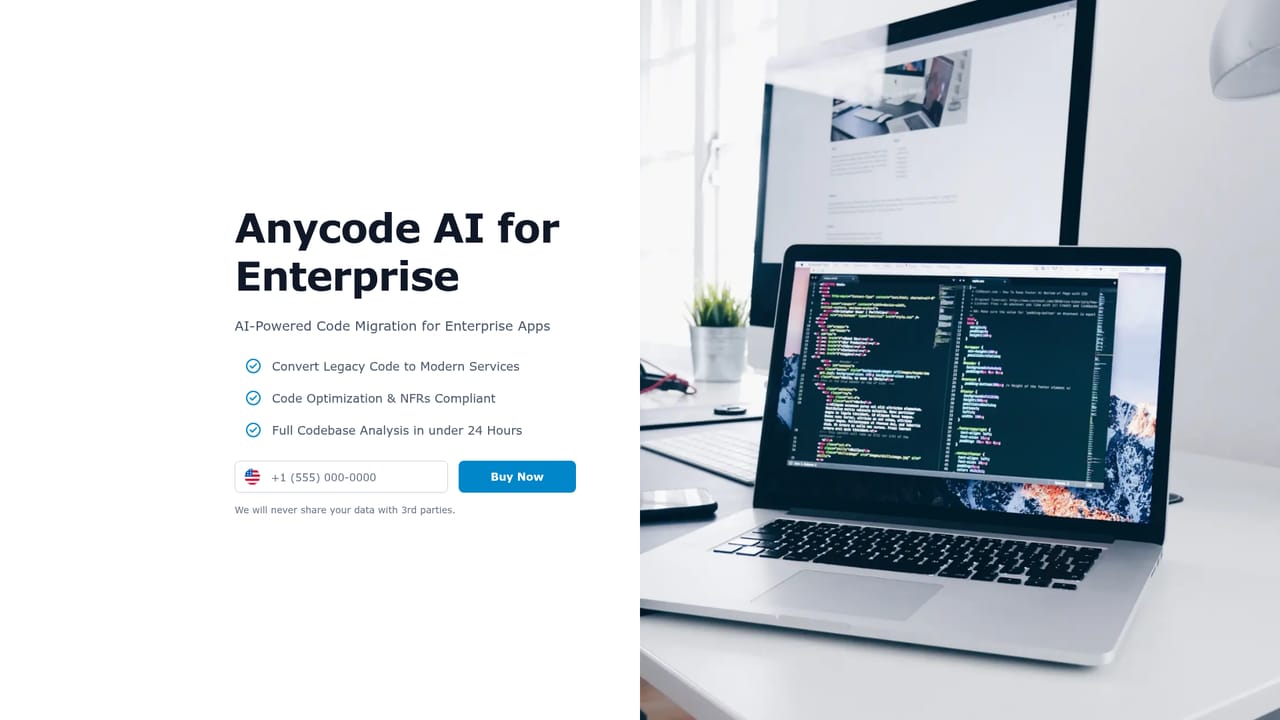
    For mapping at scale, use the business site to register for the enterprise solution and discuss schema volume, accuracy targets, and export formats with the team.
    Anycode AI — Request an enterprise walkthrough
  5. 5Book a scoping call
    Use the contact link on the homepage to schedule a 30 minute session. Bring sample schemas or a legacy module so the discussion stays concrete.

Pros and cons

Pros

  • Mapping engine handles very large schemas and processes millions of fields per hour.AI
  • Clear human-in-the-loop controls: similarity scoring, manual overrides, and model governance.AI
  • Covers three concrete engineering problems (integration mapping, security fixes, legacy conversion) in one suite.AI
  • Claims support for 132 languages and the ability to work with any LLM, reducing model lock-in.AI

Cons

  • Pricing is not published on the homepage, so buyers must contact sales to scope cost.AI
  • Accuracy and speed figures (92 percent matching, 6x security fixes, 8x conversion) are vendor claims without public benchmarks.AI
  • Anycode Create is still listed as coming soon, so the design-to-code workflow is not generally available.AI
  • No public documentation or self-serve trial is described, which makes independent evaluation harder.AI
  • The product set is broad and specialised; teams wanting a simple IDE assistant may find it overkill.AI

How much does Anycode AI cost?

Features

Anycode Mapping ingests schemas up to 1GB per file, matches up to 2M+ fields per hour with similarity scoring and a claimed 92 percent+ accuracy, supports manual overrides and model governance, and exports map and config XML. Anycode Security validates vulnerabilities, secures code, and adds monitoring. Anycode Convert modernises legacy codebases, with a free SQL to Java demo.

Frequently asked questions about Anycode AI

  • How do you use Anycode AI?
    The walkthrough on this page covers 5 steps: 1. Review the product lineup 2. Try the free SQL to Java converter 3. Inspect the security workflow 4. Request an enterprise walkthrough 5. Book a scoping call.
  • What platforms does Anycode AI support?
    Anycode AI is available on Web App.
  • What are the limitations of Anycode AI?
    Pricing is not published on the homepage, so buyers must contact sales to scope cost. Accuracy and speed figures (92 percent matching, 6x security fixes, 8x conversion) are vendor claims without public benchmarks. Anycode Create is still listed as coming soon, so the design-to-code workflow is not generally available.

Status

StatusActive
Views0
Outbound clicks0
Added10/21/2026

Platforms

Web App

Pricing

Paid