Pricing
The homepage does not list plan prices. Its checkout dialogs mention subscription cancellation and payment by bank card, Google Pay, Apple Pay or Cash App Pay, which points to a subscription model.
Learn moreBrowser tool for sharpening photos, upscaling to 8K and cleaning video
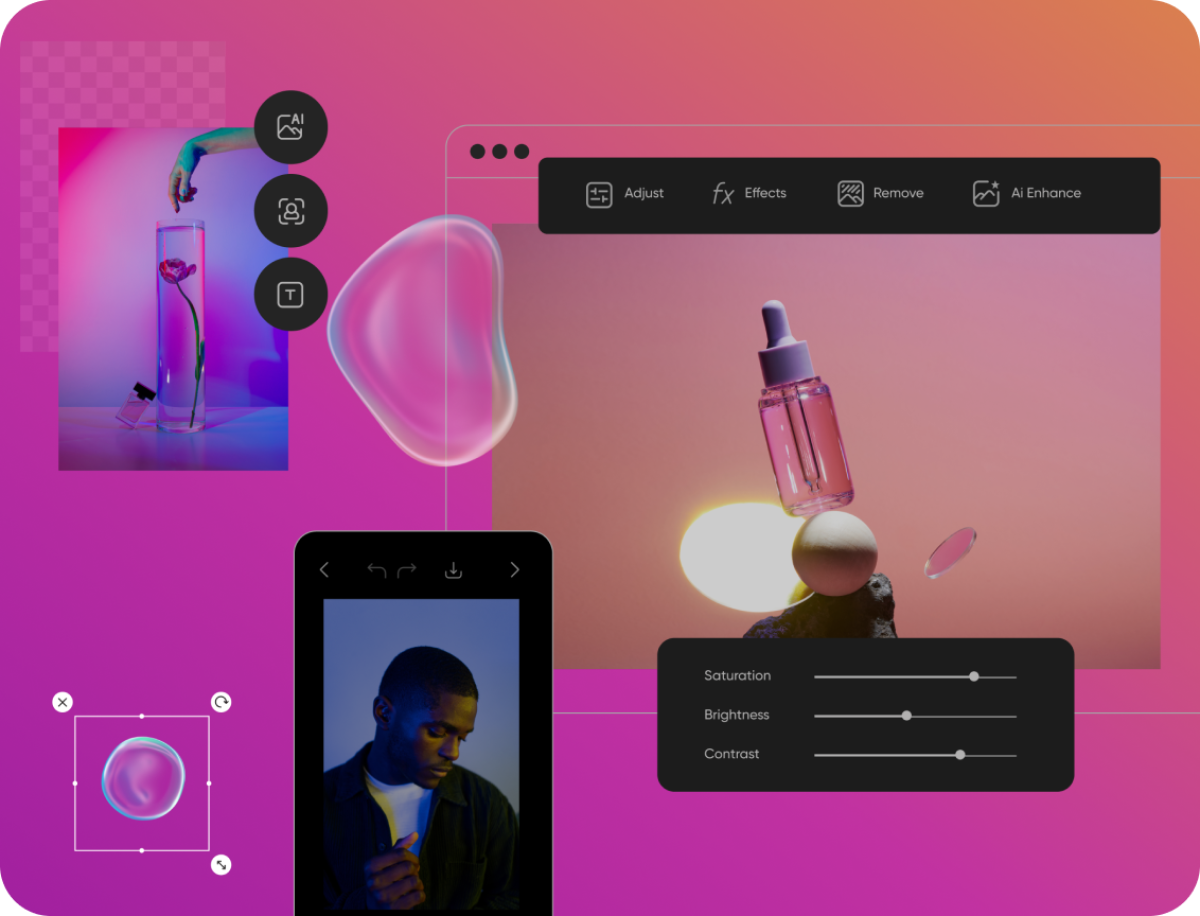
Artedge AI is a browser workspace that enhances photo quality, upscales images to HD, 4K or 8K, and improves video clarity. Upload a file, keep the recommended settings and download the cleaner result.
Artedge AI is a browser-based workspace for repairing and enlarging visual media. It groups three tools under one roof: an AI photo enhancer, an image upscaler and a video enhancer. The pitch is cleaner files without learning a full editing suite, which makes it a practical fit for creators who just need a soft or small asset to look better. The photo enhancer targets blurry, noisy, faded or low-detail pictures, including portraits, product shots, documents, old photographs and social visuals. The image upscaler addresses a different problem, raw resolution, and prepares small images for larger exports, sharper crops, print preparation or HD, 4K and 8K presentation. The video enhancer applies similar logic to moving footage, aiming for clearer frames, less softness and a higher-resolution file that can be downloaded after processing. In practice the flow is short. A user uploads a photo, image or clip, keeps the recommended settings, and downloads the result once processing finishes. Advanced controls exist for cases where a specific resolution or workflow matters, but the defaults are meant to work without tuning. The homepage frames typical jobs as e-commerce product cleanup, restoring personal archives and portraits, and preparing marketing or social video, thumbnails and presentation assets. Among alternatives, Artedge AI sits with dedicated enhancement and upscaling services rather than general image editors or generative art platforms. It does not generate new imagery from prompts; it improves files that already exist. The single-workspace approach is the main differentiator, since photo, image and video fixes can be done without switching between separate sites. Buyers who need layered editing, batch automation or desktop software should compare it against heavier tools, while those with occasional cleanup needs will find the narrow scope easy to adopt. Payment options shown on the site include bank card, Google Pay, Apple Pay and Cash App Pay, which indicates a paid subscription model.
The homepage does not list plan prices. Its checkout dialogs mention subscription cancellation and payment by bank card, Google Pay, Apple Pay or Cash App Pay, which points to a subscription model.
Learn moreAI photo enhancement (deblur, denoise, detail recovery, face and document cleanup), image upscaling for HD, 4K and 8K output, and online video enhancement. Defaults are simple, with advanced controls for resolution and workflow.
Learn more AI Angels400+ customizable AI girlfriends for NSFW chat, voice calls, and roleplay
 Candy AIExperience the future of companionship with AI friends who chat, role-play, and connect with you on a human level.
 ourdream.aiA vast AI roleplay platform with millions of characters for chat, images, video and voiceAI Angels400+ customizable AI girlfriends for NSFW chat, voice calls, and roleplayCandy AIExperience the future of companionship with AI friends who chat, role-play, and connect with you on a human level.ourdream.aiA vast AI roleplay platform with millions of characters for chat, images, video and voice