Pricing
The homepage lists a Photo Print Editor from $99/mo and says generative AI APIs use consumption based pricing. No specific rate for the upscale API is stated, and enterprise terms go through sales.
Learn moreUpscaling API from Picsart for products that handle many images
Own Image Upscale by Picsart? Verify ownership to get a dofollow link
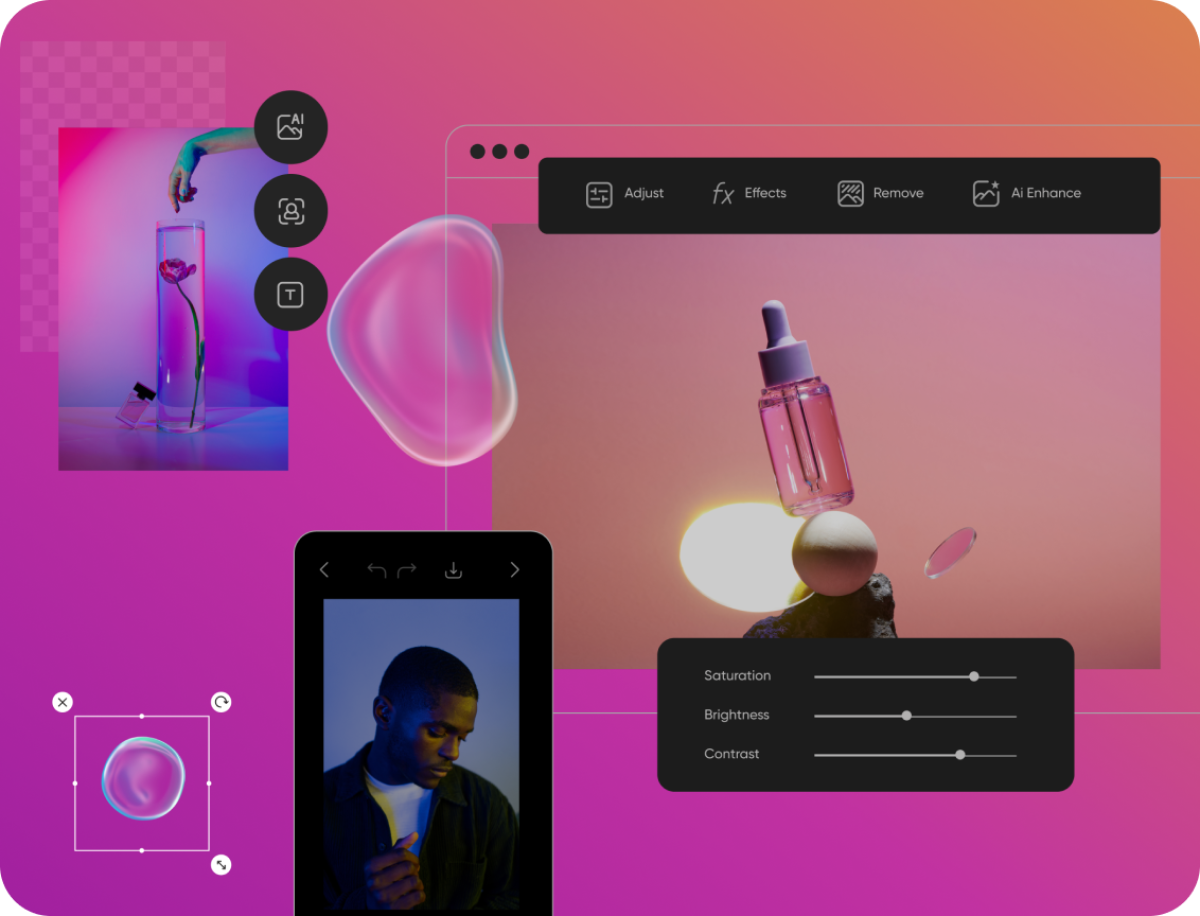
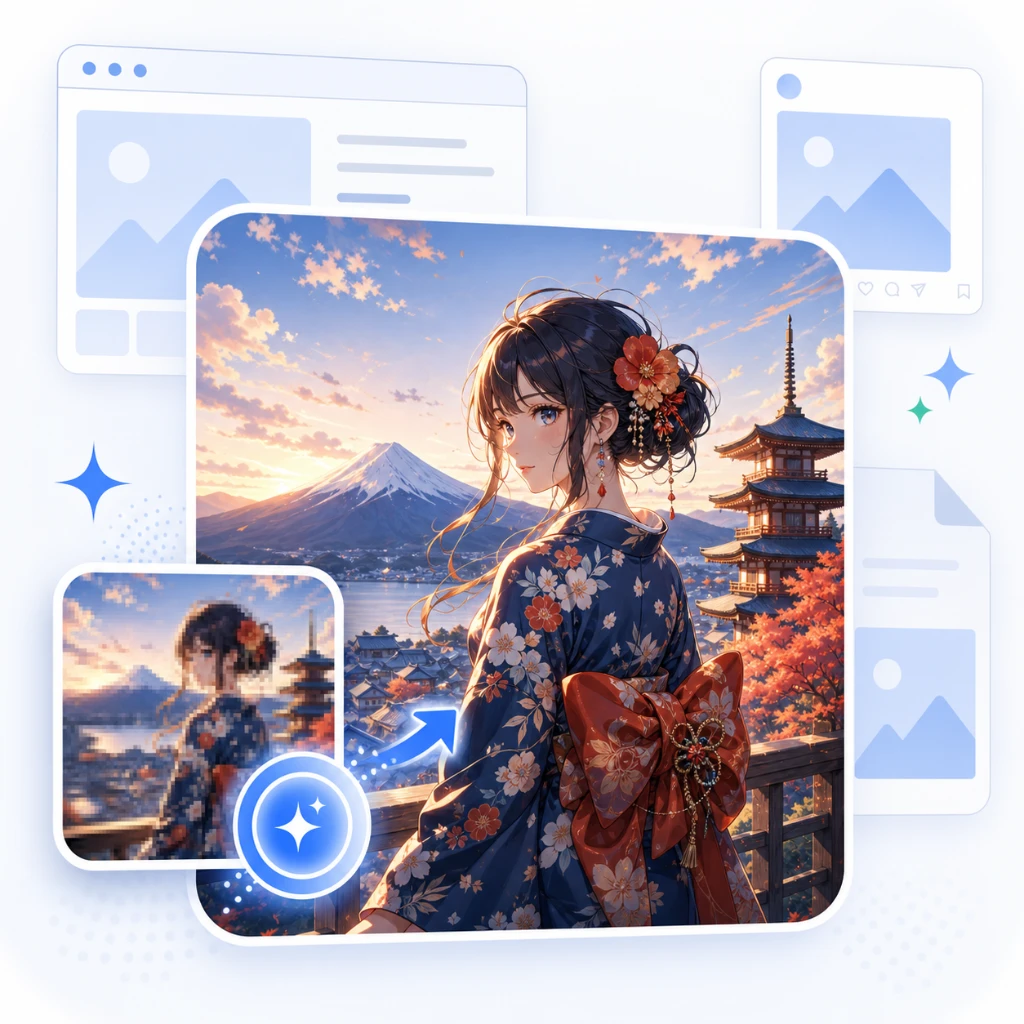
Image Upscale by Picsart is an AI upscaling API for developers and businesses, offered with Ultra Upscale and Ultra Enhance variants alongside Picsart's background, style and generative image APIs.
Image Upscale by Picsart is one of the AI photo APIs in the Picsart developer platform at picsart.io. It targets businesses that need to enlarge or sharpen pictures inside their own software rather than in a consumer editing app. Two variants are listed on the site: a standard Upscale endpoint and an Ultra Upscale endpoint, with a separate Ultra Enhance tool for improving image quality at the same size. The audience is product teams, print platforms, e-commerce operators and content management vendors. A web-to-print shop can raise the resolution of customer uploads before they reach a press. A marketplace can bring supplier photos up to a consistent standard. Because Picsart sells the upscaler alongside its background removal, background change, style transfer, vectorizer and generative image APIs, one integration can cover several steps of an image pipeline. Picsart also states that its AI Hub lets teams compare models from outside providers without reworking their setup. In practice, a developer signs in to the Picsart console, gets access to the APIs and calls the upscale endpoint from existing code. The site promises copy-and-paste code snippets to shorten the build, and reference documentation is hosted separately. Teams that prefer not to code can reach the tools through no-code and low-code automations, a desktop app with command-line support for bulk edits, and plugins such as the Figma one. For larger buyers the company offers white-labelling and custom enterprise arrangements through its sales team. Among alternatives, the product competes with other upscaling APIs and with self-hosted open models. Its case rests on scale and breadth: Picsart claims tens of millions of background removals monthly and a decade of research behind its APIs. The homepage gives little technical detail on upscale factors, output limits or per-call rates, so evaluation means reading the dedicated upscale page and testing with real images. Entry pricing shown on the homepage belongs to the print editor product, while generative AI APIs are described as consumption based.
The homepage lists a Photo Print Editor from $99/mo and says generative AI APIs use consumption based pricing. No specific rate for the upscale API is stated, and enterprise terms go through sales.
Learn moreA help center with a request form is linked, API reference docs are hosted separately, and enterprise buyers can book a demo with the sales team.
Learn moreConnects through APIs and code snippets, no-code and low-code automations, a desktop app with command-line tools, and plugins including Figma. White-label and enterprise integrations are available.
Learn moreAI upscaling in standard and Ultra variants, plus Ultra Enhance, background removal and change, style transfer, vectorizer, generative image and text tools, an embeddable photo and video editor SDK, and an AI Hub of third-party models.
Learn more AI Angels400+ customizable AI girlfriends for NSFW chat, voice calls, and roleplay
 Candy AIExperience the future of companionship with AI friends who chat, role-play, and connect with you on a human level.
 ourdream.aiA vast AI roleplay platform with millions of characters for chat, images, video and voiceAI Angels400+ customizable AI girlfriends for NSFW chat, voice calls, and roleplayCandy AIExperience the future of companionship with AI friends who chat, role-play, and connect with you on a human level.ourdream.aiA vast AI roleplay platform with millions of characters for chat, images, video and voice