Integrations
Aside does not depend on pre-built integrations; it operates through websites and accounts directly, including email, dashboards, and internal tools, the way a person would in a browser.
A browser built for AI agents to handle real work across your logged-in websites.

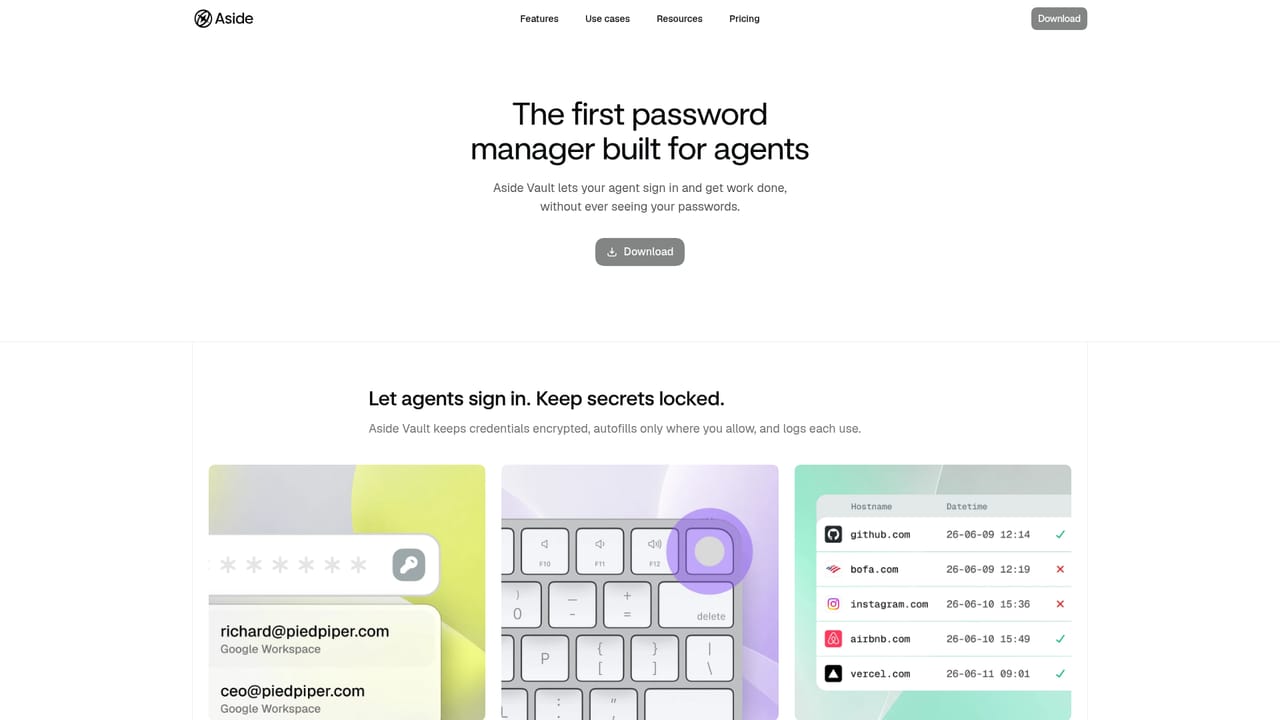
Aside is a desktop browser with a built-in AI agent that completes tasks across your logged-in websites and accounts. It handles logins through a secure vault, keeps memory local, and gates sensitive actions for your approval.
Aside is a desktop browser that embeds an AI agent capable of completing tasks across the websites and accounts you already use. Unlike agent tools that rely on pre-built integrations, Aside operates through the browser itself: it signs in to your email, dashboards, and internal tools the way a person would, then carries out multi-step work such as sending messages, making payments, or updating spreadsheets. The agent is designed to push through tasks that typically stop other assistants, including logins and sensitive actions, while keeping you in control. The browser is aimed at professionals who spend their day moving between web apps and want an assistant that can act rather than just advise. It maintains a local memory of your browsing history so it can recall which sites to use for which work and pick up context without repeated explanations. A built-in password manager, Aside Vault, autofills credentials without exposing them to the AI, and every credential use is logged. Sensitive actions like payments, posts, and messages wait for your explicit confirmation. All memory and task data stay on your device, protected by Secure Enclave encryption and a sandbox that isolates file and network access. In practice, you ask for a task in natural language and reference context with @ mentions, and the agent works across tabs while showing progress in a task list. It can capture screenshots, save artifacts, and schedule recurring jobs such as a daily briefing. Aside reports top scores on three browser agent benchmarks (Online-Mind2Web, BU-Bench-V1, and Odysseys), positioning it against OpenAI, Anthropic, and Browser Use. It sits at the intersection of a web browser, an AI assistant, and a security-focused password manager, and it works with your existing ChatGPT or Claude subscription or your own API key rather than locking you into a single model.
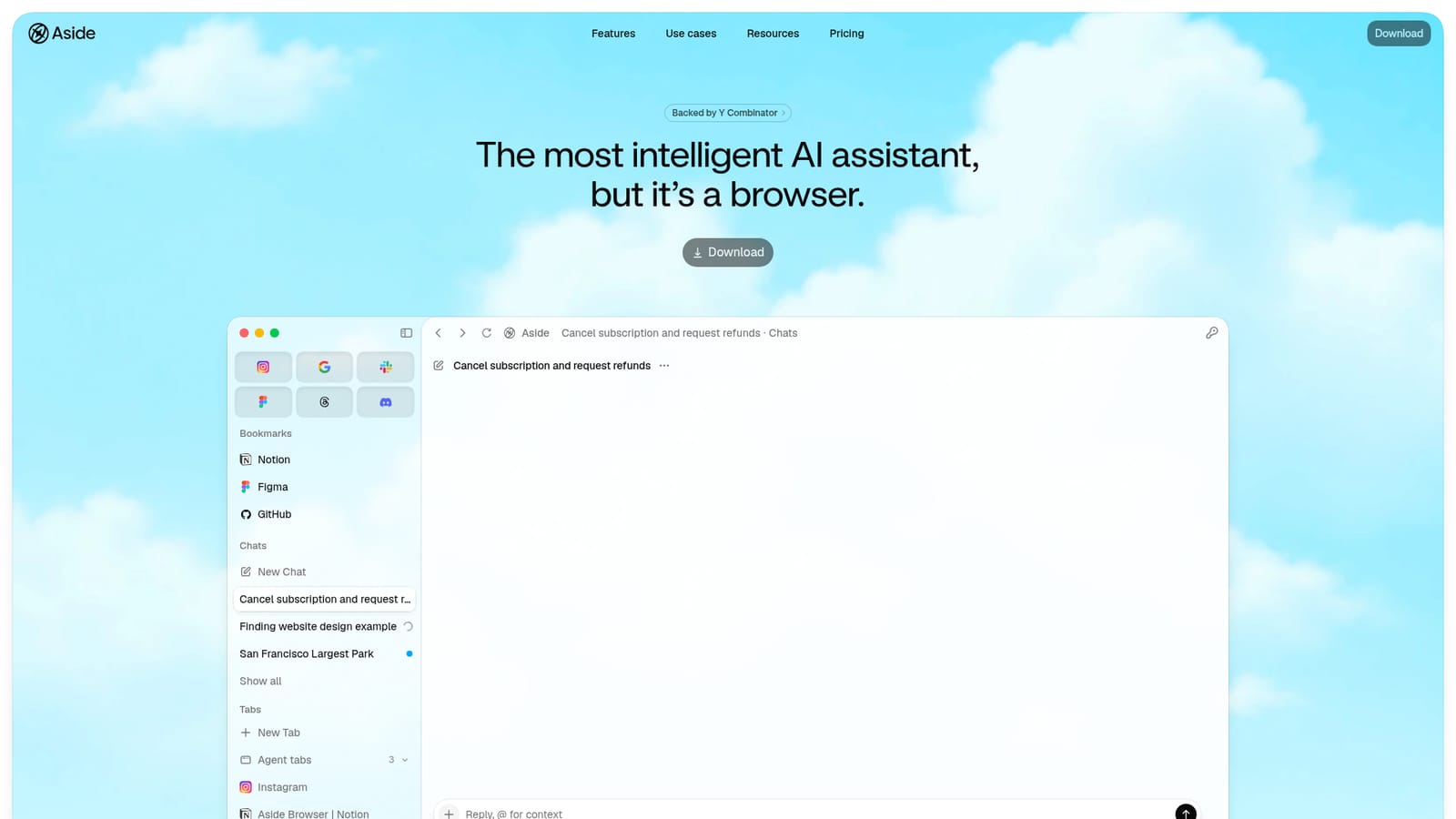
Aside does not depend on pre-built integrations; it operates through websites and accounts directly, including email, dashboards, and internal tools, the way a person would in a browser.
Aside combines a desktop browser with an AI agent that works across logged-in websites. It signs in through a password vault without exposing credentials, keeps browsing memory local, requires approval for sensitive actions, and supports bring-your-own ChatGPT or Claude subscriptions or API keys. The agent can handle messages, payments, internal tools, and files, with audit logs for credential use.
Learn more AI Angels400+ customizable AI girlfriends for NSFW chat, voice calls, and roleplay
 Candy AIExperience the future of companionship with AI friends who chat, role-play, and connect with you on a human level.
 ourdream.aiA vast AI roleplay platform with millions of characters for chat, images, video and voiceAI Angels400+ customizable AI girlfriends for NSFW chat, voice calls, and roleplayCandy AIExperience the future of companionship with AI friends who chat, role-play, and connect with you on a human level.ourdream.aiA vast AI roleplay platform with millions of characters for chat, images, video and voice


