Free trial
There is no time limited trial. Instead the service is free with quality and queue limits, and a new account receives 10 free credits to run roughly 10 minutes of audio at full quality.
Learn moreSpeech to text transcription in 58 languages, built on OpenAI Whisper.

Audio2Text is an AI transcriber tool. A browser based transcription tool built on OpenAI Whisper. Accepts seven common audio formats, covers 58 languages, and exports TXT, PDF or SRT. Credits work out to one minute of audio each, with a free tier, a 10 credit signup bonus and paid packages that unlock better quality and faster processing.
Audio2Text is a browser based transcription service that turns recorded speech into written text. The site states plainly that the engine behind it is OpenAI's Whisper model, the same speech recognition work that came out of the team behind ChatGPT. Files are uploaded from the web app, processed, and returned as readable transcripts. Supported formats include mp3, mp4, mpeg, mpga, m4a, wav and webm, so most recordings produced by phones, meeting software or video editors will go through without conversion first. Language coverage is the standout feature. The service lists 58 languages, spanning European languages such as German, French, Polish, Czech and Welsh, plus Arabic, Hindi, Japanese, Korean, Chinese, Turkish, Vietnamese and many others. Transcripts can be downloaded as TXT, PDF or SRT, and the SRT option is the practical hook for video work: subtitles can be generated for a clip without opening a separate captioning tool. Output is plain text, so it drops into a document, a spreadsheet or a video editor without cleanup steps built into the product. Pricing is credit based. Every credit equals one minute of audio. A free tier handles files up to 20 MB but applies lower transcription quality and a queue before processing starts. Paid packages (60, 600 and 6000 credits) lift the file size ceiling to 250 MB, remove the wait and switch on the best quality setting. New accounts come with 10 free credits, which is enough to test a short recording at full quality before committing to a pack. The larger packs carry modest discounts. Audio2Text sits in the same space as dedicated transcription suites, but it is deliberately narrower: no speaker diarization, no live recording, no editing timeline. For someone who needs a clean text file or subtitle track from an existing recording and prefers paying per minute to a monthly subscription, that narrowness is the point. Teams that need collaborative transcript editing or meeting integrations will find the feature set thin, and anyone handling confidential audio should weigh an upload against a locally run Whisper install.
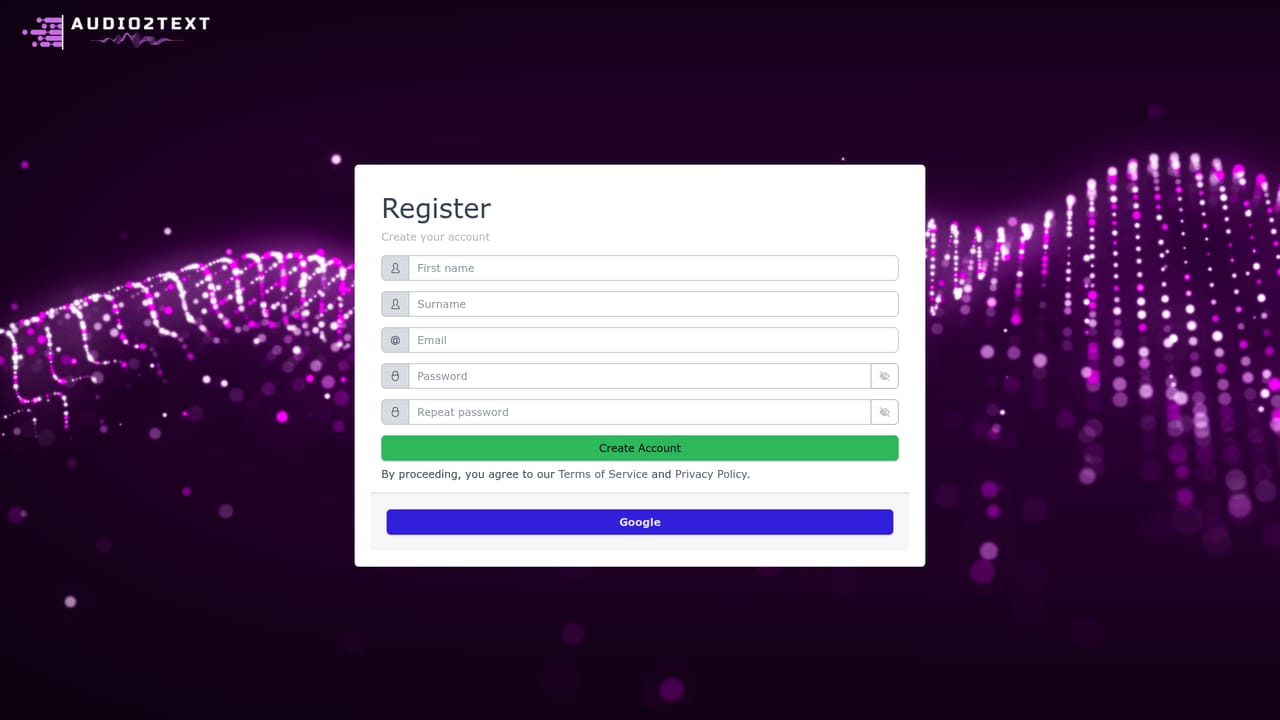
There is no time limited trial. Instead the service is free with quality and queue limits, and a new account receives 10 free credits to run roughly 10 minutes of audio at full quality.
Learn moreFree tier at $0 with a 20 MB limit, lower quality and a waiting queue. Paid credit packages: 60 credits for $0.99, 600 credits for $8.90 (10 percent saving) and 6000 credits for $78.99 (20 percent saving). One credit equals one minute of audio; paid tiers allow 250 MB files, no wait and best quality.
Learn moreSupport runs through a single email address, info@softvr.sk, listed for questions, product details and specific requirements. No ticketing system, live chat or help centre is described on the site.
Transcription of mp3, mp4, mpeg, mpga, m4a, wav and webm files across 58 listed languages. Powered by OpenAI Whisper. Exports to TXT, PDF and SRT, with SRT aimed at subtitle work. Paid credits remove the processing queue and unlock the highest quality setting with larger file support.
 AI Angels400+ customizable AI girlfriends for NSFW chat, voice calls, and roleplay
 Candy AIExperience the future of companionship with AI friends who chat, role-play, and connect with you on a human level.
 ourdream.aiA vast AI roleplay platform with millions of characters for chat, images, video and voiceAI Angels400+ customizable AI girlfriends for NSFW chat, voice calls, and roleplayCandy AIExperience the future of companionship with AI friends who chat, role-play, and connect with you on a human level.ourdream.aiA vast AI roleplay platform with millions of characters for chat, images, video and voice


