Free trial
A free account includes up to 10 minutes of audio or 10,000 characters, with no credit card requested at sign up. The site positions this as a trial of the conversion quality before buying credits.
Learn moreTurn any text into natural sounding audiobook audio

AudioWaveAI is an AI narration tool that turns any text into natural sounding audiobook audio. A pay-as-you-go text-to-speech tool that converts articles, EPUBs, PDFs and other text into natural sounding audio, with a free tier of ten minutes and credit packs that never expire.
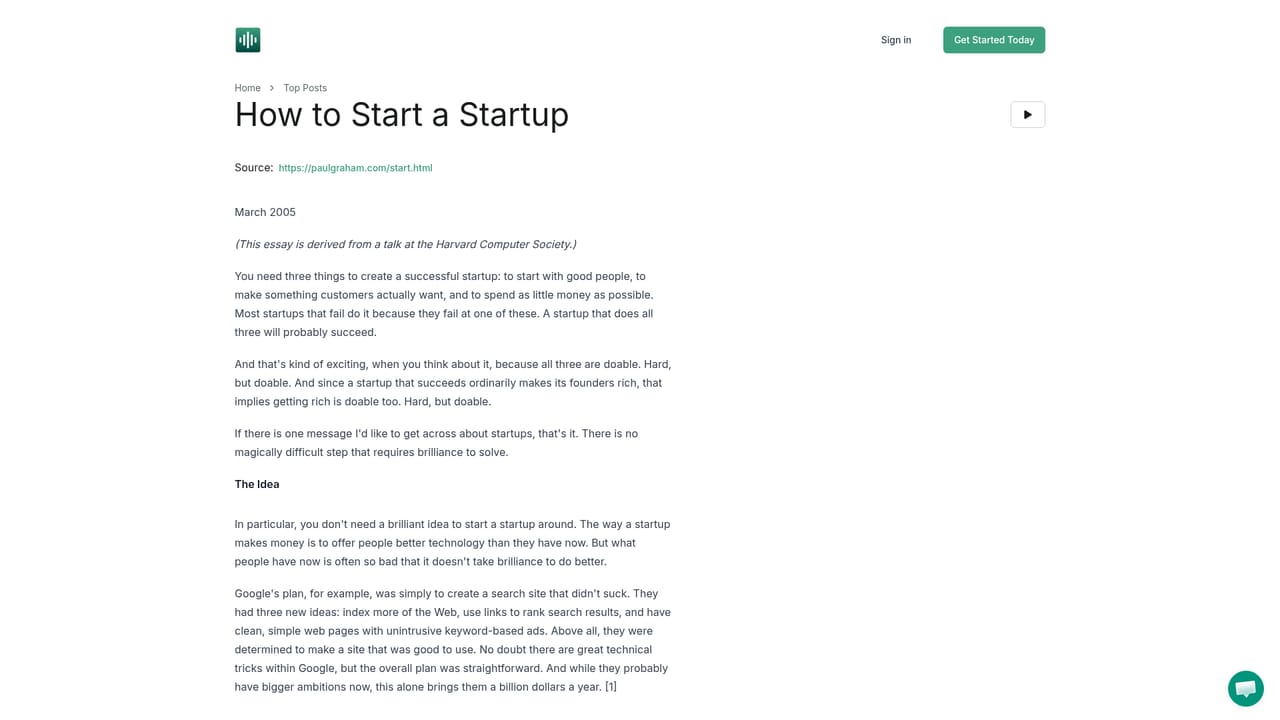
AudioWaveAI is a text-to-speech tool built around one specific promise: audio that sounds pleasant enough to listen to for long stretches. Instead of the flat, monotone delivery common to older speech engines, it aims for engaging, natural sounding narration with fewer awkward pauses. You feed it text and get back audio you can play on a phone, tablet or podcast player. The input is deliberately broad. Articles, blog posts, EPUB files, PDFs and contracts are all fair game, so the practical use case is trimming a reading list without sitting in front of a screen. A commuter can convert a long document before leaving the house and listen on the way to work. A student can turn course material into audio. A writer can hear a draft read back. The site also hosts sample narrations of essays, so the output quality can be judged before paying anything. The commercial model is pay as you go rather than a recurring subscription. A free tier covers two articles, about ten minutes of audio and 10,000 characters. A paid credit pack of ten hours of audio (600,000 characters, 100 articles) is listed at a discounted early access price. Credits are consumed per word and do not expire, and there is a 30-day money-back guarantee. Ten voices ship by default, with more available on request, and most of them cover around 100 languages. Compared with generic speech tools, AudioWaveAI narrows its focus to listening comfort over raw feature count, and compared with commercial audiobook production it trades studio recording for speed and cost. It suits readers, learners and independent authors who want their own material in audio form, and anyone who needs an unreleased book or document narrated quickly. Ownership of generated files sits with the person who created them, subject to the copyright of the source text.
A free account includes up to 10 minutes of audio or 10,000 characters, with no credit card requested at sign up. The site positions this as a trial of the conversion quality before buying credits.
Learn moreFree plan with 2 articles, up to 10 minutes of audio and 10,000 characters. A paid pack of 10 hours of audio (100 articles, 600,000 characters) is listed at $15, shown as 50% off a $30 early access price, and includes priority support and early access to new features. Credits are pay as you go, cost one per word and never expire.
Learn moreSupport runs through email at support@audiowaveai.com, which is also the channel for requesting extra voices or accents. Paid credit packs list priority support as an included benefit.
Converts articles, blog posts, EPUBs, PDFs and other text into audio with an emphasis on natural, engaging narration rather than monotone speech. Output plays on phone, tablet or podcast player and can be shared. Ten voices are included by default, most covering around 100 languages, with extra voices on request. Paid plans add priority support and early access to new features.
 AI Angels400+ customizable AI girlfriends for NSFW chat, voice calls, and roleplay
 Candy AIExperience the future of companionship with AI friends who chat, role-play, and connect with you on a human level.
 ourdream.aiA vast AI roleplay platform with millions of characters for chat, images, video and voiceAI Angels400+ customizable AI girlfriends for NSFW chat, voice calls, and roleplayCandy AIExperience the future of companionship with AI friends who chat, role-play, and connect with you on a human level.ourdream.aiA vast AI roleplay platform with millions of characters for chat, images, video and voice


