Free trial
No card needed: the free tier includes the first 15 minutes of your first document and a 3-minute Professor sample, with 10 scanned pages and 10 AI actions.
Learn moreYour PDFs read aloud word for word, with a professor on call

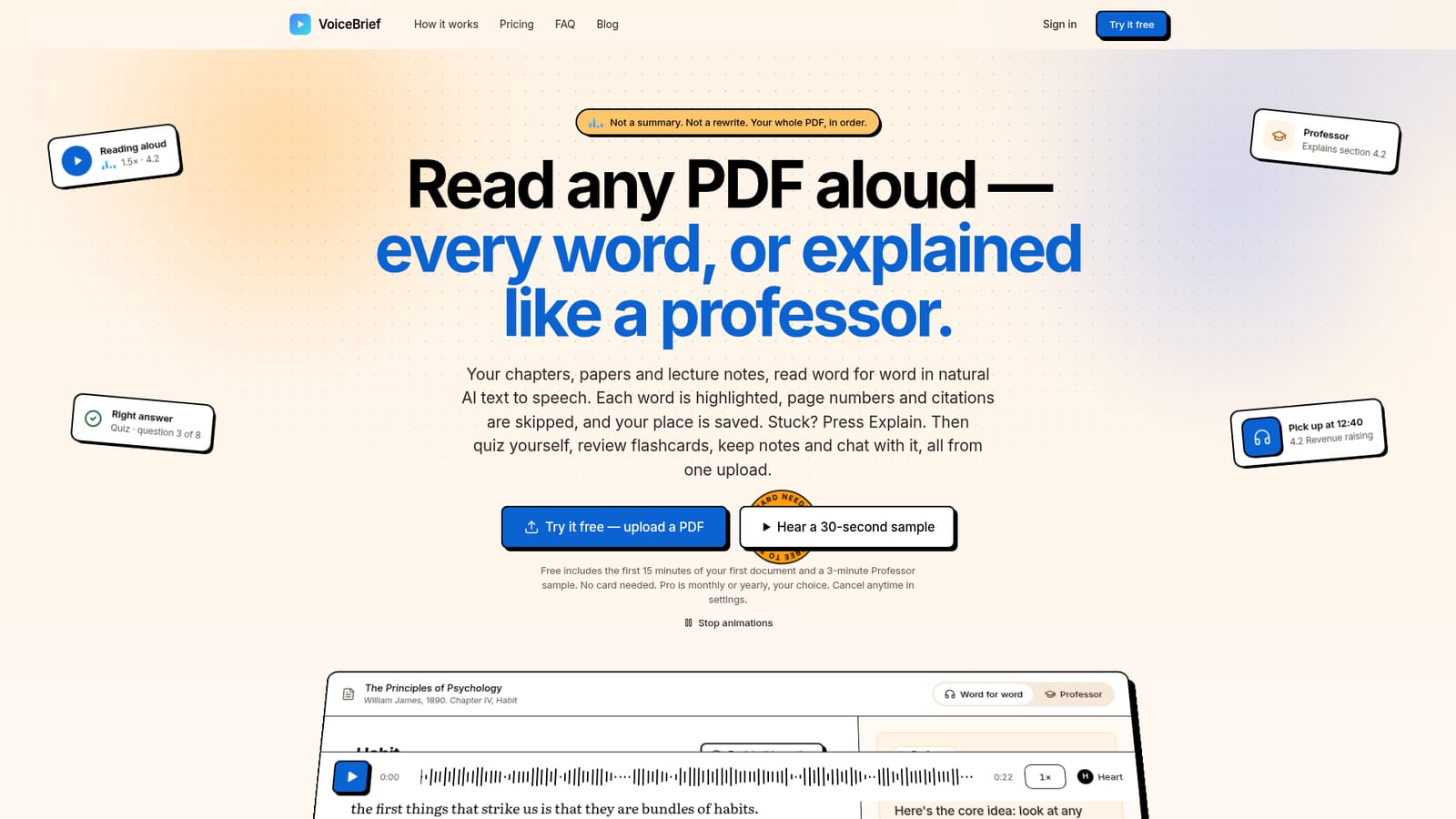
VoiceBrief turns PDFs, Word files, slides, EPUBs and web pages into natural AI narration with word-by-word highlighting, then adds a Professor mode that explains hard sections, plus quizzes, flashcards, notes and voice chat from the same upload.
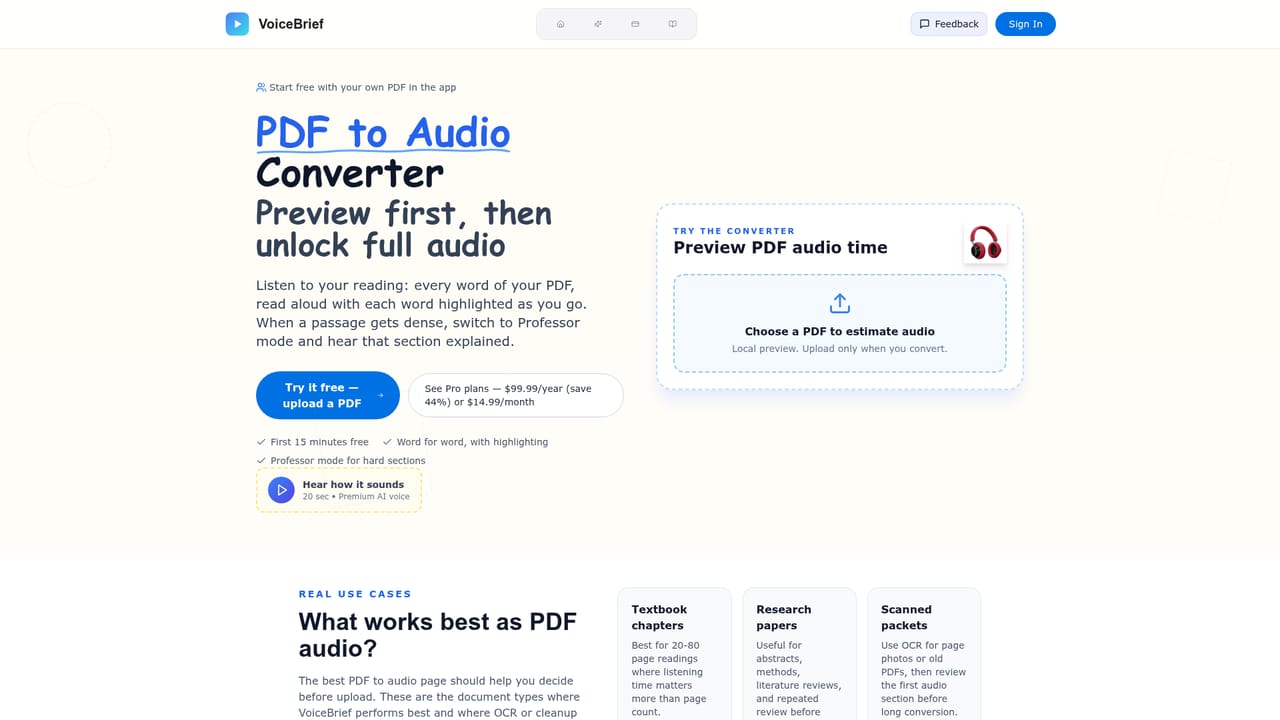
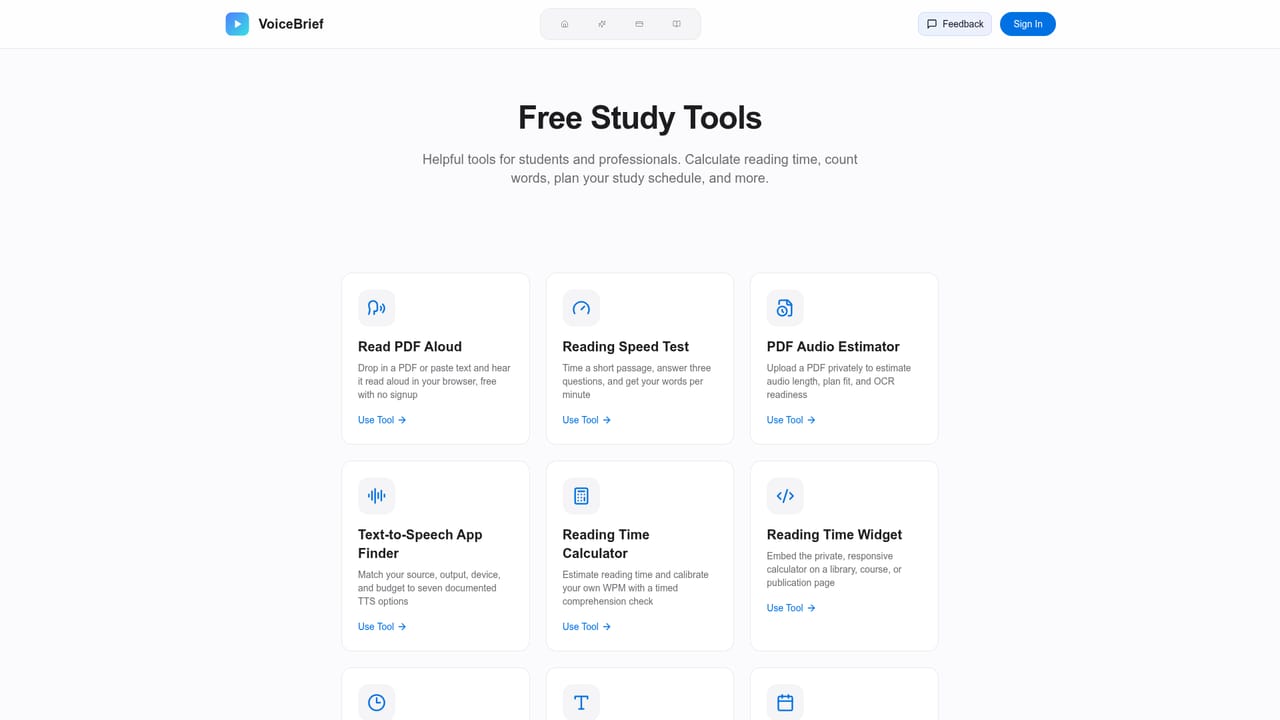
VoiceBrief is a read-along study tool that plays long documents back as natural AI speech. You upload a PDF, Word file, PowerPoint deck, DRM-free EPUB, image, pasted text or public web link (up to 20 MB per file), and the tool reads the document top to bottom in the voice and speed you choose, from 0.5x to 3x. Each word is highlighted as it is spoken. Page numbers, running headers, reference lists, citation markers, tables and figures are skipped so sentences are not broken up, though anything the system cannot confidently classify as a citation still gets read. Documents stay on the page for reference. Scanned pages go through text recognition first, so handwritten or photographed handouts are usable within a monthly scan allowance. The distinguishing feature is Professor mode. Press Explain on any section and a separate professor-style voice walks through what that passage argues, what its terms mean and what to take away. Explanations are labelled and kept apart from the author's words, which matters if you need to quote the source accurately. The same upload also powers quizzes, flashcards, notes, text chat and a voice tutor, so one document feeds an entire study workspace rather than a single audio file. The obvious audience is students and researchers working through textbook chapters, papers, lecture slides, course packs, policy reports and exam prep. VoiceBrief also positions itself for readers with ADHD or dyslexia, where hearing text while seeing each word highlighted helps sustain attention, and for professionals who want to absorb reports while commuting. Pro raises the ceiling to 500 pages per document, 30 hours of word-for-word listening a month and MP3 downloads for offline playback. The competition splits into two camps. Speechify offers read-aloud with highlighting but not the professor explanations. Notebook-style tools generate podcast conversations about your sources and summarize rather than read them, which users have noted can introduce material that is not in the original. VoiceBrief sits between those poles: verbatim audio plus optional explanation, with the tradeoff that its AI-generated quizzes, summaries and chat answers can still miss or misstate details.
No card needed: the free tier includes the first 15 minutes of your first document and a 3-minute Professor sample, with 10 scanned pages and 10 AI actions.
Learn moreFree tier costs $0 and covers one document: first 15 minutes, one 3-minute Professor sample, 10 scanned pages and 10 AI actions. Pro is $99.99 a year (about $8.33 a month, billed yearly) or monthly, with any number of documents up to 500 pages, 30 hours of listening, 10 hours of Professor mode, 20 minutes of voice tutor, 100 scanned pages and 300 AI actions a month.
Learn moreSupport runs by email at team@voicebrief.io, where a person replies. Account settings handle cancellation, and a Stripe payment link lets an employer or family member cover Pro.
VoiceBrief is available inside Claude, and accepts PDF, Word, PowerPoint, DRM-free EPUB, image, pasted text and public web page inputs up to 20 MB per file.
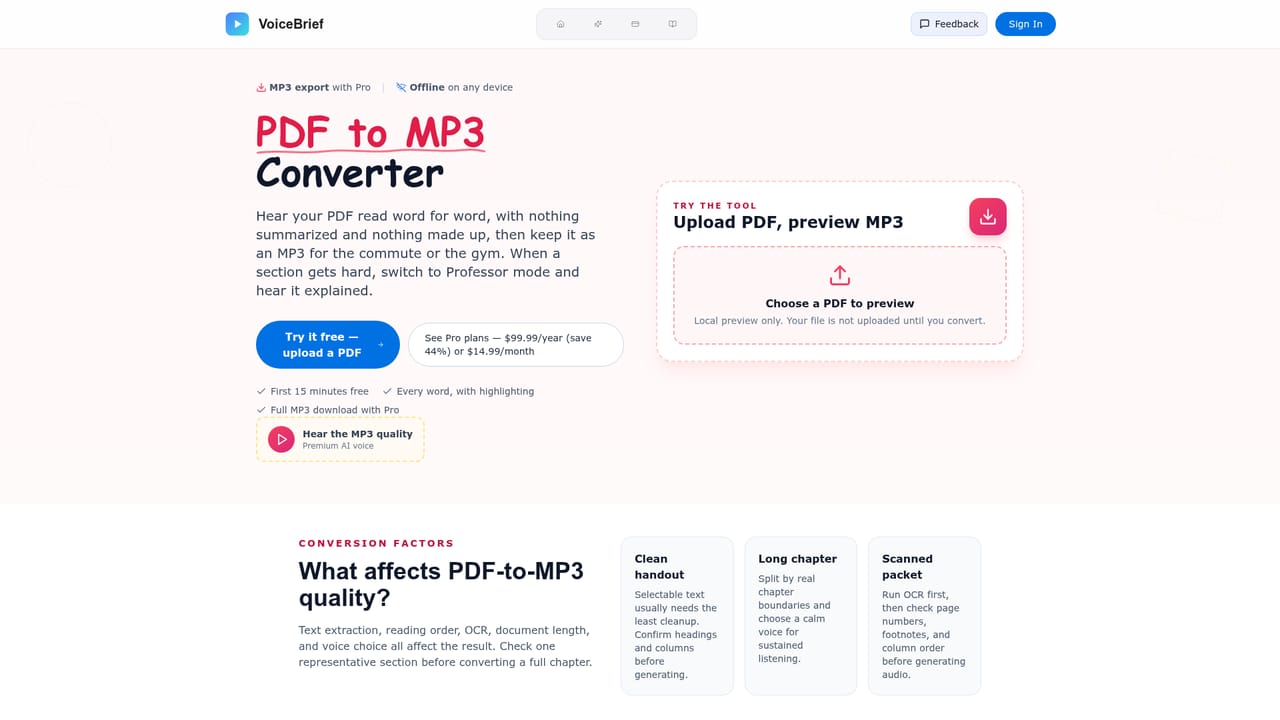
Learn moreWord-for-word read-aloud with per-word highlighting, speed and voice control. Professor mode explains sections in plain language and marks them as separate from the source. Tables, figures, citations and page numbers are skipped during playback. Also includes quizzes, flashcards, notes, document chat and a voice tutor, a reading queue, resume-where-you-stopped across documents, scanned page recognition, and MP3 downloads on Pro.
 AI Angels400+ customizable AI girlfriends for NSFW chat, voice calls, and roleplay
 Candy AIExperience the future of companionship with AI friends who chat, role-play, and connect with you on a human level.
 ourdream.aiA vast AI roleplay platform with millions of characters for chat, images, video and voiceAI Angels400+ customizable AI girlfriends for NSFW chat, voice calls, and roleplayCandy AIExperience the future of companionship with AI friends who chat, role-play, and connect with you on a human level.ourdream.aiA vast AI roleplay platform with millions of characters for chat, images, video and voice


