Free trial
Generation can begin for free without a credit card, and the script is reviewed before any audio is created. Length and export limits tied to the free tier are not stated on the homepage.
Learn moreTurn text, documents or URLs into multi-speaker audio and publishable podcast episodes.

ZenMic is an AI narration tool that turns text, documents or URLs into multi-speaker audio and publishable podcast episodes. ZenMic converts text, documents, URLs or topic prompts into editable multi-speaker audio, with cloning, voice design, MP3 export and RSS publishing to Spotify and Apple.
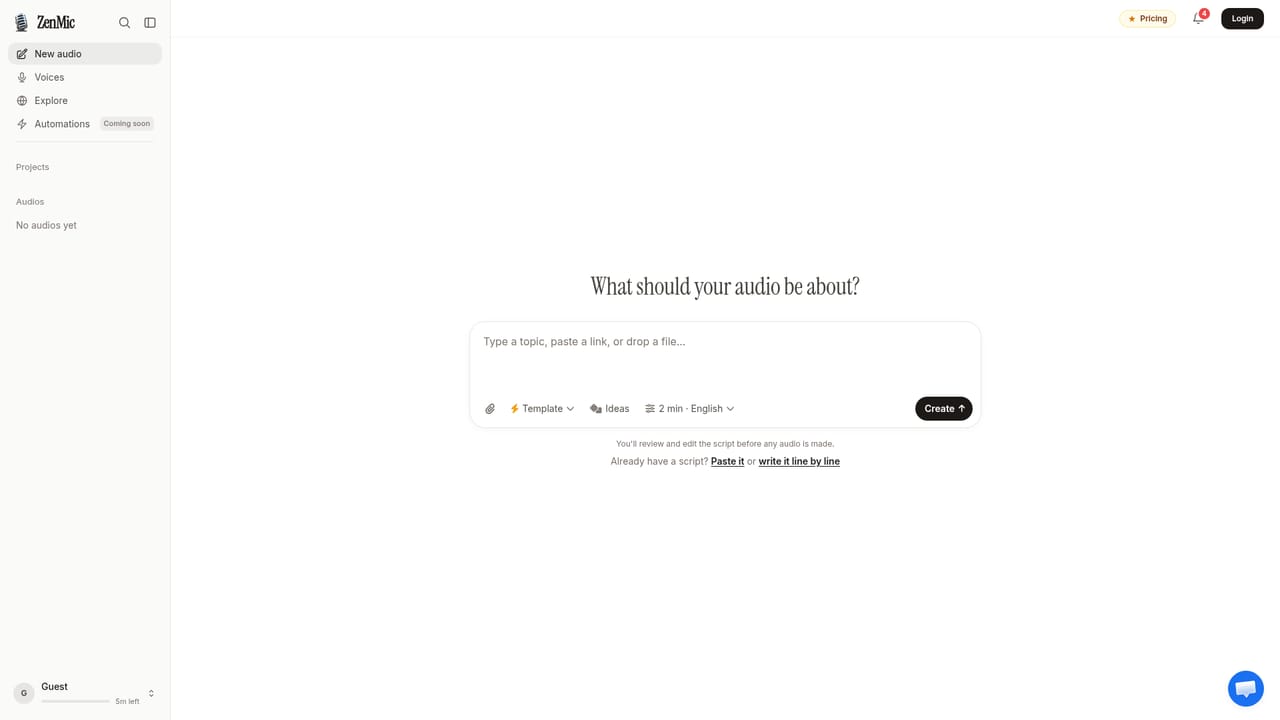
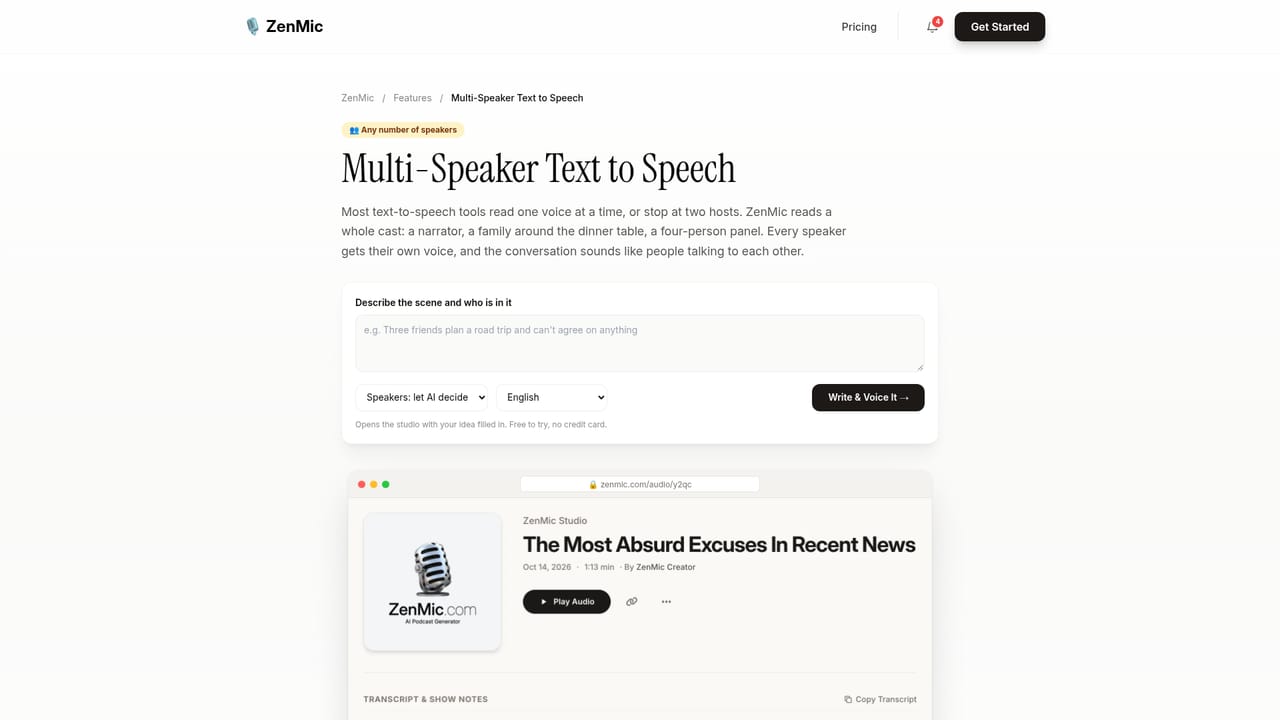
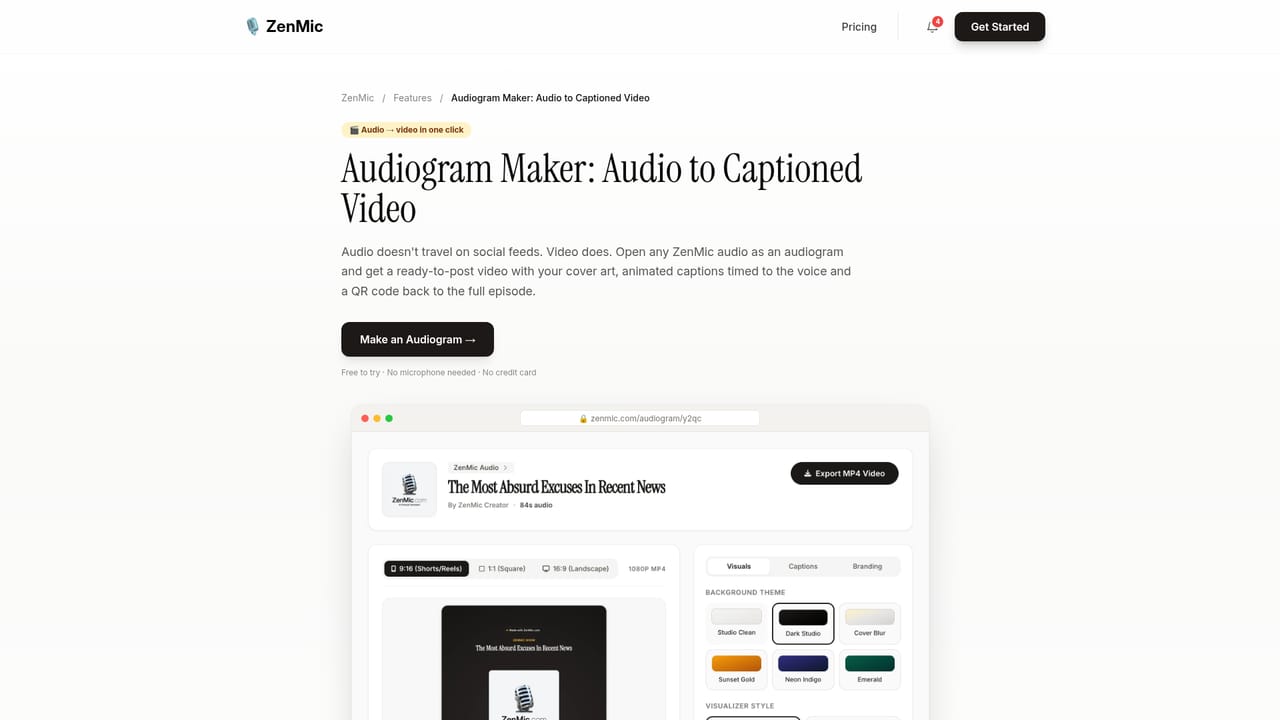
ZenMic is an AI audio generator built around a simple idea: paste source material, get a finished, human-sounding audio production. Users can feed in a URL, a document, a pasted script or a topic prompt, and ZenMic converts it into a structured dialogue or narration. The studio supports up to six distinct speakers in one scene, each with its own assigned voice, so a project can move from a solo narrator to a moderated panel without opening a recording app. Script control is the core of the workflow. Every line stays editable before synthesis, which means facts can be corrected, tone adjusted and speakers swapped prior to generation. The library covers more than 30 voices on the homepage, with a separate language page claiming 100 or more languages. Voice cloning needs only 10 to 30 seconds of source recording, and a voice designer lets users describe a voice in words. Expressive controls cover whispers, laughs and sighs, which matters for fiction and audio drama as much as for instructional content. Output is aimed at publishing, not just listening. Users can download high bitrate MP3s, embed a web player, generate captioned videos for Reels, Shorts or YouTube through an audiogram maker, and push episodes out as RSS feeds to Spotify and Apple Podcasts. ZenMic positions itself against NotebookLM: where that tool generates fixed summaries, ZenMic markets editable scripts, custom voice casting and real podcast syndication. The audience is broad but specific. ESL teachers use templates for real-world dialogue practice, learning and development teams turn dense reports into short briefs, and independent podcasters use it to skip recording. A verified case study with Anglophonic describes output that the client rates above their original recordings for clarity. Free companion tools (a podcast name generator, cover art prompt maker, and Spotify launch guide) round out the offering.
Generation can begin for free without a credit card, and the script is reviewed before any audio is created. Length and export limits tied to the free tier are not stated on the homepage.
Learn moreThe homepage states that ZenMic is free to start with no credit card required, and a dedicated pricing page exists, but the homepage itself does not list plan tiers, limits or paid prices.
Learn moreA contact page is linked from the header. The homepage does not describe support channels, response times or documentation beyond the creator guides.
Learn moreThe homepage mentions RSS feeds to Spotify and Apple Podcasts plus REST API automation. No named third-party integrations beyond those publishing targets are listed.
Multi-speaker audio for up to six voices, editable line-by-line scripts, cloning from 10 to 30 seconds of audio, voice design from text descriptions, expressive cues such as whispers and laughs, more than 100 languages, MP3 export, embeddable players, audiograms for short video, RSS syndication and REST API automation.
Learn more AI Angels400+ customizable AI girlfriends for NSFW chat, voice calls, and roleplay
 Candy AIExperience the future of companionship with AI friends who chat, role-play, and connect with you on a human level.
 ourdream.aiA vast AI roleplay platform with millions of characters for chat, images, video and voiceAI Angels400+ customizable AI girlfriends for NSFW chat, voice calls, and roleplayCandy AIExperience the future of companionship with AI friends who chat, role-play, and connect with you on a human level.ourdream.aiA vast AI roleplay platform with millions of characters for chat, images, video and voice


