Free trial
A free plan is available with no credit card: 2,500 characters per month, all standard voices and effects, limited file creation, and a full commercial license.
Learn moreStudio-quality text to speech in 80+ languages and 880+ voices

Xpeacho is an AI narration tool. A high-volume text to speech platform with 880+ neural and standard voices across 80+ languages, SSML control, MP3 and WAV export, a project library and an API. Built for YouTubers, podcasters, course creators and agencies, with a commercial license included even on the free plan.
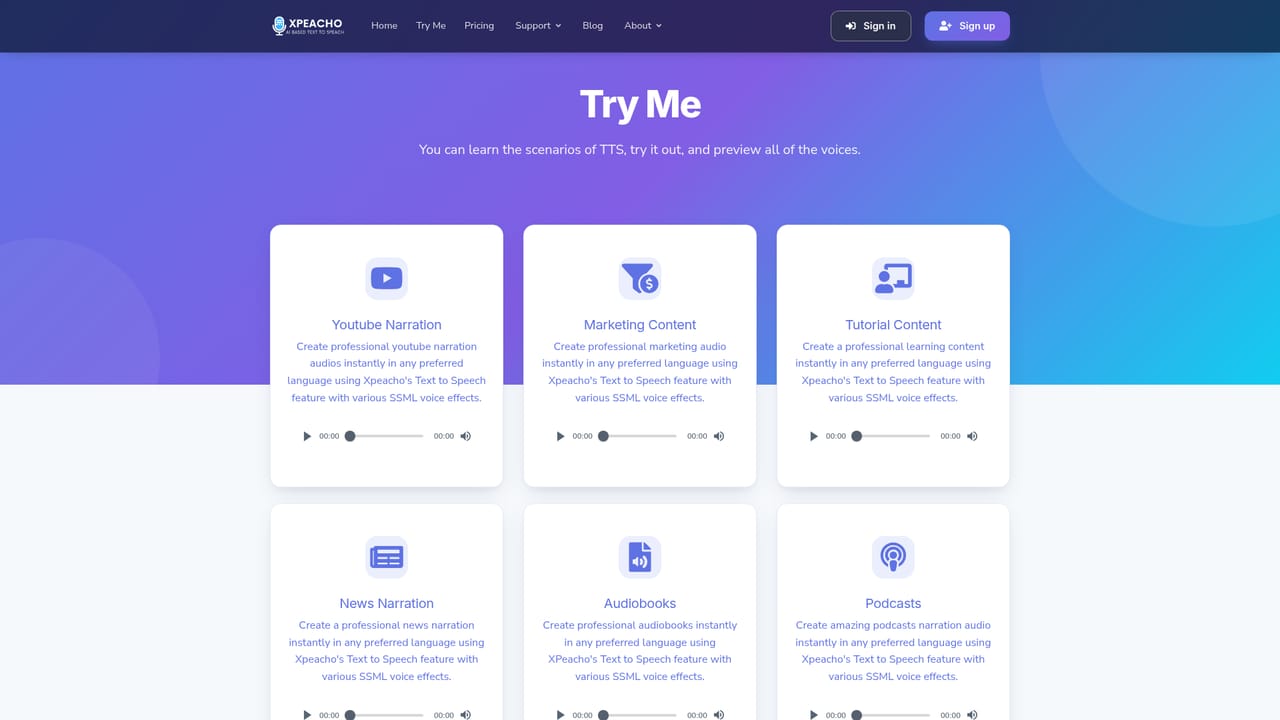
Xpeacho is a browser-based text to speech platform aimed squarely at people who produce audio at volume: YouTube channels, podcasters, course builders, marketers, audiobook authors and agencies. The headline catalog is 880 voices spread across more than 80 languages, with native male, female and youth options and coverage of regional accents. Voices run on two engines. Standard voices are the cheaper, faster pipeline suited to bulk work and IVR style content, while neural voices apply deep learning models for intonation, pacing and emotion, and the two can be mixed inside a single project. In practice the workflow is short. A script is pasted into the editor, up to 100,000 characters per generation, a voice is previewed and selected, and the render is downloaded as MP3 or WAV. Full SSML support sits underneath for anyone who wants to fix pronunciation per word, add emphasis, insert pauses or adjust pitch and speed. A project library keeps scripts and past generations so a revised line can be re-rendered without rebuilding the whole file, and batch generation handles series work. Commercial rights are included on every generation, including the free tier, which matters for client work, ad reads and monetized channels. A REST API is available for Pro and higher plans, so the same engine can feed a CMS, an automation pipeline or an app. Pricing is deliberately flexible: pay-as-you-go per character, bulk packages, or monthly subscriptions with character allowances, payable by card or PayPal, with cancellation from the dashboard. The competition here is broad. Against voice actors, Xpeacho trades performance nuance for speed and cost per minute. Against generic TTS services it leans on catalog size, SSML depth and an included license rather than extra add-ons. It will not clone a specific human voice or record live audio, so teams needing a branded voiceprint still have to look elsewhere.

A free plan is available with no credit card: 2,500 characters per month, all standard voices and effects, limited file creation, and a full commercial license.
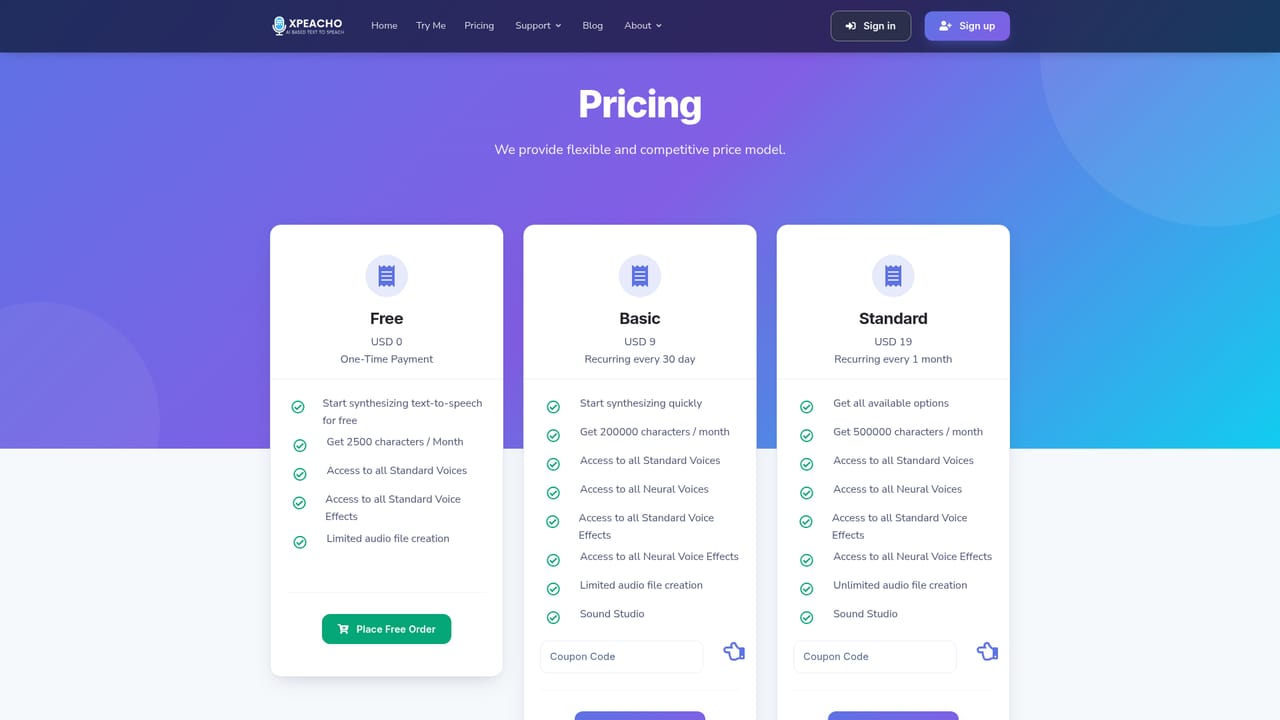
Learn moreThree routes: pay-as-you-go per character, bulk packages, or monthly subscriptions. Free gives 2,500 characters per month with standard voices. Basic is USD9 per 30 days for 200,000 characters with neural voices. Standard is USD19 per month for 500,000 characters and all options. Card or PayPal, cancel anytime.
Learn moreA contact form is the stated support channel, with replies usually within hours. Paid plans carry a 30-day money-back guarantee.
Learn moreA REST API lets teams connect Xpeacho to their own apps, CMS and automation pipelines. API access is limited to Pro and higher plans.
880+ standard and neural voices across 80+ languages, previews before committing, full SSML control, batch generation, project library with re-renders, MP3 and WAV export, commercial license on all output, and REST API access on Pro and higher plans.
 AI Angels400+ customizable AI girlfriends for NSFW chat, voice calls, and roleplay
 Candy AIExperience the future of companionship with AI friends who chat, role-play, and connect with you on a human level.
 ourdream.aiA vast AI roleplay platform with millions of characters for chat, images, video and voiceAI Angels400+ customizable AI girlfriends for NSFW chat, voice calls, and roleplayCandy AIExperience the future of companionship with AI friends who chat, role-play, and connect with you on a human level.ourdream.aiA vast AI roleplay platform with millions of characters for chat, images, video and voice


