Free trial
A 28-day free trial for Windows and macOS, with no credit card required and all features included. The homepage also mentions shorter 14-day wording in some spots, so confirm the exact duration at signup.
Learn moreAI editing plugin that cuts, captions, and reframes inside your timeline

AutoCut is an AI plugin for Premiere Pro and DaVinci Resolve that removes silences, writes captions, adds zooms and B-rolls, and resizes footage without leaving the timeline, and it offers a 28-day trial without a credit card.
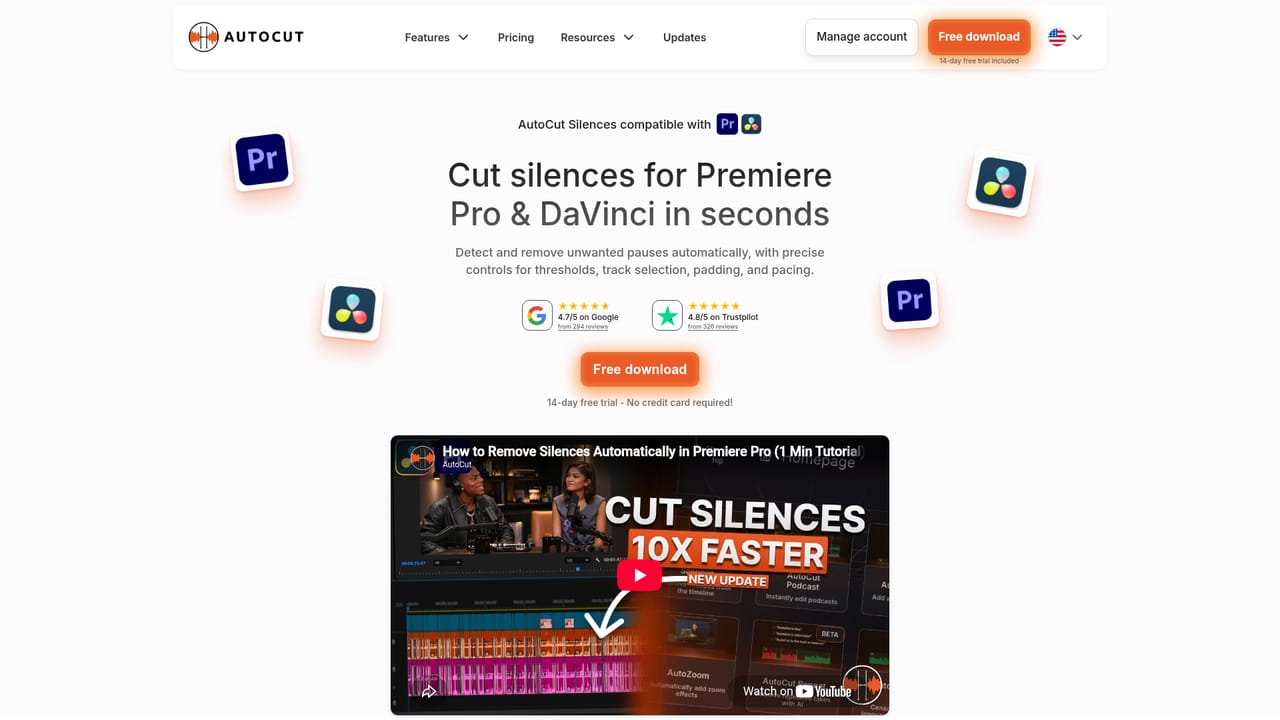
AutoCut is a plugin for Adobe Premiere Pro and DaVinci Resolve that brings a set of automated editing routines directly into the host application's timeline. Instead of exporting footage to a separate web service, editors work on their own project files and trigger one-click operations such as silence removal, caption generation, B-roll insertion, automatic zooms, chapter markers, profanity filtering, aspect ratio resizing, and packaging long recordings into short viral clips. The plugin covers the repetitive parts of post-production that consume hours on talking-head video, podcasts, interviews and social cutdowns. Silence removal is the most developed of the modules. It detects quiet passages against a noise threshold, which can be calculated automatically or by AI, and applies presets (Calm, Measured, Paced, Energetic, Jumpy) that change how aggressively cuts land. Editors can tune minimum silence length, minimum talk length, margins before and after speech, and the minimum gap between cuts, then choose transitions such as J-cut, L-cut, overlap or constant power. The other modules follow the same pattern: a panel with a small number of meaningful controls rather than a black box. The tool fits professional and semi-professional editors already committed to Premiere Pro or Resolve, plus podcast and social teams producing high volumes of spoken-word content. Its strongest case is where a single editor handles long interviews and needs a rough cut assembled quickly for manual polish. Compared with standalone browser editors, AutoCut keeps media local and preserves project structure; compared with manual editing, it trades some fine control for speed. The company reports strong user ratings on Trustpilot and Google and lists broadcasters, publishers, sports clubs and universities among its users. An enterprise offering exists for larger organizations. Windows and macOS are both supported.
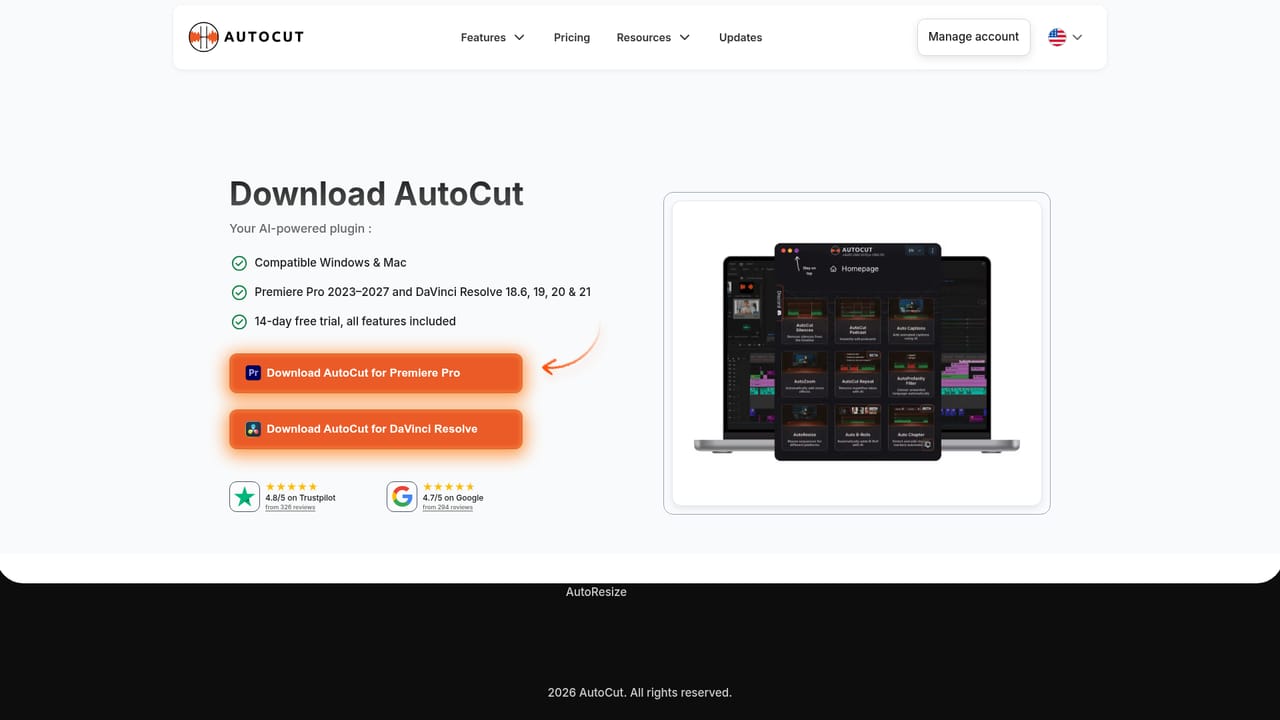
A 28-day free trial for Windows and macOS, with no credit card required and all features included. The homepage also mentions shorter 14-day wording in some spots, so confirm the exact duration at signup.
Learn moreThe homepage does not list subscription prices, tiers or per-seat rates. It states only that a 28-day free trial is available with all features included and no credit card required. Pricing details must be confirmed on the pricing page before purchase.
Learn moreA knowledge base at knowledge.autocut.com holds installation and how-to articles, and the site offers an email contact route plus an enterprise inquiry path for larger organizations.
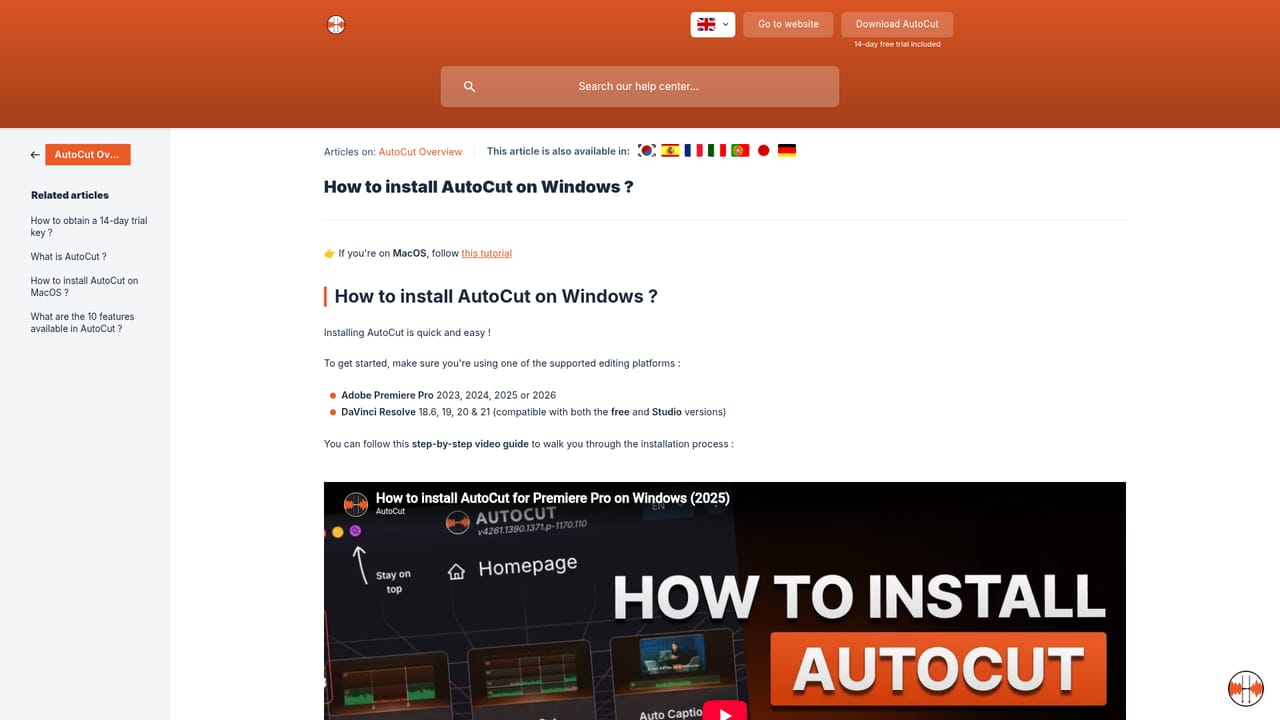
Learn moreAutoCut installs as a plugin for Adobe Premiere Pro and DaVinci Resolve on Windows and macOS. No third-party integrations beyond the host editors are described on the homepage.
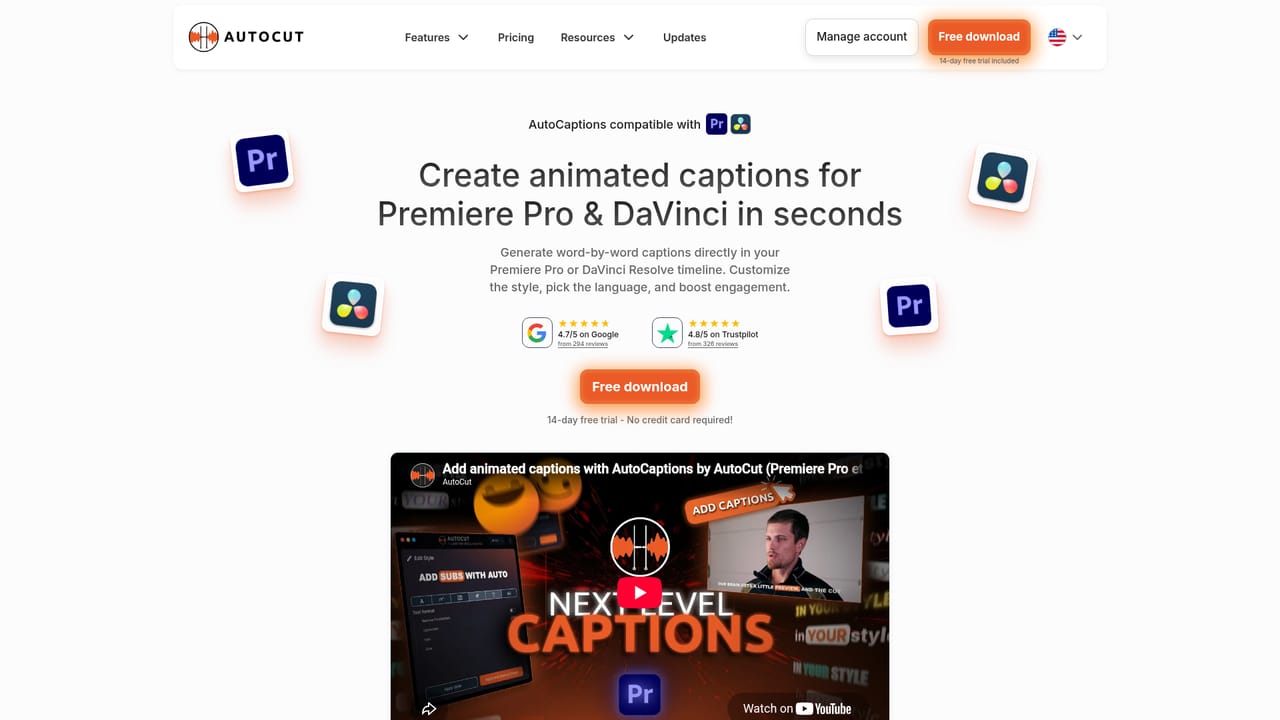
Modules include silence removal with presets and transition options, automatic captions, advanced caption styling, automatic zooms, B-roll insertion, podcast cutting, viral clip generation, repeat detection, a profanity filter, chapter markers and aspect ratio resizing, all operating on the timeline inside Premiere Pro or DaVinci Resolve.
 AI Angels400+ customizable AI girlfriends for NSFW chat, voice calls, and roleplay
 Candy AIExperience the future of companionship with AI friends who chat, role-play, and connect with you on a human level.
 ourdream.aiA vast AI roleplay platform with millions of characters for chat, images, video and voiceAI Angels400+ customizable AI girlfriends for NSFW chat, voice calls, and roleplayCandy AIExperience the future of companionship with AI friends who chat, role-play, and connect with you on a human level.ourdream.aiA vast AI roleplay platform with millions of characters for chat, images, video and voice


