Free trial
No credit card is required to start. The free plan is a permanent tier rather than a timed trial, so evaluation is not capped by a countdown.
Learn morePlain-text, Git-versioned double-entry accounting with an AI assistant

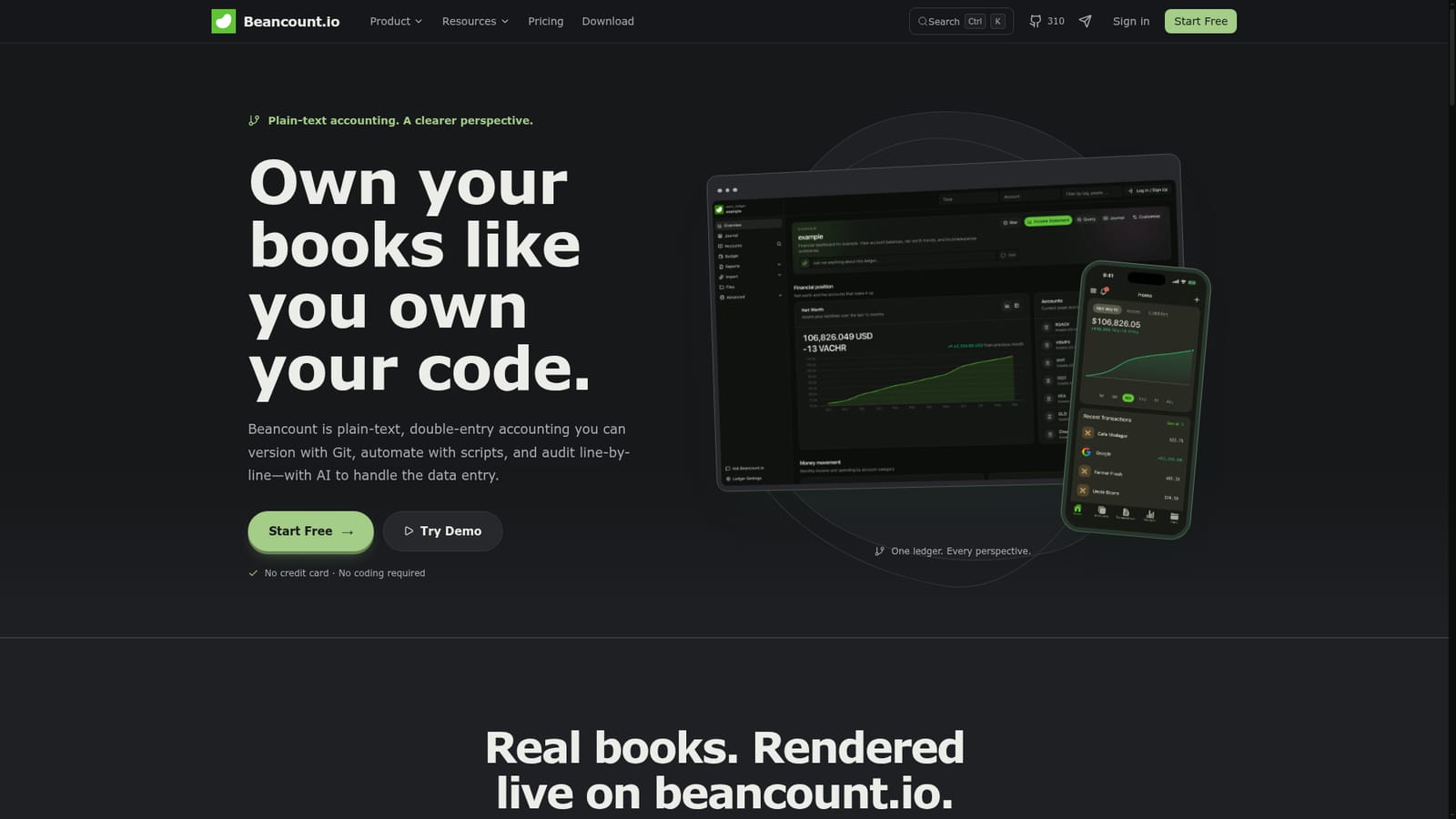
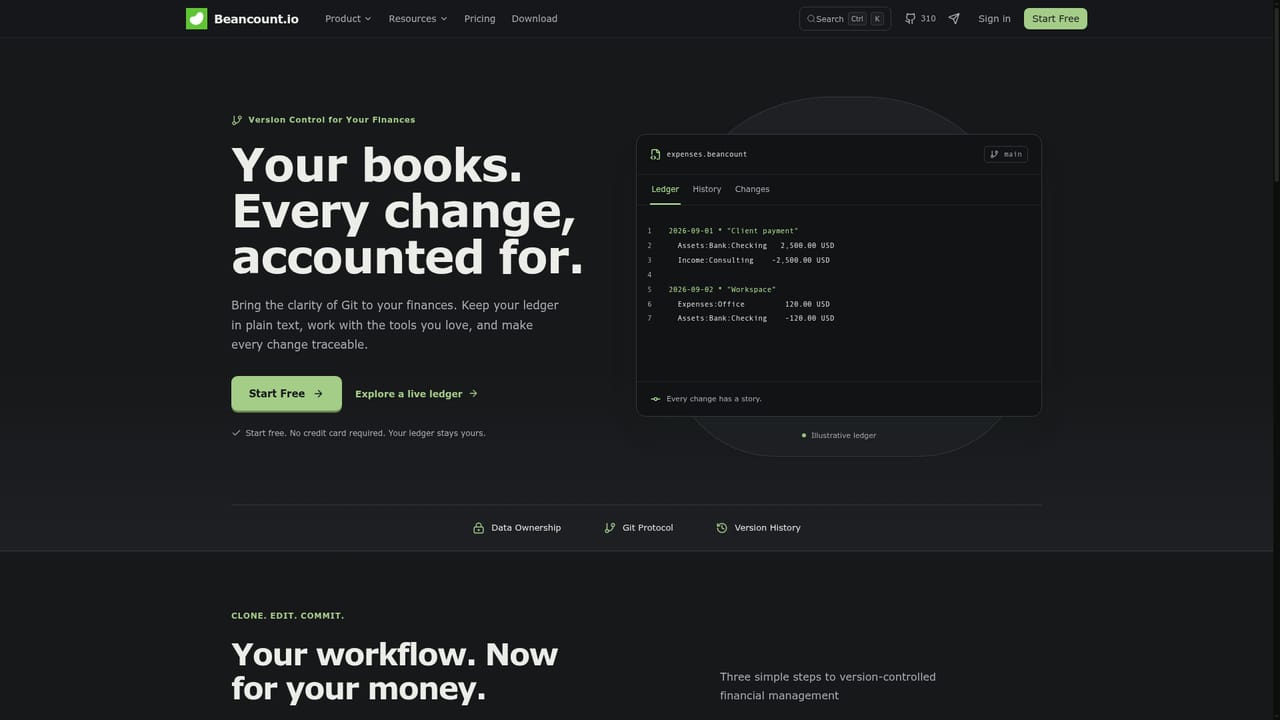
Beancount.io is an accounting journal entries tool. Hosted plain-text, double-entry accounting built on the open-source Beancount language, with Git version control, scriptable workflows, bank imports and an AI assistant for categorizing transactions and drafting entries.
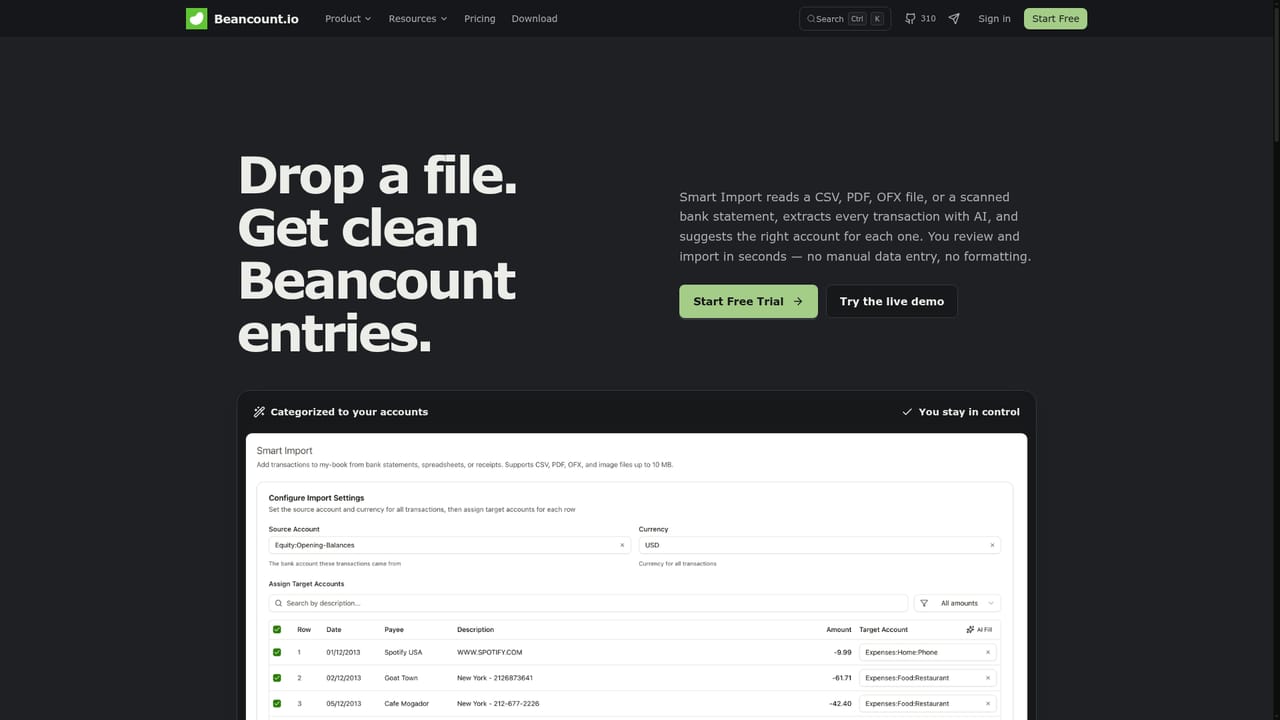
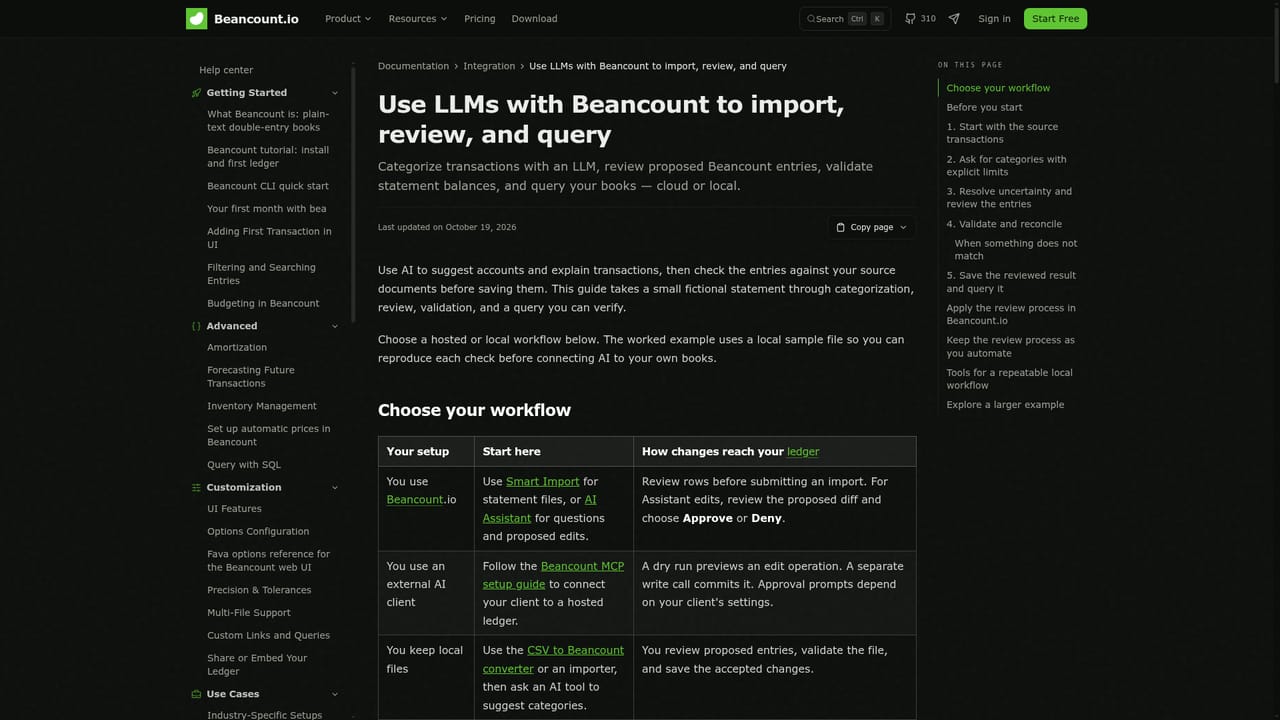
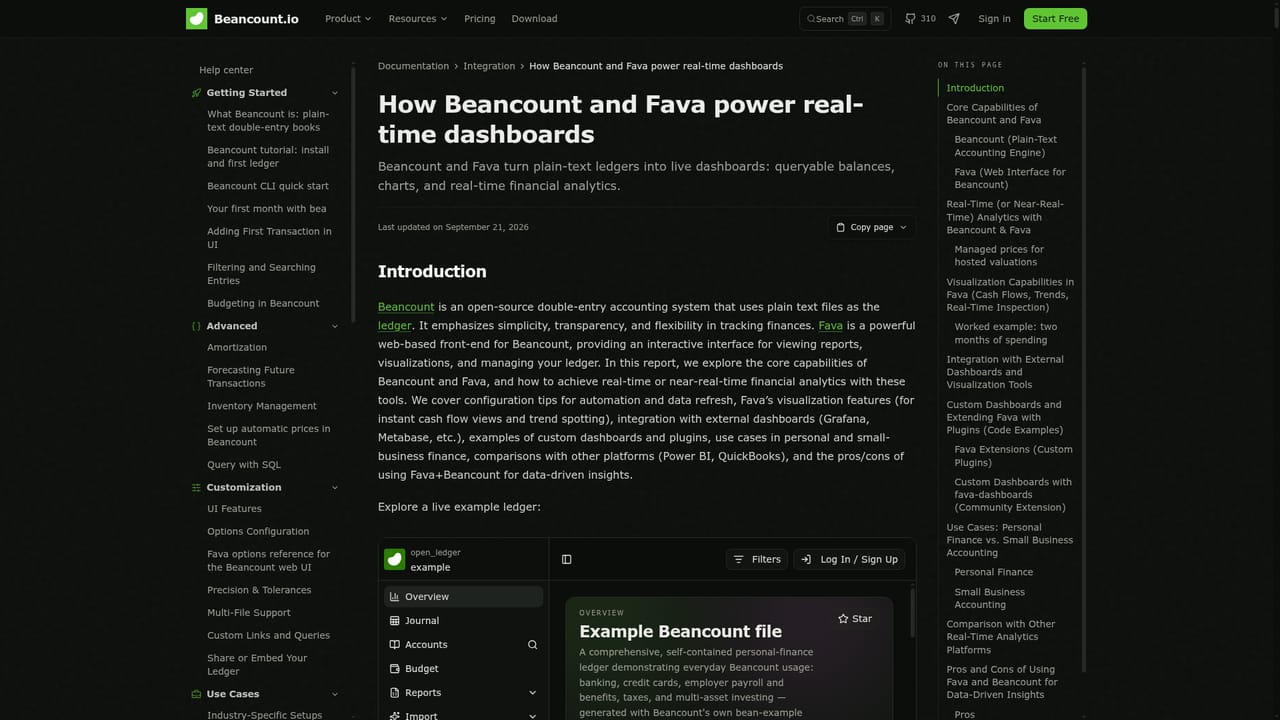
Beancount.io is a hosted service built on Beancount, the open-source plain-text accounting language created by Martin Blais. Instead of storing your books in a proprietary database, it keeps them as text files that follow double-entry rules, wrapped in a Git repository so every transaction arrives as a reviewable commit. The platform renders those files into live balance sheets, income statements and cash flow reports, and it exposes the ledger through a browser interface rather than a local command line. The product targets two overlapping audiences: developers and technical finance people who already like the idea of tracking money in versioned text, and individuals, couples, freelancers or small businesses who want auditability without maintaining their own toolchain. Non-coders are explicitly catered for. Entries can be drafted by the AI assistant from receipts and statements, categorization is suggested automatically, and the double-entry math is handled for you. From there you can grow into custom scripts, Beancount Query Language queries, or the Model Context Protocol server that lets an AI agent read balances and make atomic ledger edits. In daily use the loop looks like this: import statements through Smart Import (CSV, OFX, QIF or direct bank sync), let the assistant propose categories, review the commit diff, then branch or roll back if something looks wrong. Reports and dashboards come from your own queries, so analytics are limited only by what you ask. Public company ledgers on the site demonstrate the format on real filings. Compared with mainstream cloud accounting suites, Beancount.io trades hand-holding for transparency and portability: there is no lock-in, files export at any time, and an OpenAPI plus GraphQL surface exists for programmatic access. Buyers who want a fully guided, accountant-first interface may find the plain-text model austere, and the free tier's 1,000 ledger entries and 20K AI tokens cap heavier use quickly.
No credit card is required to start. The free plan is a permanent tier rather than a timed trial, so evaluation is not capped by a countdown.
Learn moreFree tier at $0/mo with one ledger, one collaborator, 1,000 ledger entries and 20K AI assistant tokens. Premium starts at $14.99/mo for individuals and solo businesses with five ledgers, five collaborators, unlimited entries and 500K AI tokens. No credit card required and cancel anytime.
Learn moreHelp Center with documentation, guides and video tutorials, an active community forum, and contact via Telegram. The site advertises 24/7 support.
Learn moreBank sync plus file import from CSV, OFX and QIF, and migration paths from Mint and QuickBooks. Programmatic access through an OpenAPI REST reference, GraphQL and a Model Context Protocol server for AI agents.
Learn morePlain-text double-entry ledgers stored in Git with full commit history, branching and rollback; AI-assisted categorization and entry drafting; scriptable workflows for reconciliations and reports; transparent and auditable files; real-time analytics and custom dashboards via BQL; Smart Import from CSV, OFX, QIF and bank sync; REST API and GraphQL access; MCP server for AI agents.
Learn more AI Angels400+ customizable AI girlfriends for NSFW chat, voice calls, and roleplay
 Candy AIExperience the future of companionship with AI friends who chat, role-play, and connect with you on a human level.
 ourdream.aiA vast AI roleplay platform with millions of characters for chat, images, video and voiceAI Angels400+ customizable AI girlfriends for NSFW chat, voice calls, and roleplayCandy AIExperience the future of companionship with AI friends who chat, role-play, and connect with you on a human level.ourdream.aiA vast AI roleplay platform with millions of characters for chat, images, video and voice