Free trial
The accounting add-on includes a 30-day free trial. Sending invoices and quotes needs no card to start and carries no monthly fee.
Learn moreInvoicing your AI agent can actually operate, with approval gates
Own Holdings Invoicing? Verify ownership to get a dofollow link

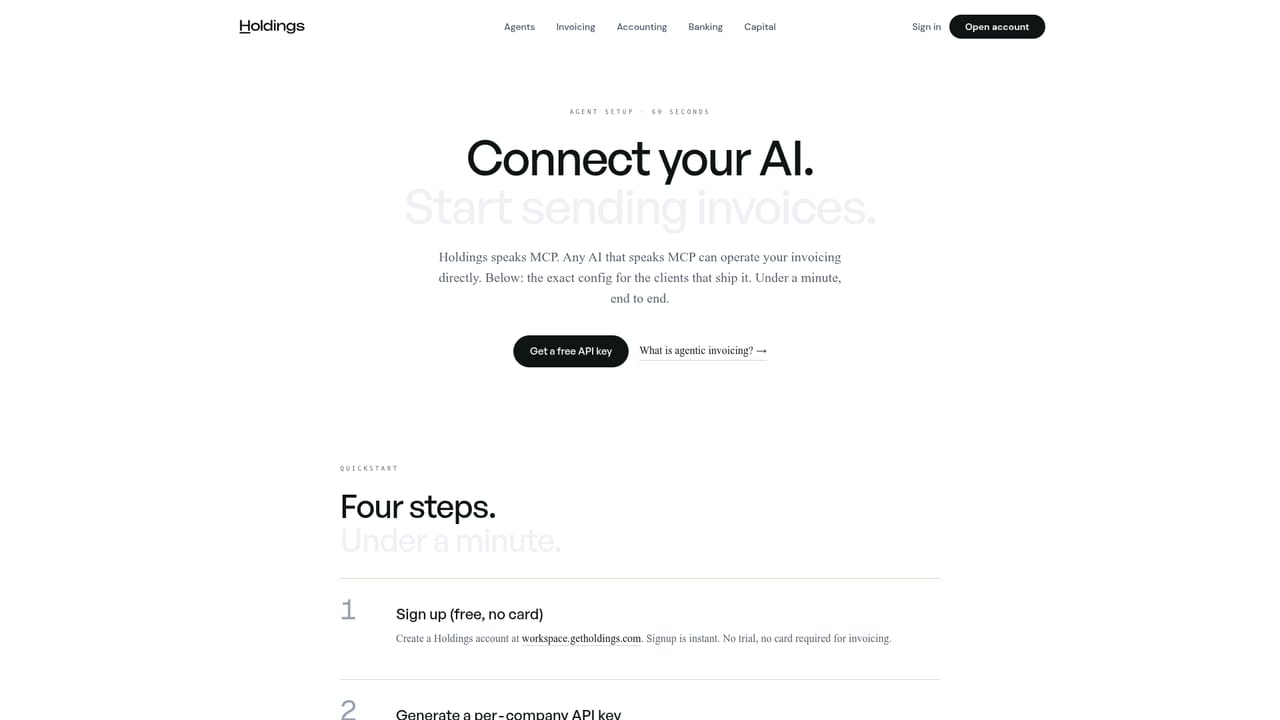
Holdings Invoicing is an accounting journal entries tool. An invoicing tool with an MCP server at its core: Claude, ChatGPT, Cursor or a custom agent can draft, send and chase invoices while a human approves every send. Quotes, payment links, QR codes and recurring billing are included, with no monthly fee to send.
Holdings Invoicing is an invoicing product built around a Model Context Protocol (MCP) server. Rather than wrapping a chat assistant around a billing form, it exposes the billing itself to an external agent: install the Holdings MCP server in Claude Desktop, ChatGPT, Cursor, or a custom MCP client, and that agent can draft invoices, send reminders, chase overdue balances and mark payments as received. Every send waits for a human yes, and each action, whether taken by the agent or by a person, lands in an audit trail. The scope is broader than plain invoices. Quotes carry your logo and payment terms and convert to an invoice in one click once approved. Invoices are unlimited and go out with a payment link attached. Shareable payment links let customers pick goods or services and pay without an invoice being raised first, and QR codes built from the same pages suit markets, events and front desks. Recurring schedules cover retainers and subscriptions, and auto-reminders follow up on overdue balances on a cadence you set or one the agent decides. Teams that would rather click than prompt get the same product as a web app, so the agent is an accelerator rather than a requirement. An optional accounting add-on at $25 per month with a 30-day trial books each payment the moment it lands, so the payment and the journal entry are one event and month-end reconciliation drops out of the workflow. Trade-specific pages cover construction, contracting, freelancing, photography, landscaping, cleaning, consulting, HVAC, plumbing, electrical, roofing, handyman work, auto repair, pressure washing, pest control and pool service. It competes with conventional invoicing suites on price and on automation depth. Sending invoices, quotes, payment links and QR codes carries no monthly fee; card processing at 3% plus $0.30 applies when a client pays through a link. Branding removal and the accounting features sit on the $25 per month Software plan. Clients pay by card today, with ACH support listed as roadmap work, and automatic collection for recurring invoices is also still planned rather than shipped.

The accounting add-on includes a 30-day free trial. Sending invoices and quotes needs no card to start and carries no monthly fee.
Learn moreSending invoices, quotes, payment links and QR codes has no monthly fee. Card payments through a payment link cost 3% plus $0.30 per transaction at standard processing rates, with no Holdings markup stated. The accounting add-on is $25 per month after a 30-day trial, and the Software plan at $25 per month removes the Powered by Holdings branding.
Learn moreThe main integration is the Holdings MCP server for MCP-compatible AI clients including Claude Desktop, ChatGPT and Cursor. Card payments run through Stripe, and payments can be marked manually or by webhook.
Learn moreBranded quotes that convert to invoices in one click, unlimited invoices with payment links, shareable payment pages for point of sale, printable QR codes, weekly or monthly recurring schedules, and auto-reminders on overdue balances. An MCP server exposes all of it to Claude, ChatGPT, Cursor or a custom agent, with human approval on every send and a full audit trail.
Learn more AI Angels400+ customizable AI girlfriends for NSFW chat, voice calls, and roleplay
 Candy AIExperience the future of companionship with AI friends who chat, role-play, and connect with you on a human level.
 ourdream.aiA vast AI roleplay platform with millions of characters for chat, images, video and voiceAI Angels400+ customizable AI girlfriends for NSFW chat, voice calls, and roleplayCandy AIExperience the future of companionship with AI friends who chat, role-play, and connect with you on a human level.ourdream.aiA vast AI roleplay platform with millions of characters for chat, images, video and voice