Free trial
Both Pro and Elite start with a 7-day free trial. No credit card details are stated on the homepage.
Learn moreAI receipt scanning, bank matching and expense reports for small business books.

SparkReceipt is an accounting journal entries tool. SparkReceipt captures receipts by phone camera, email inbox and statement upload, reads them with AI, and matches each bank line to its receipt so small businesses can close the month in about ten minutes.
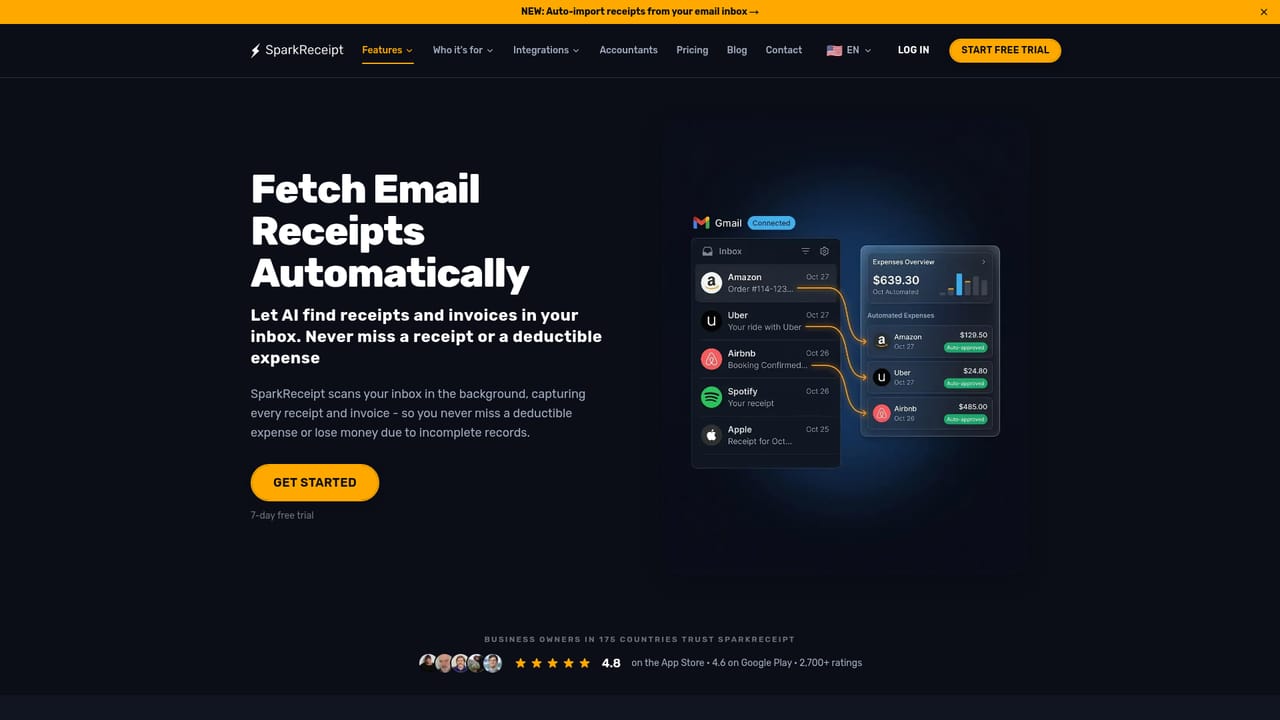
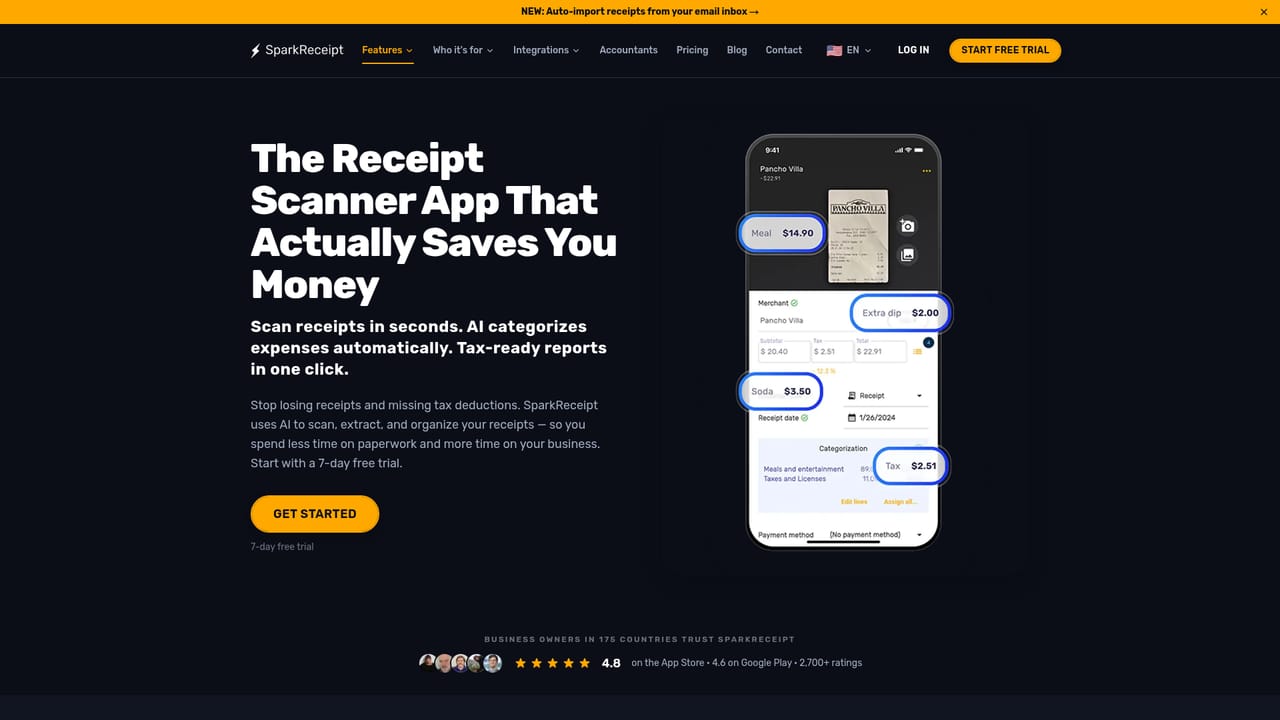
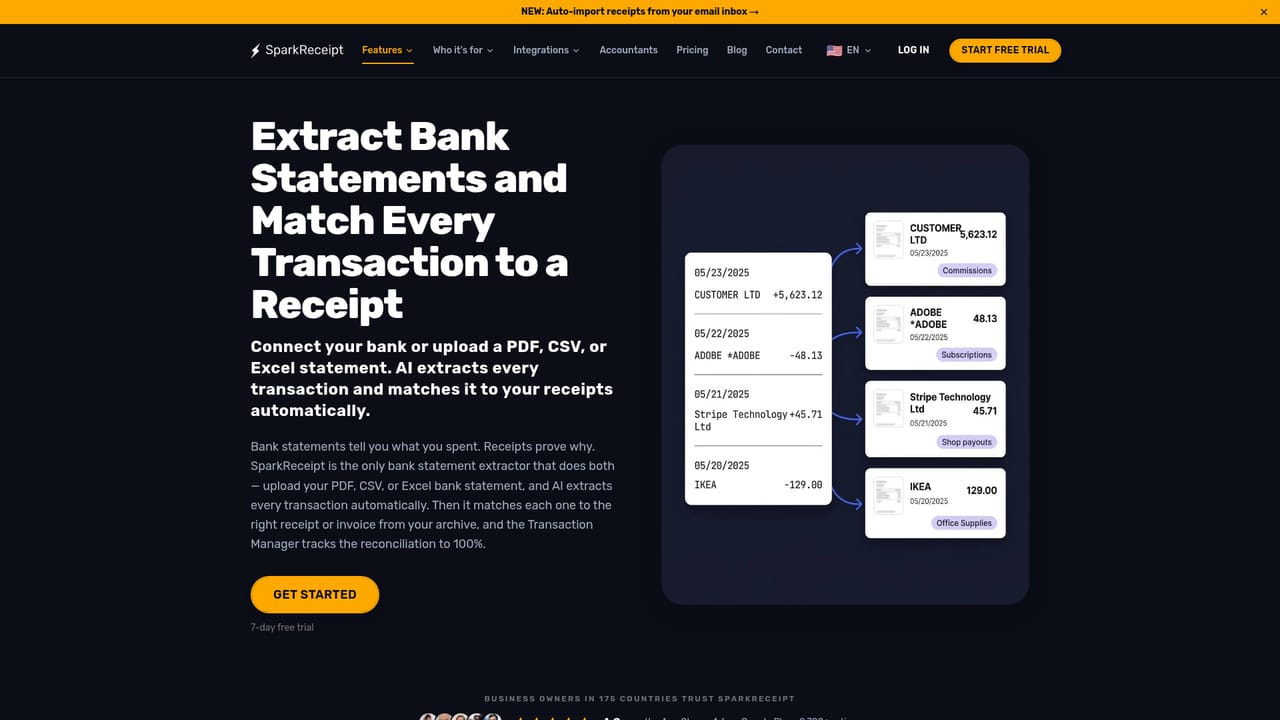
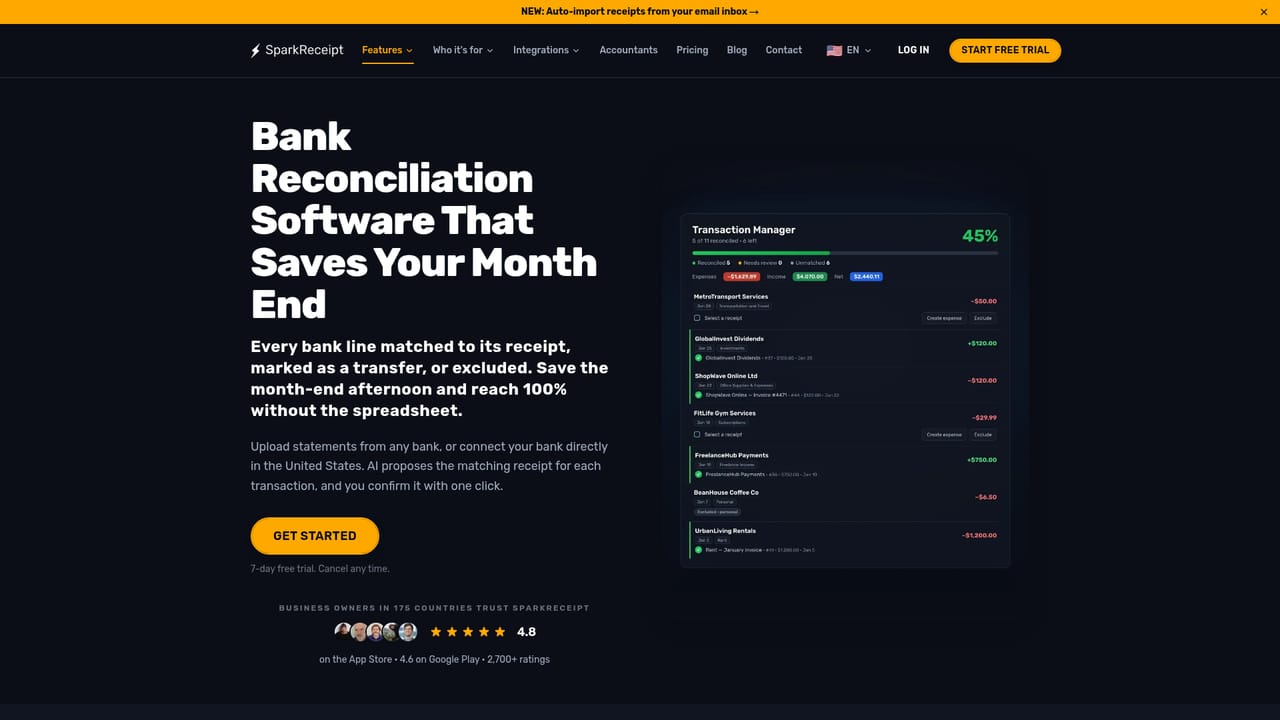
SparkReceipt is a receipt capture and bookkeeping tool built for freelancers, sole proprietors and small businesses that keep their own records. It collects documents from three places: a phone camera for paper receipts, connected email inboxes for digital ones, and uploaded bank or credit card statements. The AI reads merchant names, dates, totals, taxes, currencies and line items, typically in two to three seconds, and supports receipts in most languages across 190 currencies. The result is a searchable record of spending rather than a shoebox. The workflow is designed around a monthly rhythm. Setup takes about fifteen minutes: connect Gmail, Outlook or any IMAP mailbox so that new receipts arrive automatically (a historical sweep can pull older invoices out of the archive), connect a US bank for a transaction feed or plan to upload statements elsewhere, and install the mobile app for paper receipts and GPS mileage logging. Each month the statement lands, and SparkReceipt pairs each bank line with its closest receipt by amount, date and merchant. The user confirms the suggestions or asks SparkAgent to work through the list. Plain-language rules handle recurring cases, so a receipt from a known supplier can be filed automatically in future months. Output is where the tool draws its boundary. Reports can be downloaded as PDF, Excel or CSV, or packaged in formats for Wave, Sage 50, DATEV and Sage 200/300, and reconciled months can be published into QuickBooks Online or Xero with the receipt image attached. Accountants get a free seat and their own login. SparkReceipt does not create or send invoices, run payroll or file tax returns, so it sits alongside accounting software rather than replacing it. Pricing starts with a 7-day free trial. Pro covers 50 documents a month, Elite removes that cap under fair use, and each plan includes one user with extra seats at $1.00 a month. Bank statement extraction and large email imports draw on credits.
Both Pro and Elite start with a 7-day free trial. No credit card details are stated on the homepage.
Learn morePro is $5.75/month billed annually for 50 documents a month, and Elite is $10.75/month billed annually ($129/year) with unlimited documents under fair use. Both include one user and a 7-day free trial, with extra users at $1.00/month and a free accountant seat. Monthly billing and a full comparison are on the pricing page.
Learn moreA help centre covers feature guides, and a contact page is available. The homepage does not state response times or support channels.
Learn moreGmail, Outlook and any IMAP mailbox for receipts; QuickBooks Online and Xero for publishing; file formats for Wave, Sage 50, DATEV and Sage 200/300. US bank connections are mentioned for transaction feeds.
Learn moreAI receipt scanning with line items and categorization, automatic imports from multiple email inboxes, bank statement extraction and receipt matching, mileage tracking, expense reports, AI fields and plain-English rules, exports in accounting formats, and publishing to QuickBooks Online and Xero. Documents are encrypted in transit and at rest and stored in Sweden with a Frankfurt backup.
Learn more AI Angels400+ customizable AI girlfriends for NSFW chat, voice calls, and roleplay
 Candy AIExperience the future of companionship with AI friends who chat, role-play, and connect with you on a human level.
 ourdream.aiA vast AI roleplay platform with millions of characters for chat, images, video and voiceAI Angels400+ customizable AI girlfriends for NSFW chat, voice calls, and roleplayCandy AIExperience the future of companionship with AI friends who chat, role-play, and connect with you on a human level.ourdream.aiA vast AI roleplay platform with millions of characters for chat, images, video and voice