Beeble

AI VFX with control down to the pixel, the frame and the pipeline

Advanced
Screenshot of Beeble, AI VFX with control down to the pixel, the frame and the pipeline

What is Beeble?

Beeble is a generative video tool. AI VFX platform for filmmakers and compositors, combining mask-guided relighting, background removal, reframing, HDR recovery and pass generation with bundled top-tier image and video models inside a node-based canvas.

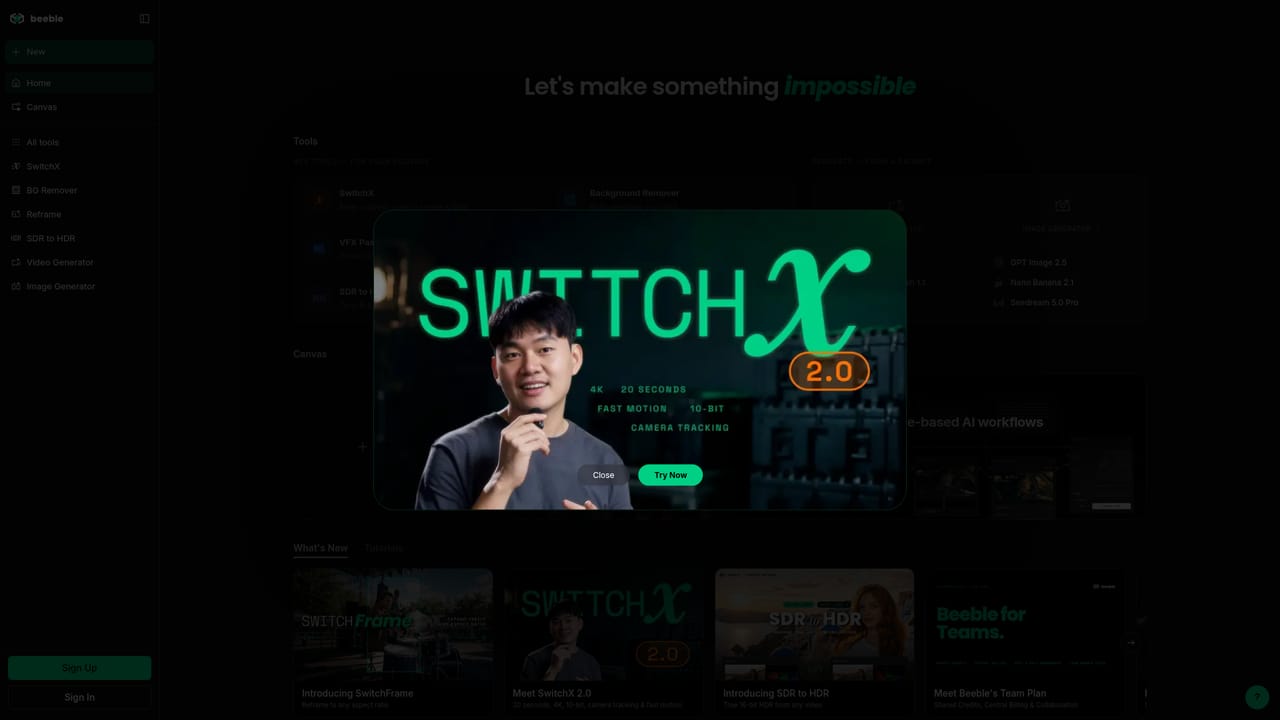
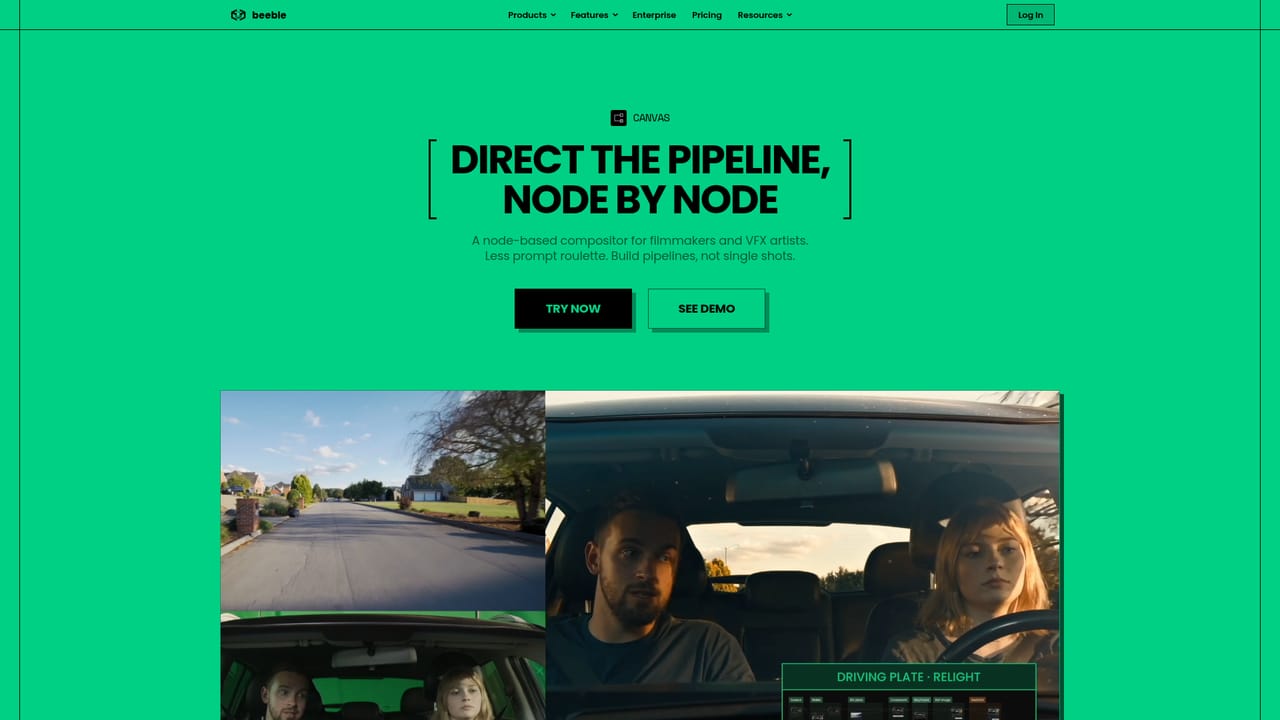
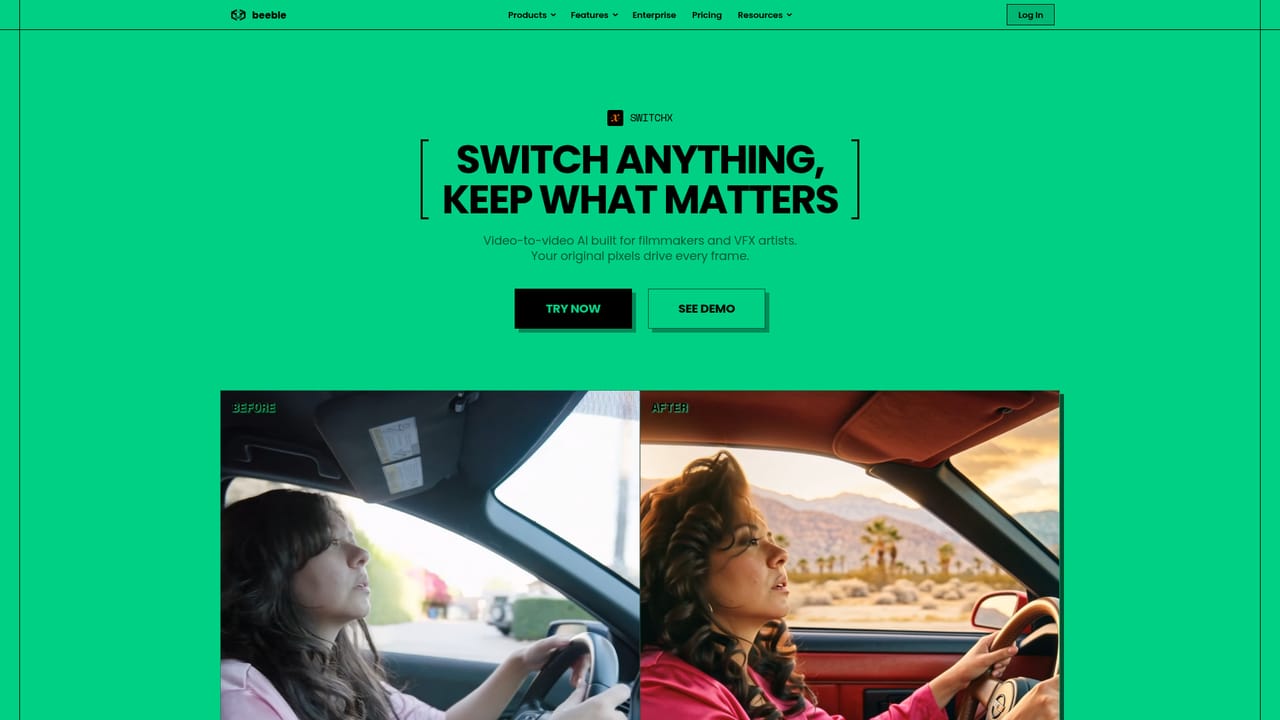
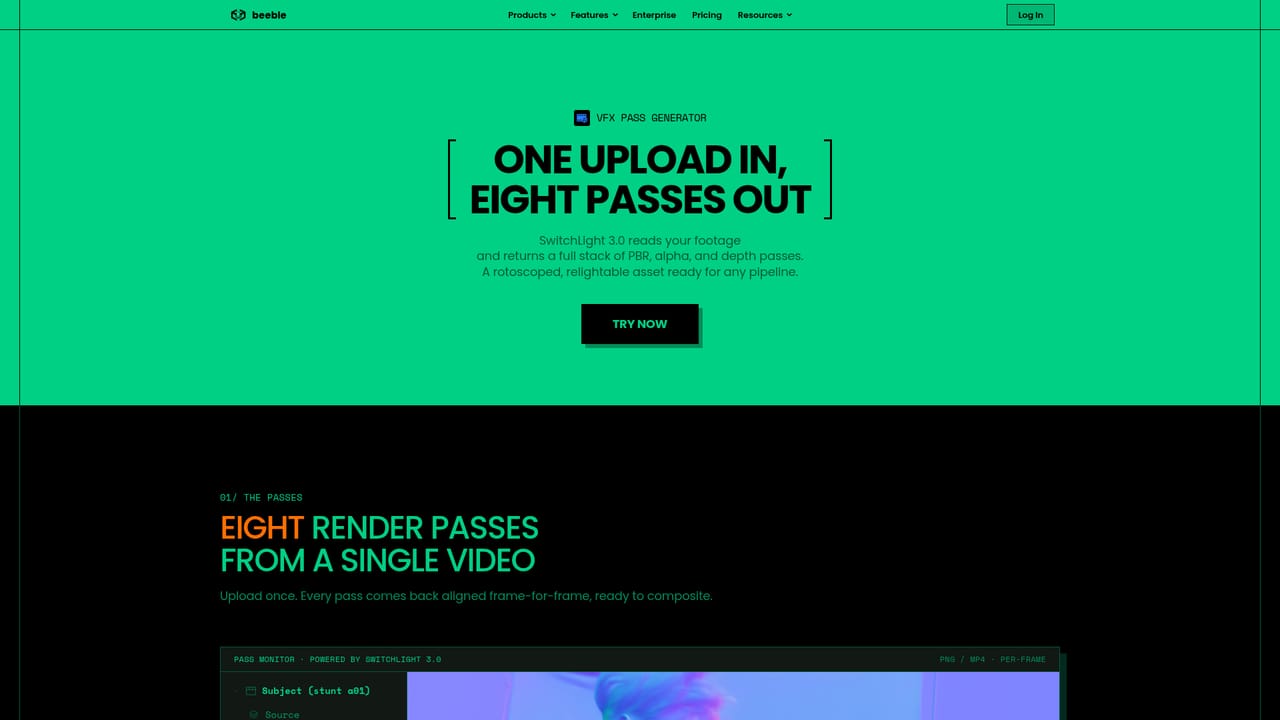
Beeble is a browser-based visual effects and generative imaging platform built around a simple premise: AI should work inside a shot that already exists, not force the shot to fit what the model can output. You bring footage, whether captured on set or generated elsewhere, and Beeble returns finished material in the same aspect ratio, frame rate and resolution, with PNG and EXR output for downstream compositing. The company positions itself alongside post houses rather than AI hobbyists, and its landing page features studios including Framestore, Skydance and Crafty Apes. The core tool is SwitchX, a mask-guided relighting and replacement engine that operates frame by frame. An explicit mask locks a performer's face and likeness, so protected regions are preserved at the pixel level rather than approximated through prompting. Around it sit a background remover for alpha mattes, Reframe for aspect ratio expansion, a VFX pass generator producing PBR, depth and alpha channels for DCC tools, 3D Relight, SDR to HDR conversion delivered as EXR ACES sequences, and an upscaler using Topaz or Magnific. Image and video generators bundle top models such as Nano Banana, Seedream, GPT Image, FLUX, Seedance and Kling, so a production does not need separate subscriptions for each. The Canvas is an infinite node graph where those models and editing nodes can be chained, branched and compared. Ready-made templates cover common tasks like multi-camera sequences, driving plates, sky replacement, set extension and cinematic explosion effects. Practically, a compositor starts from a plate, masks what must survive, then routes the result through relight, reframe or pass generation before exporting. The workflow suits VFX artists, compositors, colourists and small studios already using Nuke or similar software, though the credit system and mask-based approach assume some familiarity with post-production concepts. Beeble sits between specialist one-job AI utilities and full enterprise compositing suites. It competes on output fidelity and model breadth rather than price, and the annual plans show that positioning clearly.

How do you use Beeble?

  1. 1Create an account and open the app
    Sign up at the main app entry point. The workspace loads with the generators, VFX tools and canvas available from one interface.
    Beeble — Create an account and open the app
  2. 2Pick a starting point
    Begin from a blank canvas for custom work, or browse the template library for multi-camera, relight, sky replacement or set extension setups.
    Beeble — Pick a starting point
  3. 3Bring in your plate and mask what must survive
    Upload footage and draw an explicit mask over faces, props or regions that the model should not alter. Protected pixels stay untouched through generation.
    Beeble — Bring in your plate and mask what must survive
  4. 4Run relight, reframe or pass generation
    Apply the VFX tool the shot needs. Relight and replace objects frame by frame, expand the frame, or export PBR, depth and alpha passes for your DCC.
    Beeble — Run relight, reframe or pass generation
  5. 5Export in your own format
    Download results as PNG or EXR sequences at the same aspect ratio, frame rate and resolution as the source, ready for compositing.
  6. 6Compare plans and scale up
    Review credit allowances and tier limits, then move to Professional or Team when 4K, 10-bit output or shared billing is required.

Pros and cons

Pros

  • Mask-guided controls let artists lock a performer's face and likeness instead of relying on prompt wordingAI
  • Output matches the source aspect ratio, frame rate and resolution, and exports as PNG or EXR for compositingAI
  • Multiple image and video models are bundled in one subscription rather than sold separatelyAI
  • Node-based Canvas supports branching, version comparison and template starting points for common VFX tasksAI
  • Research pages and studio case studies give a clear view of what the models actually do on real shotsAI

Cons

  • SwitchX 4K and 10-bit output and the longer background remover clips are gated behind the Professional tierAI
  • Creator plan includes only 540 credits per month, and heavier generation or long sequences will need top-upsAI
  • SOC 2 Type II is still in progress, which matters for studios with procurement requirementsAI
  • The mask-first workflow and node canvas assume post-production literacy, so newcomers face a steep learning curveAI
  • Pricing is quoted per seat with annual billing discounts, so monthly flexibility costs moreAI

How much does Beeble cost?

Pricing

Creator is $19 monthly or $16 per month billed yearly with 540 credits, all VFX tools, generators and a commercial licence. Professional is $75 monthly or $60 yearly with 2,400 credits plus 4K and 10-bit SwitchX and Reframe output. Team is $84 per seat per month billed yearly; Enterprise is quoted on request.

Learn more

Support

Enterprise customers get a dedicated Slack channel and onboarding support. Plans include role, credit and model access management from one admin dashboard, with custom SSO and unlimited seats at enterprise level.

Learn more

Features

SwitchX for mask-guided relighting and replacement, Background Remover, Reframe, VFX Pass Generator, 3D Relight, SDR to HDR, an upscaler via Topaz or Magnific, image and video generators covering models like Nano Banana, Seedream, FLUX, Seedance and Kling, a 3D scene generator, and a node-based Canvas with templates.

Learn more

Frequently asked questions about Beeble

  • How much does Beeble cost?
    Creator is $19 monthly or $16 per month billed yearly with 540 credits, all VFX tools, generators and a commercial licence. Professional is $75 monthly or $60 yearly with 2,400 credits plus 4K and 10-bit SwitchX and Reframe output. Team is $84 per seat per month billed yearly; Enterprise is quoted on request.
  • How do you use Beeble?
    The walkthrough on this page covers 6 steps: 1. Create an account and open the app 2. Pick a starting point 3. Bring in your plate and mask what must survive 4. Run relight, reframe or pass generation 5. Export in your own format 6. Compare plans and scale up.
  • What platforms does Beeble support?
    Beeble is available on Web App.
  • What are the limitations of Beeble?
    SwitchX 4K and 10-bit output and the longer background remover clips are gated behind the Professional tier. Creator plan includes only 540 credits per month, and heavier generation or long sequences will need top-ups. SOC 2 Type II is still in progress, which matters for studios with procurement requirements.

Status

StatusActive
Views0
Outbound clicks0
Added10/21/2026

Platforms

Web App

Pricing

Free TrialSubscriptionPaid