Free trial
The free plan works as an ongoing free tier rather than a timed trial: 2 free videos per month and up to 10 staged photos, no credit card needed.
Learn moreListing photos into cinematic property videos and staged shots

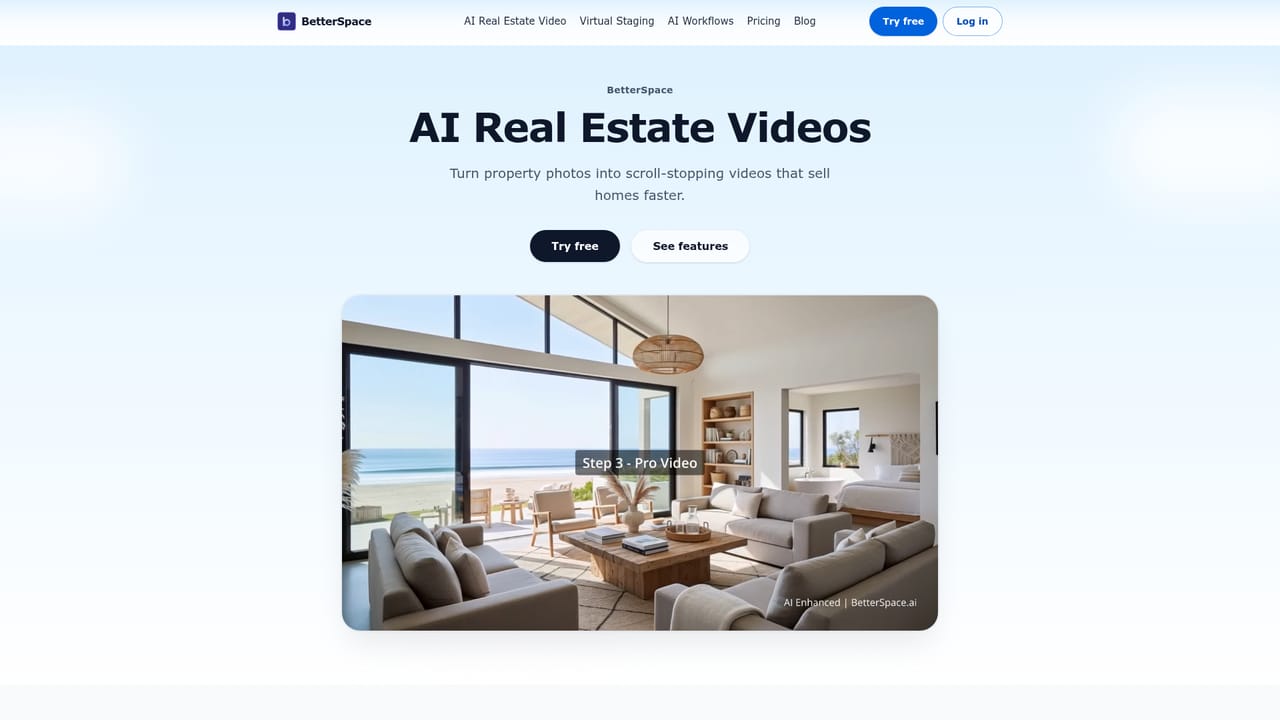
BetterSpace is an image to video tool. An AI marketing platform for real estate listings: upload photos or paste a listing link to get a cinematic property video and virtually staged photos, then schedule posts to Instagram, TikTok, and Facebook from the same dashboard.
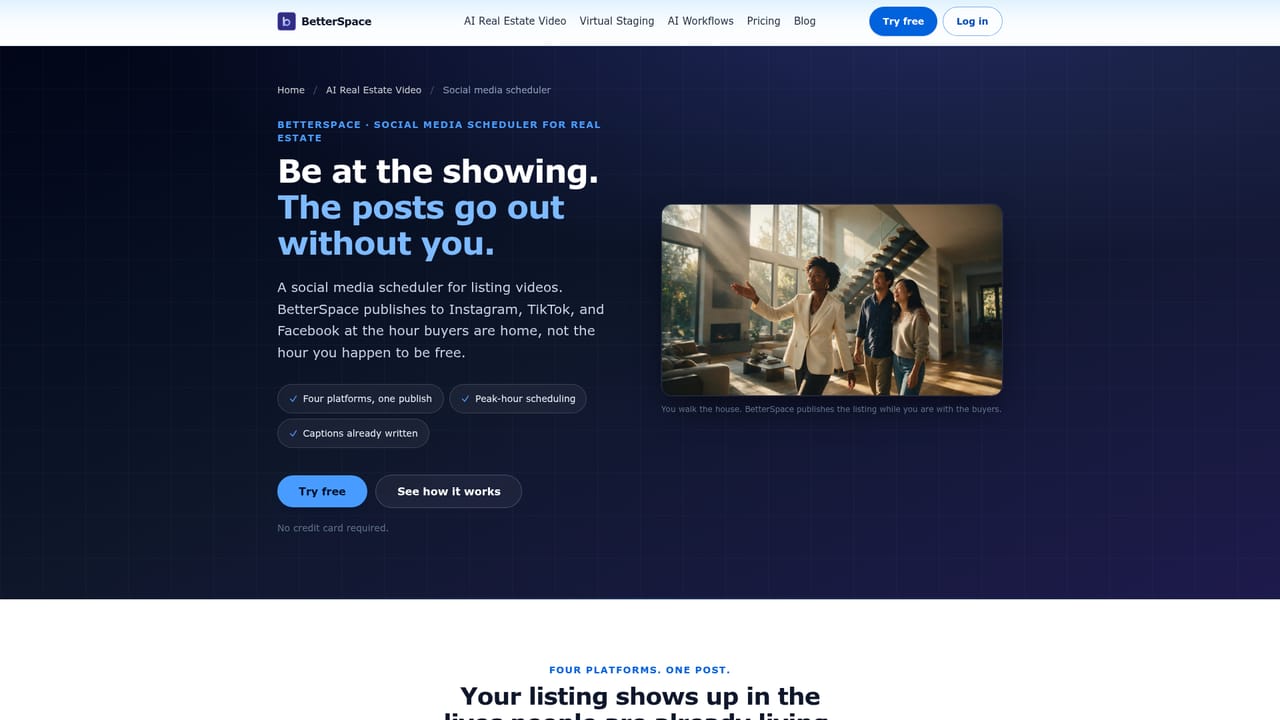
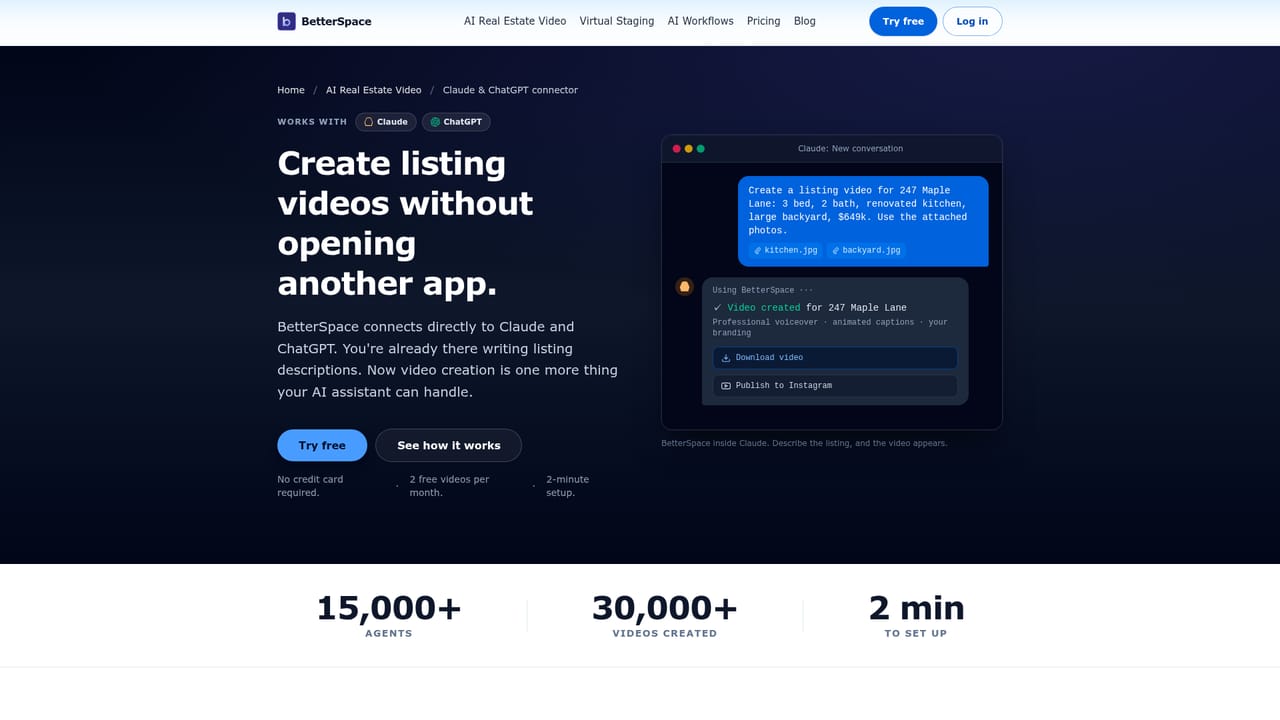
BetterSpace is a marketing platform built specifically for real estate listings. The core function is straightforward: upload property photos, or paste a link from Zillow, Rightmove, or your own website, and the system pulls the images, orders them, and assembles a cinematic video with motion, music, voiceover, and captions. The same upload can also produce virtually staged photos, so empty rooms get furnished and exteriors get enhanced without a staging crew on site. The product has grown beyond a single video generator. AI Workflows lets an agent connect a website once so new listings arrive ready for video and social posts without manual uploads. A built-in Social Media Scheduler publishes to Instagram, TikTok, and Facebook from the same dashboard. An MCP-style connection to Claude and ChatGPT lets an assistant trigger a listing video directly from a chat session. Two newer features, AI Avatar Presenter and AI Lifestyle Actors, add an on-camera presenter or populated scenes so a video shows the lifestyle rather than empty rooms. The intended user is a working agent or listing team that produces marketing volume without a video editor on staff. Brokerages and agencies get shared brand kits, seats, and admin controls so output stays on-brand across a large roster. The site reports more than 15,000 agents and 30,000 listing videos created. Alternatives fall into two camps. Generic AI video generators handle motion well but know nothing about property workflows, and dedicated real estate marketing suites tend to be heavier and slower. BetterSpace sits in between: fast, listing-aware, and equipped with the scheduling and team layers that turn a one-off clip into a repeatable process. Pricing starts with a free tier and moves to premium plans advertised from $29 per month.
The free plan works as an ongoing free tier rather than a timed trial: 2 free videos per month and up to 10 staged photos, no credit card needed.
Learn moreFree plan includes 2 videos per month and up to 10 staged photos with no credit card required. Premium plans are described as volume-friendly and start from $29 per month, with the full plan comparison on the separate pricing page.
Learn moreA contact page is available for reaching the team; the homepage does not describe support channels, hours, or documentation.
Learn moreConnects to Claude and ChatGPT for chat-driven video creation, and accepts listing links from Zillow, Rightmove, and agent websites. Publishing runs to Instagram, TikTok, and Facebook through the built-in scheduler.
Learn moreListing video generation from uploaded photos or a pasted listing link, with AI motion, music, voiceover, and captions. Virtual staging for empty rooms and exteriors. AI Workflows for automatic listing intake, a Social Media Scheduler for Instagram, TikTok, and Facebook, Claude and ChatGPT integration, AI Avatar Presenter, AI Lifestyle Actors, and shared brand kits with seats and admin controls for teams.
Learn more AI Angels400+ customizable AI girlfriends for NSFW chat, voice calls, and roleplay
 Candy AIExperience the future of companionship with AI friends who chat, role-play, and connect with you on a human level.
 ourdream.aiA vast AI roleplay platform with millions of characters for chat, images, video and voiceAI Angels400+ customizable AI girlfriends for NSFW chat, voice calls, and roleplayCandy AIExperience the future of companionship with AI friends who chat, role-play, and connect with you on a human level.ourdream.aiA vast AI roleplay platform with millions of characters for chat, images, video and voice


