Free trial
A 30-day free trial is offered with no credit card required. The homepage suggests CCing Blockit on a single thread to evaluate it.
Learn moreAn AI scheduling agent you CC into email and Slack threads

Blockit AI is a proactive AI assistant tool. Blockit is an AI scheduling agent that you CC on email or Slack threads. It negotiates times, converts time zones, respects your calendar preferences and sends the invite, with adjustable autonomy from review-everything to autopilot.
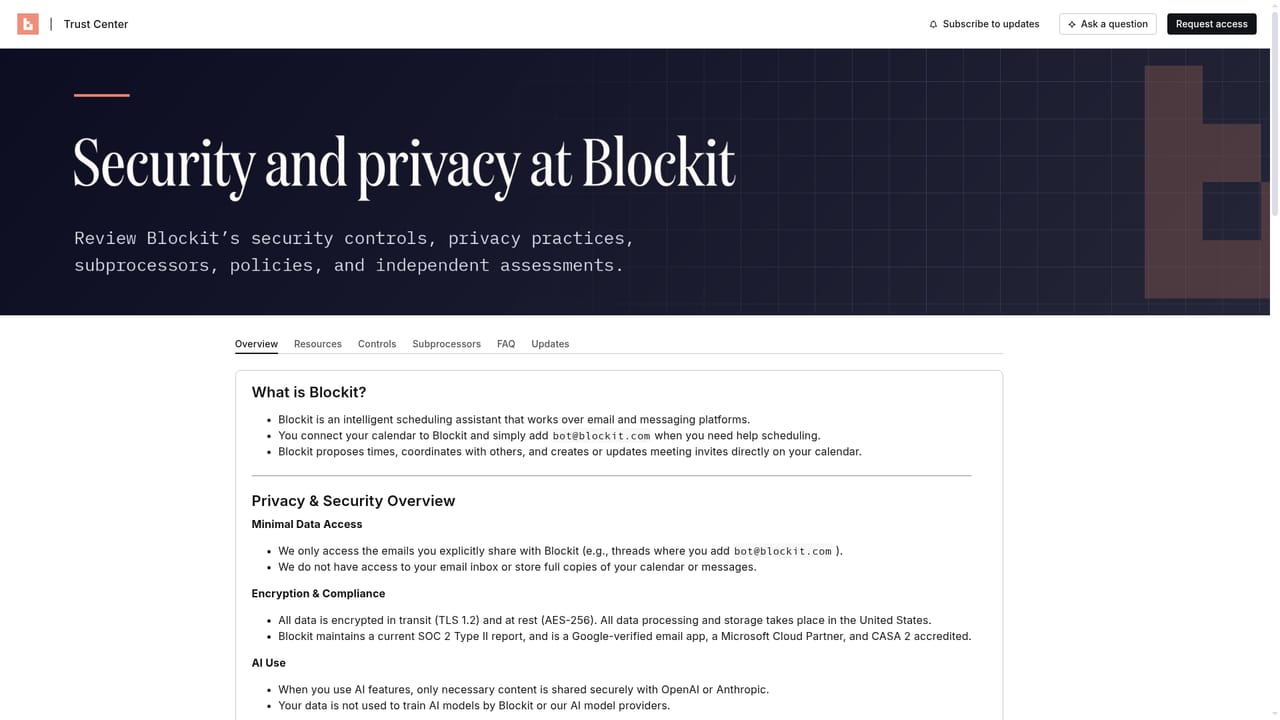
Blockit is an AI scheduling agent that plugs into the threads where meetings actually get arranged. Instead of trading calendar links, you copy Blockit on an email or Slack conversation and it takes over the back and forth: proposing times, converting time zones, answering questions and sending the invite once someone agrees. The homepage example shows the agent suggesting a coffee near the recipient's office on one day and a backup slot on another, then locking the calendar hold the moment a preference is confirmed. The product is aimed at people whose calendars are a bottleneck: founders, executives, partners, recruiters and anyone in a client-facing role where scheduling friction costs real hours. It also fits executive assistants, since the tool is positioned as taking the scheduling grind off their plate while keeping them in the loop. Blockit connects multiple Google or Outlook calendars and can read colleagues' free/busy status, so group meetings get proposed with everyone's availability in mind. When other attendees also run Blockit, the meeting blocks instantly on both sides. The workflow has three parts. You connect your calendars, CC Blockit on a thread, and the agent handles the rest. Underneath, it learns your meeting habits (walk time between appointments, no early mornings, travel days) and applies them by context. It also claims to handle the messy cases: declines and rebooking, forwarded threads, daylight saving changes, wrong dates, out-of-office replies and new attendees. Autonomy is adjustable, from reviewing every invite to full autopilot, and can be set per person or meeting type. Where it differs from link-based schedulers is the interface. Tools that ask strangers to pick from a grid put the work on the other party; Blockit works inside the conversation people were already having. Teams can run it from their own domain so external touchpoints carry the firm's branding. The vendor publishes SOC 2 Type II status and encryption details on a separate trust page, and states that scheduling data is never mixed across connected calendars.
A 30-day free trial is offered with no credit card required. The homepage suggests CCing Blockit on a single thread to evaluate it.
Learn moreGoogle and Microsoft calendars, Slack, and video links for Zoom, Google Meet and Microsoft Teams. Multiple calendars can be connected at once.
CC Blockit on email or Slack threads and it negotiates times, converts time zones, nudges non-responders, rebooks declines and sends invites. It learns scheduling preferences (walk time, travel days, working hours), checks colleagues' free/busy for group meetings, and supports multiple Google and Outlook calendars plus Zoom, Meet and Teams links. Autonomy ranges from review-everything to autopilot, and teams can run it from their own domain.
 AI Angels400+ customizable AI girlfriends for NSFW chat, voice calls, and roleplay
 Candy AIExperience the future of companionship with AI friends who chat, role-play, and connect with you on a human level.
 ourdream.aiA vast AI roleplay platform with millions of characters for chat, images, video and voiceAI Angels400+ customizable AI girlfriends for NSFW chat, voice calls, and roleplayCandy AIExperience the future of companionship with AI friends who chat, role-play, and connect with you on a human level.ourdream.aiA vast AI roleplay platform with millions of characters for chat, images, video and voice


