Free trial
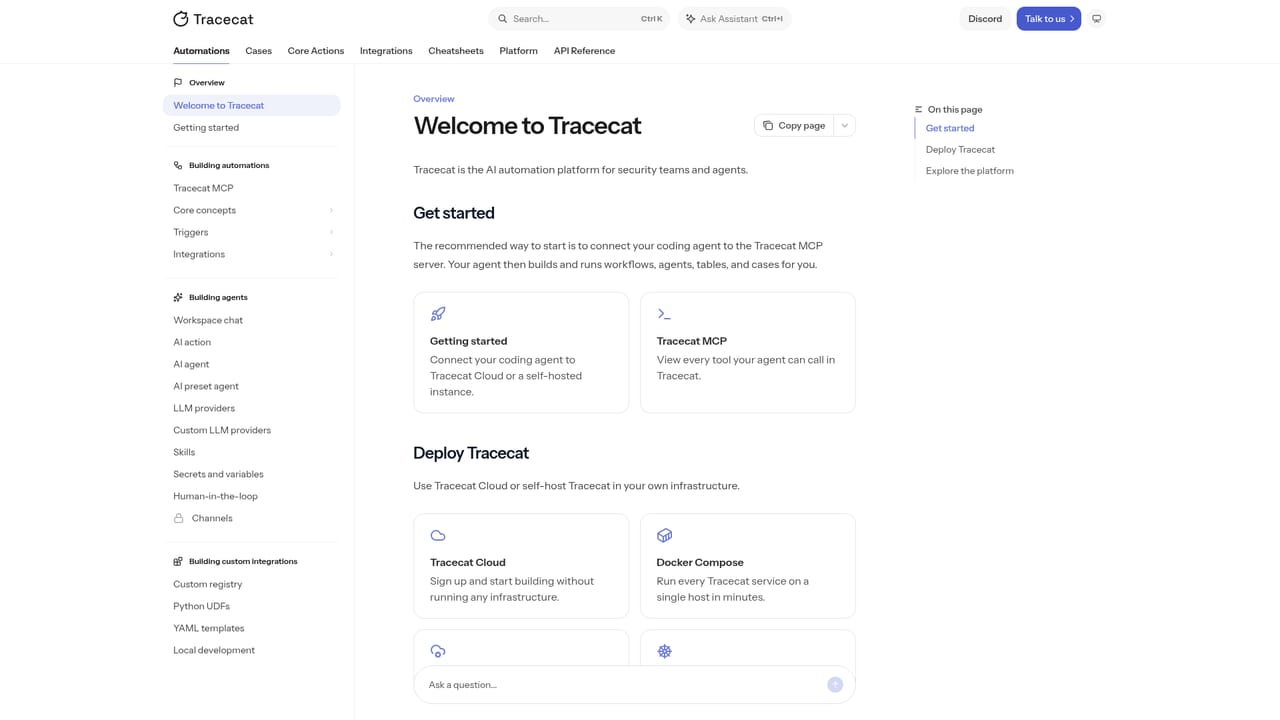
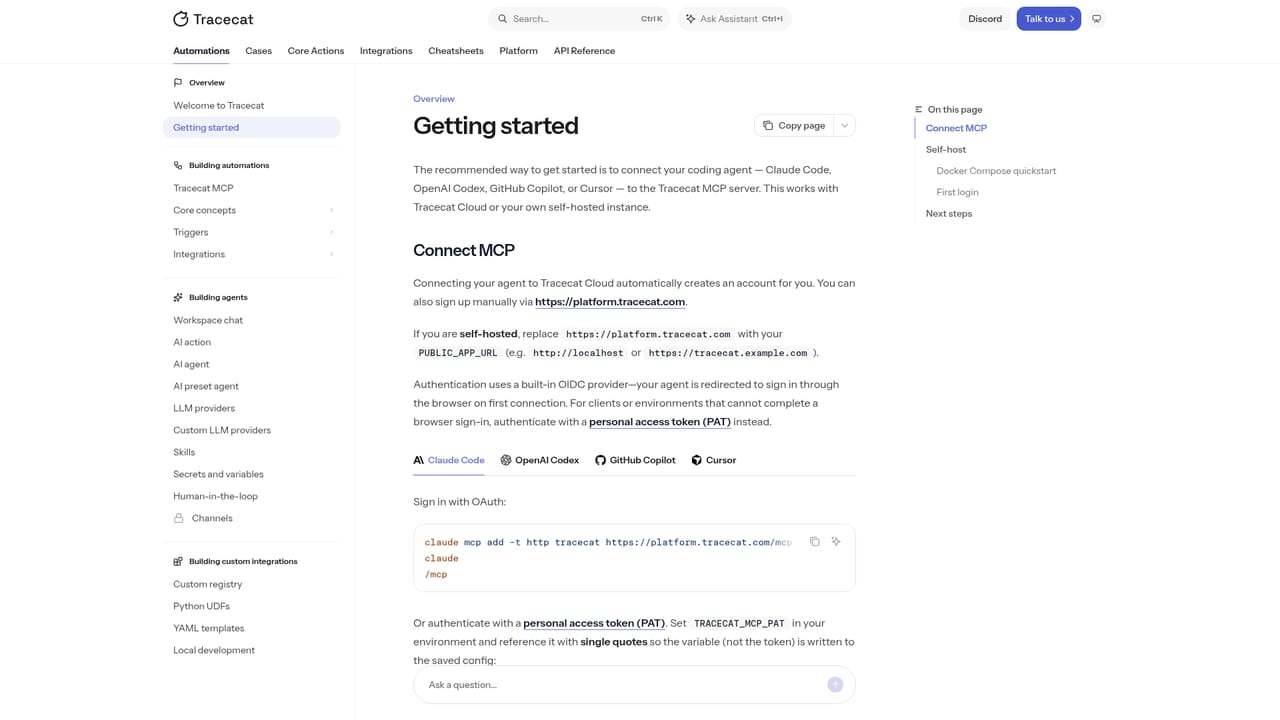
No time-limited trial is described. The open source edition is available to self-host for free by following the getting started documentation.
Learn moreOpen source SOAR with agents, cases and deterministic workflows

Tracecat is an open source SOAR platform that mixes AI agents with deterministic workflows and case management, built for security teams that want self-hosted automation, human approvals on risky actions and full audit logs of every agent decision.
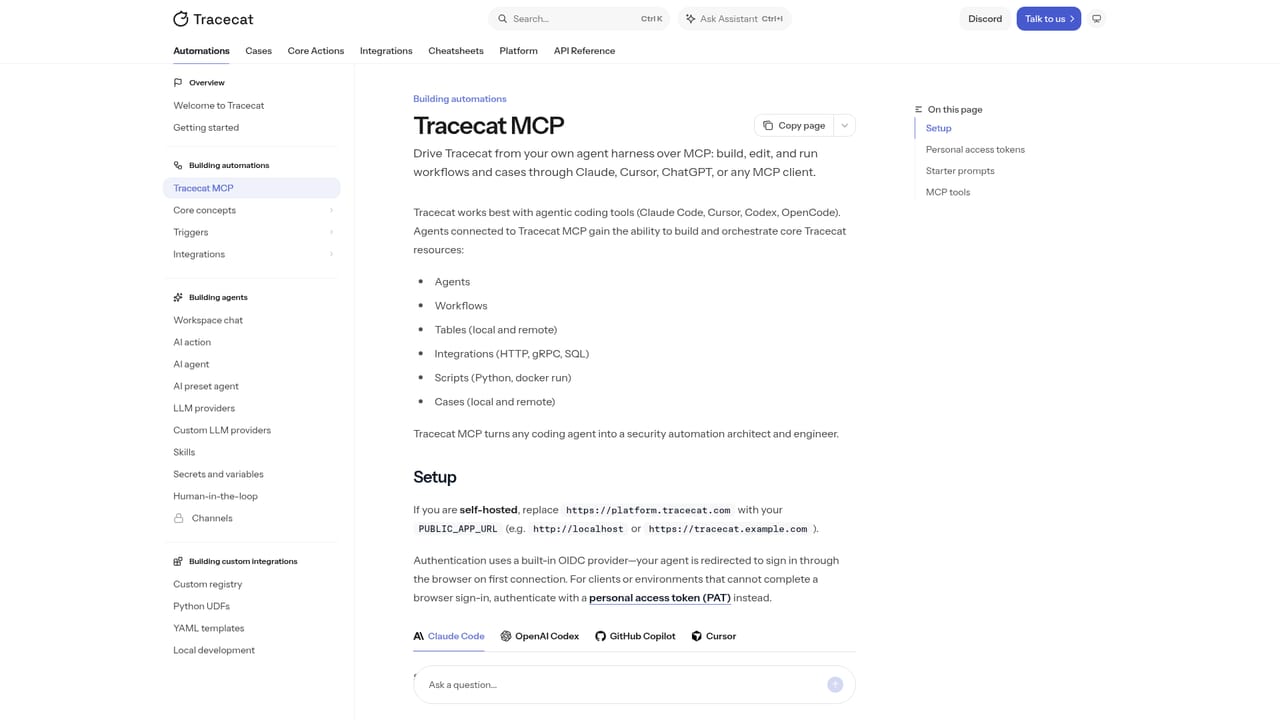
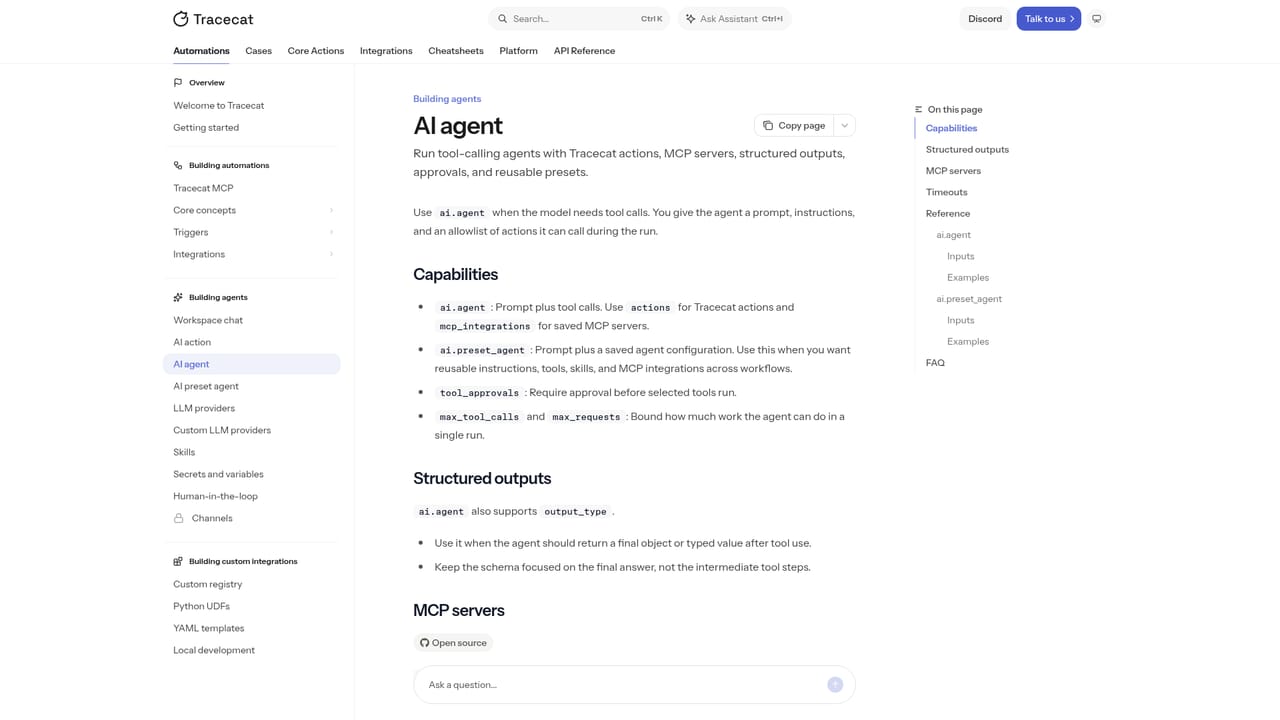
Tracecat is an open source security automation platform aimed at security operations teams that want AI agents working inside their detection and response stack rather than bolted on beside it. It combines three surfaces in one workspace: agents, cases and workflows. Agents can be given a goal and a set of instructions, connected to integrations, and left to enrich alerts, classify findings or prepare containment steps. Cases hold the investigation record, with evidence, timelines, affected hosts and a copilot that suggests next actions. Workflows are the deterministic layer that turns those agent decisions into repeatable runbooks. The design leans on the idea that prompts should not be the only thing standing between an alert and a destructive action. Sensitive steps such as isolating an endpoint or revoking an identity session can pause for explicit human approval, and each approval is logged alongside every prompt, tool call and decision the agents make. Workflows support loops, conditionals, parallel subflows and scripts in Python, Bash or Ansible, so teams can mix generative steps with code they already trust. In daily use this looks like a phishing triage runbook: parse the reported email, check telemetry for anyone who clicked, quarantine the host and force a session revoke when credentials were entered. Skills are reusable agent capabilities that engineers ship through Git, so analysts can compose them into new runbooks without rebuilding logic. Tracecat ships a hosted MCP server catalog for connecting agents to common tools, and its own MCP server lets coding agents such as Claude Code, Copilot or Codex draft playbooks from natural language. It sits in the same market as Tines, Torq, Cortex XSOAR and Splunk SOAR, with open source as the differentiator and self-hosting in your own VPC or on-prem as the default posture. Smaller SOC teams replacing legacy SOAR are the core audience, though the product assumes real engineering capacity. The open source edition is single-tenant with one workspace, while Git sync, custom roles, service accounts, case metrics and multi-workspace tenancy are Enterprise features. Tracecat is not a turnkey appliance. It expects a team that can run infrastructure, write Python and think carefully about which agent actions deserve a human gate.
No time-limited trial is described. The open source edition is available to self-host for free by following the getting started documentation.
Learn moreThe homepage presents a free open source edition you can self-host and a paid Enterprise Edition with unlimited workspaces, Git sync, custom roles, service accounts, SOC2 Type II and SLAs. Exact plan prices are not listed on the homepage, so Enterprise pricing requires a quote.
Learn moreThe open source edition is documented through the Tracecat docs. Enterprise adds dedicated support, SLAs and a forward deployed security engineer, and the contact page handles demo requests and sales questions.
Learn moreThe homepage cites 500+ integrations across SIEM, EDR, MDM and identity providers, including CrowdStrike Falcon, Wiz, Okta, Microsoft Entra, Defender, GuardDuty, Gmail and Slack, plus 50+ hosted MCP servers and Tracecat's own MCP server.
Learn moreAgents with goals, instructions and reusable skills; workflows with loops, conditions, parallel subflows and Python, Bash or Ansible scripts; customizable case management with a copilot; human-in-the-loop approvals on sensitive actions; audit logs of prompts, tool calls and decisions; Git sync and prompt versioning for Enterprise; bring-your-own-LLM support; self-hosting in your VPC, on-prem or on Tracecat cloud.
Learn more AI Angels400+ customizable AI girlfriends for NSFW chat, voice calls, and roleplay
 Candy AIExperience the future of companionship with AI friends who chat, role-play, and connect with you on a human level.
 ourdream.aiA vast AI roleplay platform with millions of characters for chat, images, video and voiceAI Angels400+ customizable AI girlfriends for NSFW chat, voice calls, and roleplayCandy AIExperience the future of companionship with AI friends who chat, role-play, and connect with you on a human level.ourdream.aiA vast AI roleplay platform with millions of characters for chat, images, video and voice


