Free trial
Signup is free with no credit card required, and unlimited free feedback capture is advertised. It is described as a free start rather than a time limited trial.
Learn moreAutopilot turns every customer conversation into tracked, deduplicated feedback

Canny is a text conversation analysis tool. Canny Autopilot reads sales and support conversations from tools like Zendesk, Intercom, Gong and Slack, extracts feature requests, merges duplicates and routes feedback by product area. It links each request to the customer and revenue behind it and adds theme and urgency analysis.
Canny Autopilot is an AI layer for customer feedback management. It connects to the support and sales tools a team already uses, reads the conversations happening there, and extracts product feedback that would otherwise stay buried in tickets and call recordings. Each extracted request is tied to the customer, the account and the revenue behind it, and the original conversation stays linked so anyone can open it for context. In practice, the workflow replaces manual triage. Autopilot merges duplicate requests so the demand signal reflects real volume rather than repeated noise, and it files each item into the product area it belongs to. The system learns about the product over time, which is what lets it route new feedback without a person sorting it every week. Analysts get themes across the whole corpus plus a sense of how urgent a given request is for a specific customer or account, which is useful when weighing competing roadmap items. The target buyer is a product or customer experience team at a software company with a high volume of support and sales conversations. The published case studies lean toward SaaS and app businesses, with one customer reporting an 80 percent increase in logged requests after adoption. Smaller teams are not excluded, but the value scales with conversation volume: a company with ten tickets a week has less to gain than one with thousands. It sits inside Canny rather than acting as a standalone tool, which matters for comparison shopping. Teams already using a feedback board, roadmap or changelog in Canny get Autopilot as an added automation layer and keep one workspace. Those starting from scratch should evaluate Canny as a whole product, since Autopilot is the capture and organization engine, not the entire platform. Capture is available without a credit card, and feedback collection is unlimited on the free entry point.
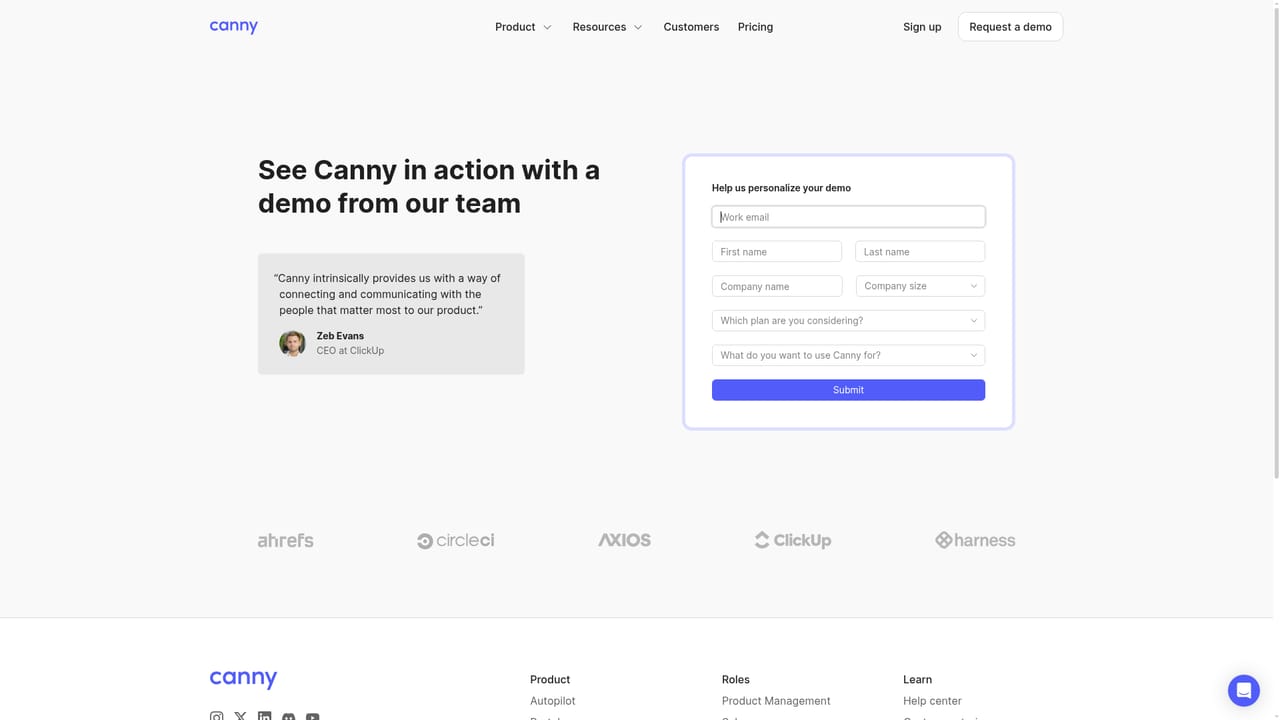
Signup is free with no credit card required, and unlimited free feedback capture is advertised. It is described as a free start rather than a time limited trial.
Learn moreThe page states that getting started requires no credit card and that feedback capture is unlimited on the free entry point. Specific plan prices, Autopilot tier limits and paid upgrade costs are not listed in the provided content.
Learn moreConnects to Gong, Intercom, Slack, Zendesk, Help Scout, Freshdesk, Zoom and tl;dv, reads reviews from G2, Capterra, Trustpilot, the App Store and Google Play, and reaches hundreds more tools through Zapier.
Autopilot captures feedback from support and sales conversations and public reviews, links each request to the customer, account and revenue behind it, merges duplicates, organizes feedback by product area, surfaces themes and urgency, and keeps a full audit log with undo. Related AI features include Smart Replies, which automatically asks customers follow-up questions, and Comment Summaries for long threads.
 AI Angels400+ customizable AI girlfriends for NSFW chat, voice calls, and roleplay
 Candy AIExperience the future of companionship with AI friends who chat, role-play, and connect with you on a human level.
 ourdream.aiA vast AI roleplay platform with millions of characters for chat, images, video and voiceAI Angels400+ customizable AI girlfriends for NSFW chat, voice calls, and roleplayCandy AIExperience the future of companionship with AI friends who chat, role-play, and connect with you on a human level.ourdream.aiA vast AI roleplay platform with millions of characters for chat, images, video and voice


