What these tools do
Poetry to painting covers a small set of tools that take language as the starting point and return a picture. The input is usually a written scene, a fragment of verse or a rough sketch, and the output is a finished painting or illustration. That makes the category useful for poets who want a cover image, teachers building visual aids for a poem, and illustrators who think in words before they think in shapes. The tools replace the step where a writer would commission an artist or abandon the idea of an image entirely, and they compress the mood board stage into a few minutes.
How to choose one
Start with the input you actually have. If you write full scenes and want them rendered in a chosen style, text to painting is the right shape. If you draw badly but quickly, sketch driven tools do more for you, since they read your strokes rather than your sentences. Check the platform next: iPad and Windows tools reward people who like to work with a stylus, while browser tools suit anyone who writes on a laptop and does not want new hardware. Pricing matters less than fit here, but note that free and freemium options exist and are enough to test whether the workflow suits you. Finally, decide whether you want a one shot generation or a live loop where the image keeps up with your hand, because those are different habits of work.
Notable tools
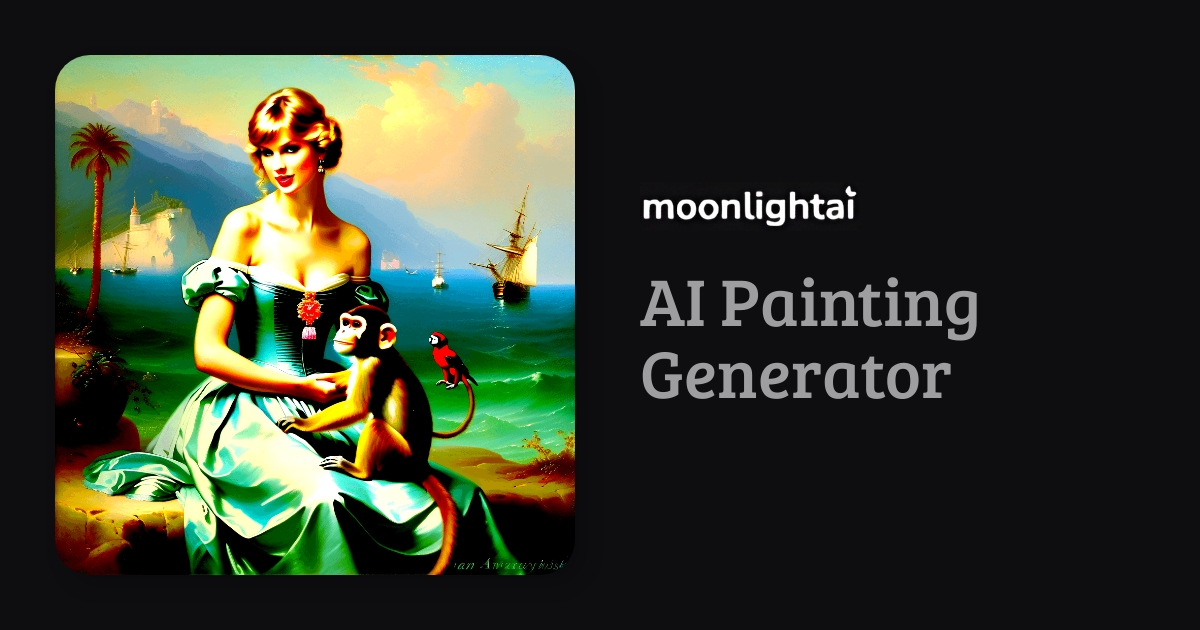
Moonlightai takes a written scene and turns it into a painting in a chosen artist's style, which is the closest match to the poetry to painting idea for writers who work entirely in text. It runs in the browser on a freemium basis, so a poem can be tested in several styles before committing.
Muse Pro is realtime AI painting that follows your strokes on iPad, aimed at people who want the image to respond while they work rather than after they press a button. It is available as a free trial on iOS.
NVIDIA Canvas turns rough painted sketches into finished landscape images using RTX GPU acceleration, and it is free on Windows. It asks for a capable graphics card and rewards loose, blocky input rather than precise linework.
Scribbletoart turns rough sketches into finished art with AI on the web, on a paid subscription. It suits someone who already has a composition on paper and wants it resolved into something presentable.
Common questions
What does paint poet mean?
It is a search for a tool that converts poetic writing into a picture, not a tool with that exact name. In practice the workflow is a short written passage plus a style instruction, and the model returns a painting. Moonlightai handles this directly, and any text driven image tool in the category can stand in if you are willing to phrase the poem as a scene description.
How does poetry to painting work?
The text is read as a description of subject, mood and style, then rendered into an image. Results depend heavily on how concrete the writing is: a poem naming objects, weather and light gives the model more to hold onto than one built on abstraction. Writers often keep the poem and write a separate plain language scene note for the tool.
Do I need to draw to use these tools?
No. The text driven tools need only writing, and the sketch driven ones accept deliberately rough input. NVIDIA Canvas is designed around loose blocks of color rather than clean linework, so a fast underpainting is enough to start.
When to look elsewhere
If the goal is a brand mark rather than a picture, a Logo Generator fits better. For work that must be built stroke by stroke from an existing drawing, see Drawing to Image.