What these tools do
YouTube music recognition tools help you identify music from YouTube video when the track is not credited or the description is no help. You supply a short clip of the song, a link, a hummed melody or a full file, and the tool compares it against known recordings or extracts the audio so the music can be examined more closely. That replaces the old workflow of scrubbing comments, reading fan wikis and guessing at a title. The audience is broad: casual viewers who want a song name, video editors who need to license a track they heard, creators checking whether their background music is already claimed, and researchers cataloguing how music is used on the platform.
How to choose one
Start with what you actually have. If you have a clean audio clip, a fingerprint style matcher works well. If you only remember the tune, you need a tool that accepts humming or singing. For music background recognition on YouTube videos, remember that clips are often short, layered under speech and compressed, so tools that let you upload a clip directly tend to beat ones that only take full songs. Check whether you can upload a file or must record in the browser, since many workflows start with a downloaded segment. If your goal is not just identification but reuse, choose a tool that separates vocals and instrumentals so you can hear the background music in isolation before searching. Pricing matters too: a single match may be free, while repeated clip matching usually sits behind a paid tier.
Notable tools
Sonoteller listens to songs and turns them into structured lyric and music data, which suits anyone who wants a written profile of a track rather than just a title. It is useful when you have the full song and need details about its content.
Hum to search does what the name promises: hum, sing or upload a clip in the browser to get song candidates. It is a natural fit when you can recall the melody but have no clean recording of it.
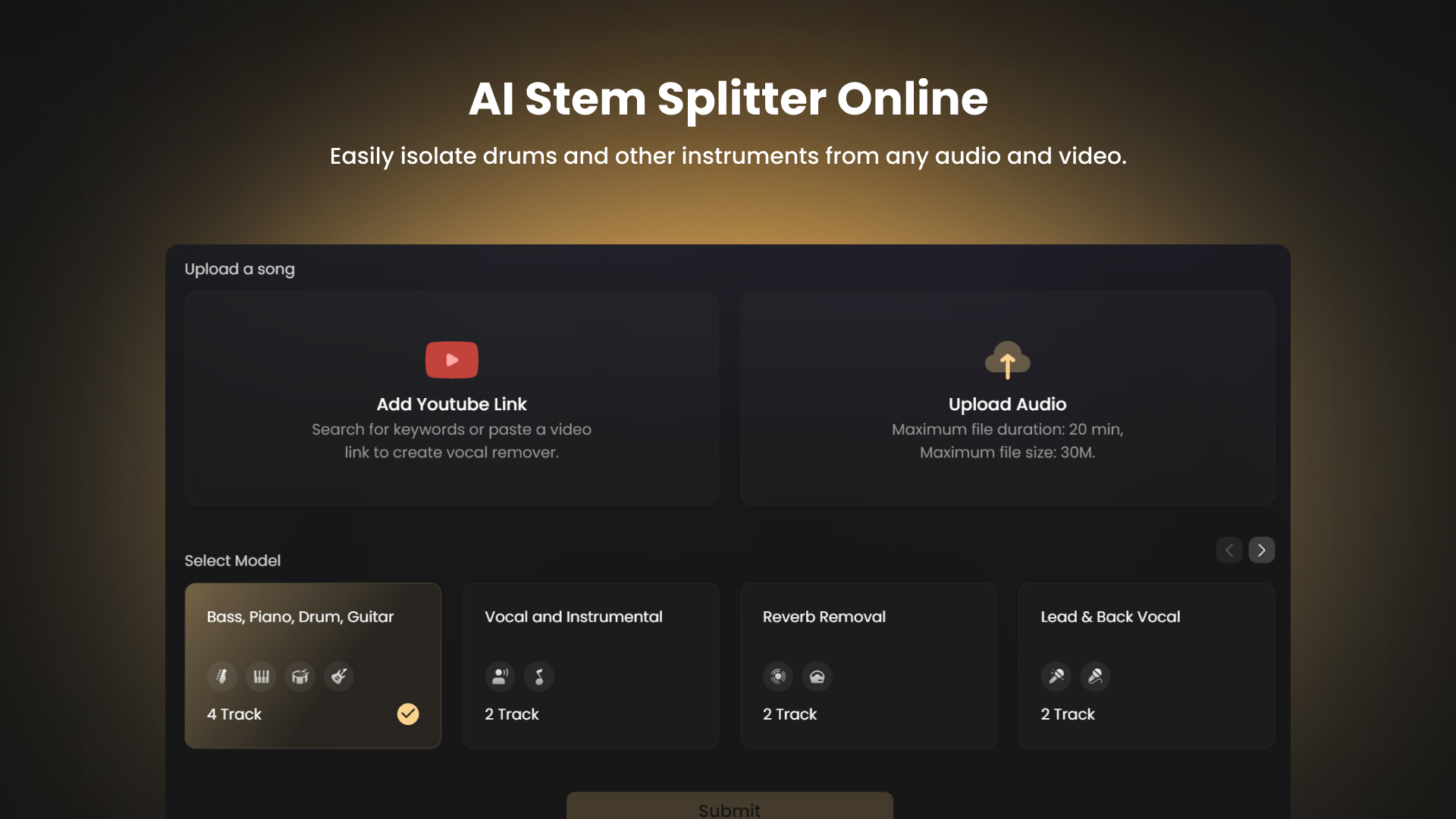
Singify AI Vocal Remover splits any song into vocals, instrumentals and individual stems. That makes background music easier to hear and study before you run it through a recognition step.
Common questions
How do I find the music in a YouTube video?
Capture a short, clear segment of the audio, ideally where the music plays without speech over it, then run it through a clip matching tool. Tools that accept an uploaded file are easier than ones that require live humming. If the music sits under dialogue, separate the instrumental first and match that instead.
Can I identify music from a YouTube video if I only know the tune?
Yes. Humming and singing tools compare a melody you produce against song candidates, so you do not need the original file. The match is less precise than a clean audio fingerprint, especially for instrumental or heavily produced tracks, so try several attempts and vary the section you hum.
How does music background recognition on a YouTube video work?
Most tools extract the audio, isolate the music from speech and noise, then compare the result against a catalogue of recordings. Short or heavily compressed clips reduce accuracy. Separating stems first gives the matcher a cleaner signal and improves your odds considerably.
What is the best way to find background music in YouTube videos?
Work from the cleanest source you can get: a moment with music only, no voiceover. Run that clip through a matcher, and if it fails, split the track into vocals and instrumentals and try the instrumental. Keep a record of the timestamp so you can return to the exact section later.
When to look elsewhere
If you already know the track and want to isolate or analyse it rather than name it, the Sound Matcher and Harmony Separate categories cover that ground. For pure clip comparison without the YouTube framing, Sound Identifier is the closer fit.