Pricing
AI Canvas is included with an eligible Cisco license at no additional cost, according to the homepage FAQ. There is no separate subscription or per-seat price published for the workspace itself.
Learn moreA shared operations workspace where teams and AI agents resolve issues together
Own Cisco AI Canvas? Verify ownership to get a dofollow link

Cisco AI Canvas is a shared AgenticOps workspace inside Cisco Cloud Control where operators and specialized AI agents investigate alerts, correlate signals and assemble remediation plans, with human approval before actions execute and context preserved across shifts and escalations.
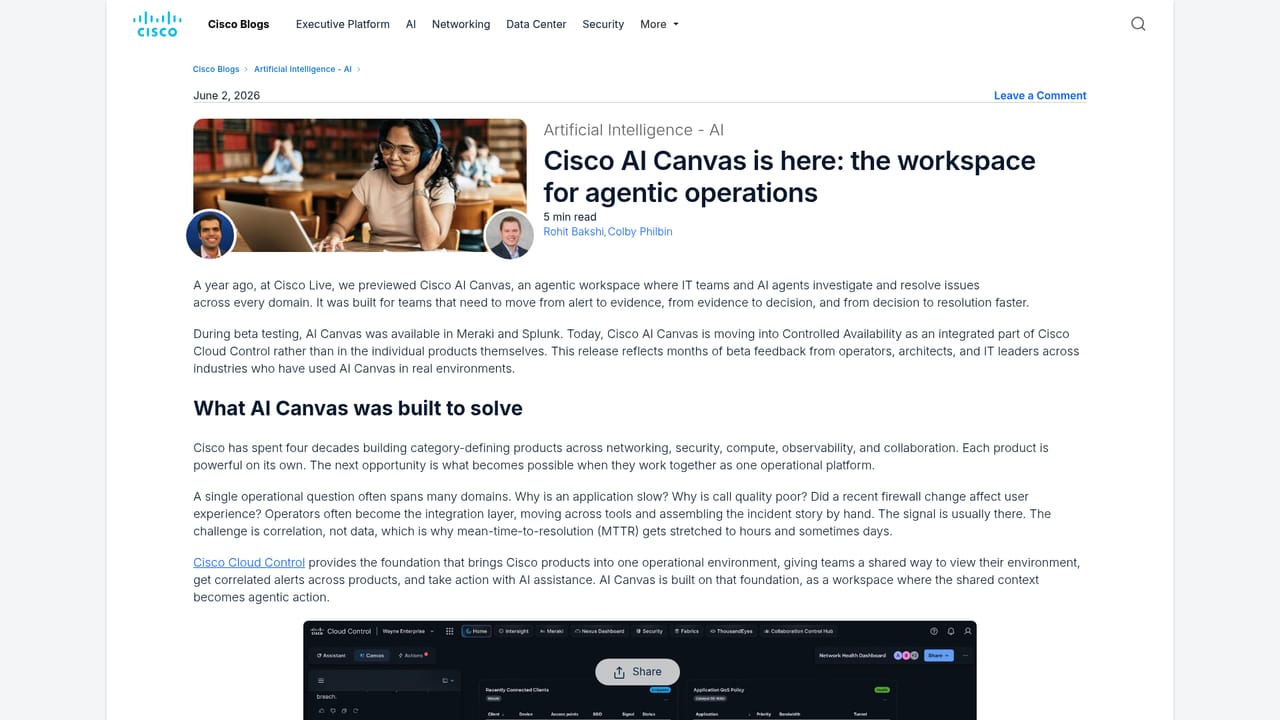
Cisco AI Canvas is a workspace for what Cisco calls AgenticOps: a shared environment where IT operators and AI agents investigate, correlate and resolve infrastructure problems across domains in the same session. It sits inside Cisco Cloud Control, the umbrella platform that unifies data, identity and topology, and it turns that foundation into a working surface for both people and software agents. The pitch is straightforward: instead of jumping between monitoring consoles during an incident, an operator asks questions and directs agents from one place. In daily use the product follows an alert to an outcome. A notification fires and its full context is pulled into the workspace. Specialized agents chosen for the issue then explore signals, run diagnostics and assemble a remediation plan, with live charts, topology maps and widgets appearing on the canvas as evidence arrives. Findings and proposed actions come back to the team for review and approval before anything executes, and outcomes are captured so the thread survives shift changes and escalations. Multiple operators can join a shared session with visibility into both human and agent activity. The tool is aimed at network, security and infrastructure operations teams already working in the Cisco estate, where products are natively connected and responsive. Non-Cisco tools and custom agents come in through native integrations and open MCP connectivity, and custom agents are assembled in Cloud Control Studio from an organization's own knowledge. Compared with a general chatbot, the distinction is persistence and governance: this is a durable operational record with organization-defined policies governing agent actions, not a disposable conversation. Compared with a stand-alone AIOps product, it is less a bolt-on analytics layer and more a collaborative front end over Cisco's existing telemetry, so its value scales with how much of the environment is Cisco. One caveat worth noting up front: Cisco states that many products and features mentioned on the page are still in development and will ship as they are finalized, and that release timelines can change. Buyers should confirm which capabilities are generally available today rather than treating the whole page as a current feature list.
AI Canvas is included with an eligible Cisco license at no additional cost, according to the homepage FAQ. There is no separate subscription or per-seat price published for the workspace itself.
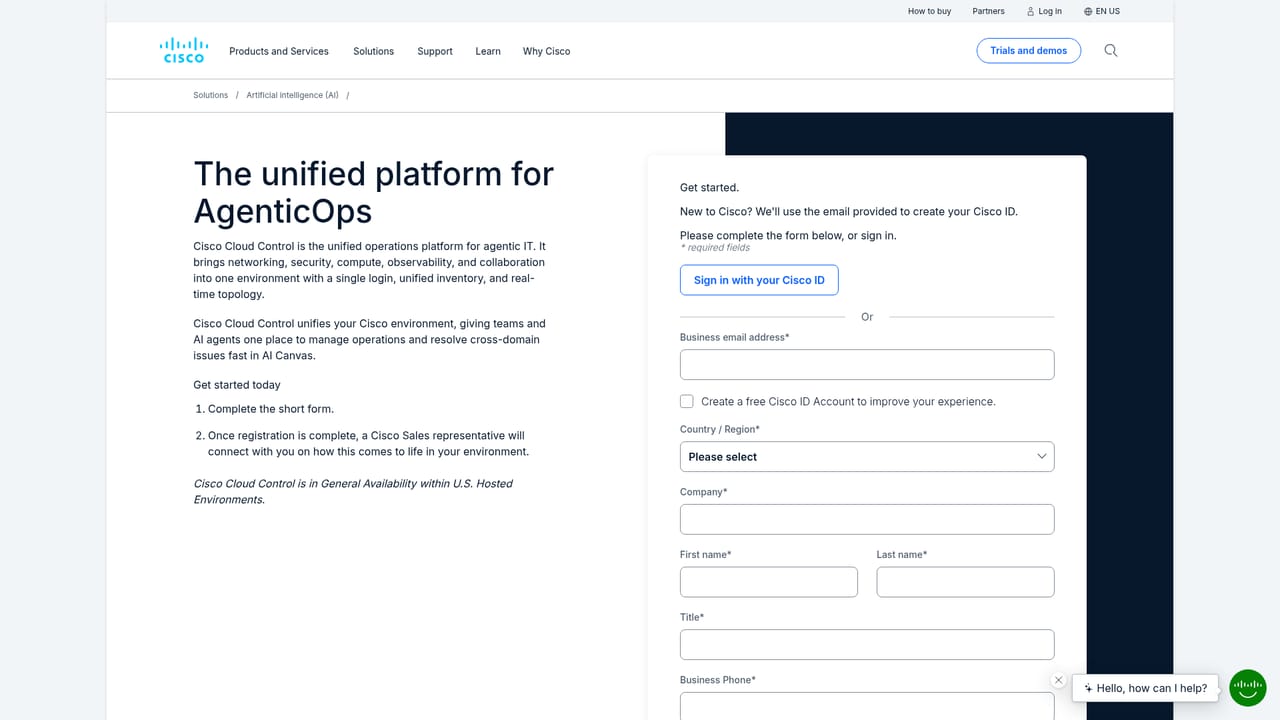
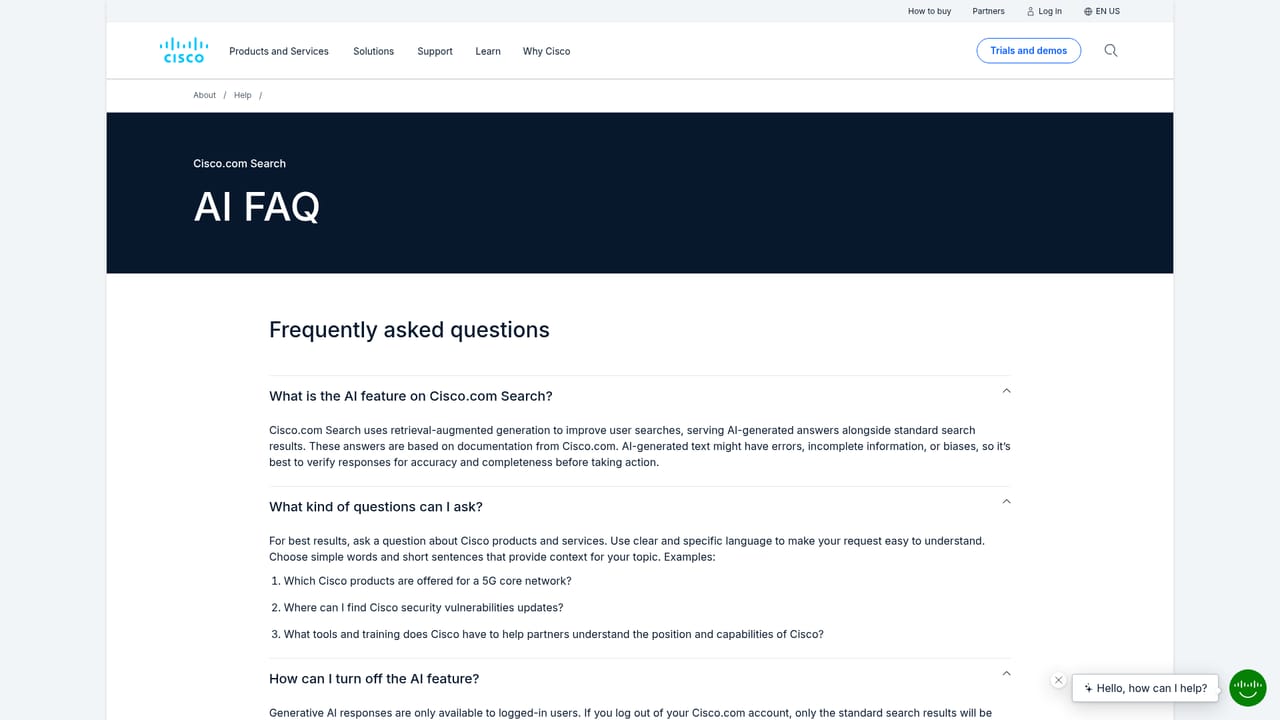
Learn moreCisco publishes an AI FAQ covering its AI features, and the homepage provides access to a Cloud Control signup flow and product documentation via the linked solution pages.
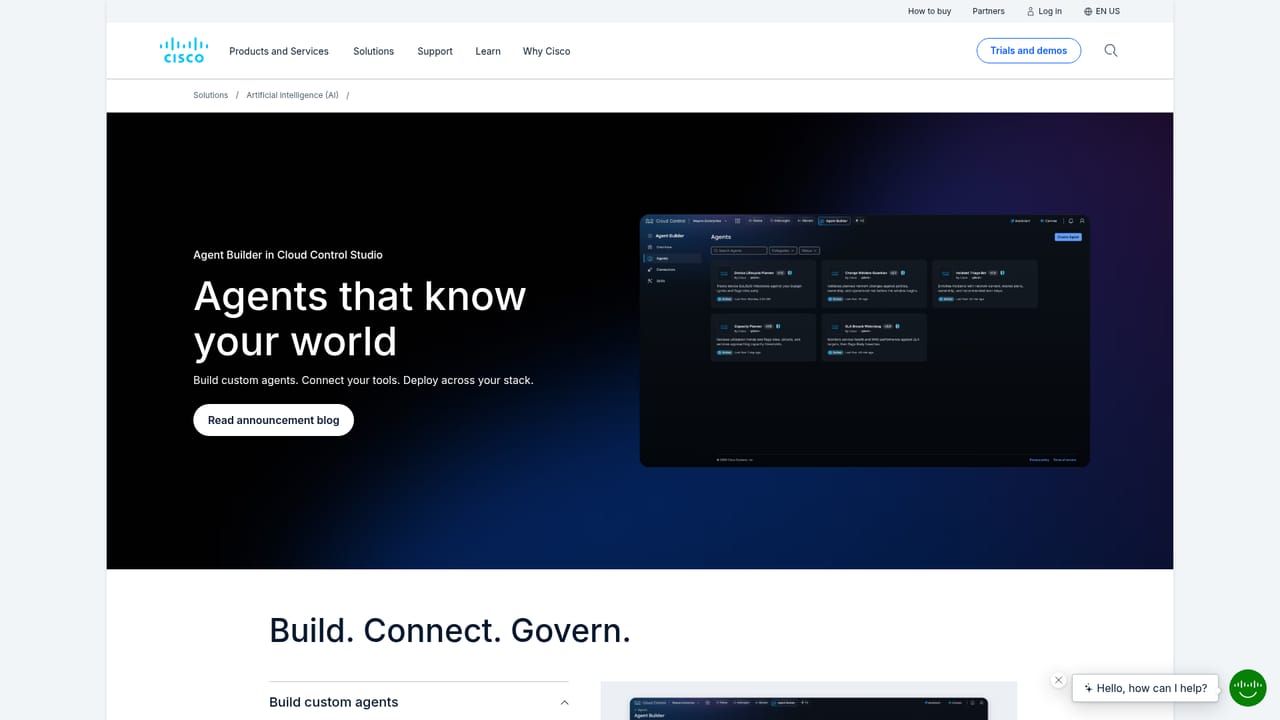
Learn moreCisco products connect natively, while third-party tools join through native integrations and open MCP connectivity. Custom agents are built in Cloud Control Studio to extend the workspace.
Learn moreNatural language querying of alerts, devices and domains; specialized agents that investigate, execute steps and escalate decisions; live charts, topology maps and widgets; shared multi-operator sessions; persistent context across shifts and escalations; native Cisco connectivity plus third-party integrations and open MCP; custom agents built in Cloud Control Studio.
Learn more AI Angels400+ customizable AI girlfriends for NSFW chat, voice calls, and roleplay
 Candy AIExperience the future of companionship with AI friends who chat, role-play, and connect with you on a human level.
 ourdream.aiA vast AI roleplay platform with millions of characters for chat, images, video and voiceAI Angels400+ customizable AI girlfriends for NSFW chat, voice calls, and roleplayCandy AIExperience the future of companionship with AI friends who chat, role-play, and connect with you on a human level.ourdream.aiA vast AI roleplay platform with millions of characters for chat, images, video and voice


