Free trial
A free plan requires no credit card and includes 1 faceless video, 1 auto caption and 30 AI credits as one-time allowances, with watermark-free HD export. Files are kept for 7 days.
Learn moreTurn a script or idea into a captioned, voiced short video with no camera
Own FacelessVideos? Verify ownership to get a dofollow link

FacelessVideos is a text-to-video tool that turns a script or idea into a captioned, voiced short video with no camera. FacelessVideos (VeeVi) is a web app that turns a topic or script into a short vertical video with AI voices, captions, styled visuals and music.
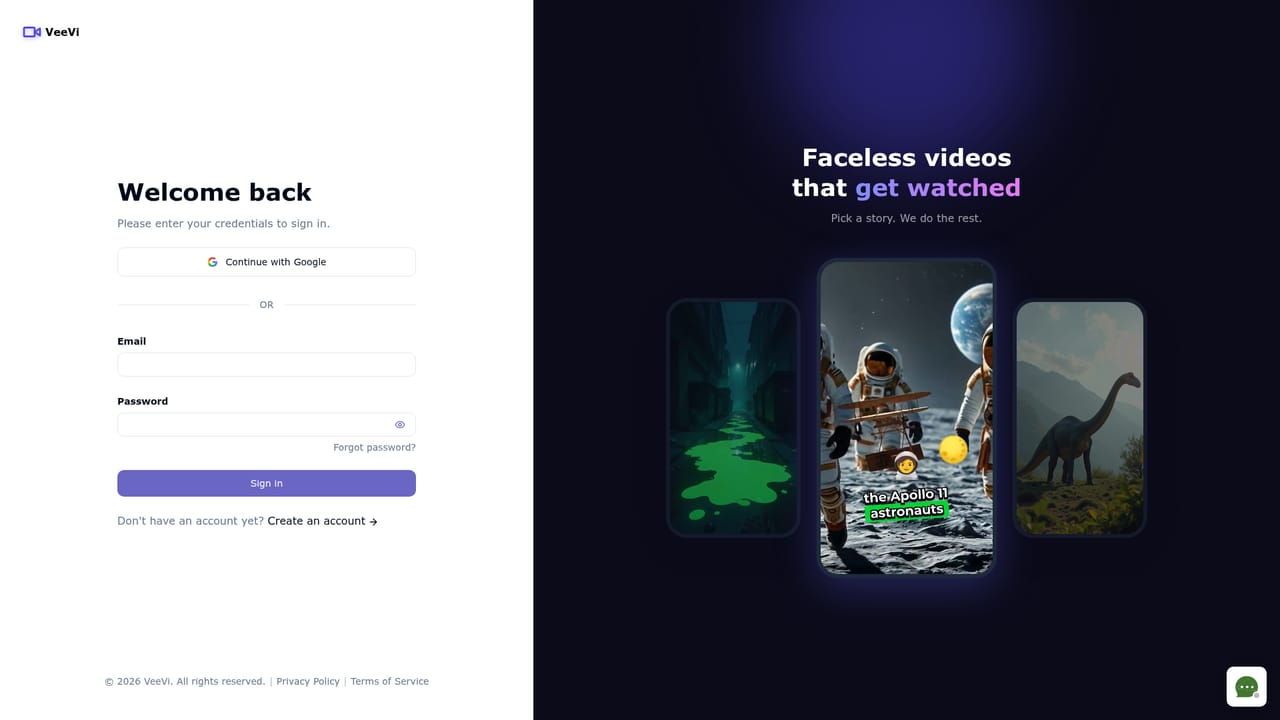
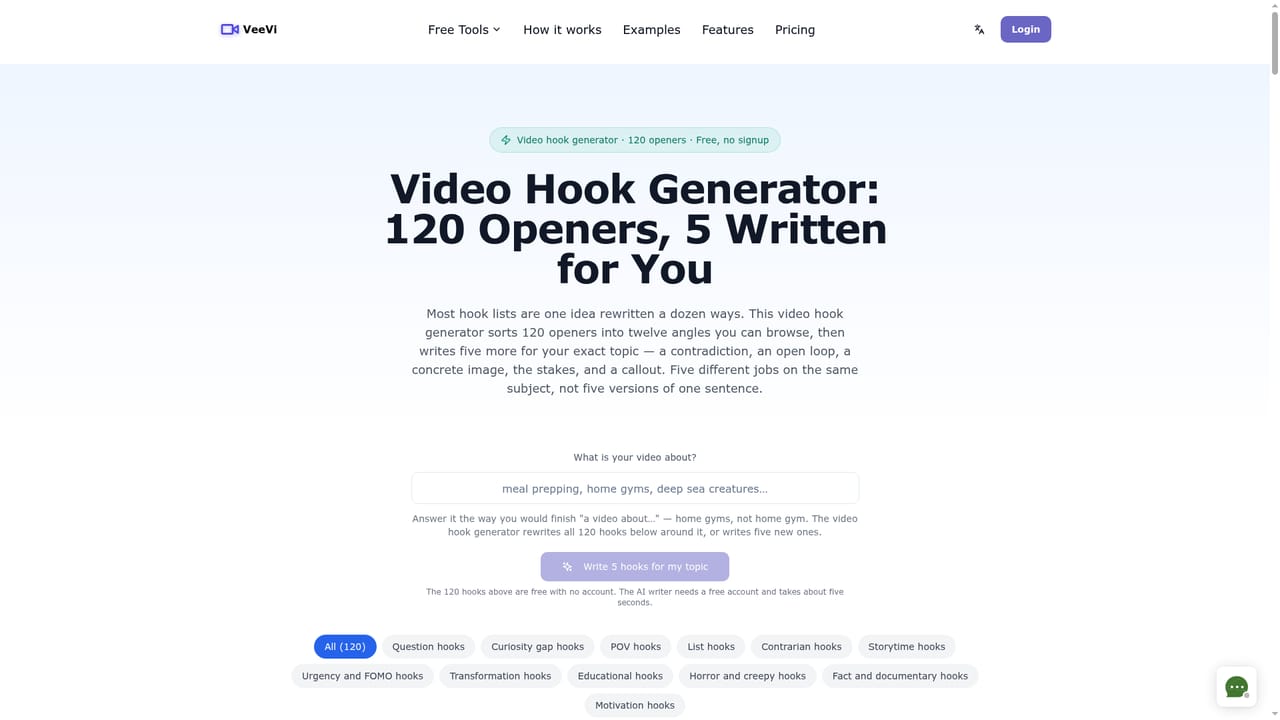
FacelessVideos, which appears under the VeeVi name inside the product, is a web-based generator for short vertical videos where nobody appears on camera. A user starts with a topic, a rough script or a hook, and the tool builds a first draft made of scenes, an AI voiceover and captions. The output is sized for YouTube Shorts, TikTok and Instagram Reels, so it targets channel operators, marketers and storytellers who publish often and want to avoid filming and manual editing. In practice the workflow is split into three stages. The first is drafting: the user enters the idea, picks a voice and a visual style, and receives a draft that the site says is usually ready in under a couple of minutes. The second is scene-level editing. Each scene can have its image prompt rewritten, a personal picture uploaded, or the still turned into a short animation. Scripts can be edited, scenes added or removed, and music swapped for a built-in track or the user's own audio. Caption font, color, timing, size and placement are adjustable. The third stage is export, either as a download or through one-click publishing to YouTube, with the stated aim of letting a video match a channel's look instead of a fixed template. The platform lists more than 123 AI voices across 14 or more languages, multiple image styles, an image model and an AI video model for animation. Commercial use is permitted according to the FAQ, covering monetized channels, client work and affiliate content. Beyond the main editor, the site offers free standalone utilities: a faceless video generator page, a video hook generator with 120 opening lines, a horror story video generator and a TikTok transcript tool. Among alternatives, it sits between general text-to-video suites and template-driven short-video makers. Its pitch is more control over prompts, pacing and captions than rigid templates offer, while remaining narrower than full video editors. It is aimed at short-form output rather than long videos, which the site states plainly.
A free plan requires no credit card and includes 1 faceless video, 1 auto caption and 30 AI credits as one-time allowances, with watermark-free HD export. Files are kept for 7 days.
Learn moreFree plan at $0 with a one-time allowance of 1 video, 1 auto caption and 30 AI credits. Paid plans: Starter $19/month (15 videos), Basic $39/month (50 videos) and Expert $69/month (120 videos), each with extra AI credits for image edits and animations.
Learn moreA live chat widget on the homepage lets visitors contact the team, and an FAQ covers workflow, formats, editing and commercial use.
Direct publishing to YouTube is listed, and the export dialog mentions TikTok publishing and email delivery. Videos can also be downloaded for upload anywhere.
AI draft generation from a topic or script, scene editing with image prompts and animation, 123+ AI voices in 14+ languages, multiple visual styles, customizable captions, music library or own audio, vertical export, and one-click YouTube publishing.
Learn more


