Free trial
The free account acts as the trial: one report and twenty five chatbot messages, no credit card needed. The homepage states you can cancel anytime.
Learn moreAI conversion audits for landing pages, scored across twelve criteria
Own ConvertRocket? Verify ownership to get a dofollow link

ConvertRocket is a landing page analysis tool. ConvertRocket runs AI audits on landing pages, scoring them across twelve conversion criteria and returning written recommendations, with a report chatbot and a Chrome extension for pages blocked by pop-ups.
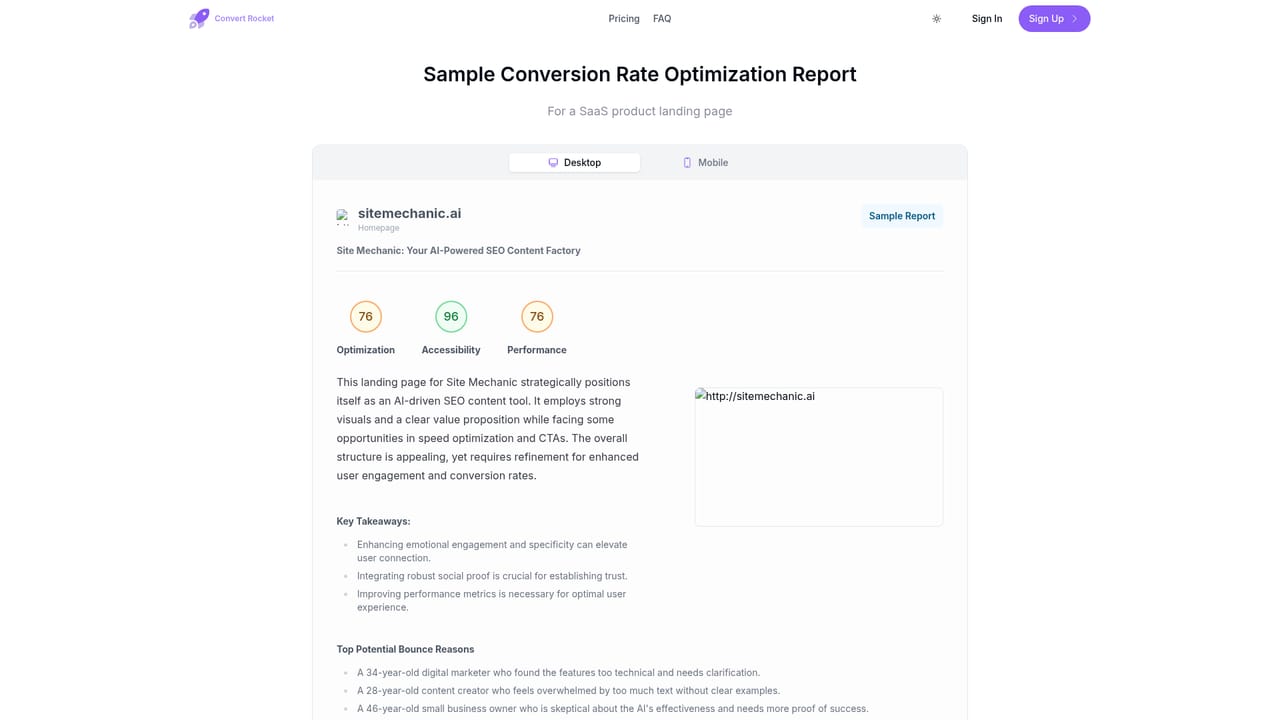
ConvertRocket is an AI auditing service that reviews a landing page and grades it against twelve conversion criteria, then returns written recommendations for fixing what it finds. The product is aimed at marketers, founders and growth teams who want a structured second opinion on a page before they spend money driving traffic to it, without booking a consultant or running a formal research project. The audit looks at areas such as the headline and value proposition, messaging and positioning, the hero section, call to action effectiveness, Core Web Vitals and mobile responsiveness. Each criterion receives an assessment plus customised advice, and the output lives in a report you can read through like a document. A sample report is published on the site so you can judge the depth of feedback before creating an account. A chatbot sits alongside the report for follow-up questions, which is useful when a recommendation is vague and you want the reasoning broken down. In practice, the workflow is short: paste or submit a URL, let the analysis run, then work through the report section by section. The Chrome extension exists for pages that hide content behind pop-ups and modals, since the audit needs a clear view of the page and the extension lets you close overlays before the report is generated. Reports are the core deliverable; there is no built in A/B testing or traffic instrumentation here, so ConvertRocket complements analytics and experimentation tools rather than replacing them. The free account covers one report and twenty five chatbot messages, which is enough to evaluate the quality of the feedback on a single page. The paid tier at $49 per month removes the caps on reports and chat and adds priority email support. Teams that audit pages occasionally will likely stay on the free tier; agencies and in-house growth teams reviewing landing pages continuously are the natural fit for the subscription.
The free account acts as the trial: one report and twenty five chatbot messages, no credit card needed. The homepage states you can cancel anytime.
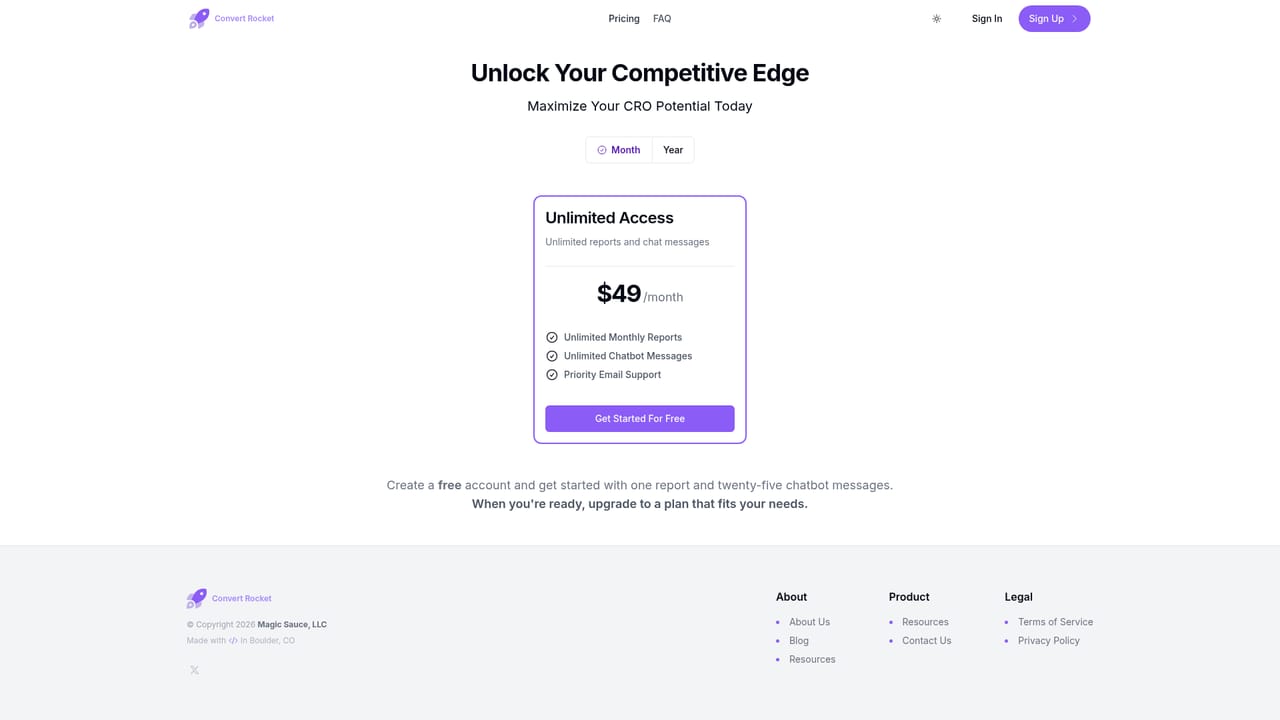
Learn moreFree account includes one report and twenty five chatbot messages with no credit card required. The Unlimited Access plan costs $49 per month and covers unlimited monthly reports, unlimited chatbot messages and priority email support.
Learn morePriority email support is included with the Unlimited Access plan. No other support channels are described on the homepage.
Learn moreA Chrome extension is available from the Chrome Web Store for generating reports from a live page. No other integrations are listed on the homepage.
AI page audits scoring twelve conversion criteria including headline and value proposition, messaging and positioning, hero section, CTA effectiveness, Core Web Vitals and mobile responsiveness. Each criterion gets customised recommendations. A report chatbot answers follow-up questions, and a Chrome extension clears pop-ups and modals so the page can be analysed from the live site.
 AI Angels400+ customizable AI girlfriends for NSFW chat, voice calls, and roleplay
 Candy AIExperience the future of companionship with AI friends who chat, role-play, and connect with you on a human level.
 ourdream.aiA vast AI roleplay platform with millions of characters for chat, images, video and voiceAI Angels400+ customizable AI girlfriends for NSFW chat, voice calls, and roleplayCandy AIExperience the future of companionship with AI friends who chat, role-play, and connect with you on a human level.ourdream.aiA vast AI roleplay platform with millions of characters for chat, images, video and voice


