Free trial
A free tier is available with no signup, allowing users to translate documents with basic features. The Pro plan can be tried via a free trial, though details are not specified on the homepage.
Learn moreAI document translation that keeps your layout intact

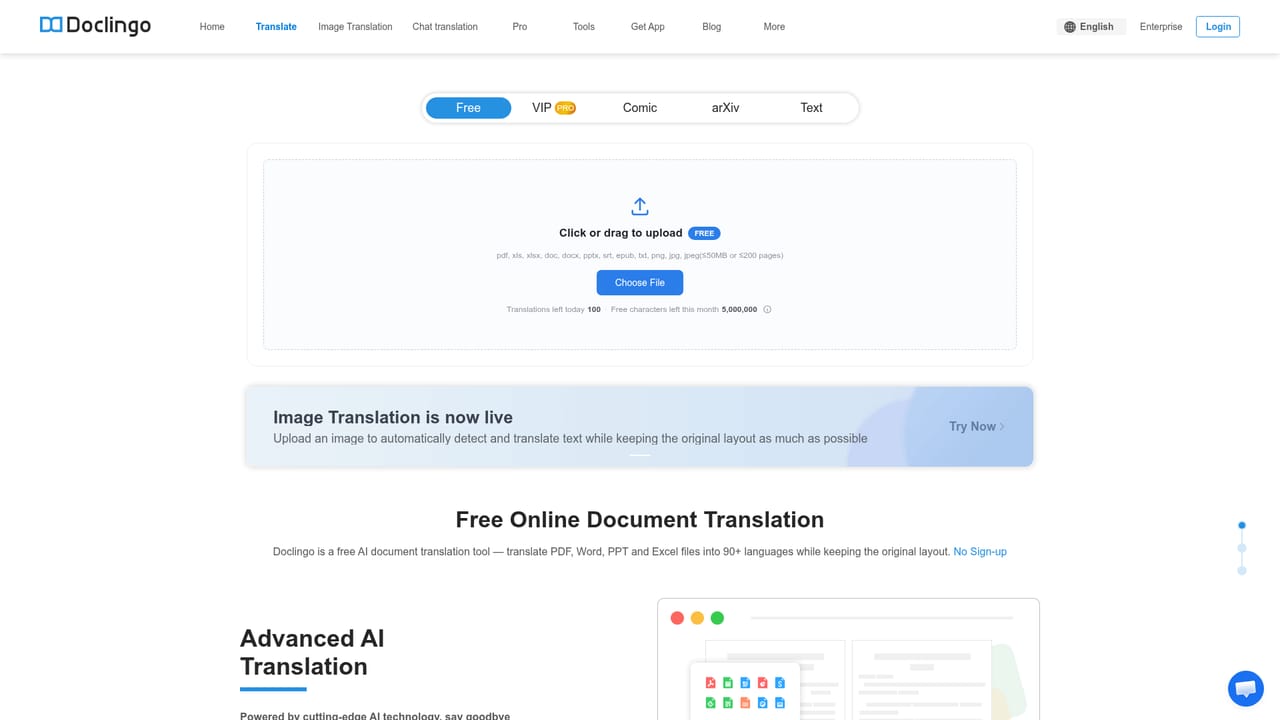
Doclingo is an AI translation tool that preserves the layout of PDF, Office, and image files while translating across 90+ languages. It offers OCR, bilingual output, online editing, and AI-powered document analysis.
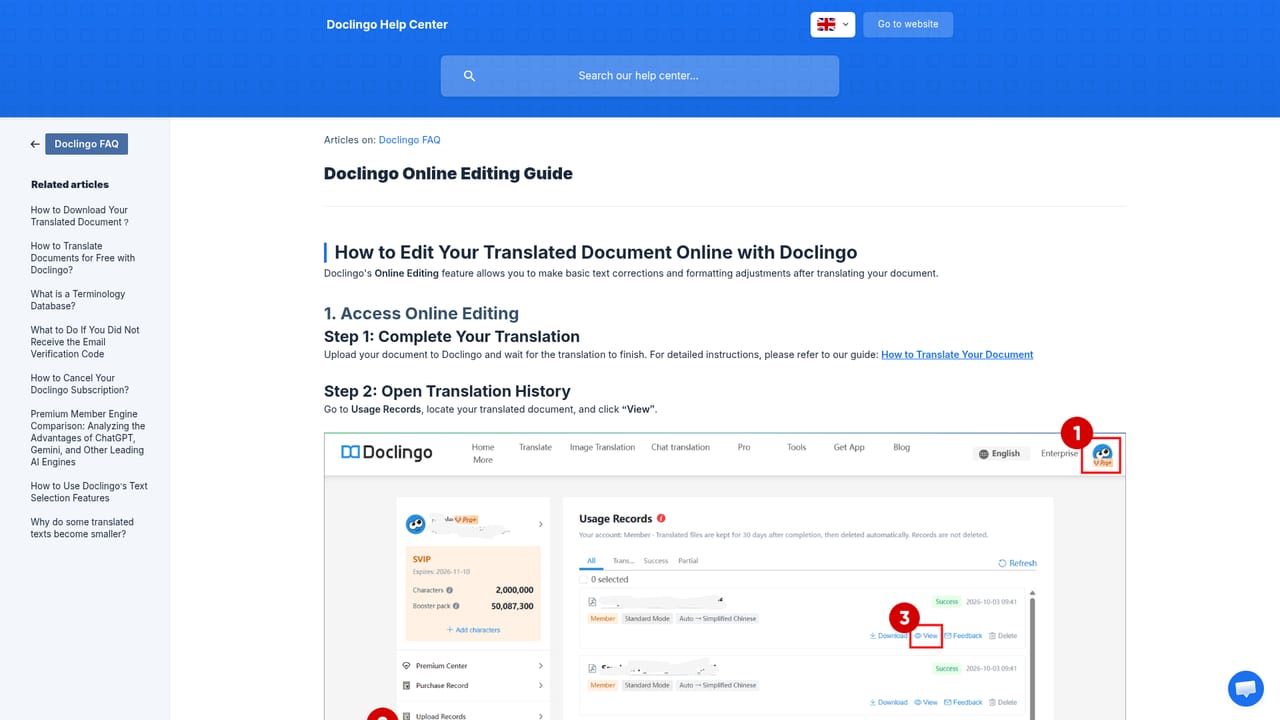
Doclingo is an AI-powered document translation tool designed to handle the complexities that standard translators often miss. It supports PDF, Word, PowerPoint, Excel, EPUB, SRT, and image files, translating their content while preserving the original formatting, including fonts, tables, image positions, and page layouts. The tool works by uploading your document, selecting the target language from over 90 supported languages, and letting its multi-engine AI system process the file. For scanned documents, OCR recognition extracts text from images before translation. A standout feature is the bilingual output, which displays the translation side by side with the original for easy comparison, which can be particularly useful for language learners, researchers, or professionals verifying accuracy. Beyond basic translation, Doclingo includes a suite of editing and analysis tools. The online editor allows you to modify the translated text directly, ensuring that specialized terminology or nuanced phrases are corrected. A document conversation feature lets you ask questions about the translated content, and highlight-to-translate provides instant translations for selected text. The glossary feature helps maintain consistent terminology across projects. For visual content, the image translation tool can replace text within images while matching the original position, size, and color, with three layout modes to choose from. Doclingo is suitable for a wide range of users. Students and researchers can quickly translate academic papers, including direct support for arXiv papers. Businesses can handle contracts, reports, and manuals with high fidelity, while translators and language professionals can leverage the glossary and editing tools to speed up their workflow. The enterprise edition offers collaboration and management features, and a developer API is available for integrating translation into custom applications. The tool operates primarily as a web app, with desktop browser extensions for Chrome and Edge that enable chat translation on WhatsApp Web and Telegram Web. The extension is not yet available on mobile devices. Doclingo positions itself as a more advanced alternative to basic translation tools, emphasizing layout preservation and additional AI-powered editing capabilities. It offers a free tier with no signup required for basic document translation, and a Pro plan unlocks advanced features like high-fidelity format restoration and smart OCR translation. The platform has been used by over 500,000 individuals and 3,000 enterprises across 60+ countries, and it adheres to security standards such as ISO 27001, SOC 2, HIPAA, and GDPR.
A free tier is available with no signup, allowing users to translate documents with basic features. The Pro plan can be tried via a free trial, though details are not specified on the homepage.
Learn moreDoclingo offers a free tier with no signup required for basic document translation. The Pro plan unlocks advanced features such as high-fidelity format restoration and smart OCR translation. Enterprise and API access are available separately.
Learn moreSupport is available via a help center with articles and guides. Enterprise users may receive additional support, but details are not specified on the homepage.
Learn moreIntegrations include a developer API for automated document translation and browser extensions for Chrome and Edge that enable chat translation on WhatsApp Web and Telegram Web.
Learn moreDoclingo translates PDF, Word, PPT, Excel, EPUB, and SRT files while preserving layout. It includes OCR for scanned documents, bilingual output, online editing, document conversation, highlight-to-translate, and a glossary. Image translation and chat translation extensions are also offered.
Learn more AI Angels400+ customizable AI girlfriends for NSFW chat, voice calls, and roleplay
 Candy AIExperience the future of companionship with AI friends who chat, role-play, and connect with you on a human level.
 ourdream.aiA vast AI roleplay platform with millions of characters for chat, images, video and voiceAI Angels400+ customizable AI girlfriends for NSFW chat, voice calls, and roleplayCandy AIExperience the future of companionship with AI friends who chat, role-play, and connect with you on a human level.ourdream.aiA vast AI roleplay platform with millions of characters for chat, images, video and voice


