Free trial
A free tier rather than a timed trial: 40 credits for new users plus 20 credits per daily check-in, covering image, video, and music generation on a shared queue with 15 day history.
Learn moreImage to video generation with Luma, Veo, and Wan models in one web workspace
Own Dream Machine AI? Verify ownership to get a dofollow link

Dream Machine AI is a generative image tool. A web studio that animates photos and prompts into short clips using Luma Dream Machine, Veo 3.1, Wan 2.5, and Seedance models, with image and music generators sharing one credit balance.
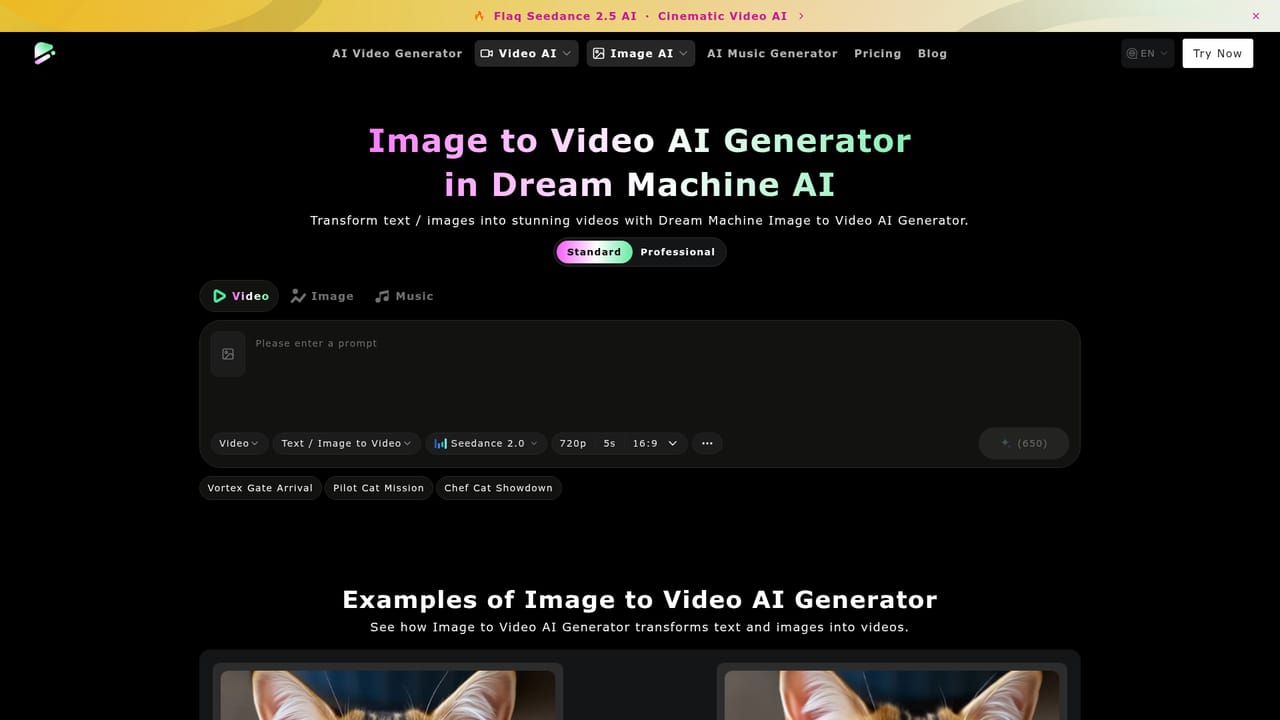
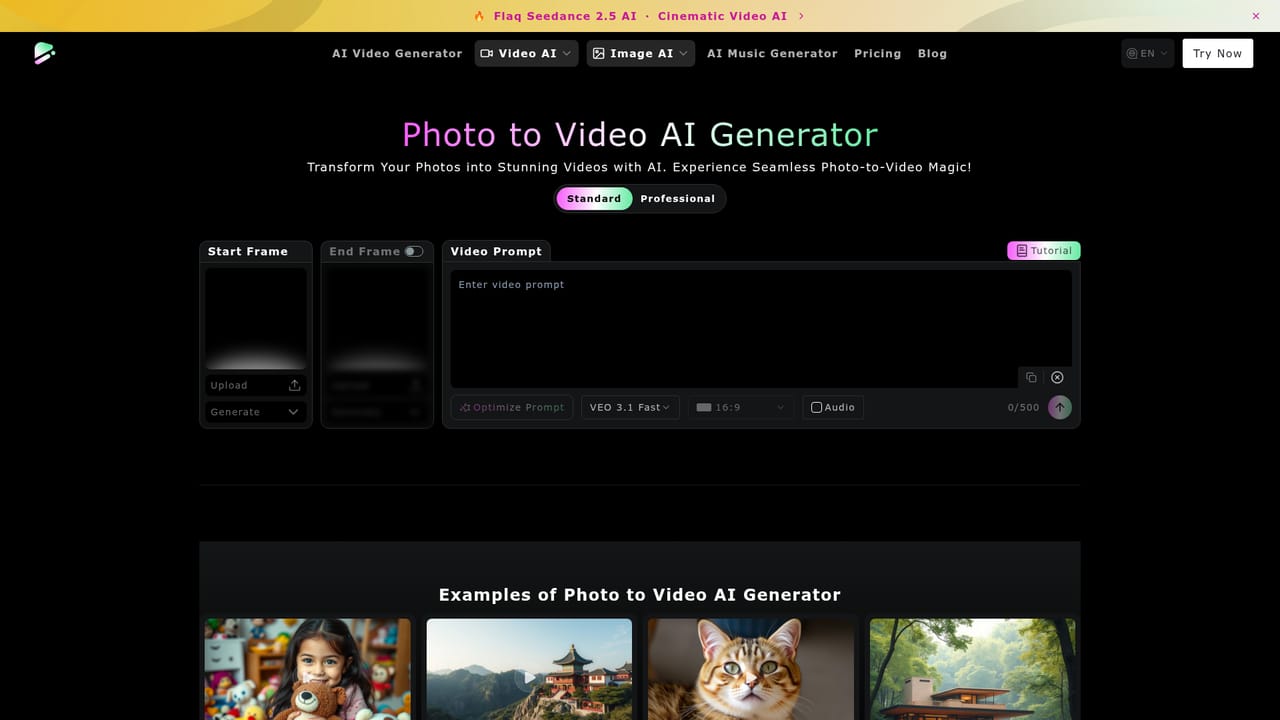
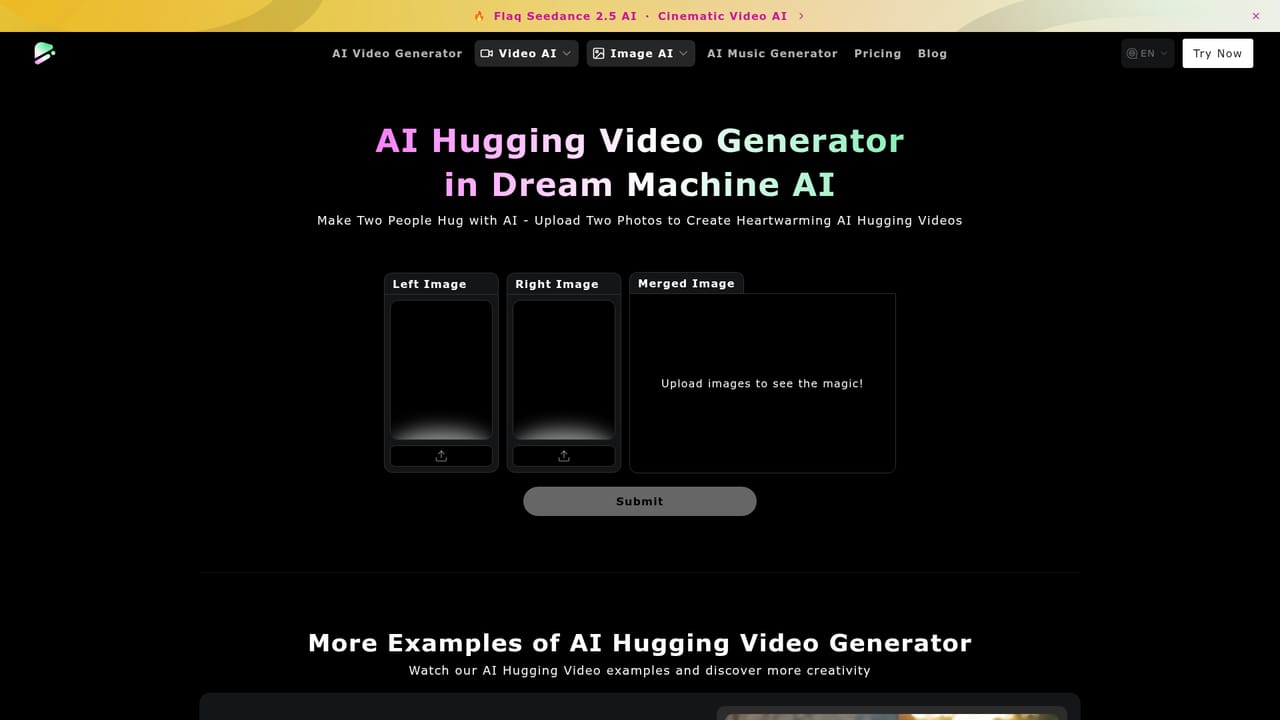
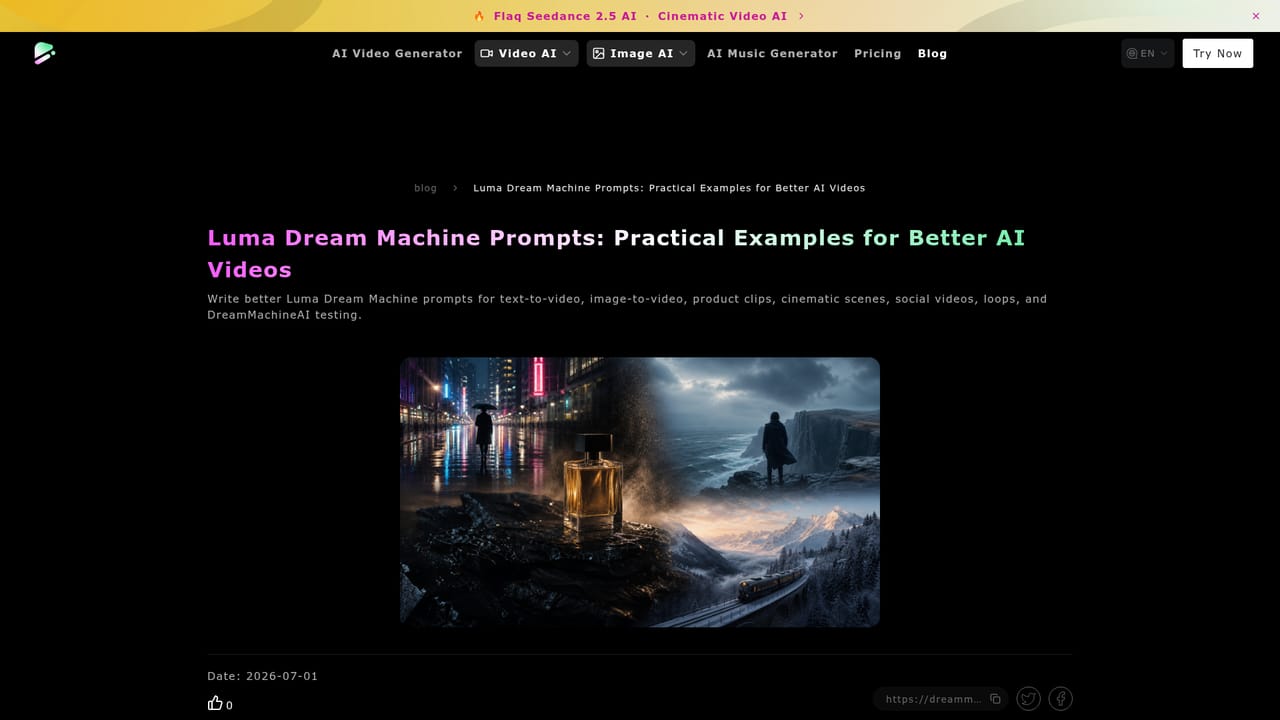
Dream Machine AI is a browser based creative studio that turns still images and written prompts into short video clips. The site positions itself as an aggregator: it wraps third party models including Luma Dream Machine, Google Veo 3.1, Wan 2.5, and Seedance 2.0 inside a single interface, so a photo can be animated without moving between separate vendor accounts. The same dashboard also exposes image generators (Flux, Luma Photon, Nano Banana Pro, Seedream 4.5) and a music generator, which makes it closer to a general media workbench than a single purpose video tool. In practice the image to video path is straightforward. A user uploads a photo, writes a motion prompt describing what should change (the site's own example asks for shifting clouds, a smile, and birds in flight), and selects a model, resolution, and duration before submitting. Rendering is credit based and queued, with a shared free queue and faster paid queues. Alongside the general image to video mode there are preset effects for narrower jobs: two people hugging or kissing, venom and squish transformations, and old photo animation, each with a fixed credit cost. It suits social media creators, small marketing teams, and hobbyists who want to test several video models without paying each provider directly. The tradeoff is that output quality depends entirely on the underlying model chosen for a job, and the pricing page shows a wide spread of credit costs per clip, from 100 credits for basic video up to 3000 for a Veo 3 render. The site also publishes comparison articles and prompt guides for people who want to choose between models deliberately rather than by default. Against dedicated single model tools, the appeal is breadth and one credit balance; the cost is less depth in any one workflow and a credit system that punishes experimentation on the premium models.
A free tier rather than a timed trial: 40 credits for new users plus 20 credits per daily check-in, covering image, video, and music generation on a shared queue with 15 day history.
Learn moreCredit based. New users get 40 credits and 20 per daily check-in on the free tier, with a shared queue, 15 day history, and no commercial rights. Paid one-time packages: 10000 credits for $19.99, 26000 for $49.99, 56000 for $99.99, each valid one month with fast queue, no watermark, 365 day history, and commercial rights.
Learn moreImage and text to video across multiple models (Luma Dream Machine, Veo 3.1, Wan 2.5, Seedance 2.0), reference to video and video to video modes, preset effects for hugging, kissing, squish, venom, and old photo animation, plus image generators (Flux, Luma Photon, Nano Banana Pro, Seedream 4.5) and an AI music generator. The site claims 120 frames in 3 to 5 minutes with consistent characters and natural camera movement.
 AI Angels400+ customizable AI girlfriends for NSFW chat, voice calls, and roleplay
 Candy AIExperience the future of companionship with AI friends who chat, role-play, and connect with you on a human level.
 ourdream.aiA vast AI roleplay platform with millions of characters for chat, images, video and voiceAI Angels400+ customizable AI girlfriends for NSFW chat, voice calls, and roleplayCandy AIExperience the future of companionship with AI friends who chat, role-play, and connect with you on a human level.ourdream.aiA vast AI roleplay platform with millions of characters for chat, images, video and voice


