Free trial
A 3-day Pro trial grants 100 AI credits and requires a payment method; it must be cancelled before it ends to avoid billing, and accounts and billing run through Stripe.
Learn moreRecord a screen, edit by transcript, publish a polished video link
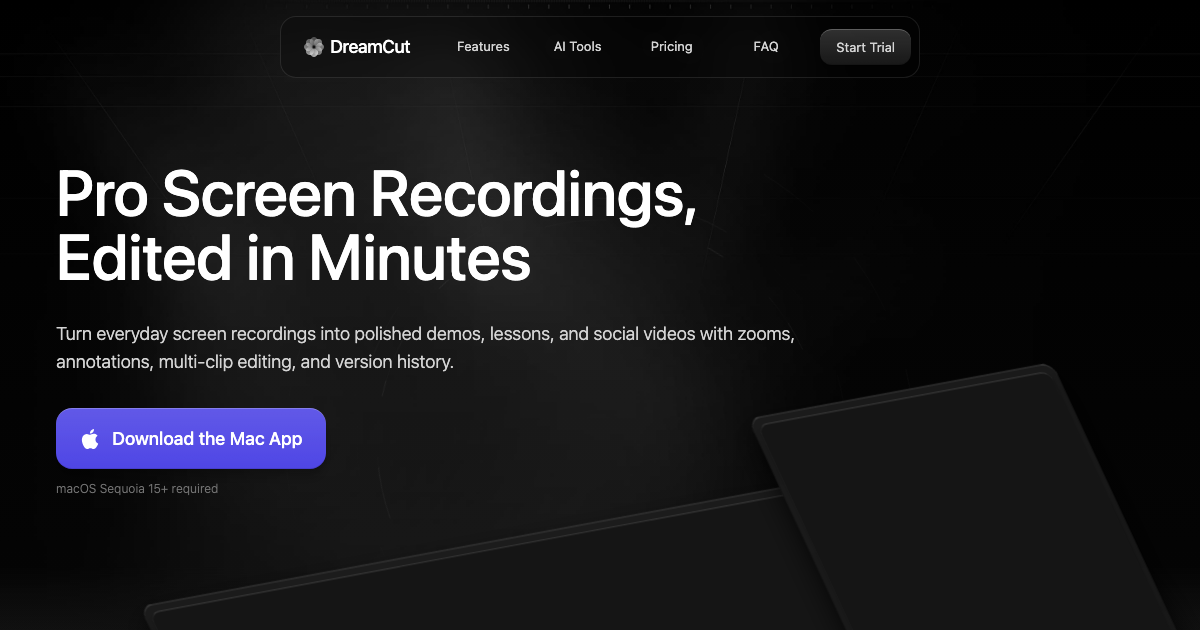
DreamCut is an AI transcriber tool that records a screen, edit by transcript, publish a polished video link. A Mac app for recording screens, editing video by transcript, cleaning audio with AI, generating voiceovers and B-roll, and publishing finished edits to a private share link.
DreamCut is a Mac application that folds screen recording, video editing, AI cleanup and publishing into a single workspace. It is aimed at people who teach, demo or market through their screen: course instructors, founders shipping product walkthroughs, designers showing work, and creators cutting social clips from long takes. The pitch is the whole pipeline in one place instead of a recorder, an editor, a caption service and a voice app stitched together. Recording happens in clips rather than one long take. You can pause, resume, import b-roll, and rearrange takes on a timeline, and the app detects moments worth emphasizing and adds focus zooms automatically. Cursor movement around clicks can be animated and restyled per edit. Audio gets cleaned with generated captions, volume normalization and background noise removal, and those captions remain editable afterward: typography, stroke, shadow, active-word animation and spacing are all adjustable, so subtitle styling can be made to match a brand rather than imposed by a preset. The feature that defines the editing model is transcript cutting. A transcript sits beside the timeline, and deleting a sentence or a single word from the text removes it from the video while captions, timing and playback stay aligned. That makes filler-word cleanup and dead-air trimming far faster than scrubbing, and it suits instructional content where the spoken track is the spine of the video. Version history, a media library, per-resolution versions and copy and paste between projects keep assets reusable across edits and aspect ratios. Beyond editing, DreamCut bundles generative extras: ElevenLabs voiceovers from a pasted script with custom voice IDs, image and B-roll generation, YouTube thumbnails, and video generation through Seedance 2.0, Grok Imagine Video and Google Veo. Finished edits publish to a private share URL instead of a file transfer. It competes with general editors like Descript and screen tools like ScreenFlow, but its strongest claim is the recording-to-share loop inside one Mac app rather than breadth of NLE features.
A 3-day Pro trial grants 100 AI credits and requires a payment method; it must be cancelled before it ends to avoid billing, and accounts and billing run through Stripe.
Learn morePro costs $300 per year, discounted to $240 on the yearly plan (monthly and yearly billing offered, yearly saves 20 percent). It includes unlimited projects and recordings, 4K quality at 60 FPS, and 2,500 AI credits a month at roughly 1 cent each, shared across voices, captions, chat and media generation.
Learn moreElevenLabs powers AI voiceovers with built-in voices, multiple languages and custom voice IDs. A DreamCut MCP server lets Codex and Claude Code agents inspect projects and propose cuts, captions, zooms and exports.
Learn moreClip-based screen recording with auto zoom and mouse follow, transcript editing, AI captions and noise removal, caption styling, chat with your video, ElevenLabs voiceovers, AI image, B-roll and thumbnail generation, Seedance 2.0, Grok Imagine Video and Google Veo clips, a media library, version history and private share links.
Learn more AI Angels400+ customizable AI girlfriends for NSFW chat, voice calls, and roleplay
 Candy AIExperience the future of companionship with AI friends who chat, role-play, and connect with you on a human level.
 ourdream.aiA vast AI roleplay platform with millions of characters for chat, images, video and voiceAI Angels400+ customizable AI girlfriends for NSFW chat, voice calls, and roleplayCandy AIExperience the future of companionship with AI friends who chat, role-play, and connect with you on a human level.ourdream.aiA vast AI roleplay platform with millions of characters for chat, images, video and voice


