Dreem

One product image in, styled model shots and video out

Beginner
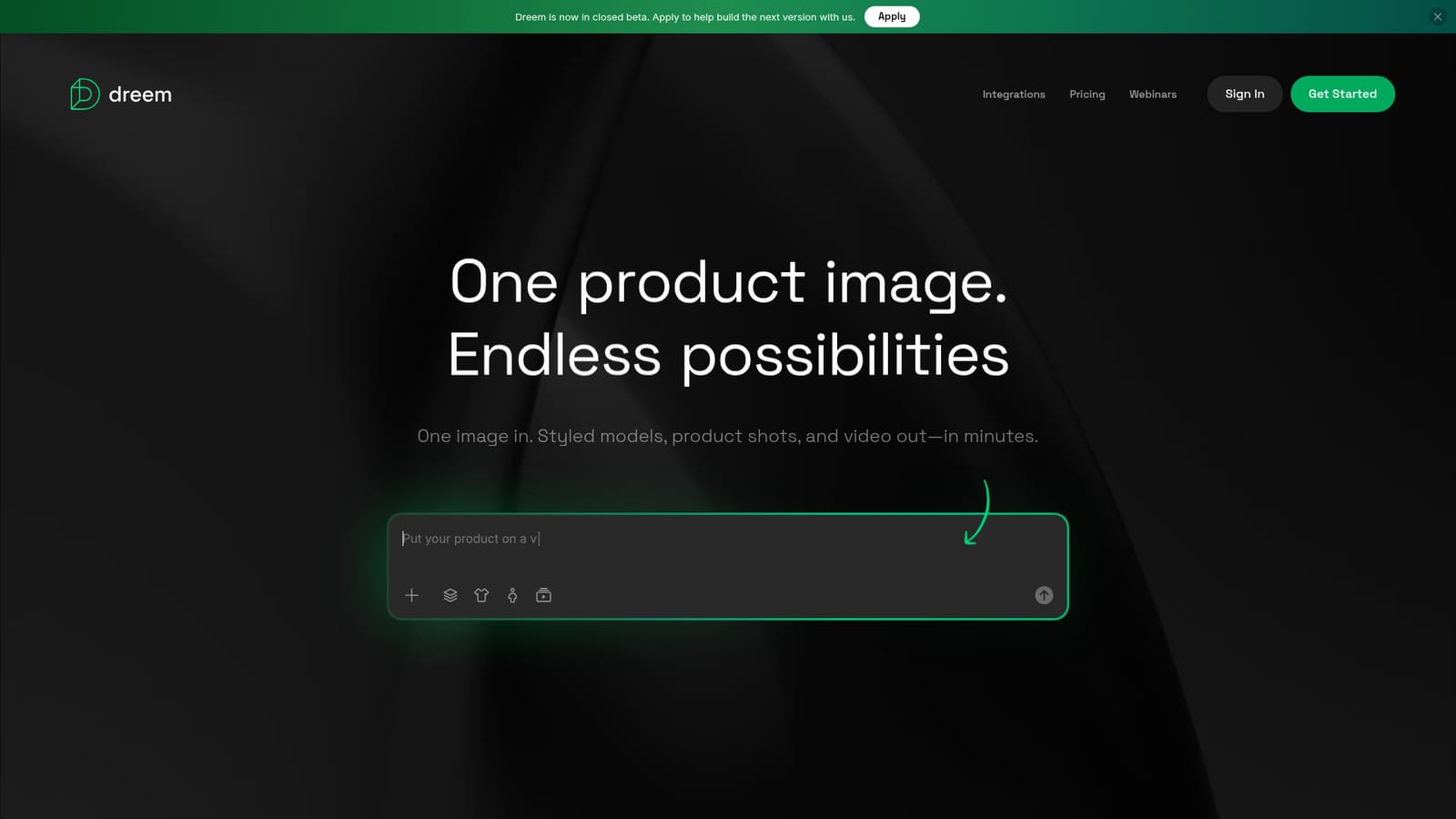
Screenshot of Dreem, One product image in, styled model shots and video out

What is Dreem?

Dreem turns a single product image into styled model photos, front and back product shots, and short videos for ecommerce product pages. It targets brands that want studio-quality visuals without photoshoots, and is currently in closed beta with an application form.

Dreem is an AI virtual studio aimed at ecommerce brands that need product visuals without booking photographers, models or sample shipments. The core promise is simple: upload a single product image and the platform returns styled content, including on-model shots, front and back product shots, and short video clips for product detail pages. The starting image does not have to be professional. Dreem states it accepts a studio product shot, a phone photo, or even a flat lay, and the user comes back to ready-to-use content rather than a raw generation that still needs cleaning up. The workflow is organized around what Dreem calls a content kit. One upload can produce several asset types at once: product shots, model shots and video. For apparel and accessories brands, the virtual model feature is the centerpiece. Products are placed on talent drawn from a diverse model library, and the same item can be restyled across relaxed, casual and formal looks so a single product page can speak to different audiences. Dreem explicitly positions this as a way to create different looks, angles and outfit styles from existing imagery, which is useful for seasonal campaigns, variant testing and ad creative that needs more than one hero photo. The tool is built for ecommerce operators rather than image editing specialists. Merchandisers, small catalog teams, DTC founders and marketplace sellers who lack an in-house photo pipeline are the obvious audience, and the learning curve appears low since the input is a standard product photo and the output arrives as finished content. Compared with general purpose image generators, Dreem is narrower and more vertical: it does not try to be a canvas for every creative task, it concentrates on converting catalog photos into shoppable media. That focus is a strength for brands with large SKU counts, though teams needing fine art direction or brand-specific retouching will still want a human in the loop. One practical caveat: the site currently states that Dreem is in closed beta, with an application form to join. Access, plan details and the depth of the integration catalog are not spelled out on the homepage, so buyers should confirm availability and commercial terms before planning a catalog migration around it.

How do you use Dreem?

  1. 1Apply for closed beta access
    Dreem is currently invite based. Submit the application form linked from the homepage to request access before creating an account.
    Dreem — Apply for closed beta access
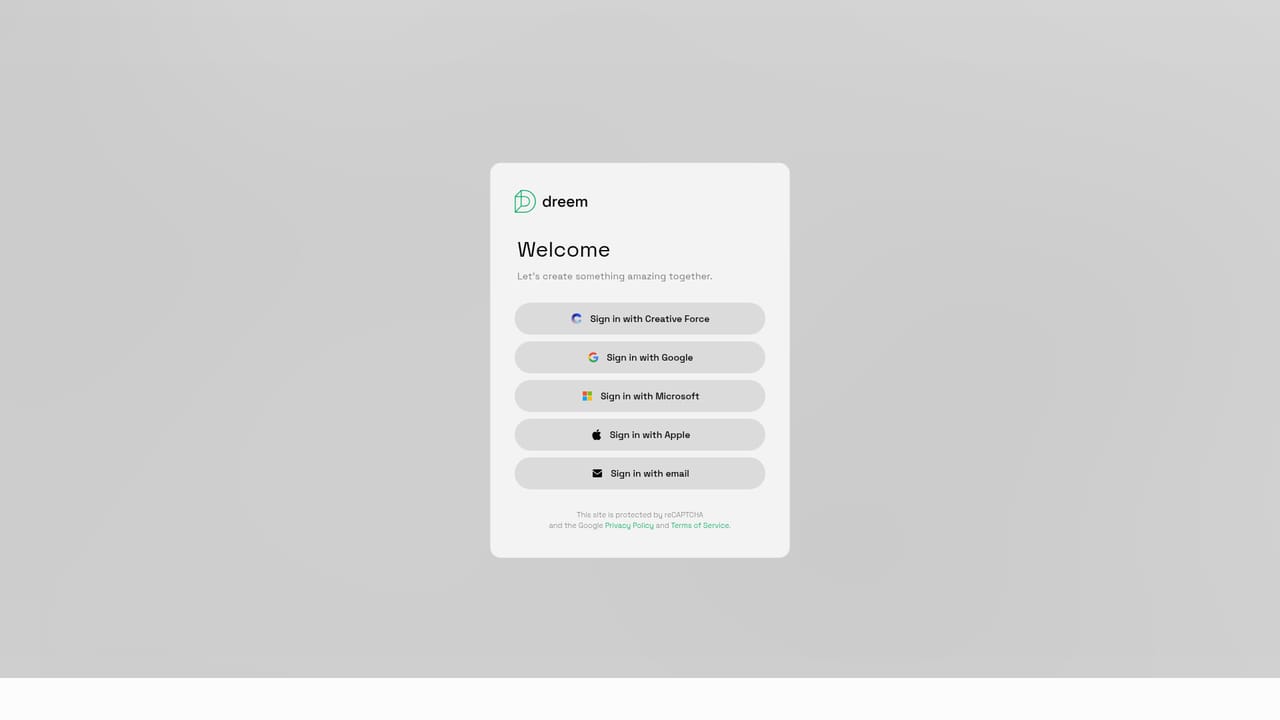
  2. 2Create your account
    Once approved, sign up with your details to open the studio workspace.
    Dreem — Create your account
  3. 3Upload a product image
    Drop in a single product photo. JPG, JPEG, PNG, WEBP and AVIF files are accepted up to 20MB, and a phone photo or flat lay works as well as a studio shot.
  4. 4Choose the content type
    Pick what you want back from the same upload: a content kit with everything, a front and back product shot, an on-model virtual model image, or a product page video.
  5. 5Style the result
    Select a model from the talent library and set the outfit direction (relaxed, casual or formal) to match the audience you are targeting.
  6. 6Review and download
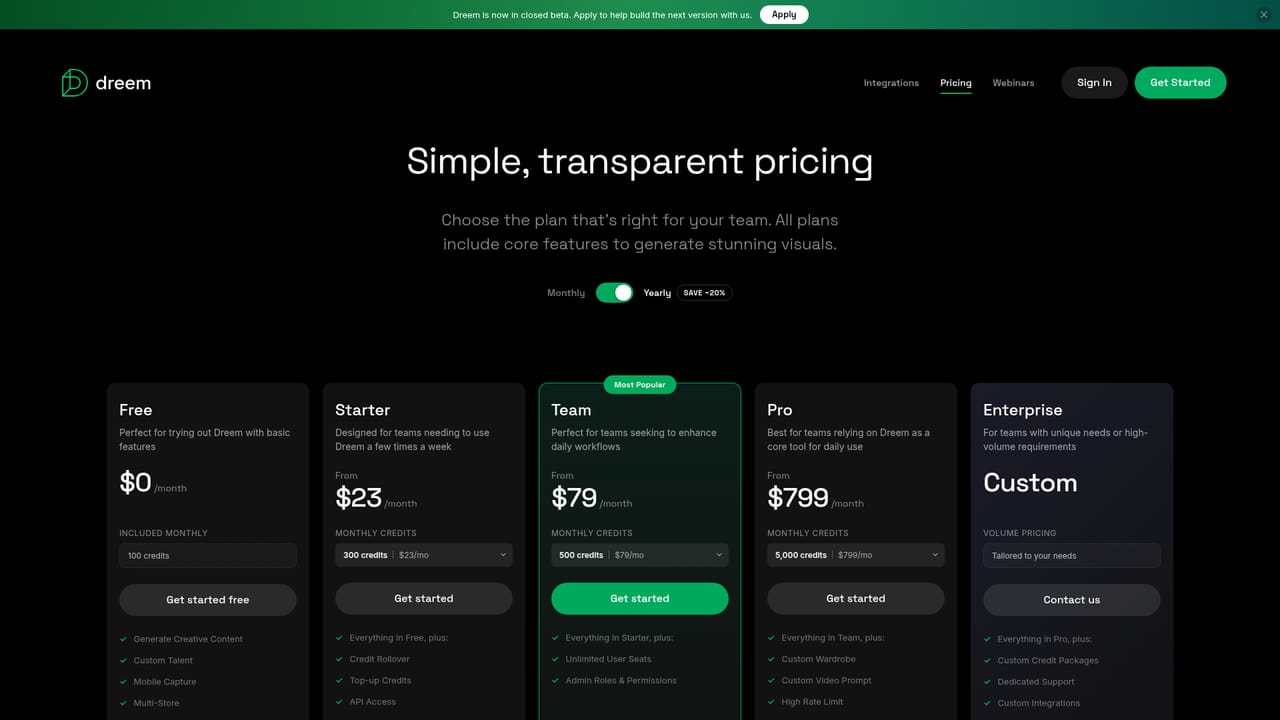
    Return to your workspace to collect the finished assets, and check the pricing page for plan and usage details as your catalog grows.
    Dreem — Review and download

Pros and cons

Pros

  • One upload can yield product shots, model shots and video, which cuts down separate asset requestsAI
  • The diverse model library and relaxed, casual, formal outfit options let one product serve multiple audiencesAI
  • Input is flexible: studio shots, phone photos and flat lays are all acceptedAI
  • Output is framed as ready-to-use content for product detail pages rather than raw draftsAI
  • Positioning is tightly vertical, so the workflow matches catalog merchandising rather than general image editingAI

Cons

  • Dreem is in closed beta, so access depends on an application and availability is not guaranteedAI
  • Pricing, plan limits and credit costs are not described on the homepageAI
  • The integrations page is linked but the homepage gives no detail on which commerce platforms are supportedAI
  • No public information on image rights, model likeness licensing or commercial usage terms for generated talentAI
  • Narrow focus on ecommerce product visuals means it is not a general purpose design or retouching toolAI

How much does Dreem cost?

Features

Dreem generates ecommerce visuals from a single product image. Outputs include a combined content kit, front and back product shots, on-model images using a diverse virtual talent library, and short video clips for product detail pages. Products can be restyled across relaxed, casual and formal looks for different audiences, and the input can be a studio photo, phone photo or flat lay.

Frequently asked questions about Dreem

  • How do you use Dreem?
    The walkthrough on this page covers 6 steps: 1. Apply for closed beta access 2. Create your account 3. Upload a product image 4. Choose the content type 5. Style the result 6. Review and download.
  • What platforms does Dreem support?
    Dreem is available on Web App.
  • What are the limitations of Dreem?
    Dreem is in closed beta, so access depends on an application and availability is not guaranteed. Pricing, plan limits and credit costs are not described on the homepage. The integrations page is linked but the homepage gives no detail on which commerce platforms are supported.

Status

StatusActive
Views0
Outbound clicks0
Added10/21/2026

Platforms

Web App

Pricing

Paid