Integrations
Works with any application that reads a microphone, including Discord, Zoom, Skype, Google Meet, Twitch, TikTok Live, Streamlabs, OBS and games such as Roblox, Valorant, Fortnite, VRChat, Call of Duty, Minecraft and GTA V.
Real-time AI voice changer for gaming, streaming and calls
Own EaseUS Online Video Repair? Verify ownership to get a dofollow link

EaseUS Online Video Repair is an audio editing tool. Windows desktop voice changer that swaps your microphone feed in real time, with 2,000+ AI voices, a 150K sound effect board and a cloning studio. Aimed at gamers, streamers, callers and post-production teams.
EaseUS VoiceWave is a Windows application that alters your voice in real time so that whatever you say into a microphone reaches the other side sounding like someone else. It installs a virtual audio driver, and once you point an app's microphone input at "VoiceWave Microphone", the transformation happens live. That design means the tool does not need to be integrated with anything: games, voice chats and broadcasting software simply see a microphone and never know a filter sits behind it. The library is the main draw. EaseUS advertises more than 2,000 voices and over 150,000 sound effects, with presets spanning anime characters, game personalities, celebrity impressions and gender swaps. A soundboard lets you fire memes and stingers into a group chat or a live broadcast, and custom keybinds assign any effect to a key for instant reactions mid-match. When a preset does not fit, Voice Clone lets you build a voice from scratch or bend an existing one with pitch, tone, reverb, delay and robotifier style effects. In practice the workflow is short: install, choose the virtual microphone inside Discord, Zoom, OBS, Twitch, TikTok Live or a game, then pick a voice. The homepage frames the product around four audiences: online gamers and role-players, streamers who want to entertain or stay anonymous, people on calls and meetings, and post-production professionals in film, TV, advertising and music who need character voices. Latency and system load are pitched as low, which matters for anyone reacting on the fly. It is a single-purpose desktop tool rather than a general audio editor. Competing voice changers tend to be lighter on voice variety or push you toward a subscription; VoiceWave leans on the size of its catalog and its one-click setup. The catch is that it is Windows only, and the better voices and effects may sit behind paid plans, so check the pricing page before committing.
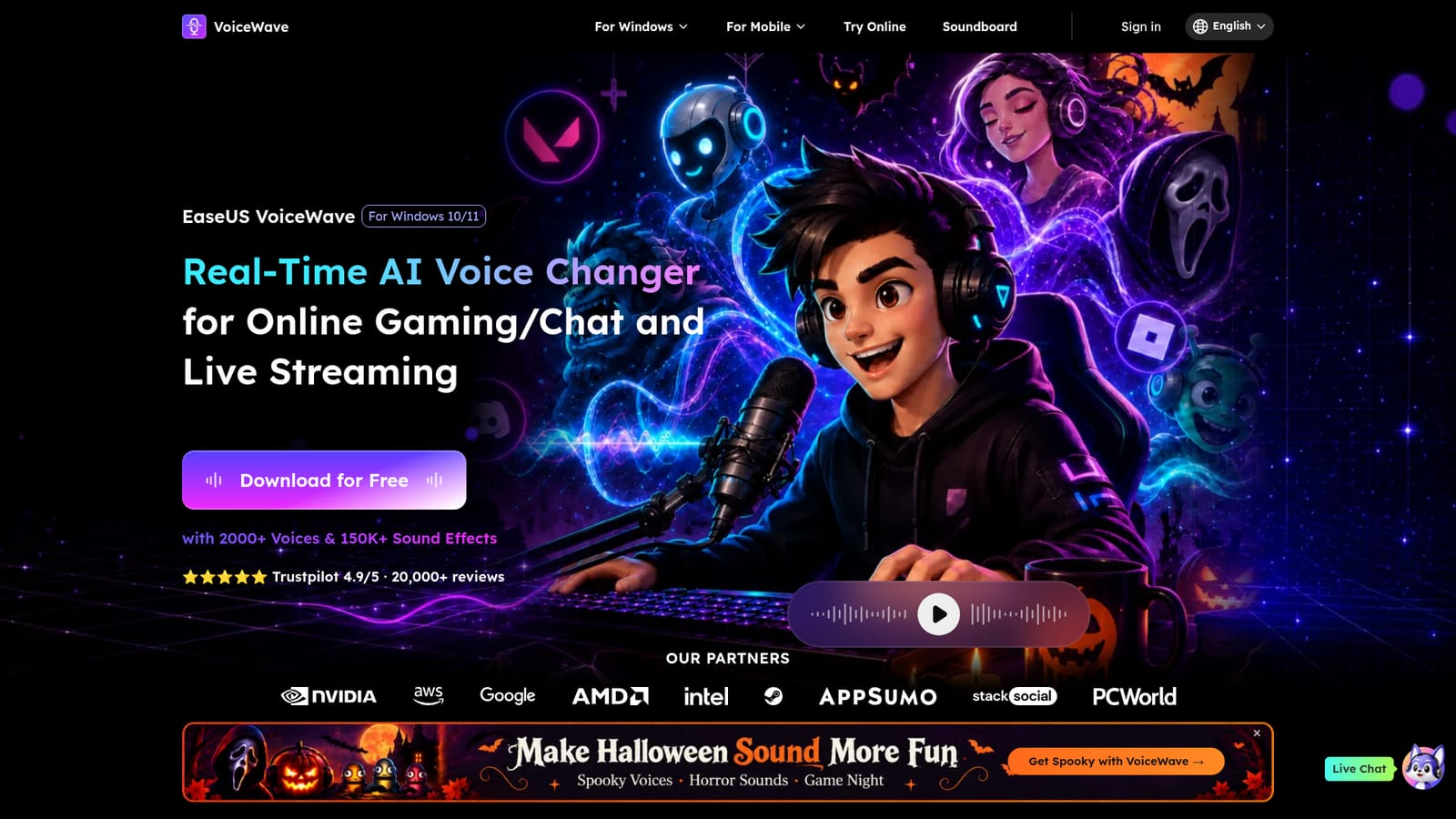
Works with any application that reads a microphone, including Discord, Zoom, Skype, Google Meet, Twitch, TikTok Live, Streamlabs, OBS and games such as Roblox, Valorant, Fortnite, VRChat, Call of Duty, Minecraft and GTA V.
Real-time voice transformation through a virtual microphone, a library of 2,000+ AI voices, a 150,000+ sound effect soundboard, voice cloning with pitch, tone and effect controls, custom keybinds, noise suppression and voice optimization for clarity, and low latency tuning for live gaming and streaming.
 AI Angels400+ customizable AI girlfriends for NSFW chat, voice calls, and roleplay
 Candy AIExperience the future of companionship with AI friends who chat, role-play, and connect with you on a human level.
 ourdream.aiA vast AI roleplay platform with millions of characters for chat, images, video and voiceAI Angels400+ customizable AI girlfriends for NSFW chat, voice calls, and roleplayCandy AIExperience the future of companionship with AI friends who chat, role-play, and connect with you on a human level.ourdream.aiA vast AI roleplay platform with millions of characters for chat, images, video and voice


