Free trial
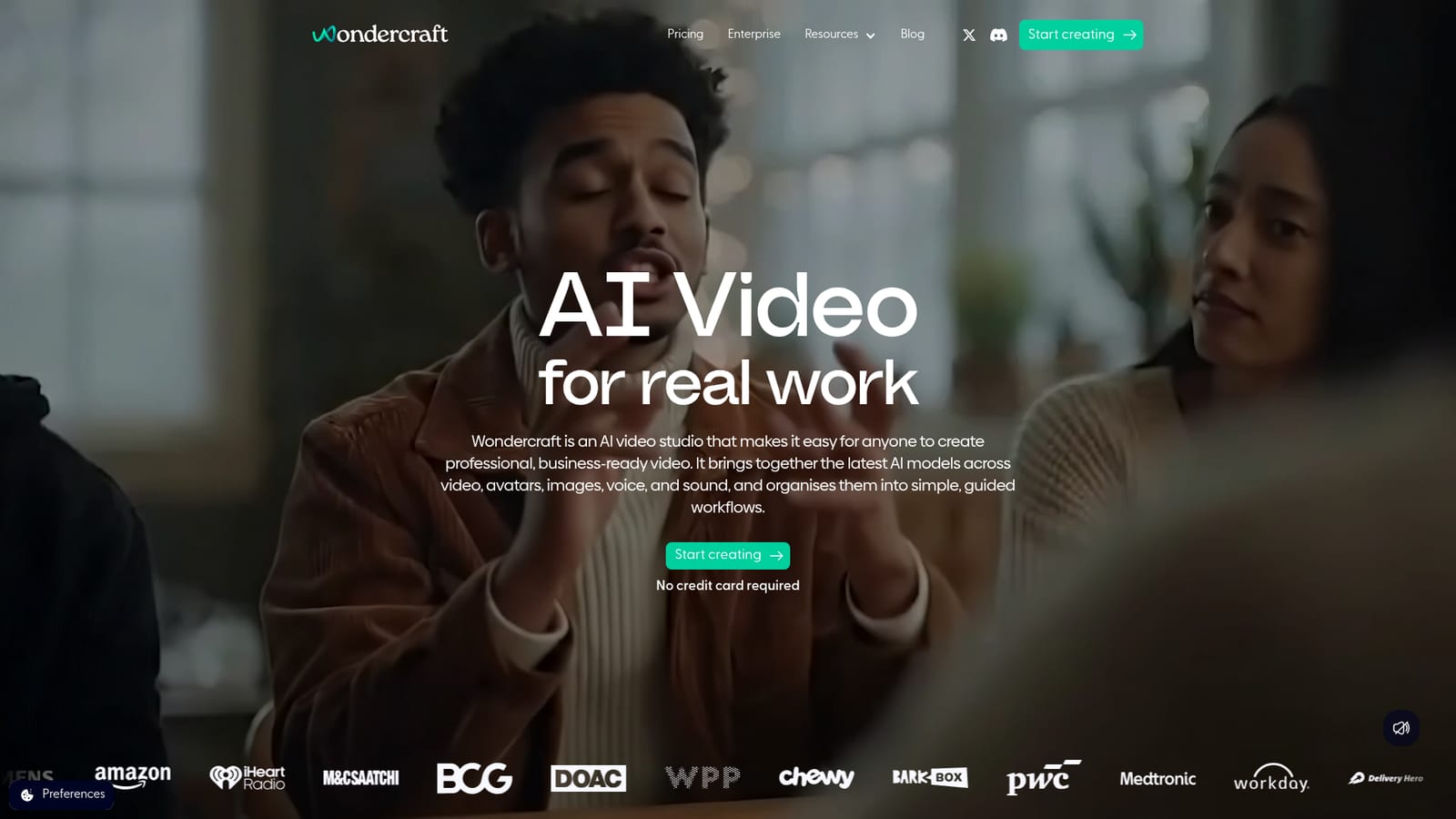
The homepage states that you can start creating with no credit card required, suggesting a free trial or freemium entry point.
Learn moreAI studio for podcasts and video, with a real editor.

Wondercraft is an audio editing tool. Wondercraft combines multiple AI models for voice, avatars, and video with a timeline editor. It excels at AI podcast production, voice cloning, and text to speech, and is expanding into full video creation.
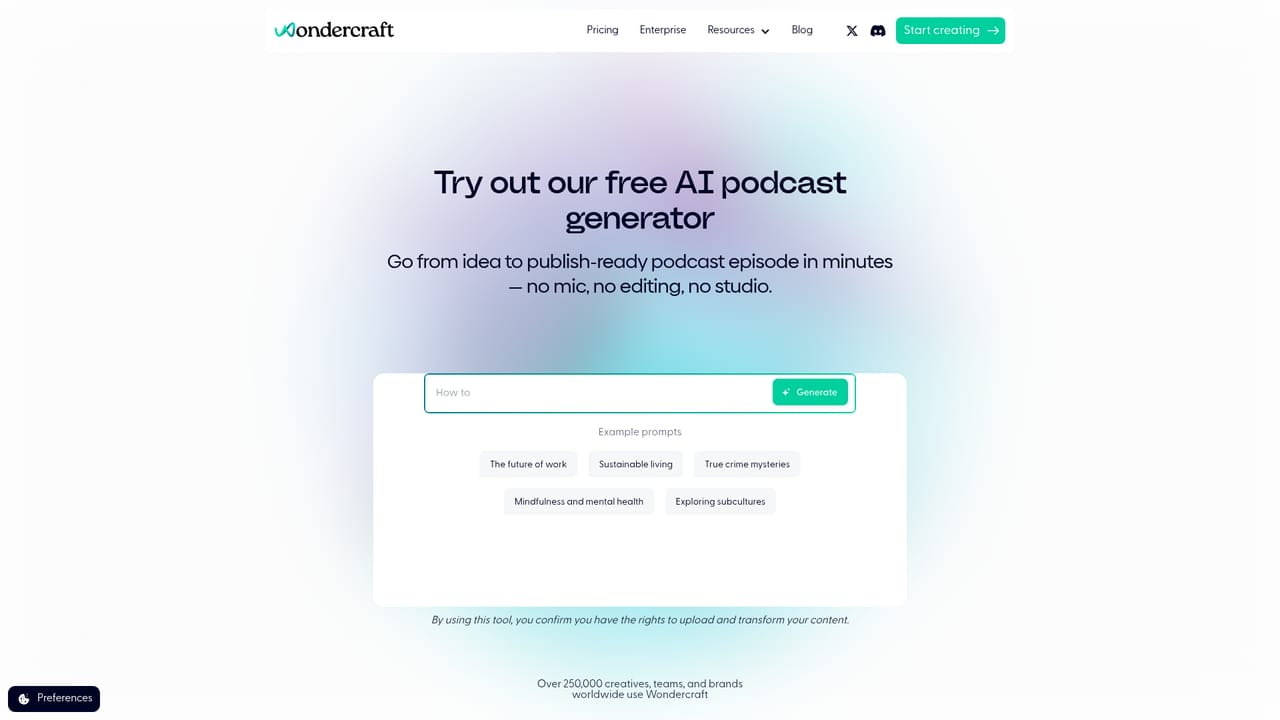
Wondercraft is an AI-native studio for making podcasts, video, and other audio-visual content. The homepage positions it as a single place to create professional, business-ready video and audio, bringing together the latest AI models for video, avatars, images, voice, and sound inside guided workflows. It is aimed at creators, marketers, learning and development teams, and enterprises that need to produce polished media at scale without a traditional production pipeline. In practice, you start by describing what you want in natural language: Wondercraft responds like a creative assistant and assembles a draft. A built-in timeline editor then lets you refine the result directly, adjusting layouts, captions, branding, resizing, layers, and export settings. The platform includes dedicated tools for AI podcast generation (planning, recording, auto-editing with music and chapters), voice cloning from samples, text to speech in multiple styles and languages, AI avatars, image to video, text to video, and even AI meditation sessions. The homepage notes that the full video suite is launching next week and that only audio is live today. Among alternatives, Wondercraft differentiates by combining model variety with an actual editing environment rather than a one-shot generator. It is used by teams at Spotify, Amazon, the World Bank, and agencies like Oxford Road for everything from turning long documents into internal podcasts to producing audio ads at volume. The API and documentation point to a platform that can also plug into larger content operations. If you need a single AI tool that goes from prompt to finished, editable media, it is a strong contender; if you need a mature video product right now, the audio-first current state may feel early.
The homepage states that you can start creating with no credit card required, suggesting a free trial or freemium entry point.
Learn moreSupport resources include documentation and reference docs, plus a dedicated support site for how-tos and troubleshooting.
Learn moreAn API is available for integrating generation, models, and editing into your own systems, with documentation provided.
Learn moreWondercraft offers an AI video studio with a full editor, AI podcast generator with auto-editing and chapters, voice cloning, text to speech in multiple styles and languages, AI avatars, image to video, text to video, and AI meditation session generation. All are orchestrated through guided workflows.
 AI Angels400+ customizable AI girlfriends for NSFW chat, voice calls, and roleplay
 Candy AIExperience the future of companionship with AI friends who chat, role-play, and connect with you on a human level.
 ourdream.aiA vast AI roleplay platform with millions of characters for chat, images, video and voiceAI Angels400+ customizable AI girlfriends for NSFW chat, voice calls, and roleplayCandy AIExperience the future of companionship with AI friends who chat, role-play, and connect with you on a human level.ourdream.aiA vast AI roleplay platform with millions of characters for chat, images, video and voice


