Free trial
A 14 day free trial is advertised on the pricing section of the Podbean AI page.
Learn moreAI cleanup, show notes and full episode generation inside Podbean's hosting platform

Podbean AI is an audio editing tool. Podbean AI bundles one-click audio mastering, auto-generated titles, transcripts and chapter markers, and a text-to-episode creator with 500+ voices into Podbean's podcast hosting platform.
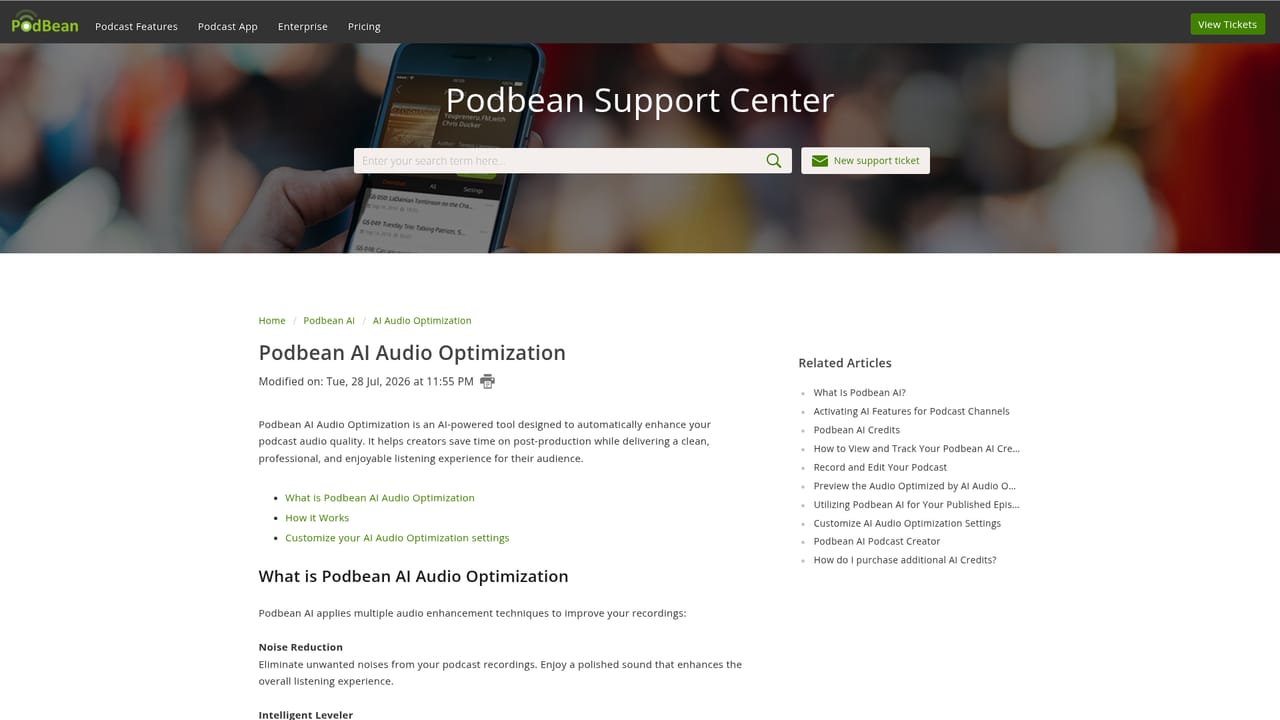
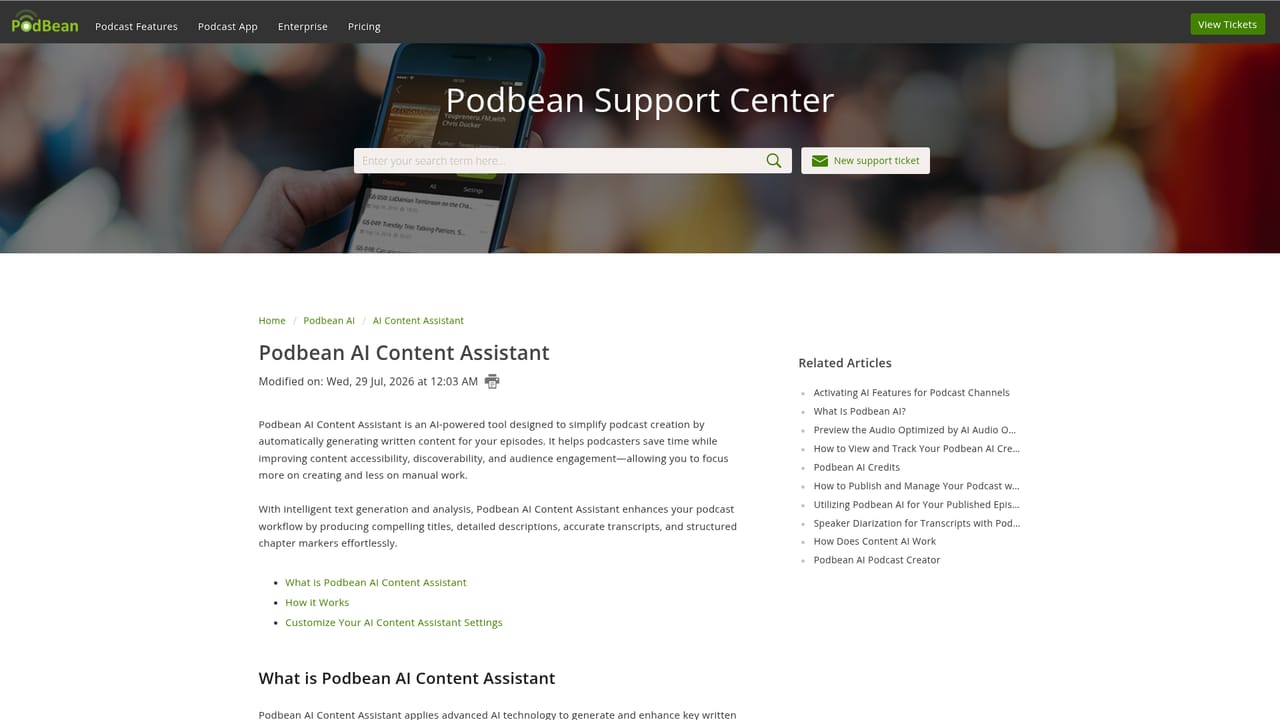
Podbean AI is the artificial intelligence layer inside Podbean's podcast hosting service. Rather than a separate app, it is a collection of three tools that activate during normal publishing: AI Audio Optimization, AI Content Assistant and AI Podcast Creator. The pitch is simple: finish an episode, switch the AI options on, and let the platform handle the post-production and the paperwork that usually eats a producer's evening. Audio Optimization does the mastering work in one click. It removes background noise, levels volume between speakers, music and speech, trims silence and filler words such as ah and uhm, and applies filtering with AutoEQ and de-essing for a cleaner voice tone. Content Assistant covers the writing side: it drafts episode titles and show notes, produces transcripts that help with accessibility and search visibility, and inserts chapter markers into the timeline. Podcast Creator goes further and builds an episode from scratch. A user uploads a file, pastes text, adds a URL or types an idea, picks a style and tone, then gets a script read by one of 500+ AI voices in 100+ languages, with background music and the option to assign different voices to different speakers. The audience is existing and aspiring podcasters who want broadcast-grade polish without an audio engineer, plus marketing and content teams producing branded or training episodes in volume. Beginners can leave everything on automatic; anyone who wants control can review and edit every generated title, transcript and script before it goes live. Non-English shows are supported. The main caveat is that Podbean AI is not standalone. It lives inside Podbean hosting, so the practical comparison is against other all-in-one podcast hosts that bundle editing and transcription credits, not against dedicated desktop editors or standalone voice generators. Pricing runs on a shared AI Credits allowance tied to hosting plans.
A 14 day free trial is advertised on the pricing section of the Podbean AI page.
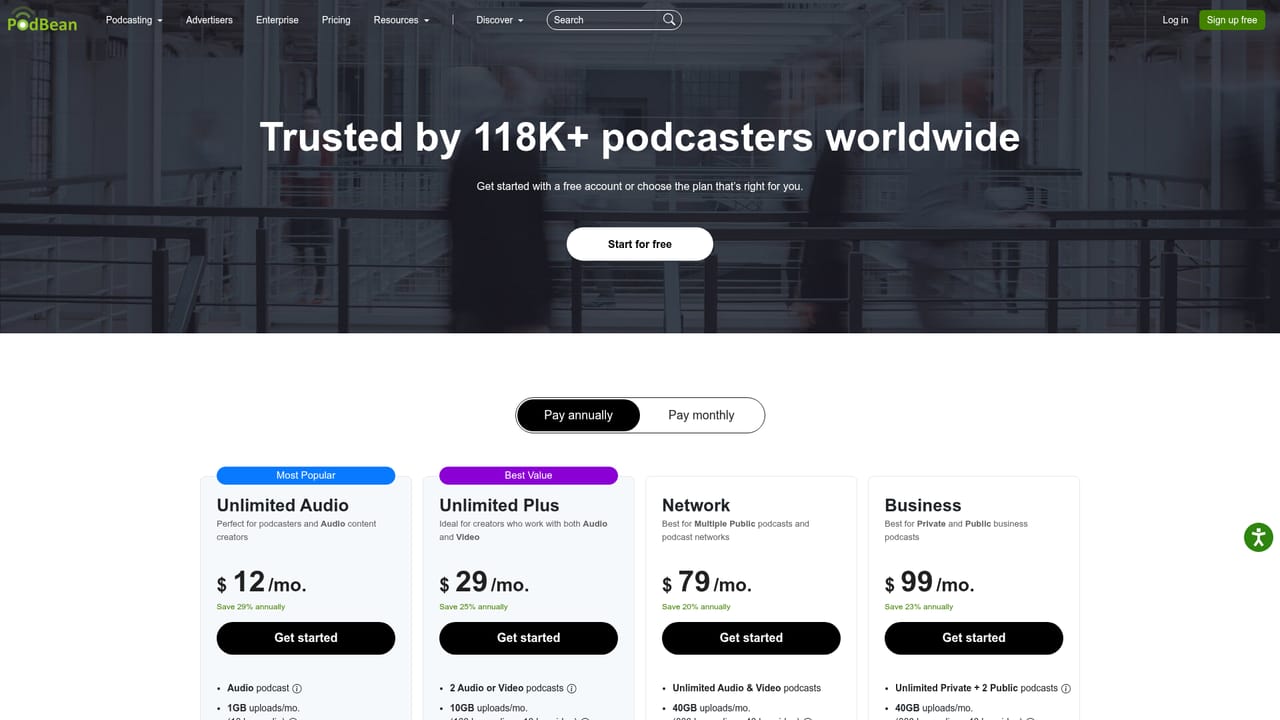
Learn morePodbean AI is paid through hosting plans with a shared AI Credits system. The Unlimited Audio plan (one audio podcast, 1GB monthly uploads, 600 AI Credits) is listed at $12.17 per month on annual billing, and Unlimited Plus (two audio or video podcasts, 10GB uploads, 2,400 AI Credits) at $29.39 per month annually.
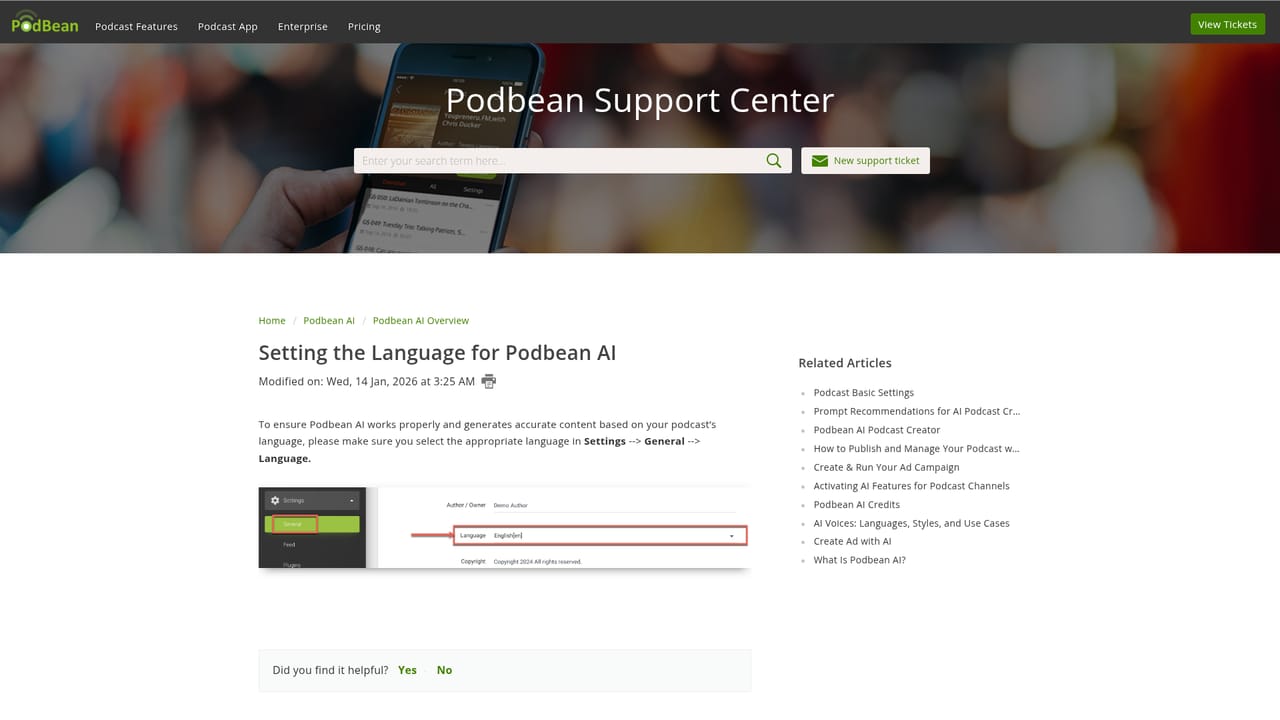
Learn moreSupport runs through Podbean's help centre, which hosts articles on audio optimization, the content assistant and language settings. No live chat or direct contact channel is described on the homepage.
Learn moreThree tools sit under the Podbean AI name. AI Audio Optimization adds noise reduction, an intelligent leveler, filler word and silence cutting, and filtering with AutoEQ and de-essing. AI Content Assistant generates titles, show notes, transcripts and chapter markers. AI Podcast Creator turns text, files, URLs or ideas into scripted episodes with 500+ AI voices in 100+ languages, background music and voice assignment per speaker.
 AI Angels400+ customizable AI girlfriends for NSFW chat, voice calls, and roleplay
 Candy AIExperience the future of companionship with AI friends who chat, role-play, and connect with you on a human level.
 ourdream.aiA vast AI roleplay platform with millions of characters for chat, images, video and voiceAI Angels400+ customizable AI girlfriends for NSFW chat, voice calls, and roleplayCandy AIExperience the future of companionship with AI friends who chat, role-play, and connect with you on a human level.ourdream.aiA vast AI roleplay platform with millions of characters for chat, images, video and voice


