Pricing
Harmony generation is free and not metered. It sits inside the free editor alongside auto-tune, note level pitch editing and the effects rack. The homepage does not list any paid tiers.
Learn moreStack a third, a fifth and an octave in your own voice, free and unlimited
Own IchiPitchy Harmonies? Verify ownership to get a dofollow link

IchiPitchy Harmonies is an audio editing tool. A free browser tool that generates a third, a fifth and an octave from one vocal take, using the singer's own voice. Harmonies are built diatonically from the detected key, each voice has its own level fader, and the result exports to a multitrack mixer or a lossless WAV.
IchiPitchy Harmonies is a browser based vocal harmony generator that builds stacked backing parts from a single recorded take. It does not pull a stock voice from a library. Every harmony line is synthesized from the notes the singer actually performed, so the timbre, accent and phrasing stay consistent between the lead and the supporting parts. The engine first transcribes the take into notes, then places each harmony voice on a real scale degree in the detected key. That distinction matters: a fixed semitone shift will turn a minor third into a major third roughly half the time, while a diatonic third stays inside the scale. Each voice is also rendered at absolute pitch from the target note rather than by copying the lead and moving it, so a slightly sharp or flat original does not pass its tuning error on to the stack. Vibrato and portamento are carried across, which keeps the harmonies breathing with the lead instead of sitting on a dead-straight synthesized pitch. In practice the workflow is short. Upload a dry vocal or record one in the browser, confirm the detected key and scale, flip a single harmony toggle, then balance the three voices (third, fifth, octave) on independent 0 to 100 percent faders. A fifth alone is often the right call. From there the project goes to a multitrack mixer or exports as a lossless WAV with the harmonies printed in. It suits solo singers, demo writers and producers who want doubled backing vocals without booking a session singer or spending time on manual comping. Compared with harmony tools built on library timbres, the appeal is blend; compared with pitch-shifting a duplicate track in a DAW, the appeal is staying in key. Harmony is not metered, and the same editor also carries auto-tune and note level pitch editing. The main constraint is that it works from a detected melody, so a full mix needs vocal separation first.
Harmony generation is free and not metered. It sits inside the free editor alongside auto-tune, note level pitch editing and the effects rack. The homepage does not list any paid tiers.
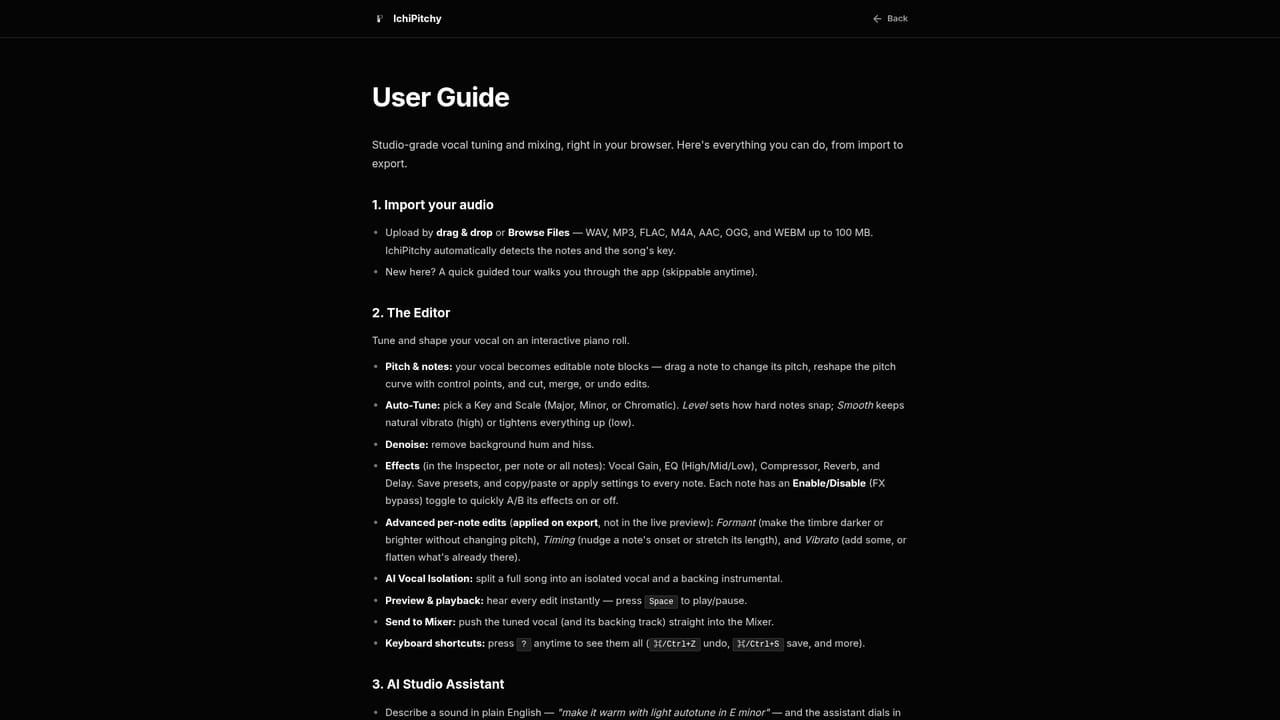
Learn moreA public user guide covers the studio workflow and the wider editor. No dedicated help desk, chat or email channel is described on the homepage.
Learn moreGenerates a third, a fifth and an octave from a single take, using the singer's own voice. Voices are placed diatonically in the detected key and rendered at absolute pitch, carrying the lead's vibrato and portamento. Each part has an independent 0 to 100 percent level fader, and results go to a multitrack mixer or a lossless WAV export. Auto-tune and note level pitch editing sit in the same editor.
Learn more AI Angels400+ customizable AI girlfriends for NSFW chat, voice calls, and roleplay
 Candy AIExperience the future of companionship with AI friends who chat, role-play, and connect with you on a human level.
 ourdream.aiA vast AI roleplay platform with millions of characters for chat, images, video and voiceAI Angels400+ customizable AI girlfriends for NSFW chat, voice calls, and roleplayCandy AIExperience the future of companionship with AI friends who chat, role-play, and connect with you on a human level.ourdream.aiA vast AI roleplay platform with millions of characters for chat, images, video and voice


