Free trial
The homepage invites visitors to master a track for free and compare the result with the original before paying, though the full toolset requires a subscription.
Learn moreAI mastering built on the ears of Grammy-winning engineers

eMastered is an audio editing tool. Online AI mastering service from a Grammy winning engineering team, with reference matching, manual mastering controls and a wider Studio bundle covering distribution, stem separation, vocal tuning and a synthesizer plugin.
eMastered is an online mastering service that processes finished stereo mixes through a machine learning engine built by a team of Grammy award winning engineers. The workflow is deliberately short: upload an MP3, AIFF or WAV file, let the engine analyze the track, then compare the processed version against the original and download the result as WAV or MP3. Behind that simple loop the platform runs familiar studio processes (EQ, compression, saturation and others), building a custom chain for each song rather than forcing one preset across an album. The company states that the engine learns with every track it handles, so results are meant to sharpen over time. Two features separate it from the most basic one click mastering tools. Reference mastering lets you upload a commercial track you want your song to resemble, and the system analyzes its sonic identity, then applies that loudness, balance and compression profile to your master. Advanced mastering options, included with paid plans, expose manual controls for compression, EQ, stereo width and volume, and let you save configurations as presets for repeatable results across a release. The standalone mastering tool sits inside a broader subscription bundle, eMastered Studio. That package adds music distribution to major streaming platforms with 100 percent royalty retention, Stemify for AI stem separation and vocal removal, Linkify for link in bio pages, PitchPro for vocal tuning, and Atom, an AI synthesizer delivered as a VST, AU and AAX plugin for use in a DAW. Users comparing it with studio mastering quotes, or with simpler AI mastering apps, are effectively choosing between a single purpose mastering engine and a full independent release pipeline. It suits independent artists, producers and songwriters who mix their own work and want a release ready master without booking an engineer, plus small labels handling volume across a catalog. Engineers who already own a detailed mastering chain may find the manual controls shallow by comparison, and anyone needing stem level work will need to pair the master with a separate mix session.
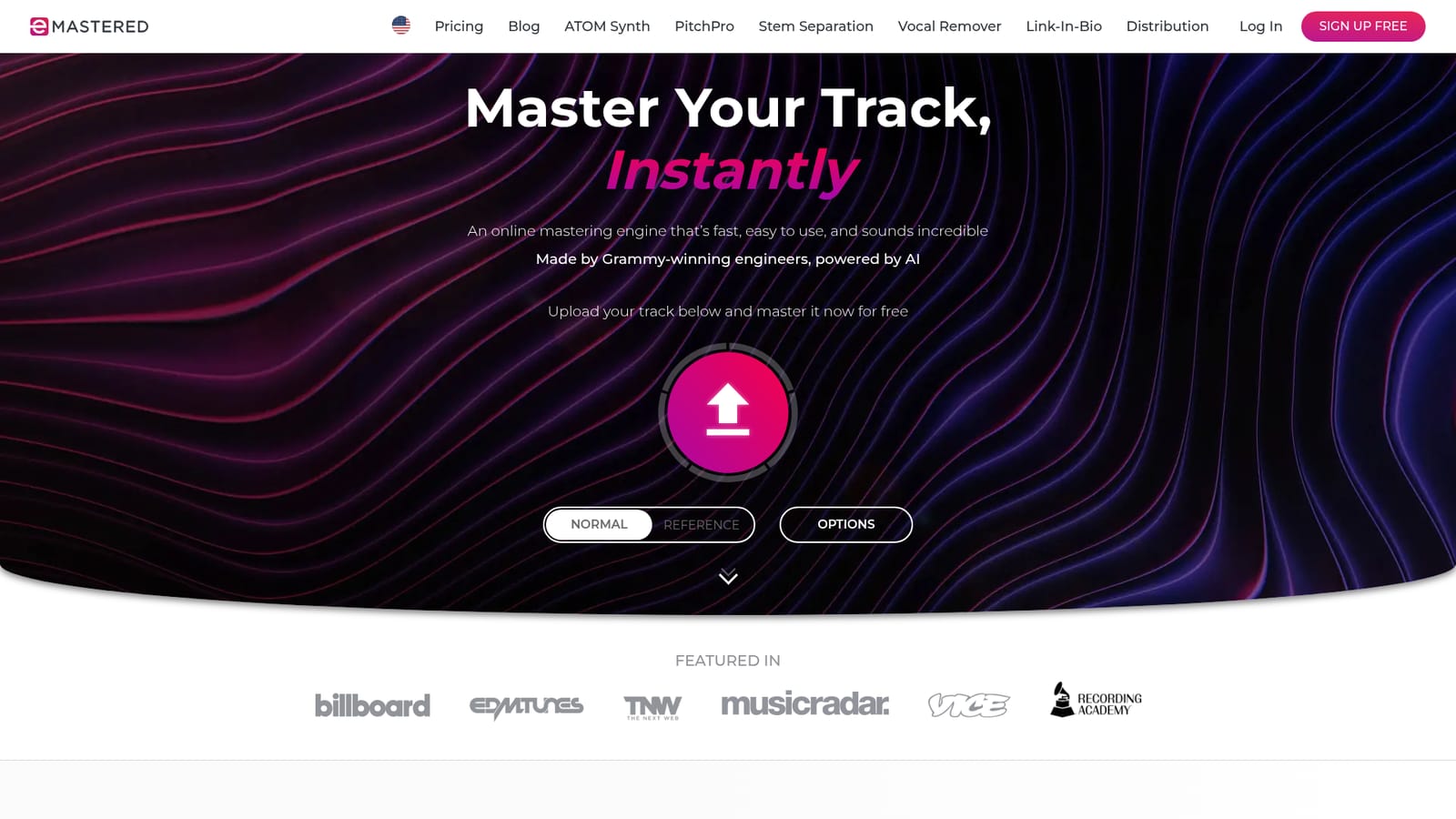
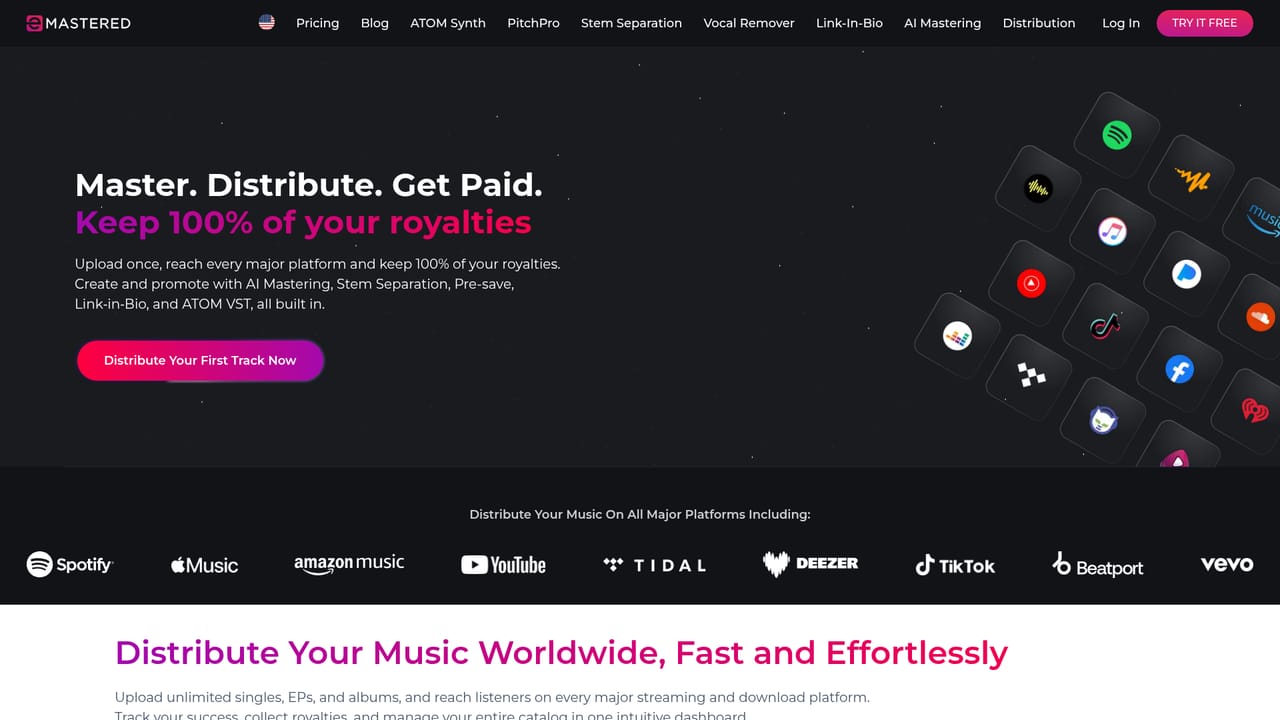
The homepage invites visitors to master a track for free and compare the result with the original before paying, though the full toolset requires a subscription.
Learn moreThree Studio tiers: $15 per month billed $180 yearly, $19 per month on a one year commitment billed monthly, and $39 per month billed monthly. All include unlimited mastering, distribution, stem separation, the Atom and PitchPro plugins and Linkify.
Learn moreDistribution delivers releases to major streaming and download platforms. Atom and PitchPro ship as VST, AU and AAX plugins for use inside a digital audio workstation.
Learn moreAI mastering with per song processing chains, reference track matching, and manual mastering options for compression, EQ, stereo width and volume with presets. The Studio bundle adds unlimited distribution with 100 percent royalties, streaming analytics, Stemify stem separation, Linkify link in bio pages, PitchPro vocal tuning and the Atom AI synthesizer plugin.
 AI Angels400+ customizable AI girlfriends for NSFW chat, voice calls, and roleplay
 Candy AIExperience the future of companionship with AI friends who chat, role-play, and connect with you on a human level.
 ourdream.aiA vast AI roleplay platform with millions of characters for chat, images, video and voiceAI Angels400+ customizable AI girlfriends for NSFW chat, voice calls, and roleplayCandy AIExperience the future of companionship with AI friends who chat, role-play, and connect with you on a human level.ourdream.aiA vast AI roleplay platform with millions of characters for chat, images, video and voice


