Free trial
The studio is free to start with no account, credit card or GPU required: open the site, type a prompt and generate. The homepage does not state a credit allowance for free users.
Learn moreBaidu's open-weight image model built for legible text and posters

ERNIE Image is Baidu's open-weight 8B Diffusion Transformer image generator, hosted free in the browser. It stands out for readable multilingual text inside images, accurate instruction following on long prompts, and coherent multi-panel comics and storyboards, with a Turbo mode that renders in 8 steps for fast iteration.
ERNIE Image is Baidu's open-weight text-to-image model, released on April 15, 2026, and built on an 8 billion parameter single-stream Diffusion Transformer. The hosted studio at ernie-image.co puts that model behind a browser interface: you type a prompt, choose a size ratio and model variant, generate, and download a full resolution PNG. No install, GPU or account is required to start. The pitch is narrower than a general purpose art generator. ERNIE Image is trained on dense, layout-sensitive scenes, so it can place readable words, labels and captions inside an image in English, Chinese and other languages. It also handles long, compositional prompts with several objects and spatial relationships, and it keeps multi-panel outputs such as comics, manga pages and storyboards coherent across panels. Outputs lean toward a warm, film-like cinematic look rather than the glossy synthetic sheen common to other generators. Baidu's own materials rank it first among open-weight models on instruction accuracy, citing a GENEval score of 0.8856. In practice the workflow is three moves: describe, tune, generate. A built-in Prompt Enhancer rewrites a plain language draft into a structured prompt for people who do not want to hand-engineer wording. Two variants share the same studio, the standard model for polished results and Turbo, which reaches its output in 8 steps instead of 50 for fast concept iteration. Preset ratios cover 16:9, 9:16, 4:3, 3:4, 3:2 and 2:3, with manual width and height fields. It suits marketers producing text-accurate banners and posters, illustrators working on comics and storyboards, e-commerce sellers who need product visuals without a photo shoot, and writers visualizing characters and scenes. Against FLUX, Midjourney and Stable Diffusion 3.5, the differentiators are multilingual in-image text, panel structure and free browser access; photorealism is where rivals still hold an edge. The weights are Apache 2.0 licensed and support ComfyUI templates and AI-Toolkit fine-tuning, so teams can move off the hosted studio later.
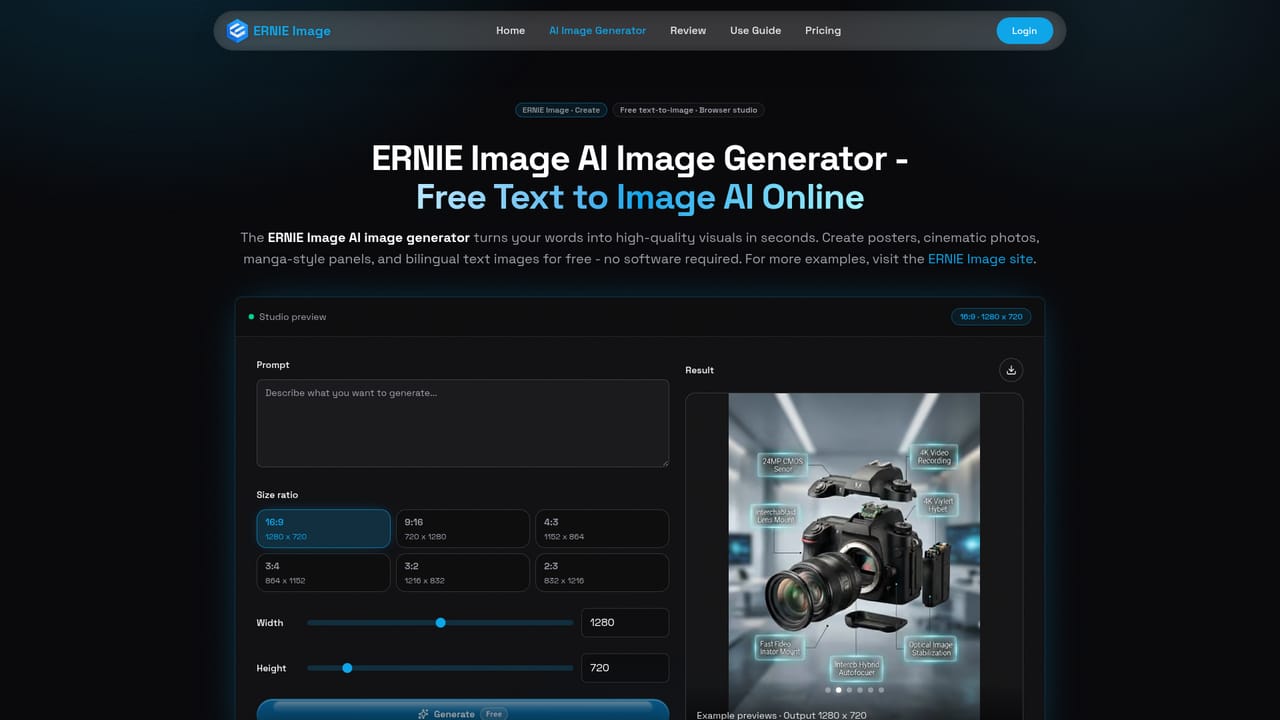
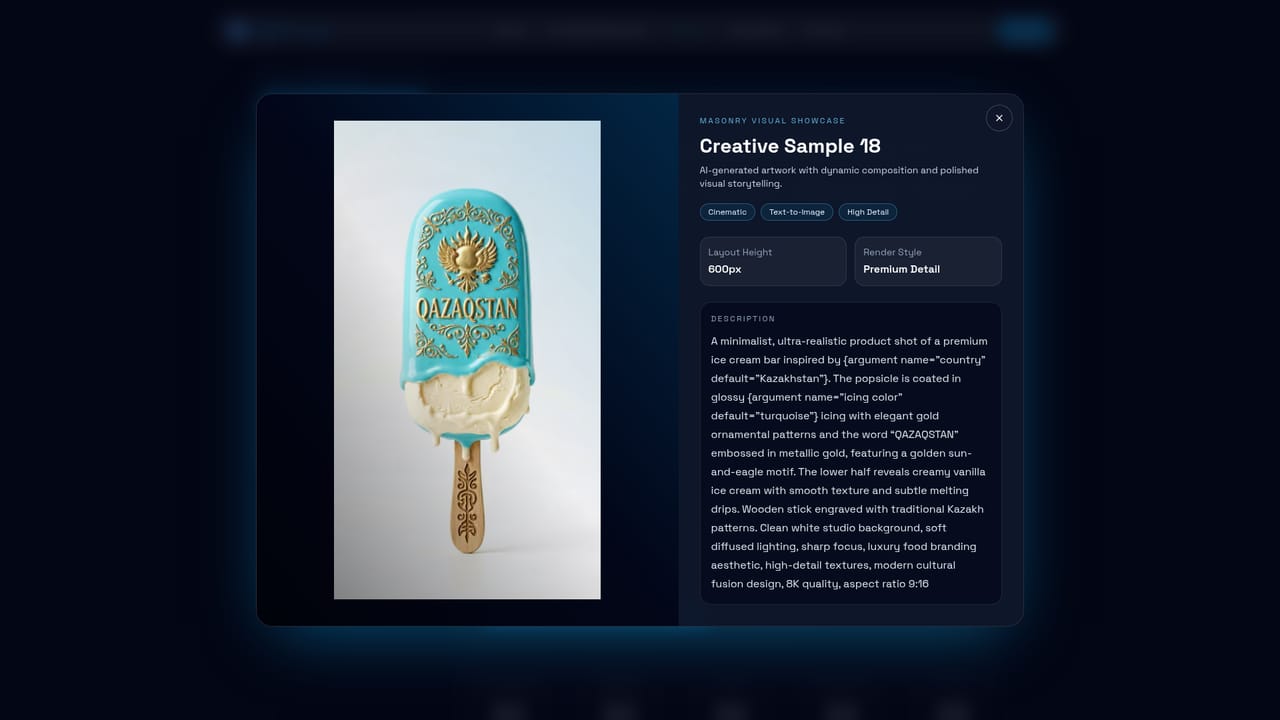
The studio is free to start with no account, credit card or GPU required: open the site, type a prompt and generate. The homepage does not state a credit allowance for free users.
Learn moreCredits are sold as one-time packs: 150 credits for $9.9, 540 for $29.9 and 1100 for $49.9, working out to $0.065, $0.055 and $0.045 per credit. Each generation consumes credits depending on the job started, and the site says credits never expire. A subscription option is also mentioned, with payment handled by Stripe.
Learn moreEmail support is listed as available 24/7, and payments run through Stripe. A 7 day money-back guarantee covers credit purchases under the refund policy.
Learn moreThe open-weight model ships with an official ComfyUI template and supports fine-tuning through AI-Toolkit. No other third party integrations are described on the homepage.
Core capabilities include multilingual text rendering inside images, high fidelity instruction following on long prompts, structured multi-panel generation for comics and storyboards, and a wide style range without model swaps. Turbo mode cuts rendering to 8 steps versus 50, and a built-in Prompt Enhancer rewrites plain descriptions into structured prompts.
 AI Angels400+ customizable AI girlfriends for NSFW chat, voice calls, and roleplay
 Candy AIExperience the future of companionship with AI friends who chat, role-play, and connect with you on a human level.
 ourdream.aiA vast AI roleplay platform with millions of characters for chat, images, video and voiceAI Angels400+ customizable AI girlfriends for NSFW chat, voice calls, and roleplayCandy AIExperience the future of companionship with AI friends who chat, role-play, and connect with you on a human level.ourdream.aiA vast AI roleplay platform with millions of characters for chat, images, video and voice


