Z-Image Base

A non-distilled 6B foundation model for controllable image generation

Beginner
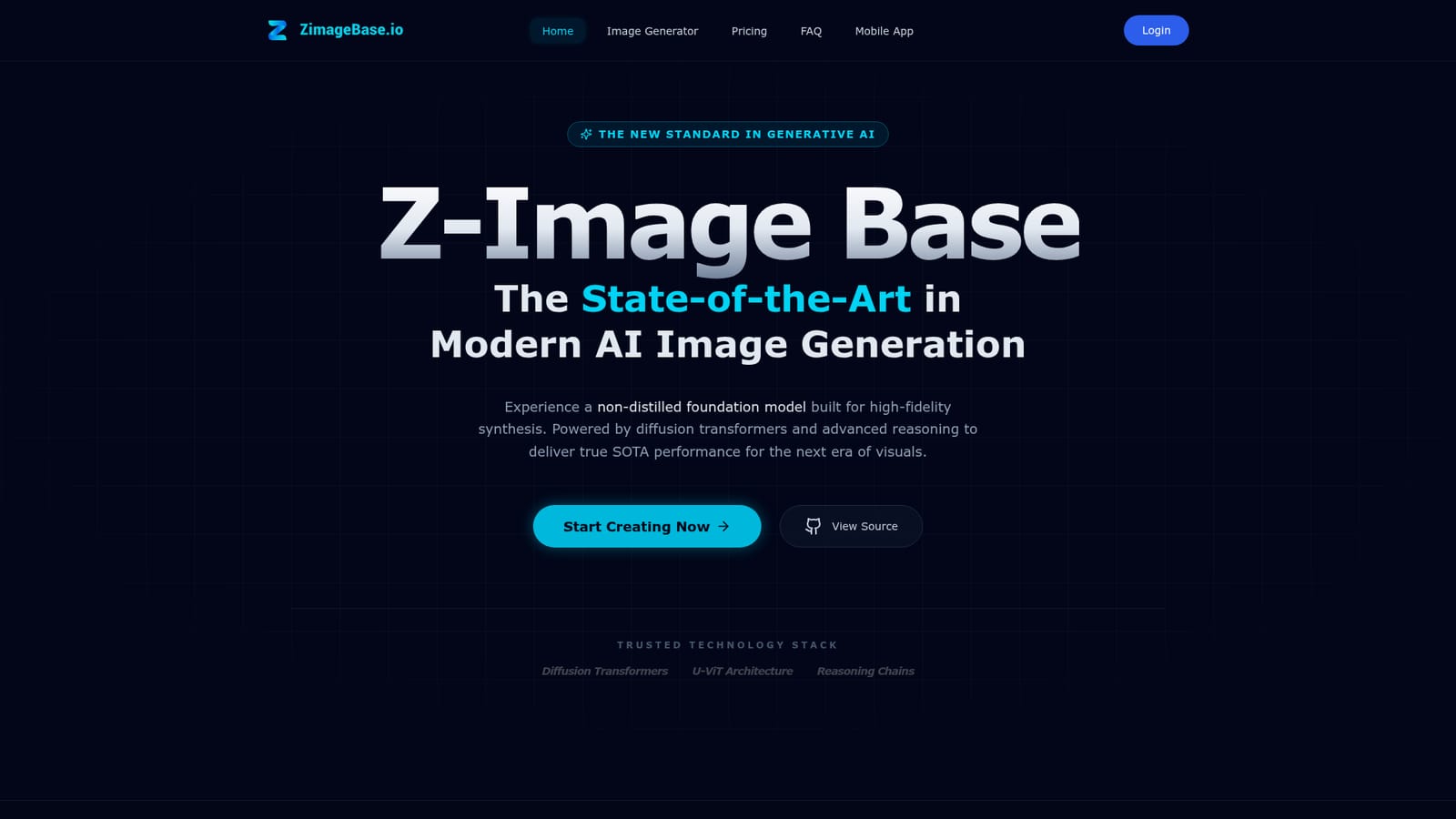
Screenshot of Z-Image Base, A non-distilled 6B foundation model for controllable image generation

What is Z-Image Base?

Z-Image Base is a hosted interface to Tongyi-MAI's 6 billion parameter, non-distilled image model, with text only and reference guided generation, adjustable strength, bilingual text rendering and one time credit pricing.

Z-Image Base is a generative image model from Tongyi-MAI (Alibaba), exposed through a browser based generator at zimagebase.io. The underlying model carries 6 billion parameters and pairs a diffusion transformer with U-ViT architecture and reasoning chains. The point of distinction the site makes is that it is non-distilled: rather than compressing a larger teacher into a small fast student, the model is offered at something closer to full capability, and the host positions that as the reason its output holds up on fine detail, lighting and texture. The tool works in two modes. Text only mode takes a prompt, an optional negative prompt, and width and height values, and returns a generated image. Reference mode adds an uploaded JPG or PNG (up to 10MB) that steers composition, style or subject, plus a strength parameter for dialling how tightly the output should track that reference. A built in prompt enhancer can rewrite a rough prompt before it is sent, which matters because the model is tuned for descriptive, logic heavy instructions. The site cites bilingual English and Chinese text rendering as a headline strength, alongside photorealism and cultural knowledge that helps with landmarks, characters and real world objects. Creators, marketers, social teams and small studios are the natural audience, particularly people producing poster style visuals with legible type or needing repeated assets from a single reference. It is a hosted web app, so nothing is installed locally, and the site mentions source code on GitHub for those who want the model itself. It also names film and gaming asset pipelines and educational material as intended uses. Against mid tier consumer generators, the differentiators are the reference guidance and the strength control rather than raw speed or a huge template library. Pricing is one time credit packs rather than a subscription, which suits occasional or project based production better than daily high volume work.

How do you use Z-Image Base?

  1. 1Open the generator and pick a mode
    Scroll to the image generator panel on the homepage and choose either Image Reference or Text Only depending on whether you want to steer the output with an existing picture.
    Z-Image Base — Open the generator and pick a mode
  2. 2Write a descriptive prompt
    Enter your prompt, adding a negative prompt for elements to avoid such as blur or low quality. Use the prompt enhancer if the wording is rough.
  3. 3Upload and weight a reference image
    In reference mode, drag in a JPG or PNG up to 10MB, then set the strength value higher to stay close to the source or lower for more deviation.
  4. 4Set dimensions and generate
    Adjust width and height for the aspect ratio you need, then run the job and preview the result in the panel.
  5. 5Buy credits to keep generating
    Pick a one time credit pack at checkout, then download finished images from the preview area once rendering completes.
  6. 6Check the refund terms
    Before committing to a larger pack, read the money back conditions on the dedicated refund page.
    Z-Image Base — Check the refund terms

Pros and cons

Pros

  • Reference image guidance with an adjustable strength parameter gives real compositional controlAI
  • Non-distilled 6B foundation model aimed at high fidelity detail rather than speed aloneAI
  • Handles English and Chinese typography, which suits poster and ad creative workAI
  • Built in prompt enhancer rescues short or vague prompts without manual rewritingAI
  • One time credit packs with no subscription, and credits are stated not to expireAI

Cons

  • The homepage contradicts itself on maximum resolution, advertising 1536x1536 in one place and a 1024px ceiling in anotherAI
  • Image reference mode is marked as requiring an upload, so the flexible text only path is less obvious than it should beAI
  • No API documentation or integration surface is published, so pipeline use depends on the GitHub model instead of the hosted toolAI
  • Credit allowances are quoted only as picture estimates, with no per image or per resolution breakdownAI
  • No free tier is described on the site, so quality cannot be judged before payingAI

How much does Z-Image Base cost?

Pricing

Three one time credit packs, no subscription: Starter at $9.9 with 1000 credits (about 250 pictures), Basic at $29.9 with 3200 credits (about 800 pictures), and Plus at $49.9 with 5800 credits (about 1450 pictures) which adds a dedicated rendering channel and enhanced prompt precision. Credits are stated not to expire.

Learn more

Support

Email support at support@zimagebase.io is listed on all plans, with higher tiers getting faster or dedicated rendering queues. A 7 day money back guarantee applies, and payments run through Stripe.

Learn more

Features

Text to image and reference guided generation from a 6 billion parameter non-distilled model, with adjustable reference strength, negative prompts, custom width and height, a prompt enhancer, bilingual English and Chinese text rendering, and photorealistic output aimed at posters, ad creative and asset pipelines.

Frequently asked questions about Z-Image Base

  • How much does Z-Image Base cost?
    Three one time credit packs, no subscription: Starter at $9.9 with 1000 credits (about 250 pictures), Basic at $29.9 with 3200 credits (about 800 pictures), and Plus at $49.9 with 5800 credits (about 1450 pictures) which adds a dedicated rendering channel and enhanced prompt precision. Credits are stated not to expire.
  • How do you use Z-Image Base?
    The walkthrough on this page covers 6 steps: 1. Open the generator and pick a mode 2. Write a descriptive prompt 3. Upload and weight a reference image 4. Set dimensions and generate 5. Buy credits to keep generating 6. Check the refund terms.
  • What platforms does Z-Image Base support?
    Z-Image Base is available on Web App.
  • What are the limitations of Z-Image Base?
    The homepage contradicts itself on maximum resolution, advertising 1536x1536 in one place and a 1024px ceiling in another. Image reference mode is marked as requiring an upload, so the flexible text only path is less obvious than it should be. No API documentation or integration surface is published, so pipeline use depends on the GitHub model instead of the hosted tool.

Status

StatusActive
Views0
Outbound clicks0
Added11/3/2026

Platforms

Web App

Pricing

Paid