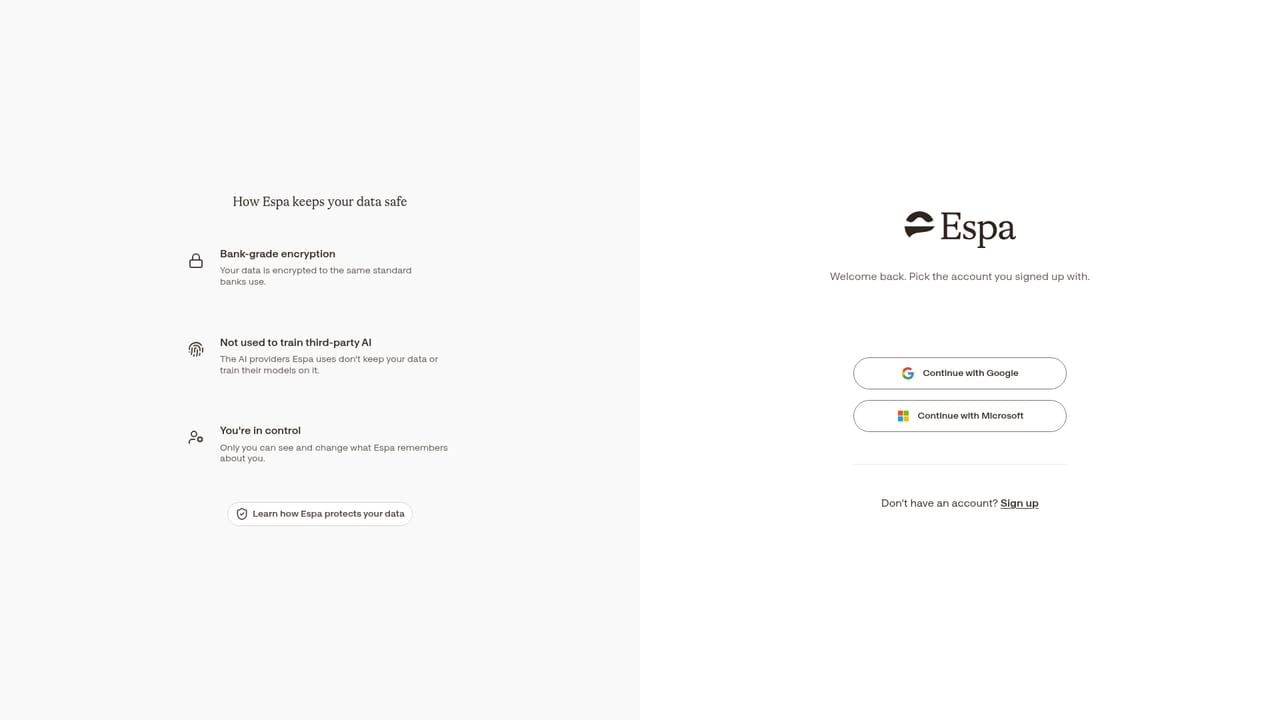
Espa is a browser-based AI assistant accessed through Google or Microsoft sign-in, marketed around account-level privacy where content stays in your account unless you permit otherwise. Public information about features, pricing and integrations is limited, so evaluate it through a trial.
Espa is a web-based AI assistant positioned as a personal productivity tool, with an unusual emphasis on data control. The sign-up page states that nothing leaves your account unless you explicitly allow it, which frames Espa less as a general-purpose chatbot and more as a private workspace for everyday tasks. Access happens through the browser at app.espa.ai, with Google and Microsoft single sign-on offered as the entry routes.
The product is aimed at individuals and knowledge workers who want routine assistance without handing over more information than necessary. In practice you create an account, connect with an existing Google or Microsoft identity, and work inside your own Espa space; the onboarding copy stresses that content stays tied to that account by default. The homepage is deliberately sparse and does not enumerate specific features, so the shape of the day-to-day workflow is best judged by logging in rather than from marketing material.
Onboarding is intentionally light: sign in with Google or Microsoft, accept the terms and privacy policy, and optionally redeem a referral code during registration. Returning users go through the same login page. The site provides direct links to the Terms and Privacy Policy for anyone who wants to read the data commitments before creating an account, which fits the privacy-first framing of the product.
Where Espa fits among alternatives is harder to pin down from public information alone. It does not advertise model names, integration catalogues or pricing tiers on its homepage, so buyers comparing it against mainstream assistants should treat those gaps as open questions and verify them during a trial. Its clearest differentiator on paper is the account-scoped privacy stance; its weakest point is transparency, since the limited public documentation makes it difficult to assess scope, limits or fit before signing up.
Users who value account siloing over breadth of features will find the premise appealing. Those who need published roadmaps, feature lists or API access should look for confirmation directly from the vendor first.