Free trial
The homepage offers a free start via the signup page. No trial length or paid tier details are stated.
Learn moreUpload a chapter PDF, get quizzes, video explainers, and an AI Tutor.

Evalyy converts chapter PDFs into exam-style quizzes (MCQ, fill-in-the-blanks, assertion and reasoning, true/false), multi-language video explainers, and a chapter-aware AI Tutor. Built for teachers, students, and parents, with shareable quiz links and codes and board-aligned difficulty mixes.
Evalyy is a study tool that turns chapter PDFs into exam-style practice and teaching material. A teacher, student, or parent uploads a chapter file, and the platform generates multiple-choice questions, fill-in-the-blanks, assertion and reasoning items, and true/false questions. The output is not a generic deck: it is drawn from the uploaded text, so the questions follow the chapter's own vocabulary and structure. The same PDF can also be converted into a video explainer, with the narration language selected independently of the source document, and an AI Tutor that answers follow-up questions using the chapter as its reference. The workflow is built around three roles. Teachers upload a chapter they teach, choose question types and a difficulty mix, then share a link and code so a class can take the quiz. Students practice from their own course material rather than random question banks, and can switch to a video explainer or the tutor when a concept does not land. Parents get a way to support practice at home and see results and explanations without taking over the homework. Evalyy also references levels and boards that align with real exam patterns, which matters to families working against a specific curriculum. The tool sits in the same space as general quiz generators and AI study assistants, but its scope is narrower and more integrated: one source file feeds practice questions, a video, and a conversational tutor. That reduces the need to move between a quiz maker, a separate chat assistant, and a video tool. The trade-off is that Evalyy is episode-based: value depends on having a clean chapter PDF to start from, and the platform is designed for structured study material rather than open-ended research or freeform tutoring across many subjects at once. Evalyy is a web app with free signup. It is aimed at beginners and everyday users, meaning teachers, students, and parents rather than developers or data teams. Pricing tiers beyond the free start are not detailed on the homepage.
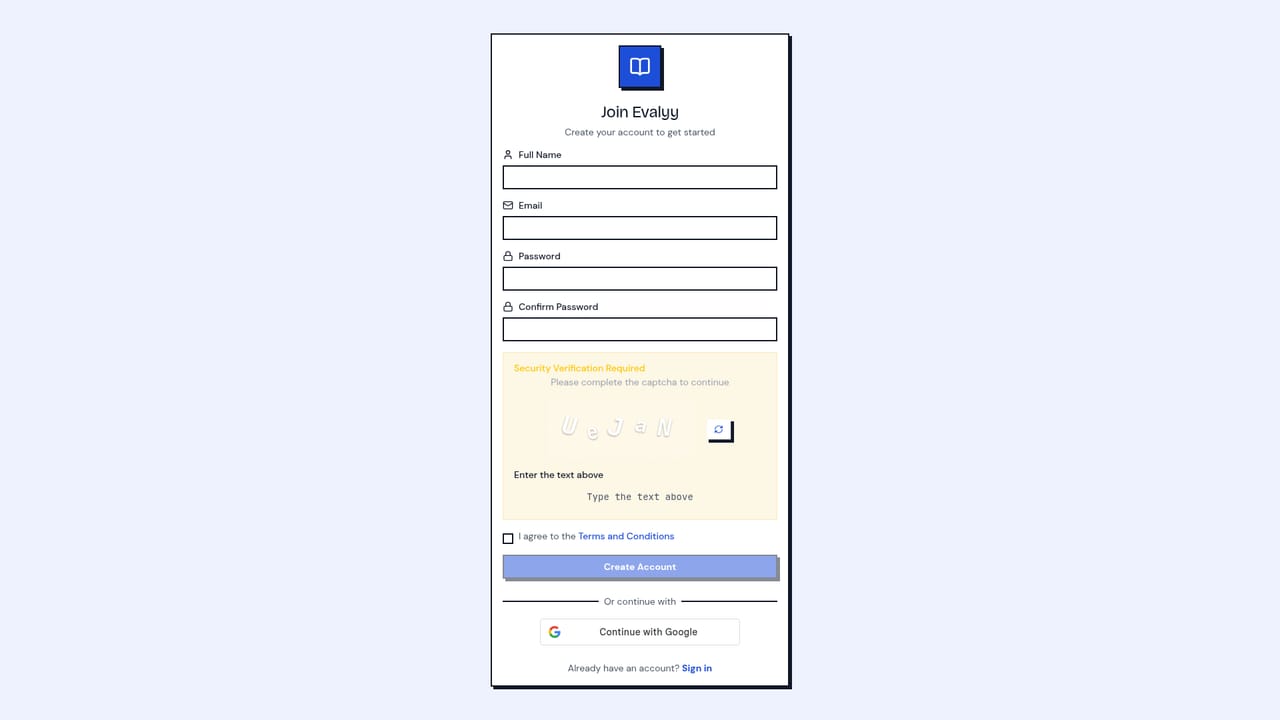
The homepage offers a free start via the signup page. No trial length or paid tier details are stated.
Learn moreGenerates MCQ, fill-in-the-blanks, assertion and reasoning, and true/false questions from chapter PDFs. Converts chapters into video explainers with a separately chosen narration language. Includes a chapter-aware AI Tutor with voice and language options. Quizzes can be shared by link and code, with difficulty mixes aligned to levels and boards.
 AI Angels400+ customizable AI girlfriends for NSFW chat, voice calls, and roleplay
 Candy AIExperience the future of companionship with AI friends who chat, role-play, and connect with you on a human level.
 ourdream.aiA vast AI roleplay platform with millions of characters for chat, images, video and voiceAI Angels400+ customizable AI girlfriends for NSFW chat, voice calls, and roleplayCandy AIExperience the future of companionship with AI friends who chat, role-play, and connect with you on a human level.ourdream.aiA vast AI roleplay platform with millions of characters for chat, images, video and voice


