Free trial
The homepage promotes a Get Started Free sign up, but does not state what the free tier includes or whether a paid plan exists.
Learn moreTurn PDFs and YouTube videos into quizzes, flashcards and study guides

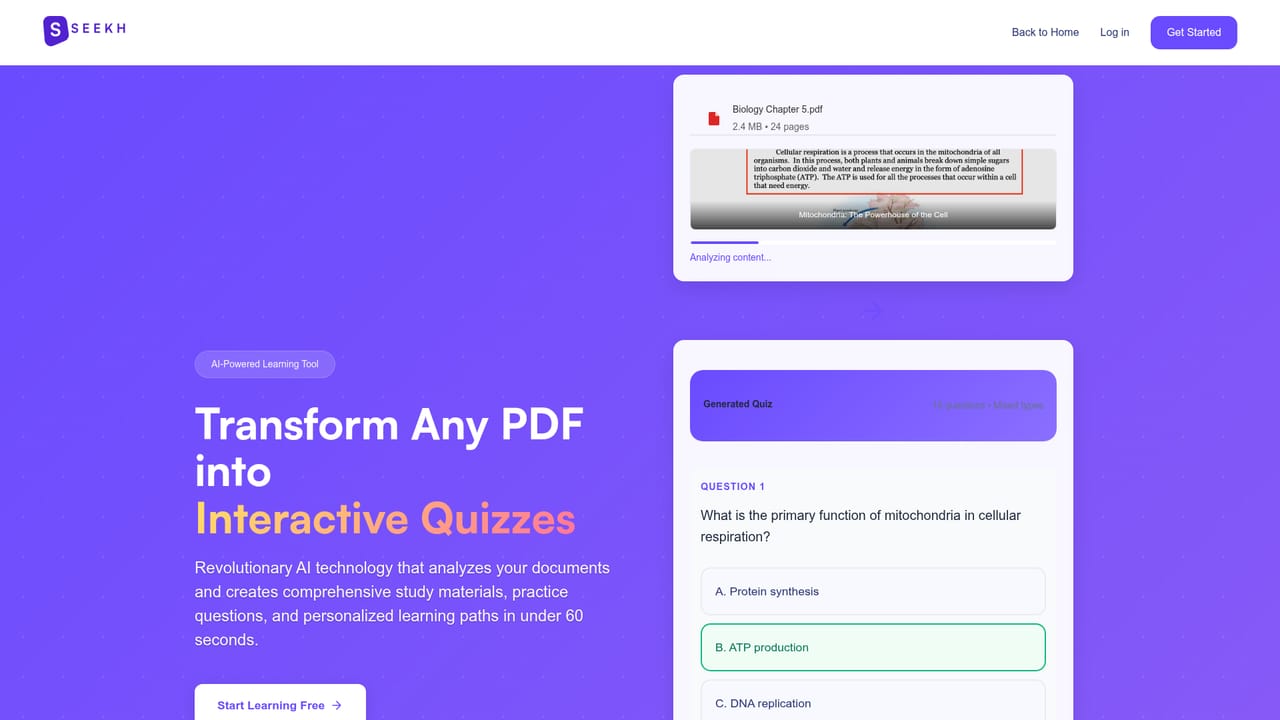
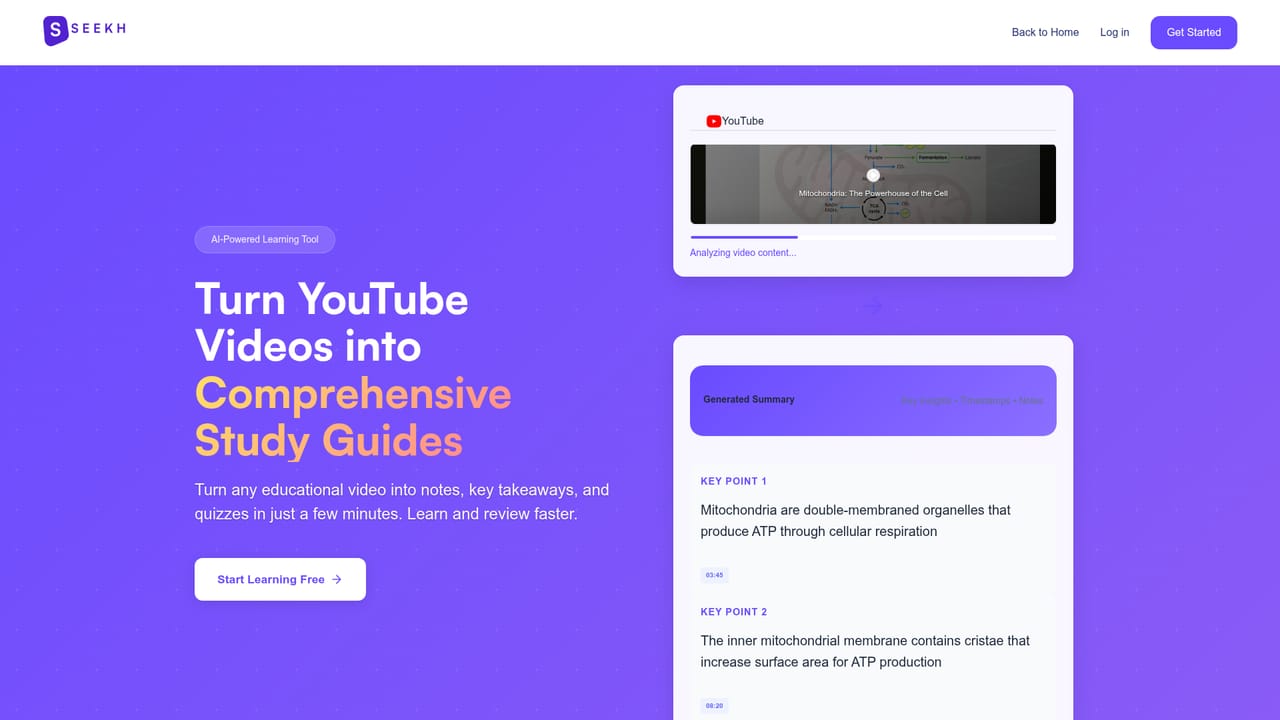
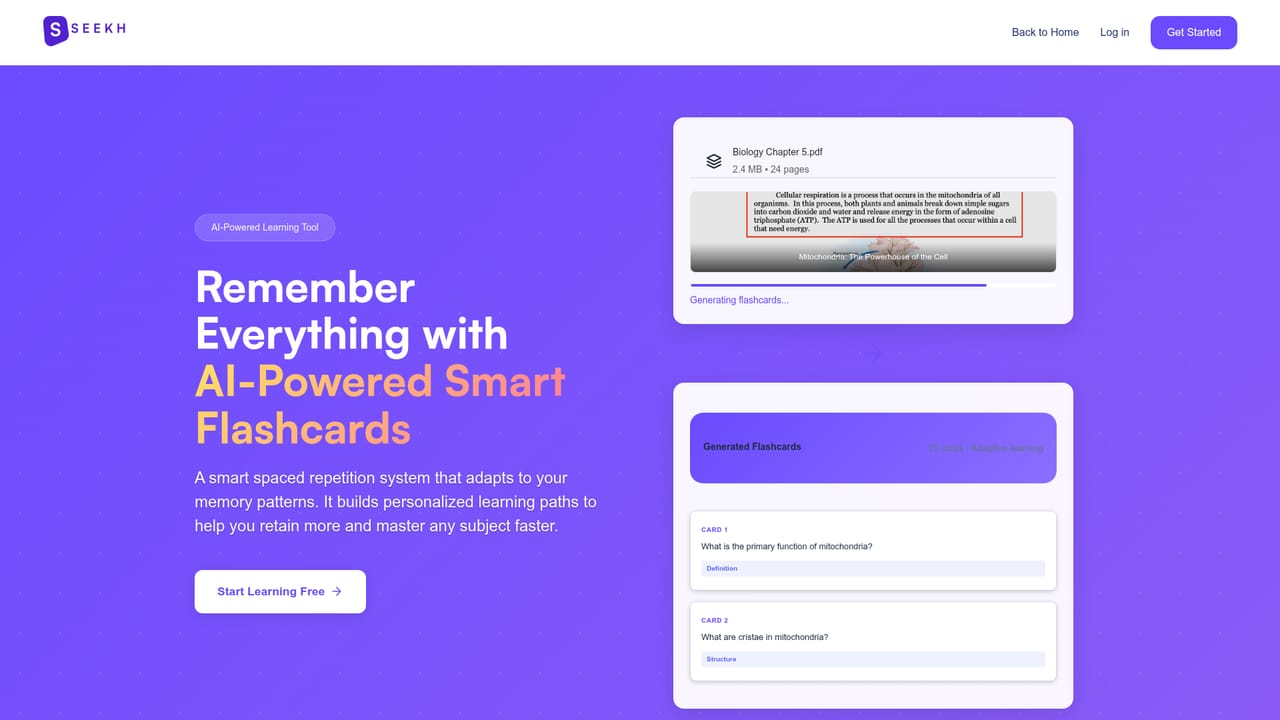
Seekh.co is an exam preparation tool that turns PDFs and YouTube videos into quizzes, flashcards and study guides. Seekh converts PDFs, documents and YouTube videos into quizzes, flashcards and study guides, with adjustable difficulty, summary length and learning style. It combines active recall practice with spaced repetition and a curated library of ready made study sets.
Seekh is a web based study platform that converts material students already have into practice material. A PDF, a document or a YouTube link is uploaded or pasted, and the service returns a connected set of outputs: a set of flashcards, a batch of practice questions and a condensed study guide built from the same source. The idea is that a single reading source feeds several revision formats at once instead of the learner rebuilding notes by hand for each one. The workflow is deliberately short. Content goes in, the platform processes it, and the learner starts answering questions. Along the way, several settings change what comes out: quiz difficulty, summary length and a stated learning style preference (visual, audio or reading). Practice is framed around active recall, with question sessions that adapt to how the learner is answering, and spaced repetition is used to schedule review of flashcard material. The tool is aimed at students in secondary and higher education, particularly those working through dense readings, lecture recordings and long video courses. Seekh also hosts a curated library of community and expert made study sets, so a new user can try the practice experience before uploading anything. The sign up step is what unlocks personal uploads. Seekh sits in the same territory as AI note takers and flashcard generators, and it is broader than a single purpose PDF to quiz converter because it handles video as well as documents. Its natural comparisons are Anki, for learners who want deep control over their own decks, and general chatbots, which can summarise a document but do not schedule or track review. Seekh's edge is the packaged output from one upload. Its limit is that the homepage gives no pricing detail, no published accuracy benchmarks and no integrations, so buyers should test output quality against their own course material before committing.
The homepage promotes a Get Started Free sign up, but does not state what the free tier includes or whether a paid plan exists.
Learn morePDF to quiz generation, YouTube video summarisation, smart flashcards with spaced repetition, adaptive active recall practice, adjustable quiz difficulty and summary length, learning style preferences, progress analytics, and a curated library of community and expert study sets.
 AI Angels400+ customizable AI girlfriends for NSFW chat, voice calls, and roleplay
 Candy AIExperience the future of companionship with AI friends who chat, role-play, and connect with you on a human level.
 ourdream.aiA vast AI roleplay platform with millions of characters for chat, images, video and voiceAI Angels400+ customizable AI girlfriends for NSFW chat, voice calls, and roleplayCandy AIExperience the future of companionship with AI friends who chat, role-play, and connect with you on a human level.ourdream.aiA vast AI roleplay platform with millions of characters for chat, images, video and voice


