Free trial
New users get free credits on signup, with no credit card required, enough to test several models and review costs in the dashboard.
Learn moreOne API key for 170+ LLM, image, video and audio models

EvoLink is a unified API platform giving developers one key for 170+ language, image, video and audio models from 30+ providers, with OpenAI-compatible formats, failover routing and pay-as-you-go billing.
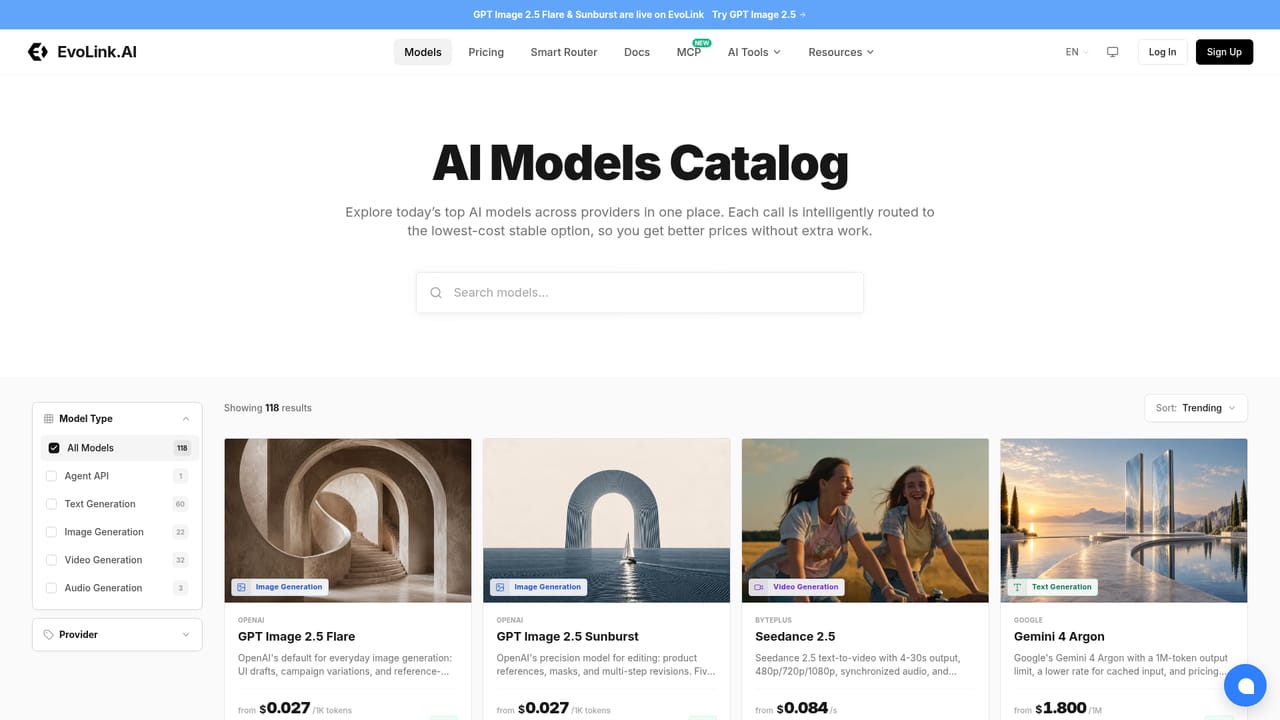
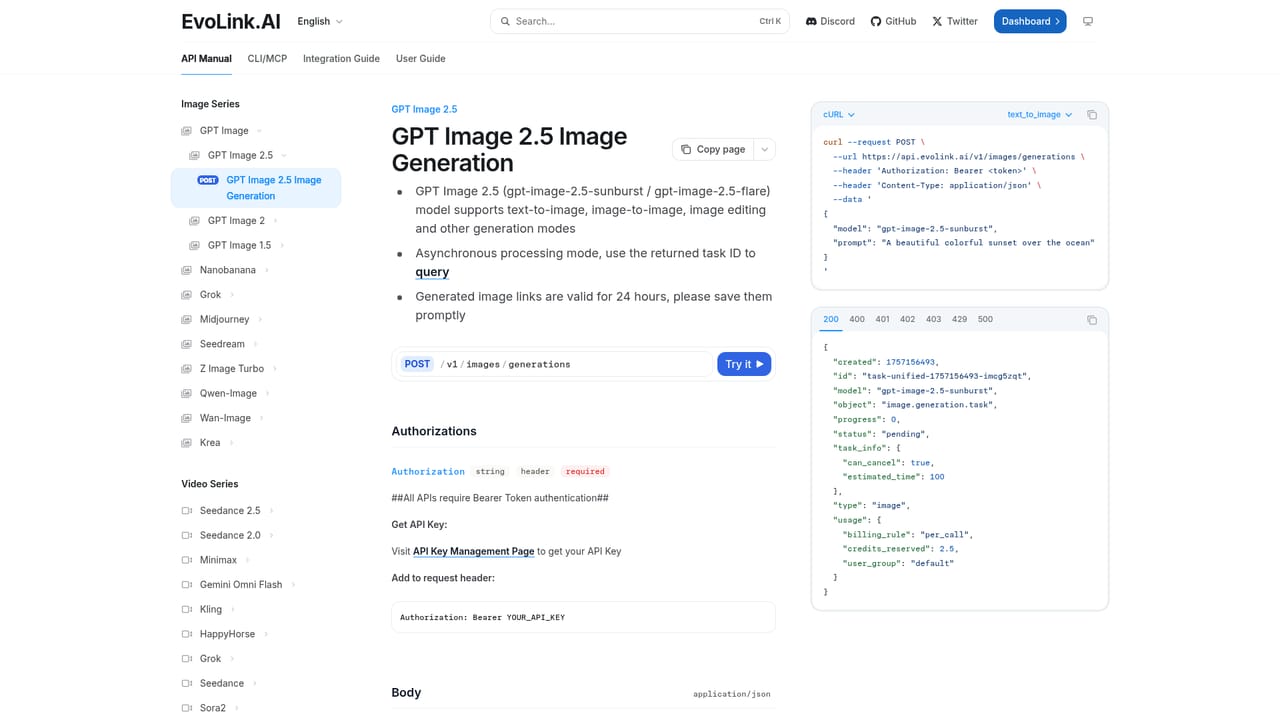
EvoLink is an AI model API platform that puts language, image, video and audio models behind a single endpoint and a single key. The homepage cites more than 170 models from over 30 providers, including GPT, Claude, Gemini, Seedance, Seedream, Veo, Kimi and Suno. Instead of opening separate accounts with each vendor, a team registers once, creates one key and calls whichever model fits the job. The audience is developers building production apps, agents and automated workflows. The interface is compatible with OpenAI, Anthropic and Google request formats, so an existing integration usually needs only a new base URL and API key. Model choice is a parameter, which makes it practical to swap one model for another, or to move between families such as GPT, Claude and Gemini, without rewriting application code. Official SDKs are listed for Python, JavaScript and Go, along with documentation and migration guides. In practice, the workflow starts at the models catalog, where each model has its own page showing capabilities and specifications. Video entries cover resolutions from 480p to 4K, native audio and first-and-last-frame control. Image entries cover text rendering, local edits and multi-image references. LLM entries cover tool calling and structured outputs. Audio entries cover full songs, narration and multi-speaker dialogue. Family pages for GPT, Claude, Gemini and GPT Image help compare versions by capability and cost before committing. A dashboard tracks usage and spend as it happens. Operationally, the platform advertises smart routing, automatic failover across providers, and routing overhead under 50ms. Billing is usage-based, calculated per token, image or video second, with no monthly minimums. Compared with calling OpenAI or Anthropic directly, EvoLink trades a direct vendor relationship for breadth, one invoice and a fallback path. It sits in the same space as other multi-model gateways, but it stands out for covering video and audio generation alongside text models. The site states that prompts and responses are not stored.
New users get free credits on signup, with no credit card required, enough to test several models and review costs in the dashboard.
Learn morePay-as-you-go, billed per token, image or video second depending on the model. No monthly minimums or setup costs, and per-model pricing is viewable before calling. Specific rates are not listed on the homepage.
Learn moreThe homepage lists 24/7 support availability, documentation with migration guides, and a chat widget that offers an AI assistant after login.
Learn moreWorks with OpenAI, Anthropic and Google SDK formats, with SDKs listed for Python, JavaScript and Go. Models come from providers such as OpenAI, Anthropic, Google and BytePlus.
Learn moreUnified API for 170+ models, OpenAI, Anthropic and Google format compatibility, smart routing, automatic failover, real-time usage and cost dashboard, model family comparison pages, and tool calling and structured outputs for LLMs.
Learn more


