Pricing
Pricing is credit-based, with costs shown for stills, shots and episodes before generation. Specific plan prices are not stated on the homepage; a separate pricing page covers plans and credits.
Learn moreOne studio for AI films, single shots and faceless YouTube channels

FaceLoom is a credit-based web studio for AI video. It covers directed films from a one-line brief, single shots on several models, and automated faceless YouTube channels, plus thumbnails, images and dubbing.
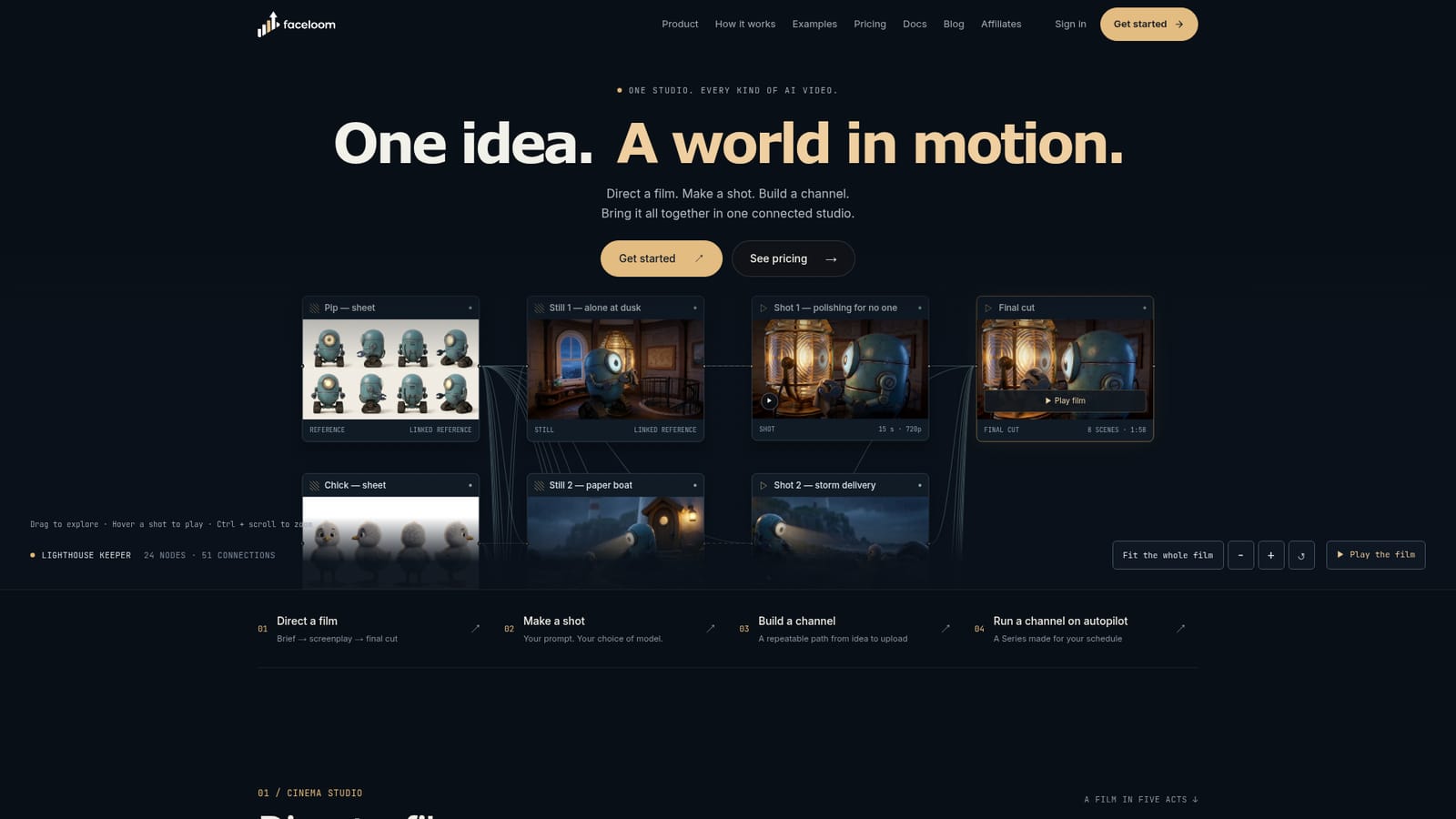
FaceLoom is a web-based AI video studio that groups several kinds of video production under one roof: directed films, individual shots, and recurring faceless channels. Its homepage frames these as three separate jobs, each with its own workspace, but all drawing on the same credit balance and asset library. The film side is called Cinema Studio. A user starts with a one-line brief, and a Director feature proposes a scene-by-scene screenplay. The user reviews the plan, the reference sheets for characters and locations (a "world bible") and the credit cost before anything is generated. Each scene gets a still and a shot tied to those references, and the shots are assembled with a score into a finished cut. The showcase example, a lighthouse robot story, runs 118 seconds across eight scenes. For single clips, the Video Studio exposes prompt, model, reference frames, length and resolution controls. The listed models include Seedance 2.5, Seedance 2, MiniMax H3 Max, Wan 3.0, Flux 3 Video and Seedance 1.5 Pro, and options vary by model. Image and thumbnail studios cover reference art and cover variants, using models such as Nano Banana Pro, GPT Image 2 and Flux. The faceless-channel tools are the main differentiator. A channel workspace moves from niche discovery through script, storyboard, render, then SEO and upload, with extra panels for trends, ideas, thumbnails, dubbing and assets. The Series feature automates this: an eight-step setup covers niche, language and voice, episode length, footage style, video model, art style, captions and schedule. Episodes can then be rendered and published to YouTube daily or weekly, with optional review of the script or finished video. FaceLoom suits solo creators and small teams running YouTube, Shorts, TikTok or Reels channels who want one credit-based environment instead of stitching together separate script, video and thumbnail tools. It positions itself against template editors such as InVideo and Pictory, clip tools such as Opus Clip, and faceless-channel products, with comparison pages for each.
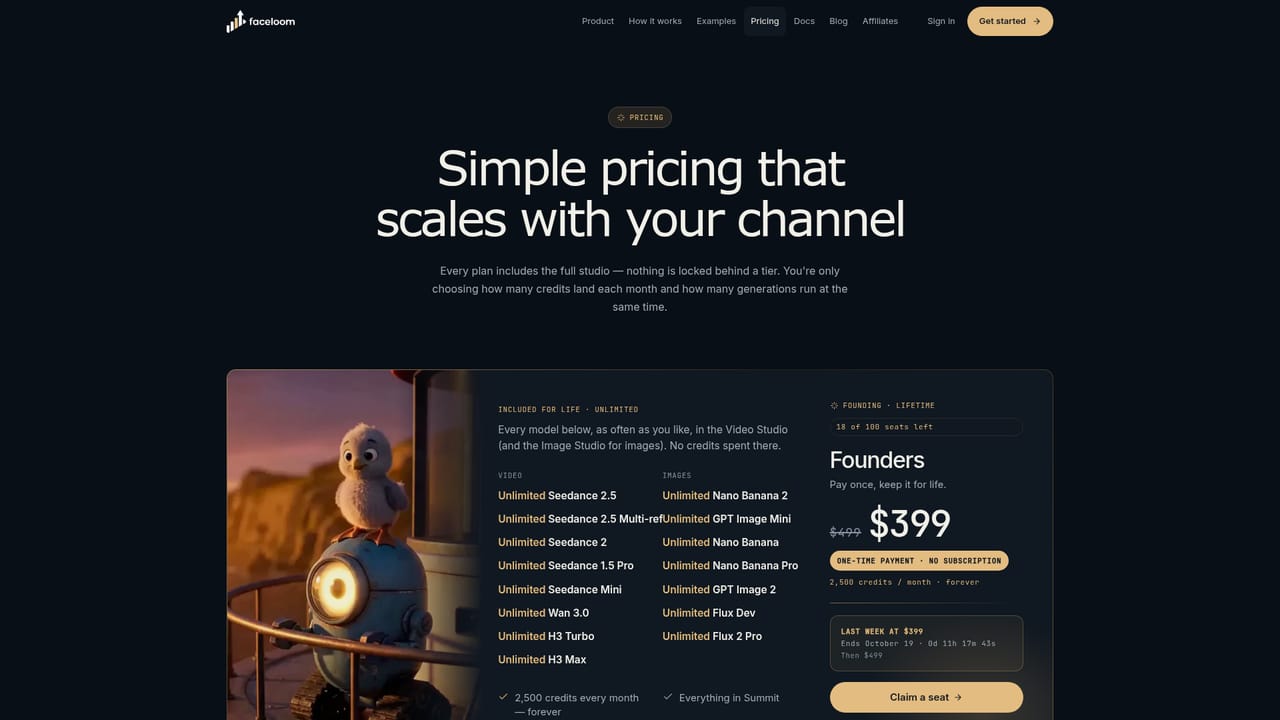
Pricing is credit-based, with costs shown for stills, shots and episodes before generation. Specific plan prices are not stated on the homepage; a separate pricing page covers plans and credits.
Learn moreThe homepage mentions YouTube publishing for Series, with Private, Unlisted or Public visibility. It also names video and image models such as Seedance, MiniMax, Wan, Flux, Nano Banana Pro and GPT Image 2.
Cinema Studio (brief to screenplay to final cut with a world bible), Video Studio with multiple models, Series autopilot for faceless channels, image and thumbnail studios, trends, ideas, dubbing and an asset library.


