Free trial
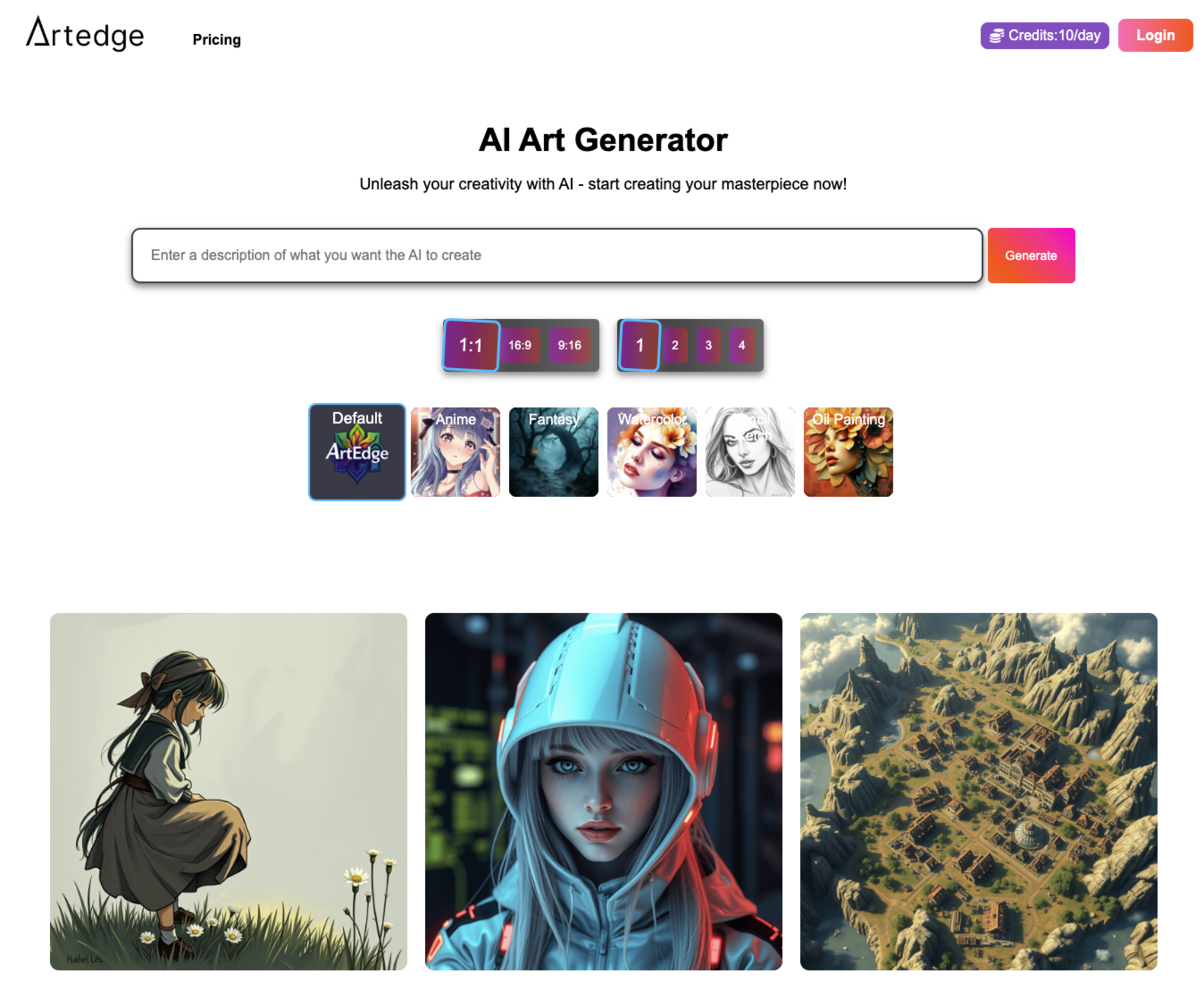
The generator shows a free daily allowance (1 image left today at the time of viewing), reachable through the Start for free button.
Learn moreBrowser-based AI that strips photo filters and restores natural looks
Own Filter Remover? Verify ownership to get a dofollow link
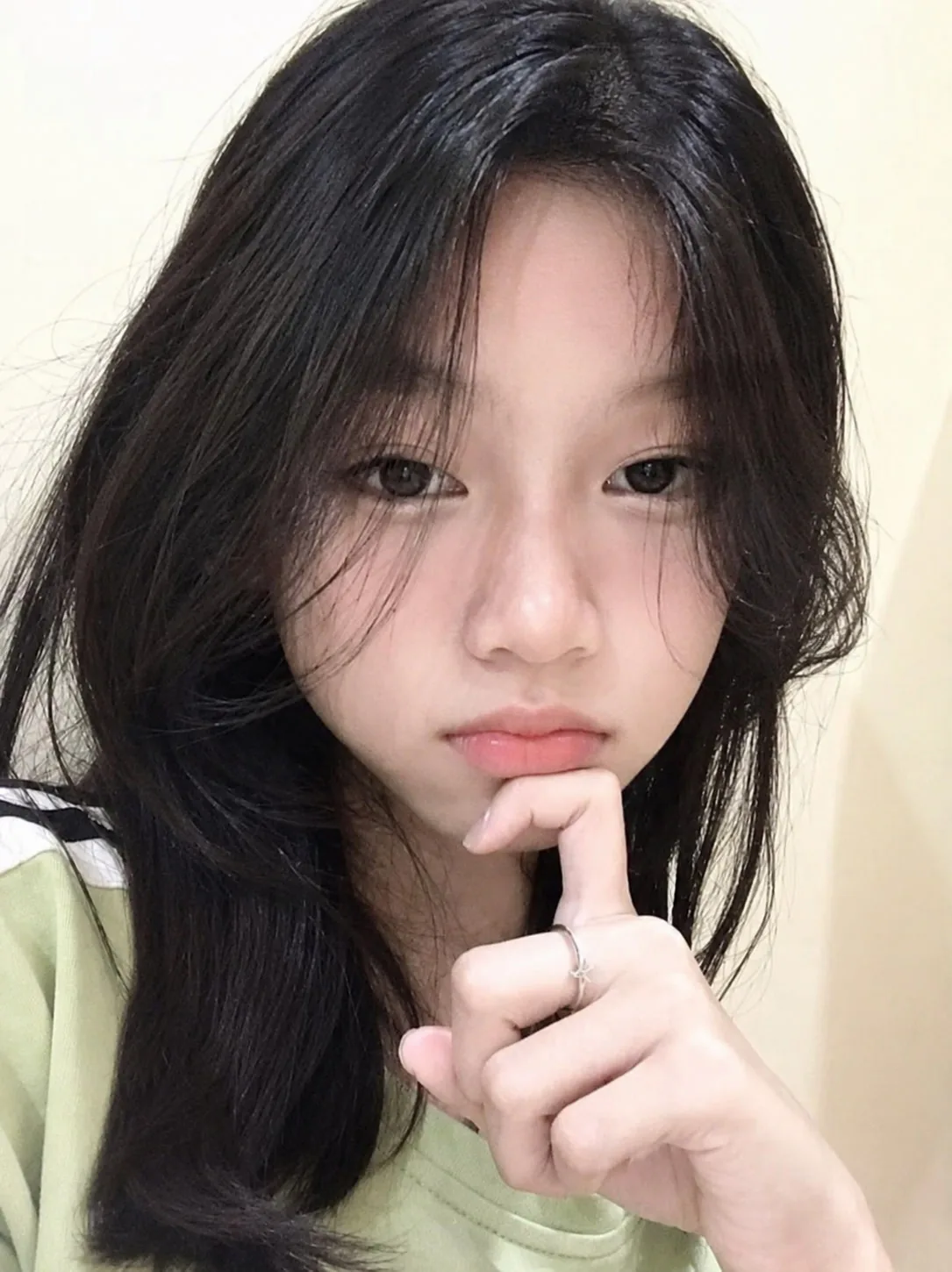
Filter Remover is a web-based AI tool that reverses social media filters, beauty smoothing, color grades and stickers on photos, aiming to restore natural skin and true colors while preserving the person's identity.
Filter Remover is a browser-based tool that tries to reverse the effects of photo filters. It targets the kinds of edits common on social platforms: AR face overlays such as hats and mustaches, beauty smoothing, vintage and cinematic color grades, sepia or black-and-white treatments, and stickers or emoji placed on top of a picture. The stated aim is the opposite of a typical editor. Rather than adding another look, it attempts to recover skin texture, true colors and the original scene while keeping the person's identity, pose and background intact. The workflow is short and needs no desktop software. A user uploads a JPG, PNG or WebP image, then picks a restore type from a menu: a one-tap filter removal, a dedicated beauty filter option, colorizing black-and-white or sepia images, sticker removal, or a custom prompt. Aspect ratio, quality (Low or Medium) and resolution (1K or 2K) can be set before running. The result appears beside the original in a drag-to-compare slider, and the user can refine it again before downloading. A bot check runs before generation, and the free allowance shown on the page is a small number of images per day. The audience is mostly casual users who want to see an unfiltered version of a selfie, recover a cleaner copy of an old social post, or add color to a vintage portrait. Content creators and people sorting old photo archives may also find it handy for sticker cleanup and watermark-style overlays. Because the output is AI reconstruction, it estimates what lay under a filter and does not truly undo it. Among alternatives, it sits between general photo editors with object removal and generative image tools that restyle pictures. Its narrow focus on filter reversal and its preset restore types make it quicker to use than prompting a general model, though it offers little beyond that single job. Paid plans are credit-based, billed monthly, yearly or as a one-time purchase, and they add private generations and email support.
The generator shows a free daily allowance (1 image left today at the time of viewing), reachable through the Start for free button.
Learn moreCredit-based plans billed monthly, yearly (up to 25% off) or one-time. Yearly Basic is $14.90/mo (1,860 credits/year), Pro $39.90/mo (5,760 credits/year), Max $79.90/mo (13,698 credits/year). Custom volume plans are available by email.
Learn moreEmail support on Basic and Pro plans, 24x7 priority email support on Max, and a contact address for custom volume plans.
One-tap filter removal, beauty and skin texture restore, colorizing of black-and-white and sepia photos, sticker, emoji and overlay cleanup, identity-preserving edits, custom prompts, selectable aspect ratio, quality and resolution, and a before/after compare slider.
 AI Angels400+ customizable AI girlfriends for NSFW chat, voice calls, and roleplay
 Candy AIExperience the future of companionship with AI friends who chat, role-play, and connect with you on a human level.
 ourdream.aiA vast AI roleplay platform with millions of characters for chat, images, video and voiceAI Angels400+ customizable AI girlfriends for NSFW chat, voice calls, and roleplayCandy AIExperience the future of companionship with AI friends who chat, role-play, and connect with you on a human level.ourdream.aiA vast AI roleplay platform with millions of characters for chat, images, video and voice