Free trial
Marketed as free to try online, with no sign-up requirement or usage cap mentioned on the homepage.
Learn moreBrowser-based AI that sharpens blurry photos in seconds
Own Unblur Image by Uluch? Verify ownership to get a dofollow link
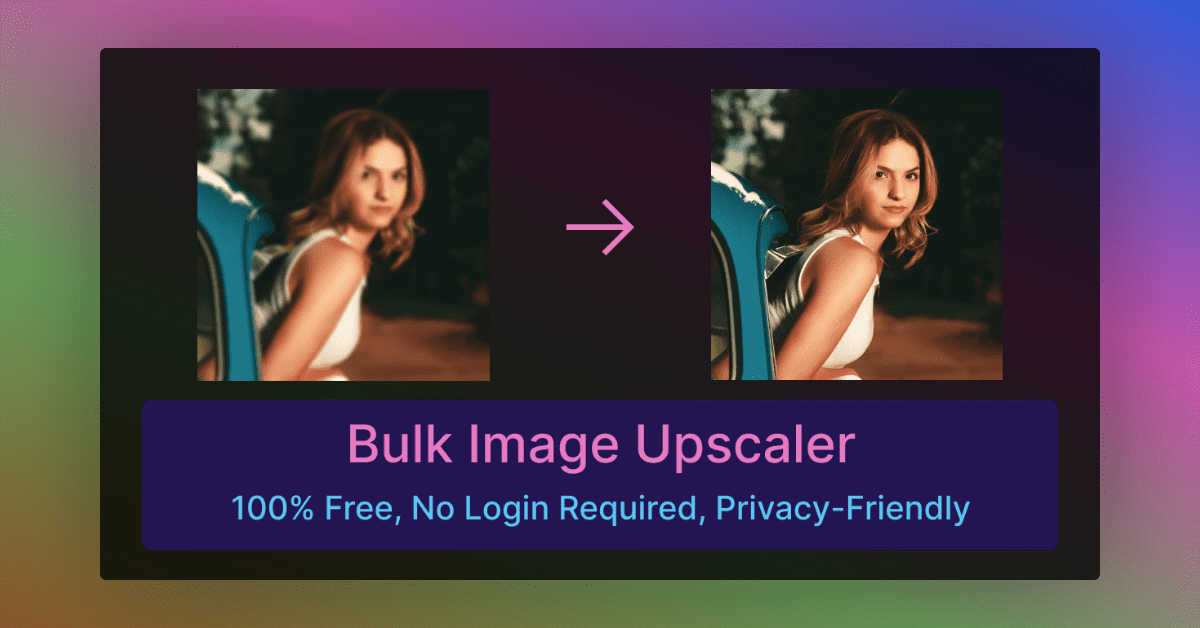
Unblur Image by Uluch is a free-to-try web tool that sharpens blurry photos with AI. Upload a JPG, PNG or WEBP up to 10 MB and get a clearer result with a before and after view, aimed at portraits, products, pets and old scans.
Unblur Image by Uluch is a web-based tool that takes a blurry photo and returns a sharper version using AI. The workflow is deliberately minimal: a visitor drags an image onto the page or picks a file, and the tool processes it and shows a before and after comparison. Accepted formats are JPG, JPEG, PNG and WEBP, with an upload limit of 10 MB per file. The homepage presents it as free to try, and it is built around a single job rather than a full editing suite. The target audience is broad. The site's own examples cover portraits with soft faces, e-commerce product shots, pet photos where fur and whiskers lose detail, and group photos from weddings, vacations or corporate events. It also pitches the tool at marketers and designers who need cleaner banners and ad graphics, at influencers and professionals refreshing profile pictures for Instagram or LinkedIn, and at people digitizing old family prints whose scans came out soft. Testimonials on the page come from a wedding photographer, a travel blogger and a family photo archivist, which gives a fair picture of the intended users: casual people with a few problem images rather than studios running large batches. In practice there is nothing to configure. The page offers no sliders, blur type selectors or strength settings, so the result depends entirely on what the model decides to do with the upload. That keeps the learning curve close to zero, though it also means little control over how aggressively faces, skin or textures are reconstructed. The site says results aim to look natural and that portraits keep skin tones and expressions, but the homepage does not detail how the processing works, and the FAQ answers about data handling are not visible in the source text. Among alternatives, it sits with the many single-purpose image enhancers and upscalers that compete with heavier desktop photo editors. Its advantage is speed and zero setup in a browser. Uluch also links to other small utilities, such as a free PNG maker, so it works as one entry in a set of lightweight image tools rather than a standalone platform.
Marketed as free to try online, with no sign-up requirement or usage cap mentioned on the homepage.
Learn moreThe homepage says the tool can be tried for free but does not publish plans, prices or usage limits.
Learn moreThe homepage invites visitors to contact the team for personalized support and has an FAQ section, but gives no channels or response times.
AI unblurring of uploaded photos, drag and drop upload, JPG, JPEG, PNG and WEBP support up to 10 MB, before and after previews, and example use cases for portraits, products, pets, group photos, marketing images and avatars.
 AI Angels400+ customizable AI girlfriends for NSFW chat, voice calls, and roleplay
 Candy AIExperience the future of companionship with AI friends who chat, role-play, and connect with you on a human level.
 ourdream.aiA vast AI roleplay platform with millions of characters for chat, images, video and voiceAI Angels400+ customizable AI girlfriends for NSFW chat, voice calls, and roleplayCandy AIExperience the future of companionship with AI friends who chat, role-play, and connect with you on a human level.ourdream.aiA vast AI roleplay platform with millions of characters for chat, images, video and voice