Free trial
The site invites visitors to try the generator for free before subscribing, though the length and export limits of that free use are not stated on the homepage.
Learn moreRoyalty free AI beats you can edit instrument by instrument.

SOUNDRAW is an audio editing tool. An AI music generator built around copyright safety and in-app editing. It creates royalty free tracks from genre and mood selections, rebuilds arrangements when you toggle instruments or change length, blends genres, and exports MP3, WAV or stems depending on plan.
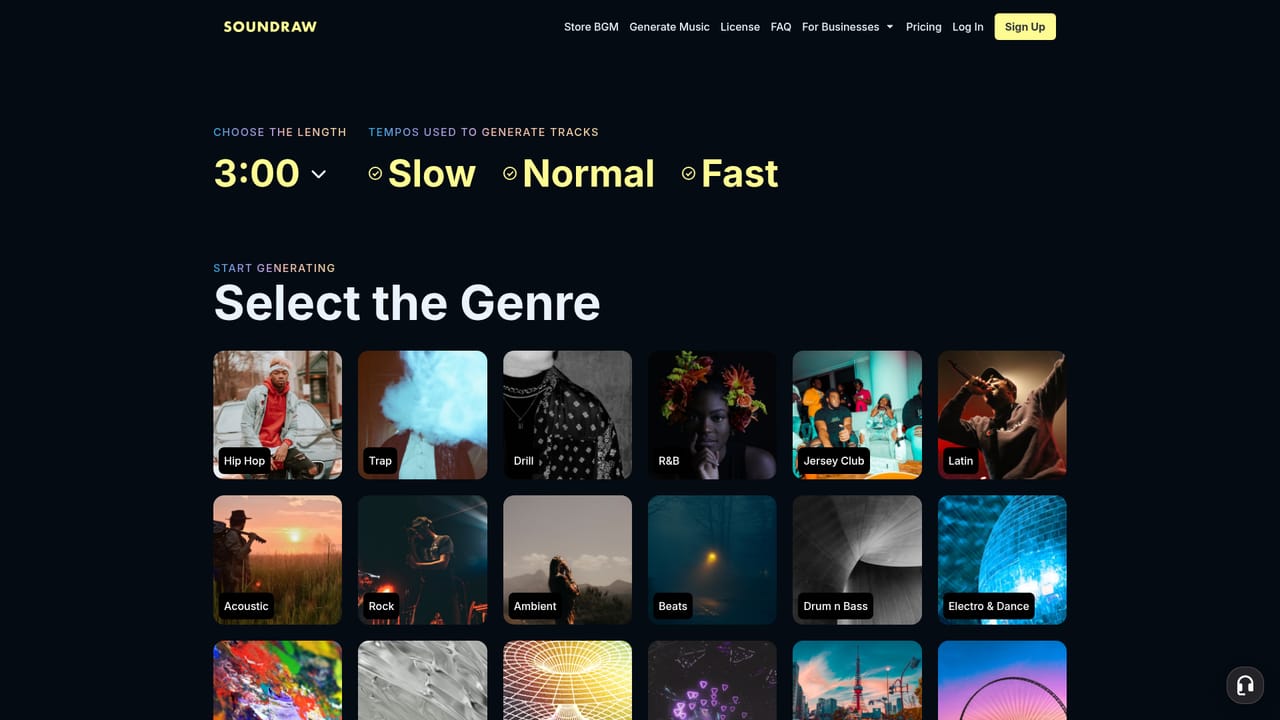
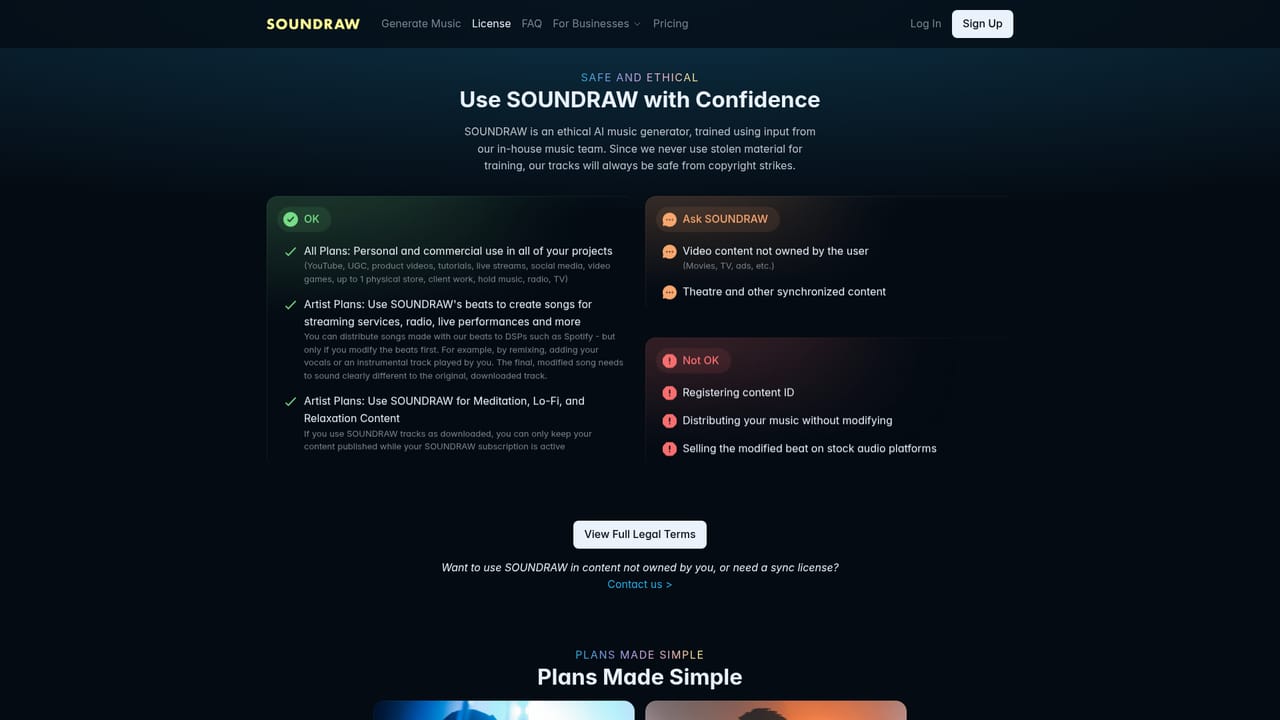
SOUNDRAW is an AI music generator that produces original, copyright safe tracks for video, podcasts, games and songwriting. The company's central claim is legal cleanliness: its model is trained only on music written and recorded by SOUNDRAW's own in-house producers, not on scraped catalogues. Every generated track ships with a worldwide, perpetual license that allows commercial use, monetization and distribution, and the site states that anything exported during an active subscription stays covered even after cancellation. Generation works by genre and mood rather than by prompt text. You pick a style from a catalogue spanning 30 plus genres (hip hop, drill, trap, lo-fi, city pop, techno, acoustic, pop, R and B and others), set the mood, and the AI builds a full arrangement in seconds. The in-app mixer is the differentiator: it exposes individual instruments so you can mute or solo parts, adjust intensity, and set track length, with the arrangement rebuilt on the spot. Genres can be blended, so Hip-Hop plus Orchestra or Trap plus Lo-Fi is a single selection rather than a manual mashup. Higher tiers export WAV and separate stems for drums, bass, melody, vocals and FX, which drop into Ableton, Logic or FL Studio for further work. Two audiences are served. Creators use SOUNDRAW for background music in videos, apps and games, where unlimited downloads and a clean license matter more than deep editing. Artists and producers use it as a beat sketchpad, with monthly download caps on the lower tiers and unlimited downloads on the top tier, plus full royalty ownership on streaming platforms. Businesses get an API for embedding generation into their own products, and enterprise licensing for teams of ten or more. Compared with prompt driven generators, SOUNDRAW trades free-form text control for structural editing and clearer rights, which suits teams that need predictable, defensible music rather than one-off experiments.
The site invites visitors to try the generator for free before subscribing, though the length and export limits of that free use are not stated on the homepage.
Learn moreFour published tiers plus enterprise. Creator is $16.99 monthly or $11.04 monthly billed annually with unlimited MP3 downloads. Artist Starter is $29.99 or $19.49 with 10 downloads. Artist Pro is $35.99 or $23.39 with 20 downloads and WAV plus stems. Artist Unlimited is $50 or $32.50 with unlimited downloads and stems. Enterprise pricing is quoted on request.
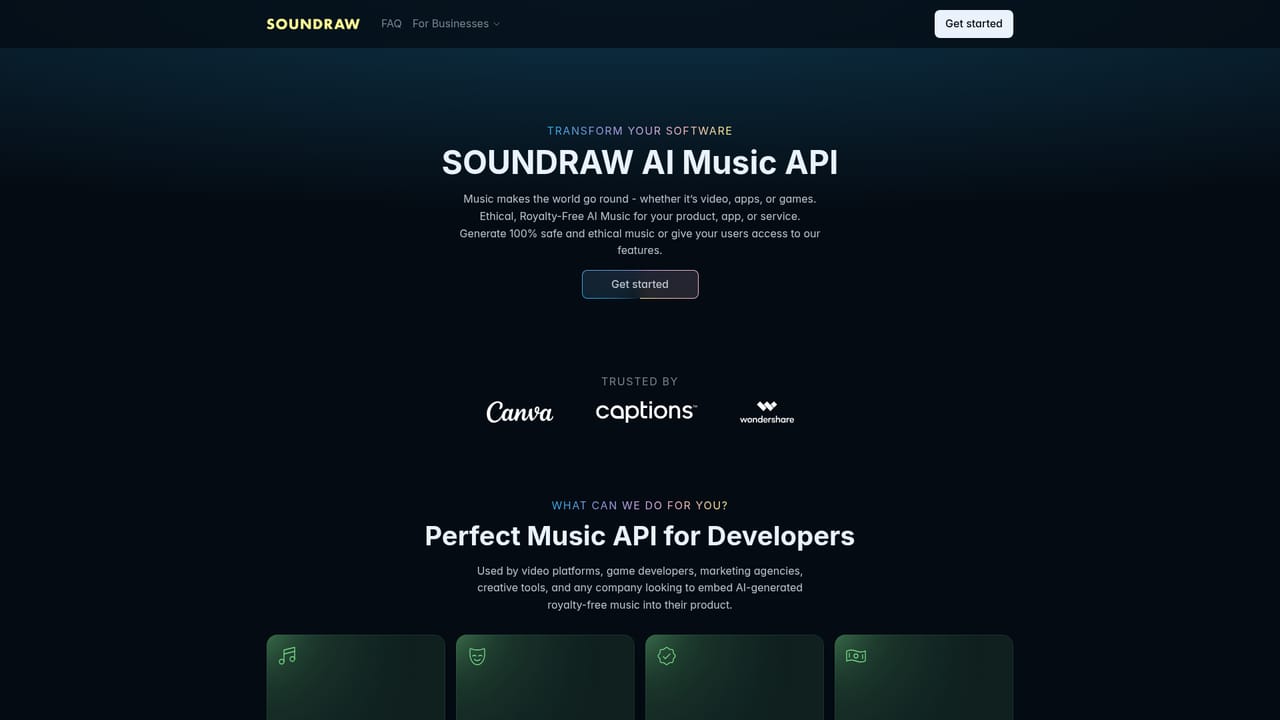
Learn moreA public API lets businesses generate and embed music inside their own applications. The site also references an integration with Captions for adding music to video workflows.
Learn moreGenre and mood driven generation across 30 plus styles, one click genre blending, an instrument level mixer for muting, soloing and intensity changes, adjustable track length, MP3, WAV and stems export by plan, commercial licensing, streaming distribution rights, and an API for embedding generation in other products.
 AI Angels400+ customizable AI girlfriends for NSFW chat, voice calls, and roleplay
 Candy AIExperience the future of companionship with AI friends who chat, role-play, and connect with you on a human level.
 ourdream.aiA vast AI roleplay platform with millions of characters for chat, images, video and voiceAI Angels400+ customizable AI girlfriends for NSFW chat, voice calls, and roleplayCandy AIExperience the future of companionship with AI friends who chat, role-play, and connect with you on a human level.ourdream.aiA vast AI roleplay platform with millions of characters for chat, images, video and voice


