Free trial
No separate free trial is described; the homepage markets the tool as free to start and directs new users to a signup page.
Learn moreAI agents turn long footage into captioned, post-ready shorts

SendShort converts long videos into vertical, captioned shorts using retention scoring, automatic B-roll and translation into 100+ languages. It is driven from a full editor or from AI agents such as ChatGPT, Claude Code and Grok Bot through a single MCP endpoint, with REST API access for custom pipelines.
SendShort is a short-form video production service that automates the path from a long recording to finished vertical clips. A YouTube link or uploaded file is imported, the full runtime is scored for retention, and the strongest moments come back as separate clips with animated word-by-word captions burned in. B-roll, zooms and sound effects are placed at the points where the attention curve dips, which is the part of manual editing that burns the most hours. Captions are quoted at 98 percent accuracy across more than 100 languages, and the same clip can be translated and re-captioned for other markets without a new recording. Exports cover 9:16, 1:1 and 16:9 in one pass, with the speaker tracked and centered in each frame. What separates SendShort from standard clipping tools is the agent layer. One MCP endpoint exposes four structured JSON tools (import, find moments, add captions, render), so an assistant can plan and verify a render on its own. In practice that means pasting a link into a normal ChatGPT conversation, running a scripted command from Claude Code or Cursor that saves finished files to a working folder, or messaging a Grok Bot on Telegram and waiting for the clips to arrive. There is also a REST API for pipeline work and a conventional timeline editor with hooks, fonts and saved brand kits for creators who want manual control. The tool is aimed at anyone who publishes daily and treats shorts as a volume business: podcasters, coaches, marketing teams, agencies running several client accounts, and clippers who are paid per thousand views on Whop or Discord campaigns. The pricing page quotes Professional at $23 per month for 50 shorts and Business at $47 per month for unlimited imports, with agent and API access tied to the higher tier. The tradeoff is that quality depends on the source. Talking-head footage, interviews and podcasts fit the retention-scoring model well; content with little dialogue or visuals that carry the meaning may need the manual editor. Consider it against purpose-built clipping tools if you want the agent and API route, and against a full NLE if you need fine-grained control over every cut.
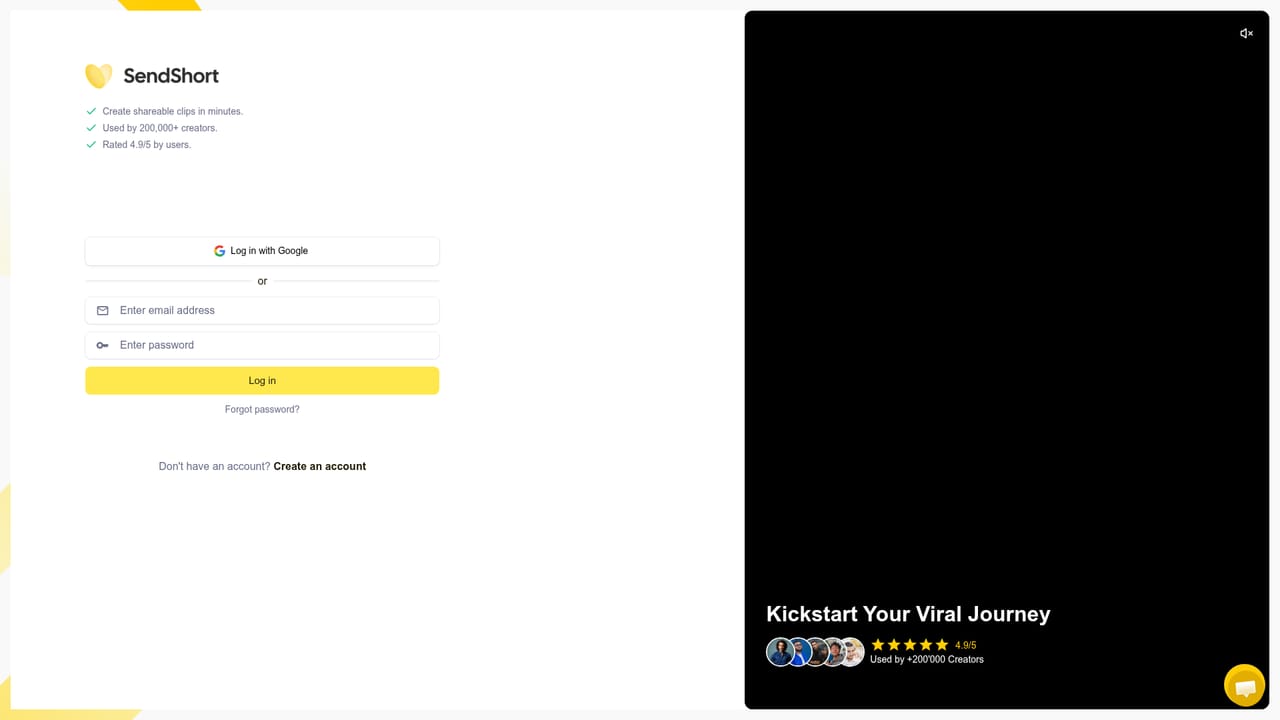

No separate free trial is described; the homepage markets the tool as free to start and directs new users to a signup page.
Learn moreThe pricing table quotes Professional at $23 per month for 50 shorts and Business at $47 per month for unlimited imports, with API and AI agent access on the Business tier. The meta description calls the tool 100 percent free, which conflicts with the paid tiers listed on the page.
Learn moreWorks with ChatGPT, Claude Code, Grok Bot, Codex, Cursor, OpenClaw, Hermes, n8n, Zapier and the REST API through a single MCP endpoint at mcp.sendshort.ai.
Retention-scored clipping of long videos, animated word-by-word captions at 98 percent accuracy in 100+ languages, automatic B-roll, zooms and sound effects at attention dips, translation and re-captioning, 9:16, 1:1 and 16:9 exports with speaker tracking, a full timeline editor with brand kits, an AI agent connector, an MCP endpoint with four JSON tools, and a REST API.
Learn more AI Angels400+ customizable AI girlfriends for NSFW chat, voice calls, and roleplay
 Candy AIExperience the future of companionship with AI friends who chat, role-play, and connect with you on a human level.
 ourdream.aiA vast AI roleplay platform with millions of characters for chat, images, video and voiceAI Angels400+ customizable AI girlfriends for NSFW chat, voice calls, and roleplayCandy AIExperience the future of companionship with AI friends who chat, role-play, and connect with you on a human level.ourdream.aiA vast AI roleplay platform with millions of characters for chat, images, video and voice


