Free trial
Every new account gets 14 days of Pro with no card needed. The first 100 accounts also get 25 free AI actions.
Learn moreVisual app planner that writes build plans for AI coding tools

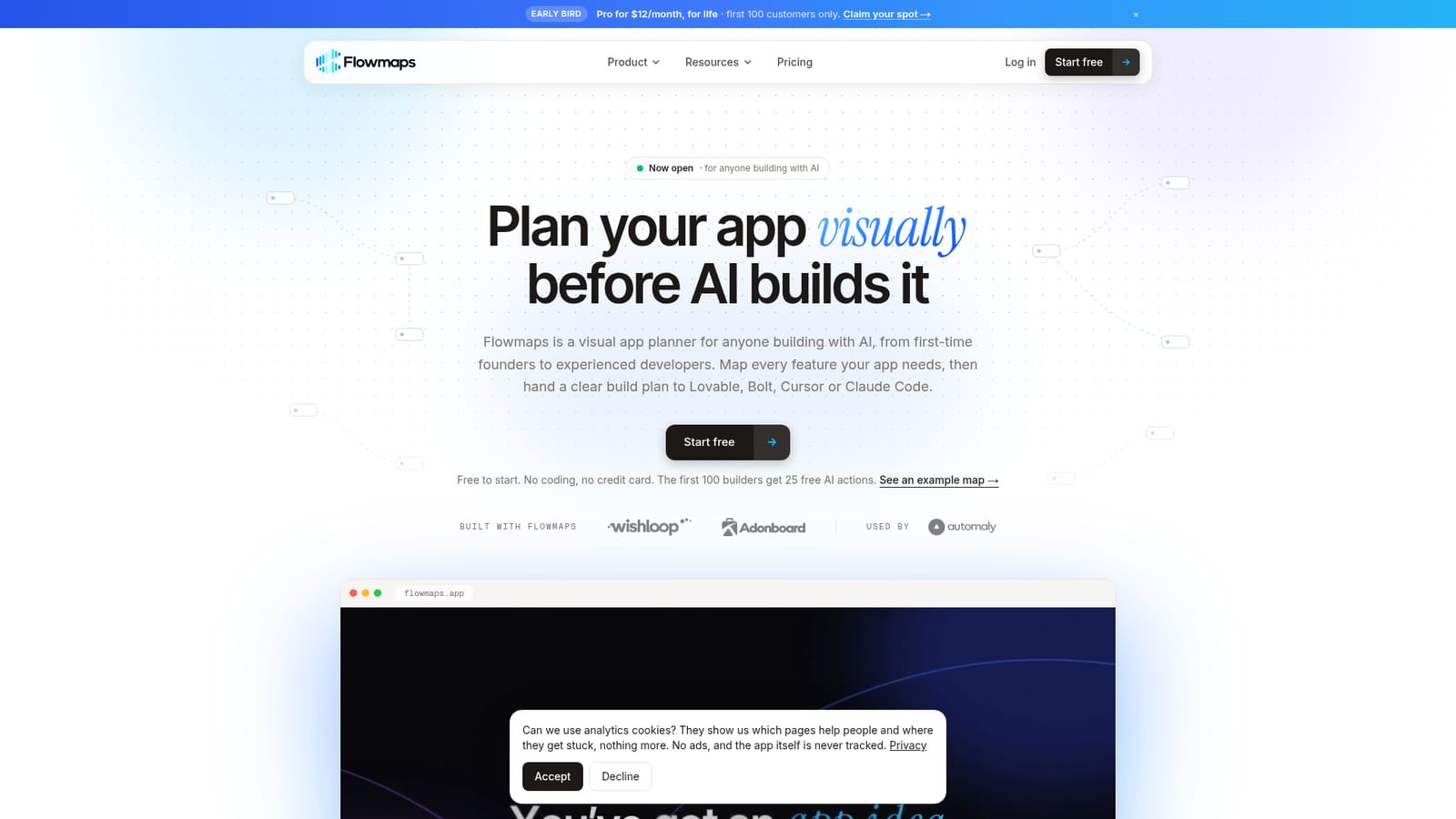
Flowmaps turns an app idea into a visual feature map and an ordered build plan written for Lovable, Bolt, Replit, v0, Cursor or Claude Code. It flags gaps and risks, tracks progress on a board, and is free to start.
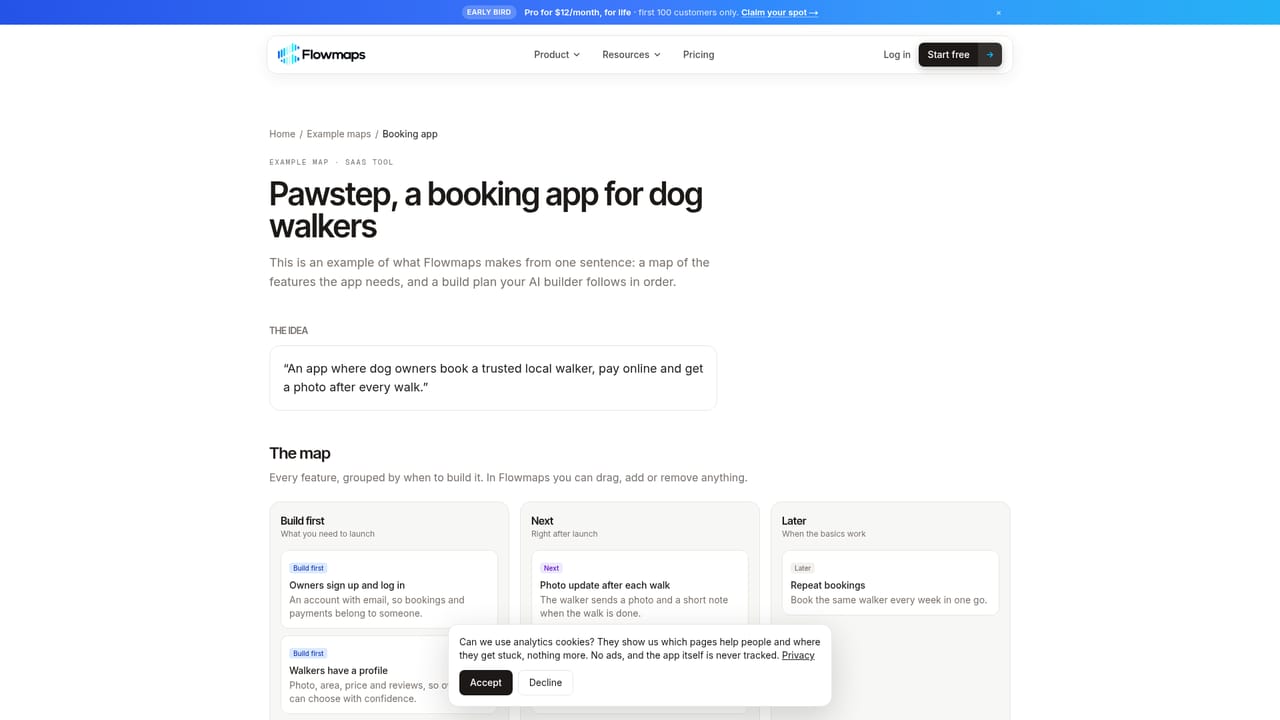
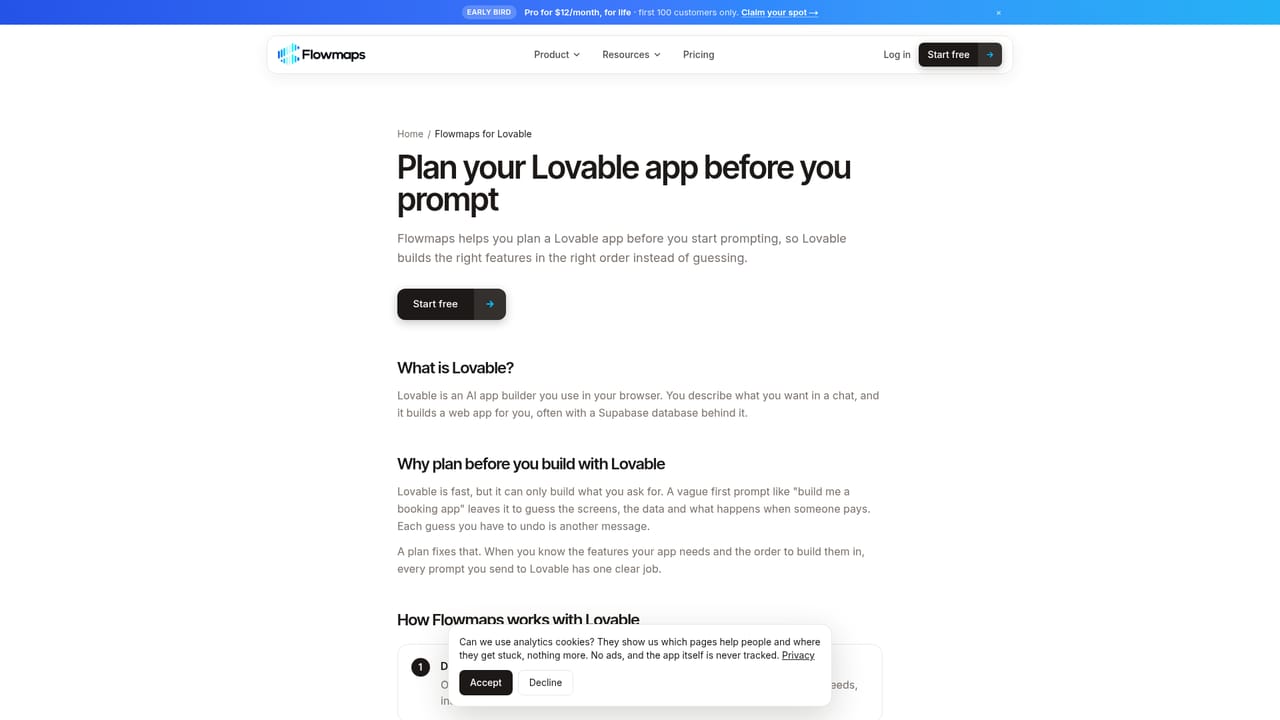
Flowmaps is a visual app planner aimed at people who build software with AI assistance, from first-time founders with no coding background to experienced developers. Instead of handing an AI builder a vague request, the user describes an app idea in plain words (or pastes a website link), and Flowmaps turns it into a map of features sorted into build first, next and later groups. The map can be edited freely, so the plan stays under the user's control. The core idea is to reduce wasted prompts. AI builders tend to guess when instructions are loose, and each correction costs credits. Flowmaps addresses this with a step-by-step build plan written in the style a chosen builder handles best: Lovable, Bolt, Replit, v0, Cursor or Claude Code, with a copy option for any other tool. A Scan for gaps function checks the whole map for items beginners often overlook, such as logins, security, data storage, privacy rules and emails, and explains why each matters. Risk flags cover payments, personal data and costs. A board tracks what is built and what comes next, and Claude Code users can have the AI work through cards and move them along. Flowmaps does not build the app itself. It sits upstream of tools like Lovable or Bolt, and it differs from whiteboard or mind map software by generating the structure rather than offering an empty canvas. It suits mobile apps, SaaS products and internal tools, and the site offers example maps such as a booking app, habit tracker, client dashboard and invoice tool, plus guides on MVP feature lists and planning Lovable projects. It can also help rescue a half-built project by mapping what is missing and in what order to fix it. The AI features run on the user's own Anthropic key with no markup, after a small allowance of free actions for early accounts. Free, Pro and Team plans cover solo experiments through small teams.
Every new account gets 14 days of Pro with no card needed. The first 100 accounts also get 25 free AI actions.
Learn moreFree plan at $0 (1 venture, up to 30 cards). Pro is $19/month, or $15.83/month billed yearly, with unlimited ventures and cards. Team is $49/month for 5 people. Early bird Pro is $12/month for life for the first 100 customers.
Learn moreThe homepage names no support channel. Free guides cover choosing an AI builder, writing an MVP feature list and planning Lovable apps.
Learn moreWorks with Lovable, Bolt, Replit, v0, Cursor, Claude Code and Codex. The plan can also be copied into any other AI builder. AI features use the user's own Anthropic key.
Learn moreIdea-to-map generation, build-first/next/later ordering, Scan for gaps, risk flags for payments, personal data and costs, builder-specific build plans, progress board, email ideas onto the map, public help pages and an activity log.


