Pricing
Free forever at $0, funded by advertising rather than subscriptions or credits. No card is required. Companies can pay to advertise to users inside the product.
Learn moreA free, ad-funded coding agent for desktop, terminal, web and mobile

Freebuff is a free, ad-funded coding agent that runs on desktop, in the terminal, in a browser and on mobile. It edits code, runs tests, opens pull requests and connects to services like GitHub and Stripe, with cloud-synced threads.
Freebuff is a coding agent that costs nothing to use. Instead of charging a subscription or metering credits, it is paid for by advertising shown inside the product, so there is no card to enter and no usage balance to watch. The homepage promises access to strong coding models on that basis, and the demo interface shows a model picker with Claude Haiku 5.5 selected. In practice the agent works through tasks the way a developer would. The sample sessions on the homepage show it chasing a flaky authentication test: it runs the test suite repeatedly, reads the helper file, edits it, reruns the suite and then explains the cause in plain language. Another example adds a sliding-window rate limiter to a Stripe webhook and follows up with a test for the 429 path. A third adds a dark mode toggle across several files and opens a pull request for review. Messages accept slash commands and references to threads or files, which keeps context handling inside the chat box. Conversations are stored in the cloud, so a thread started on the desktop app can be checked from a phone and finished in the browser. Freebuff ships for macOS (Apple Silicon and Intel), Windows (64-bit, Arm64 and an older-PC build) and Linux (x86_64 and Arm64 AppImages). A terminal version installs with npm and starts with a single command in a project folder, and the web app runs directly in a browser. Android is available now, with iOS listed as coming. The agent can also connect to outside services. The homepage names GitHub, Linear, Notion, Stripe, Vercel, Supabase, Sentry, PostHog and Resend, and describes thousands of integrations that the agent can use while it works. Freebuff sits between paid agent subscriptions and bring-your-own-key tools. Its appeal is zero cost and wide platform reach, while the trade-off is an ad-supported model and a model lineup that is shown only in small part. Hobbyists, students and developers who want to test agent workflows without commitment are the obvious audience.
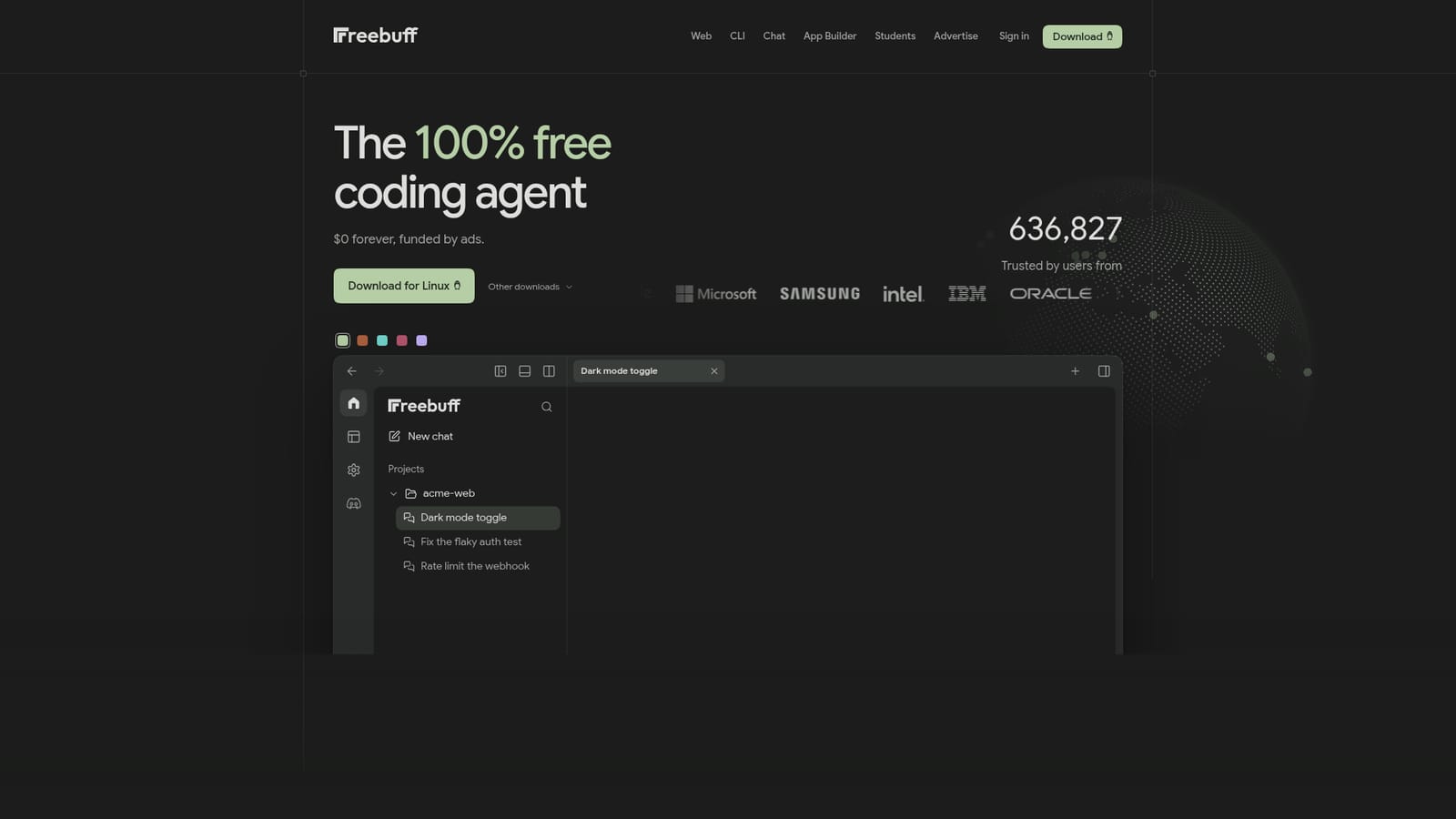
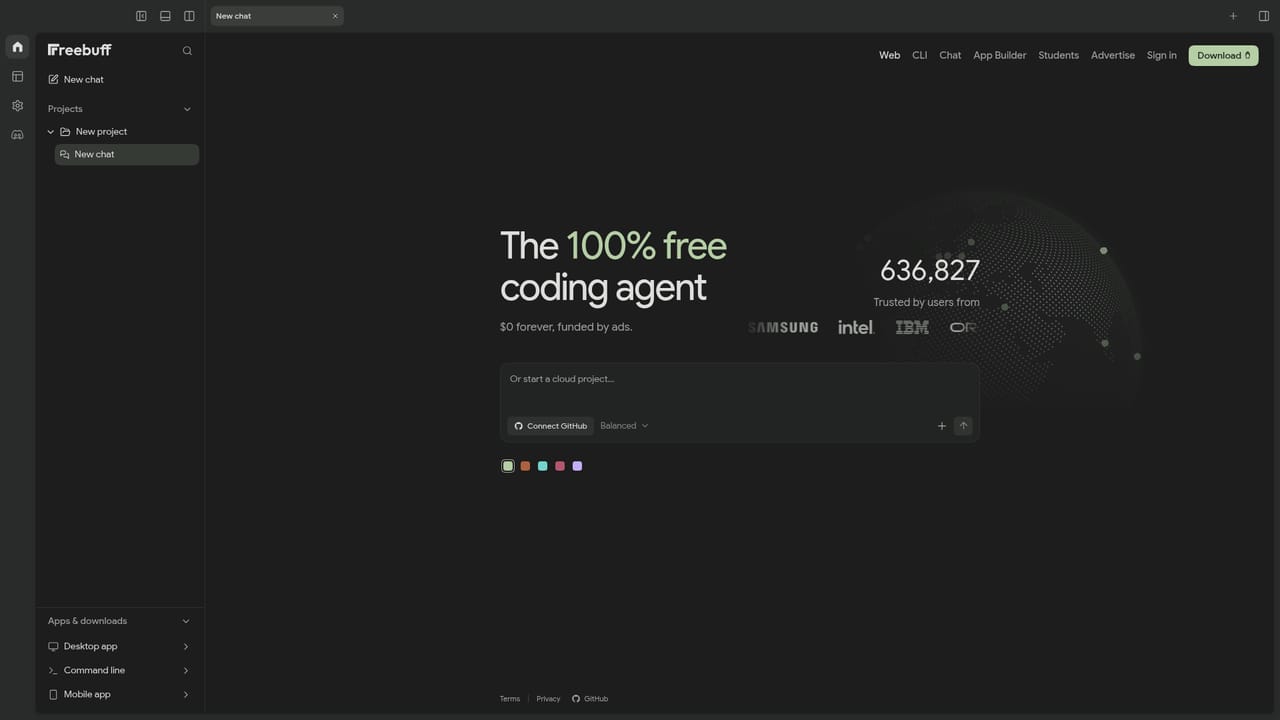
Free forever at $0, funded by advertising rather than subscriptions or credits. No card is required. Companies can pay to advertise to users inside the product.
Learn moreDescribes thousands of one-click integrations. Named examples include GitHub, Linear, Notion, Stripe, Vercel, Supabase, Sentry, PostHog and Resend, which the agent can use while working.
Coding agent that edits files, runs tests and opens pull requests; cloud-synced threads across desktop, mobile and web; slash commands and @ references to files and threads; model picker; one-click service integrations; terminal CLI installed through npm.


