Free trial
A 14-day free trial is available when signing up with a work email through Google or Microsoft.
Learn moreAn AI assistant that sits across email, chat, calendar and meetings

Fyxer.ai is an email polishing tool. Fyxer is an AI assistant spanning Gmail or Outlook, Slack, Microsoft Teams, Zoom, Google Calendar, Outlook Calendar, Google Meet and HubSpot. It delivers morning briefings, client Spaces, meeting prep and recurring flows such as automatic agendas, and it can update CRM records from meeting notes.
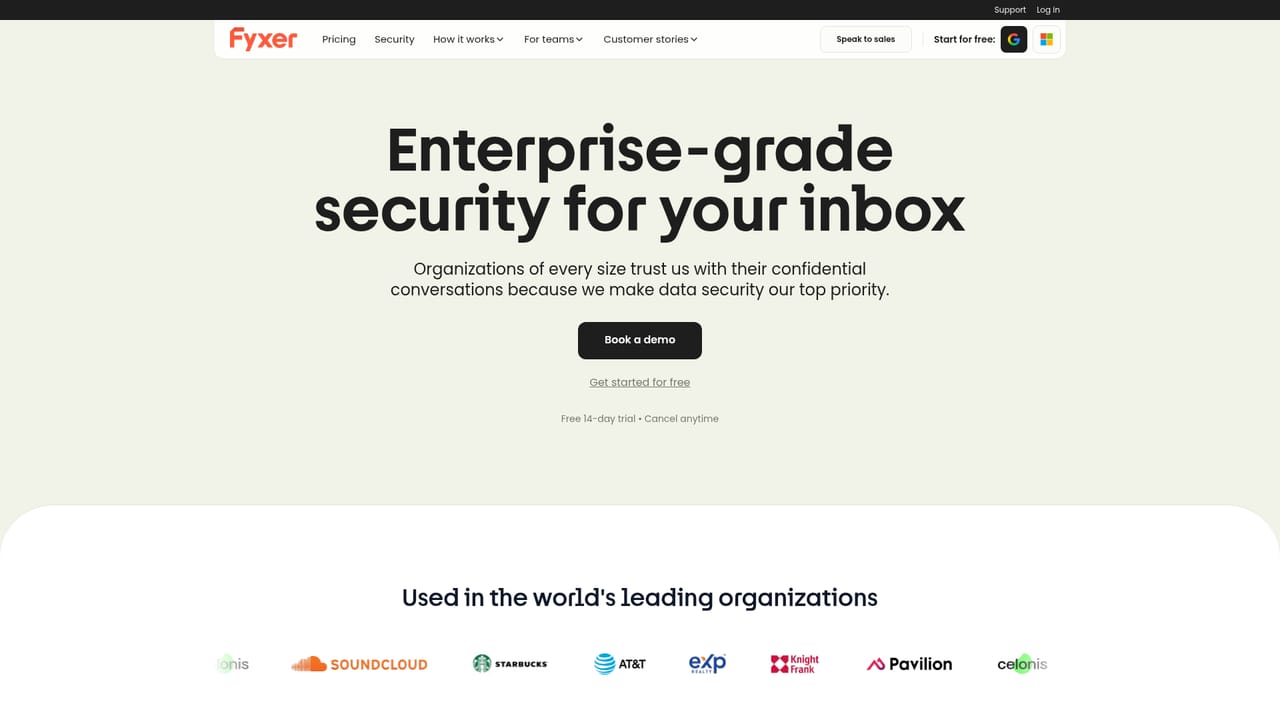
Fyxer is an AI assistant that works across the communication and scheduling tools a team already uses rather than asking anyone to adopt a new workspace. It connects to Gmail or Outlook, then reaches into Slack, Microsoft Teams, Zoom, Google Calendar, Outlook Calendar, Google Meet and HubSpot, so briefings, meeting prep and follow-ups happen inside the apps where people already spend their day. Sign-up runs through a Google or Microsoft account, and the homepage positions the product around four promises: remembering what matters, keeping a team aligned, automating recurring work and enabling smarter collaboration. In practice the assistant behaves like a chief of staff with a long memory. A morning message summarizes the day, names the important call and links through to a client Space where renewal status, attendees and the meeting itself are collected. From there a user can ask for help drafting an agenda and switch on a recurring flow, for example one that builds and shares an agenda an hour before every meeting. The same pattern extends to chat platforms, where a user can ask for the day's priorities in Slack or Teams, and to the CRM, where notes from a meeting can be pushed into a client's HubSpot profile. The product targets founders, operators, sales teams and client-facing staff who live in an inbox and a calendar and lose time to prep and admin. The testimonial set leans heavily toward real estate and sales roles, which suggests the strongest fit is anyone whose follow-up speed affects revenue. Smaller teams that want shared context should look at the Spaces feature, while individual knowledge workers can treat it mainly as an inbox and calendar layer. The competitive frame is the crowded field of email assistants and meeting notetakers. Fyxer's differentiator is breadth: one assistant spanning mail, chat, calendar, meetings and CRM, with team synchronization rather than a single-user inbox cleaner. Buyers who only want email triage may find a narrower tool sufficient, and anyone outside the listed ecosystem should check fit first. The homepage cites security certifications including SOC, HIPAA, ISO 27001, GDPR and CASA Tier 2.
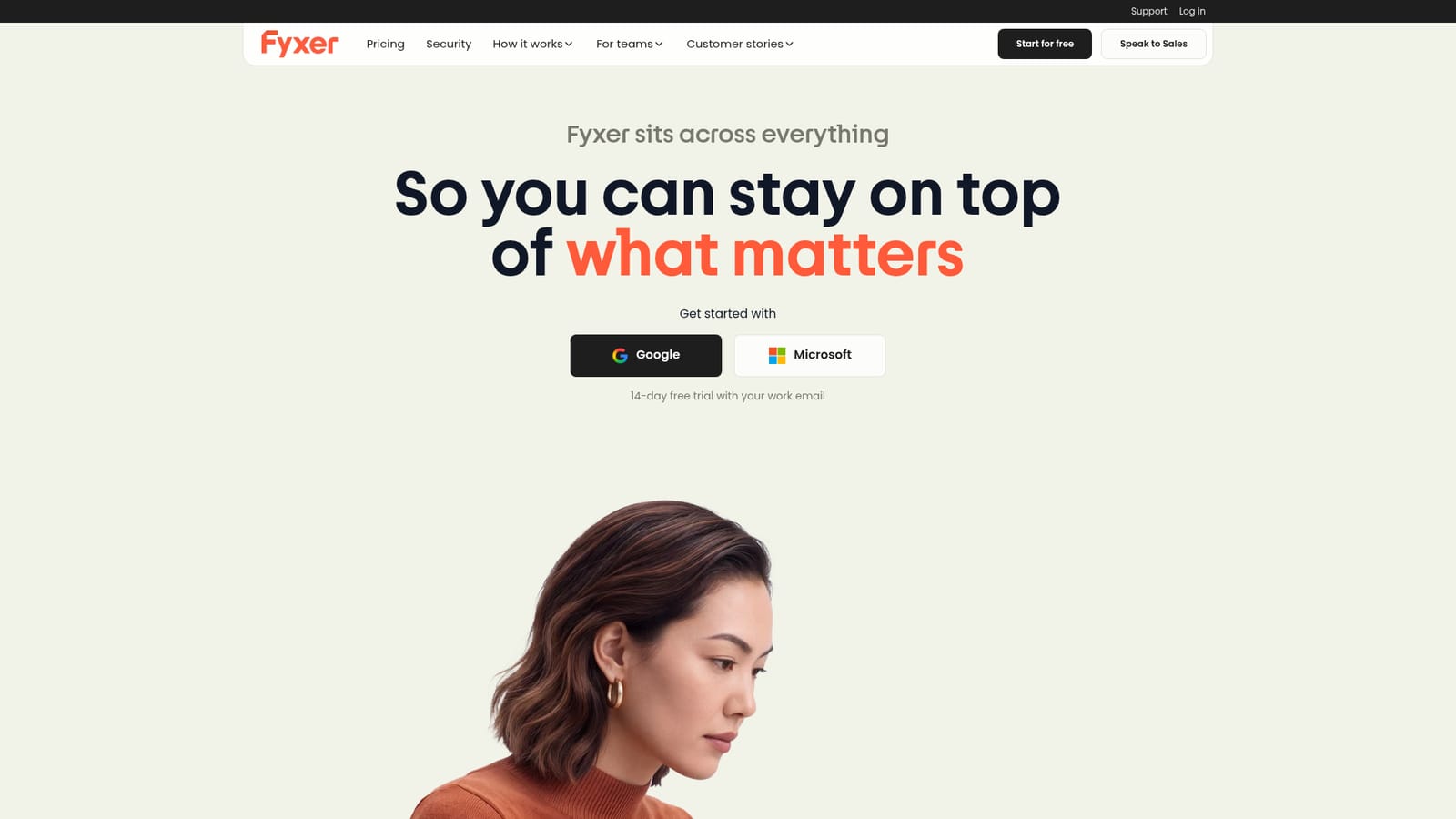
A 14-day free trial is available when signing up with a work email through Google or Microsoft.
Learn moreConnects to Gmail, Outlook, Google Calendar, Outlook Calendar, Google Meet, Zoom, Microsoft Teams, Slack and HubSpot, and interoperates with Claude and ChatGPT.
Fyxer covers daily briefings that surface priorities and upcoming calls, client Spaces that gather renewal status and attendees, and meeting prep with shareable agendas. Recurring flows automate repetitive prep, chat prompts in Slack or Teams answer questions such as the day's priorities, and meeting notes can be written back to a HubSpot profile.
 AI Angels400+ customizable AI girlfriends for NSFW chat, voice calls, and roleplay
 Candy AIExperience the future of companionship with AI friends who chat, role-play, and connect with you on a human level.
 ourdream.aiA vast AI roleplay platform with millions of characters for chat, images, video and voiceAI Angels400+ customizable AI girlfriends for NSFW chat, voice calls, and roleplayCandy AIExperience the future of companionship with AI friends who chat, role-play, and connect with you on a human level.ourdream.aiA vast AI roleplay platform with millions of characters for chat, images, video and voice


